Verdict
Proven3 of 3 phases as expected
The bug reproduced, the fix works in the running app, and a wrong fix was rejected.
- red failed, green passed, break failed
Subject
- Run from
- https://github.com/Master07/attest.git
- App
- examples/bench-gen/search-fixed-banner/app
- Red
- bench-gen/G-search-fixed-banner/base @ 7e6aa42
- Green
- bench-gen/G-search-fixed-banner/fix @ 2f41756
- Break
- bench-gen/G-search-fixed-banner/bad-fix @ 6f5895a
- verifier
- Muse Spark 1.3 Meta Model API · muse-spark-1.3
- judge
- Muse Spark Open Baseten · meta-models/muse-spark-open open weights
Acceptance criteria · human-approved
- Given
- The product search page at /
- When
- The user searches for "lamp"
- Then
- The results list "Desk lamp"
The proof
Red · Original code — the bug should reproduce
bench-gen/G-search-fixed-banner/base @ 7e6aa42
expected fail · observed fail
✓ as expected
Verifier · Muse Spark 1.3fail
Code checksfail
Element checknot applicable
Judge · Muse Spark Openfail
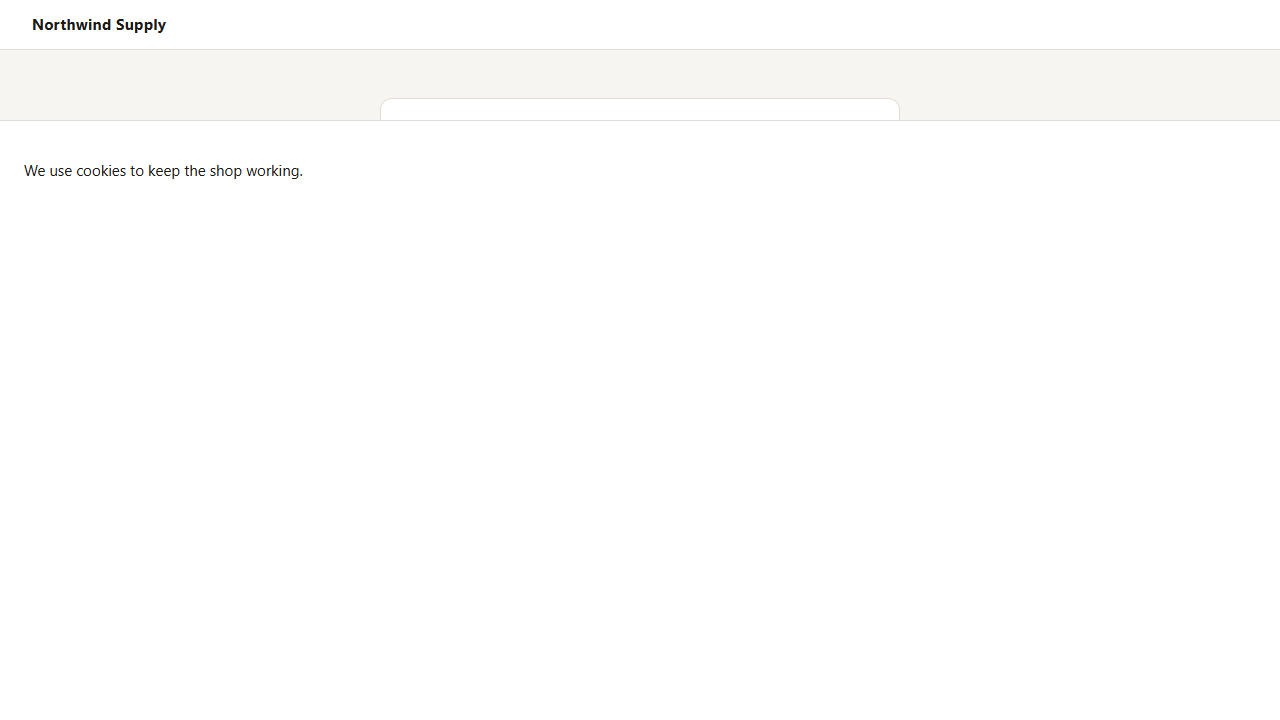
Verifier sawAfter clicking the search field, typing lamp and pressing Enter, the page still shows only the header and cookie text with no results and no Desk lamp.
Other voters
- Judge (meta-models/muse-spark-open): fail — No frame shows search results or the text "Desk lamp"; all frames 1-15 show only a blank page with a cookie notice and no product listing.
What the verifier did, step by step 14 steps
- 0open the app
- 1look at the screen
- 2scroll (640, 216) by (0, -5)waitlook at the screen
- 3scroll (640, 288) by (0, 5)waitlook at the screen
- 4press F5waitlook at the screenkeypress: unknown key "F5"
- 5press Control+0waitlook at the screen
- 6press Control+-waitpress Control+-waitlook at the screenkeypress: unknown key "-"keypress: unknown key "-"
- 7click (638, 109) → landed on section.panel (not a control)waitlook at the screen
- 8press Tabwaitlook at the screen
- 9press Page_Downwaitlook at the screenkeypress: unknown key "Page_Down"
- 10click (640, 111) → landed on section.panel (not a control)waittype "lamp"waitpress Enterwaitlook at the screen
- 11press Control+-press Control+-press Control+-press Control+-waitlook at the screenkeypress: unknown key "-"keypress: unknown key "-"keypress: unknown key "-"keypress: unknown key "-"
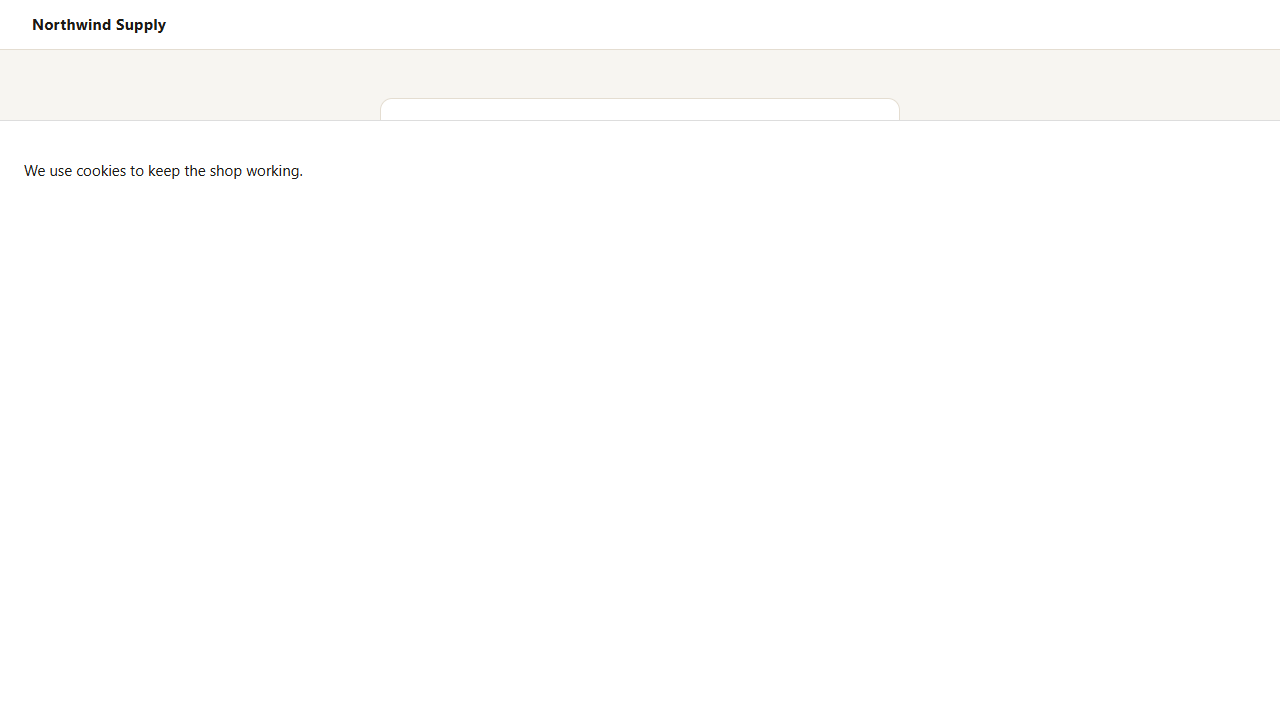
- 12click (640, 101) → landed on section.panel (not a control)waittype "lamp"waitpress Enterwaitlook at the screen
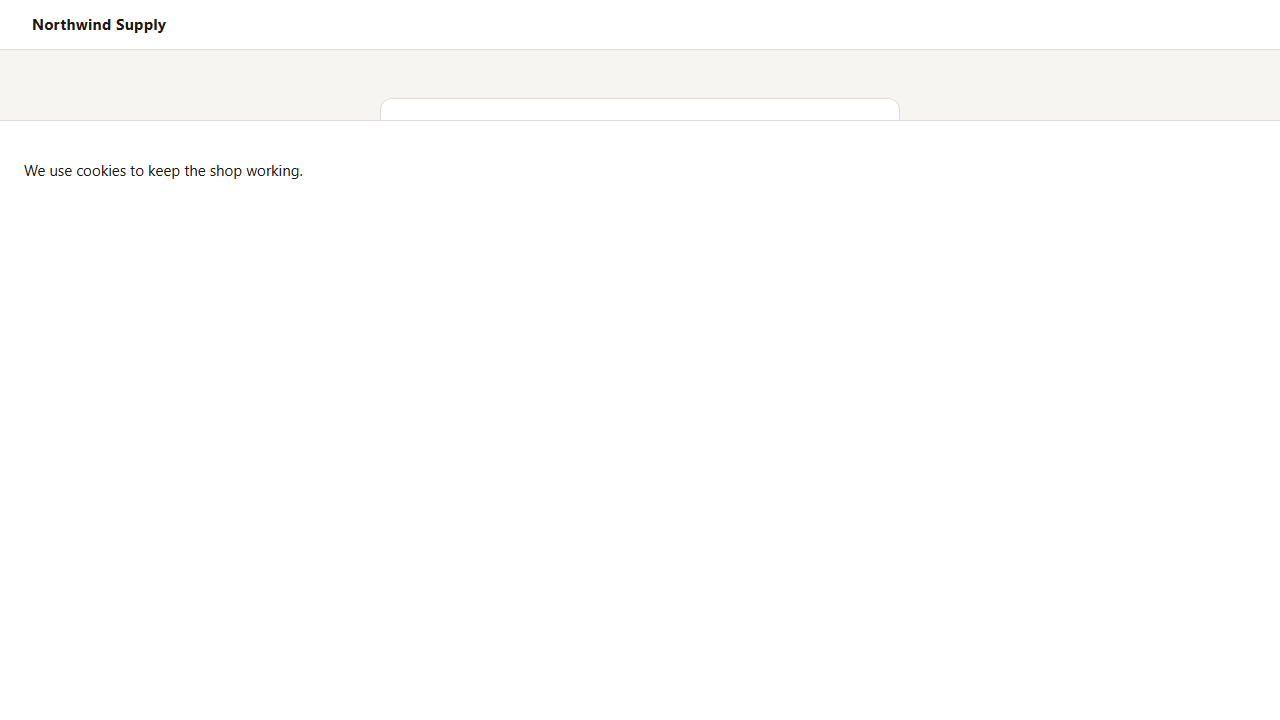
- 13click (637, 106) → landed on section.panel (not a control)waittype "lamp"press Enterwaitlook at the screen
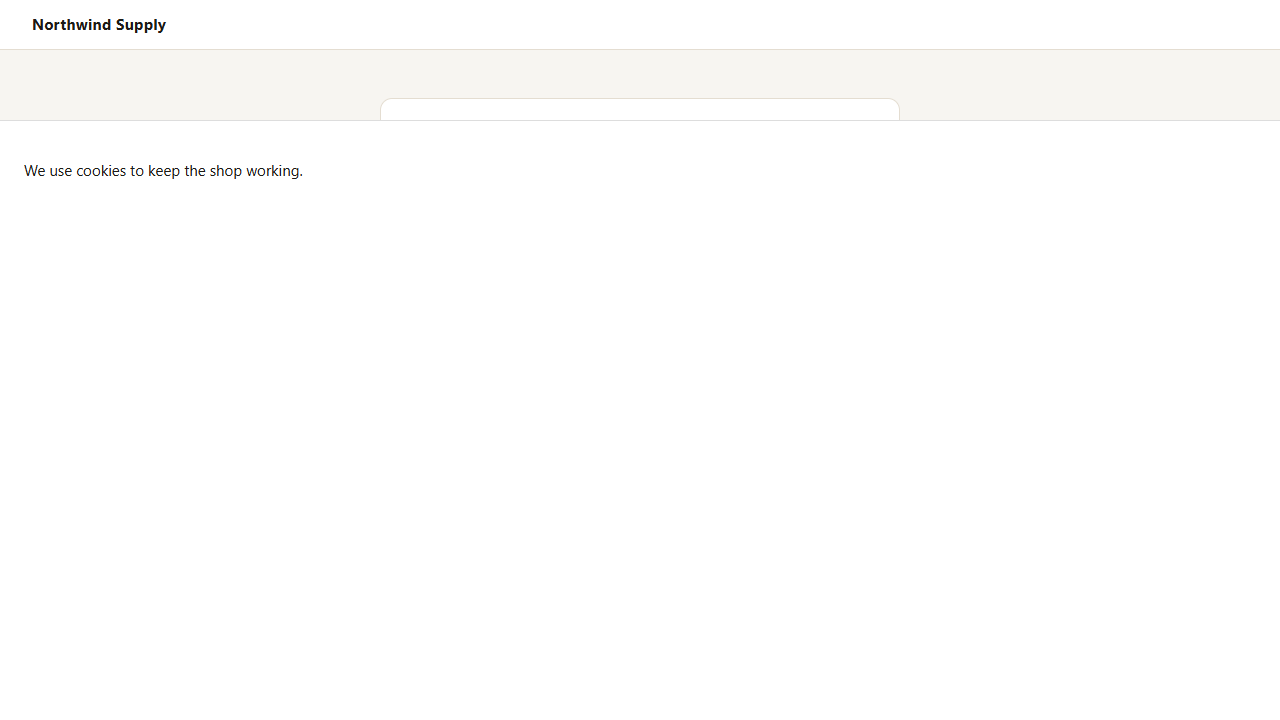
- 14look at the screen
Green · The fix — the criteria should pass
bench-gen/G-search-fixed-banner/fix @ 2f41756
expected pass · observed pass
✓ as expected
Verifier · Muse Spark 1.3pass
Code checkspass
Element checknot applicable
Judge · Muse Spark Openpass
Verifier sawAfter searching for lamp, the results list shows Desk lamp
Other voters
- Judge (meta-models/muse-spark-open): pass — Frame 4 shows 'Desk lamp' listed in the results after 'lamp' was entered and Search was triggered.
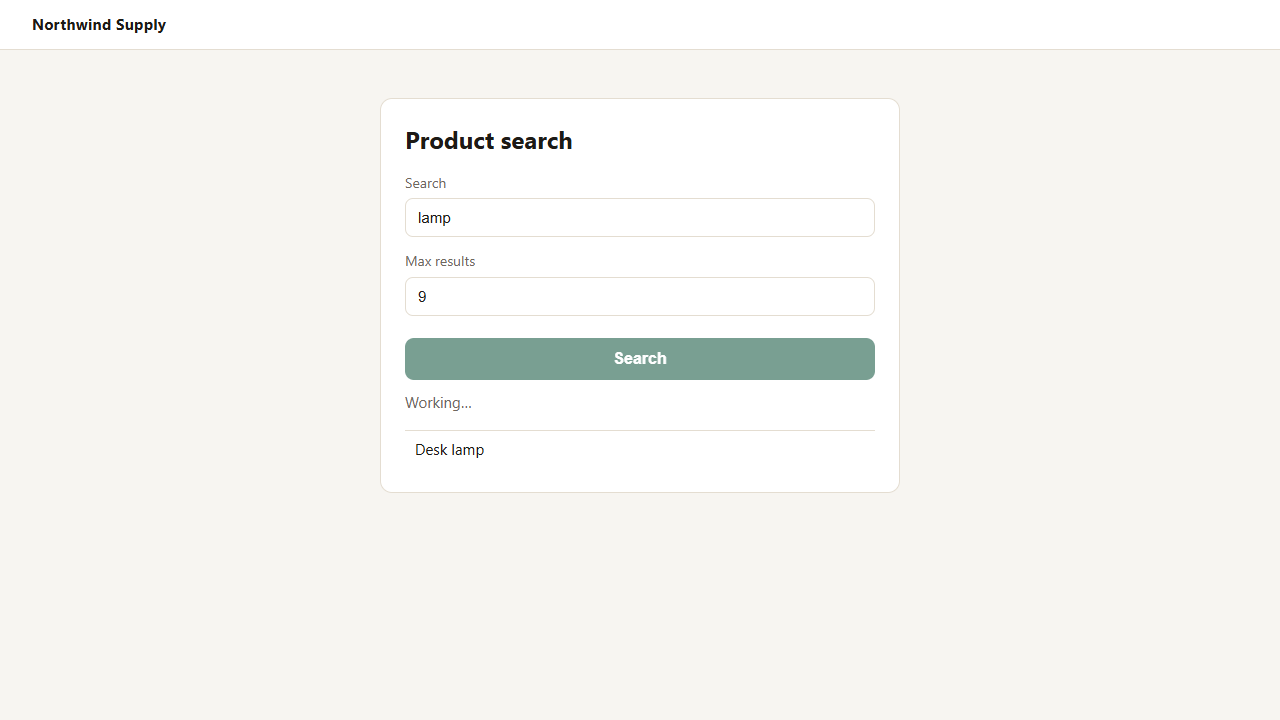
What the verifier did, step by step 3 steps
- 0open the app
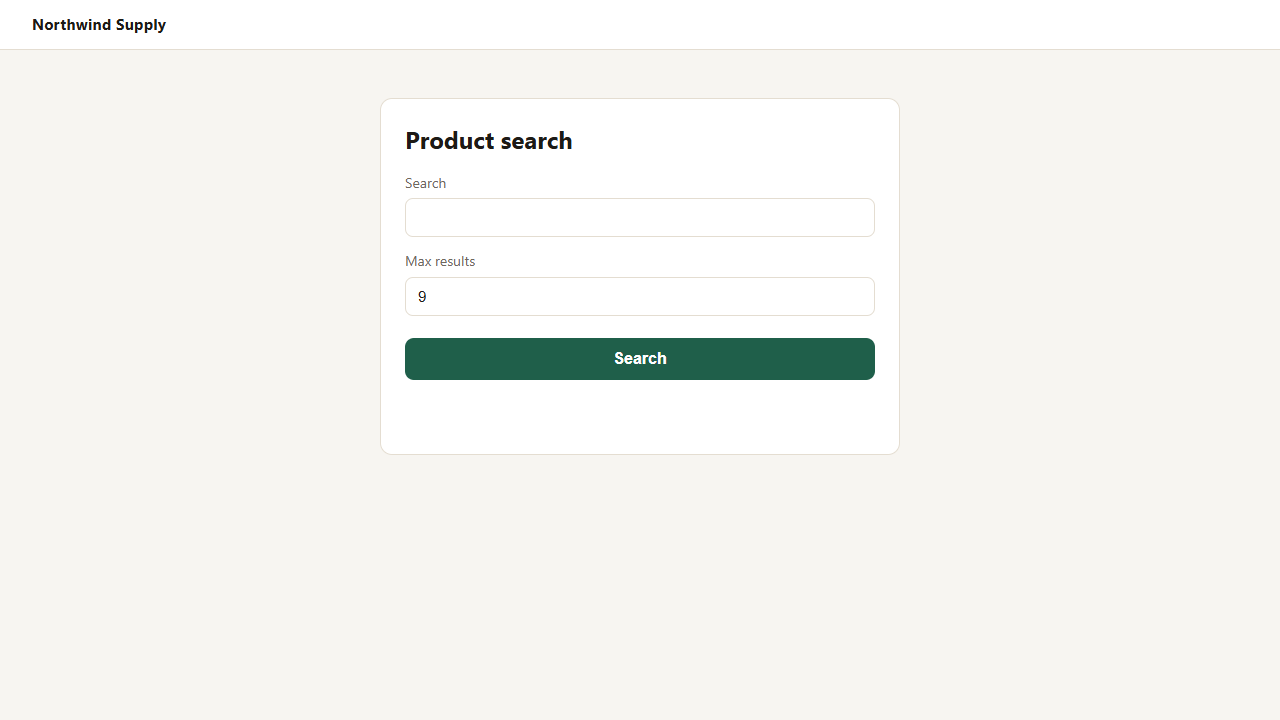
- 1click (637, 216) → landed on input#q
- 2type "lamp"
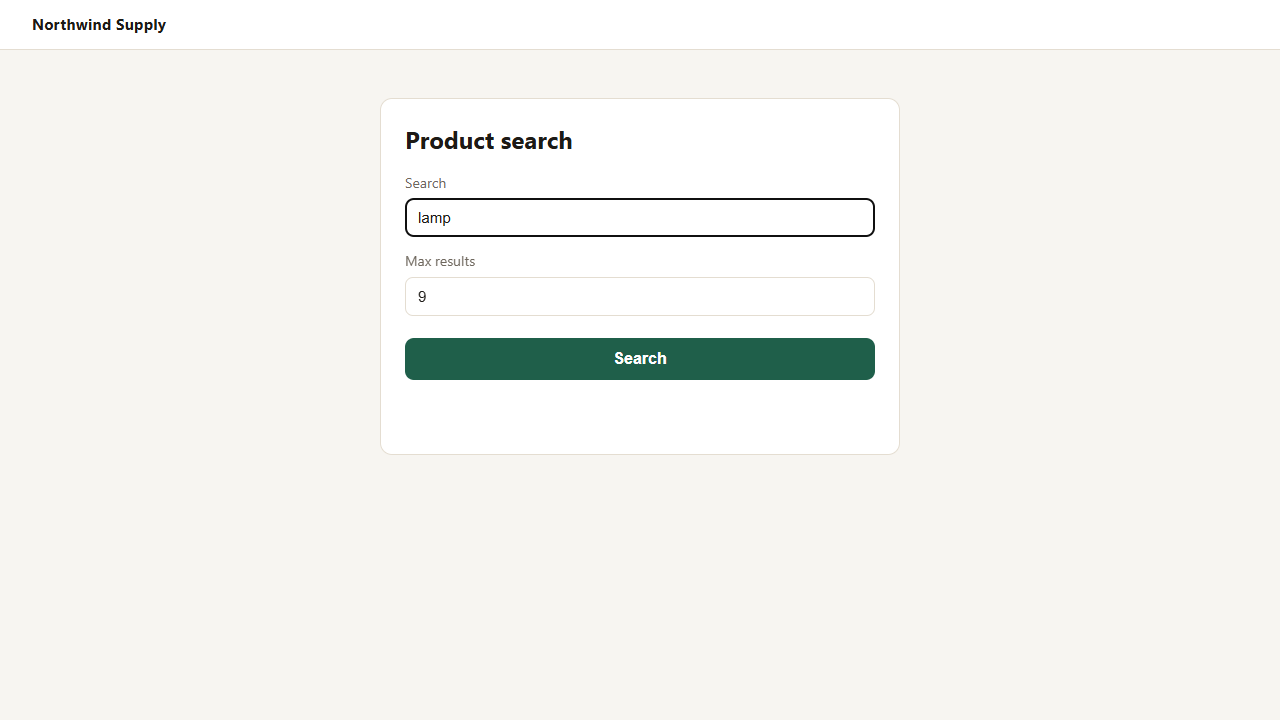
- 3click (638, 358) → landed on button#go.control
Break · A wrong fix — Attest should reject it
bench-gen/G-search-fixed-banner/bad-fix @ 6f5895a
expected fail · observed fail
✓ as expected
Verifier · Muse Spark 1.3fail
Code checksfail
Element checknot applicable
Judge · Muse Spark Openfail
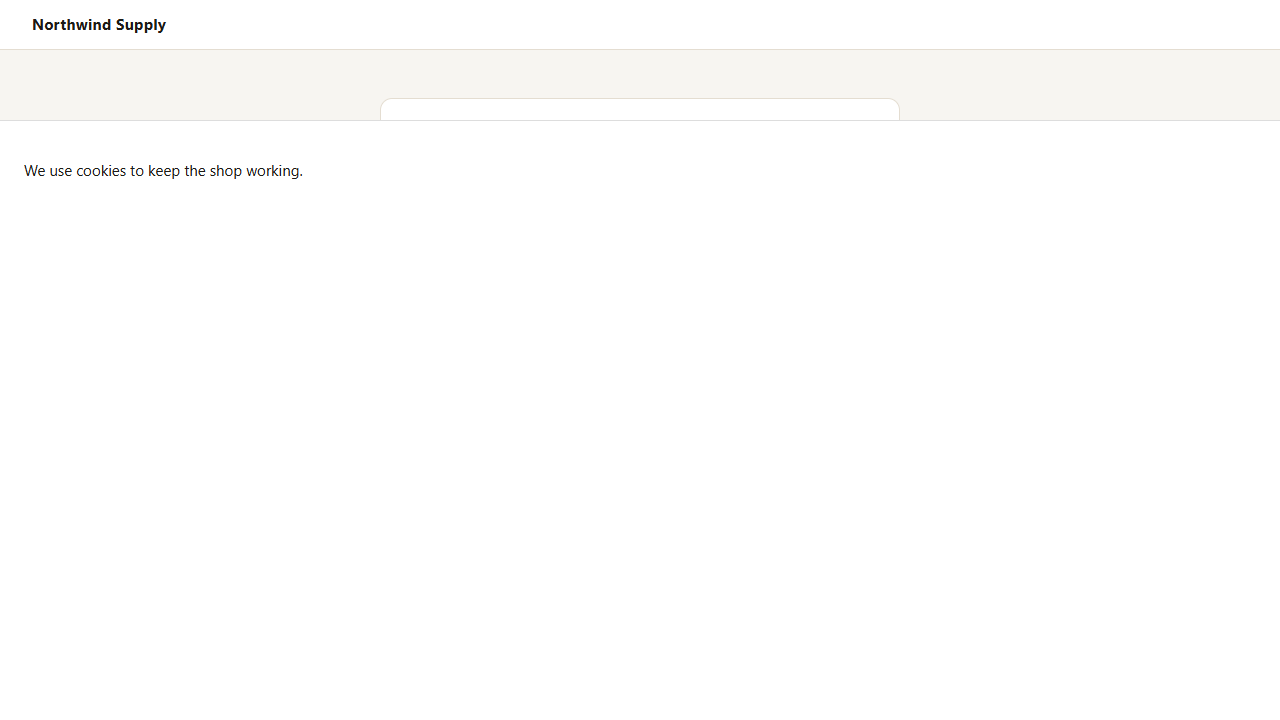
Verifier sawAfter clicking the search field, typing lamp and pressing Enter, no results appeared and Desk lamp was not listed, only the cookie notice remained visible.
Other voters
- Judge (meta-models/muse-spark-open): fail — No frame shows search results for "lamp" - all 14 frames display only a cookie banner and blank content with no "Desk lamp" text visible.
What the verifier did, step by step 13 steps
- 0open the app
- 1waitlook at the screen
- 2scroll (640, 288) by (0, 5)look at the screen
- 3click (638, 109) → landed on section.panel (not a control)wait
- 4type "lamp"press Enterwaitlook at the screen
- 5press F5waitlook at the screenkeypress: unknown key "F5"
- 6press ctrl+0waitlook at the screen
- 7click (640, 106) → landed on section.panel (not a control)waittype "lamp"press Enterwaitlook at the screen
- 8press ctrl+-waitpress ctrl+-waitpress ctrl+-waitlook at the screenkeypress: unknown key "-"keypress: unknown key "-"keypress: unknown key "-"
- 9press ctrl+0waitpress Endwaitlook at the screen
- 10press Tabwaitpress Tabwaitpress Tabwaitlook at the screen
- 11press ctrl+lwaitlook at the screen
- 12press Escapewaitpress Tabpress Tabpress Tabpress Tabpress Tabwaitlook at the screen
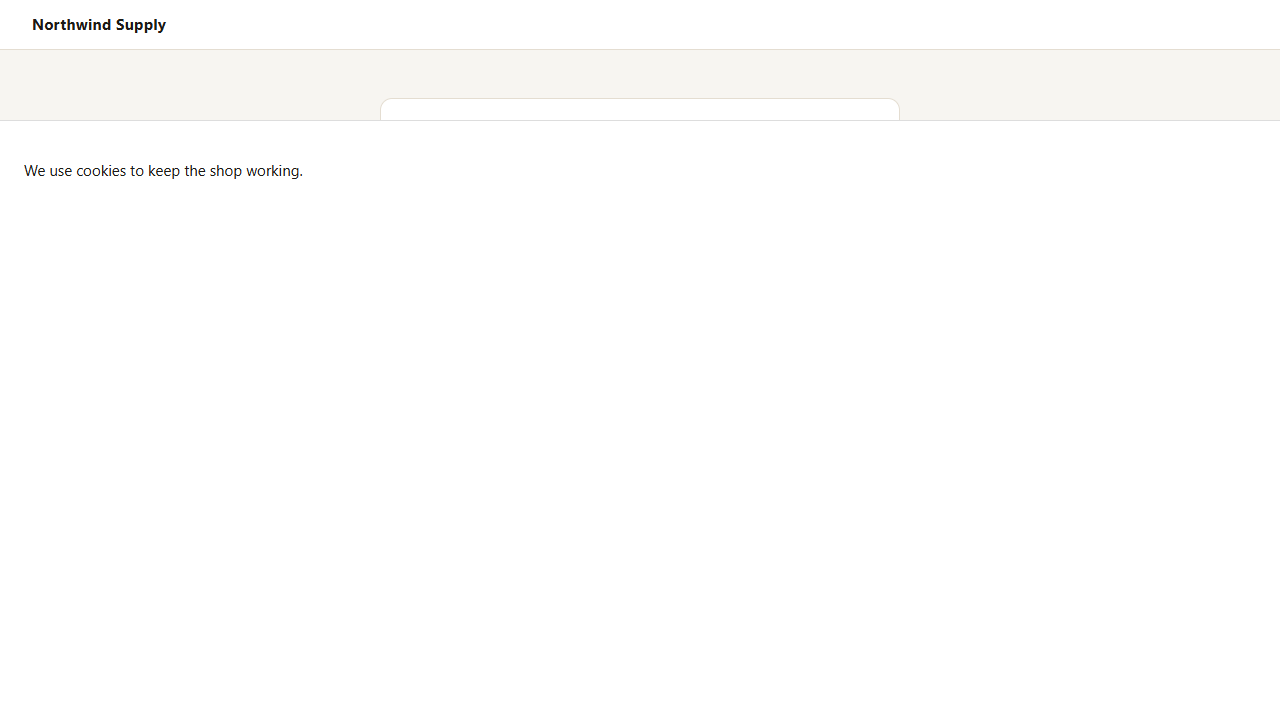
- 13click (448, 106) → landed on section.panel (not a control)waitlook at the screen
Check this receipt yourself
What attest verify checks — no model calls
- The Ed25519 signature over the receipt
- The hash-chained event log, its head and its length
- The hash of every screenshot, video and the criteria copy
- That the verdict follows from the recorded votes
What a receipt does not prove
- That the capture environment was honest — it shows nothing changed after capture; the signature detects a later edit
- Who ran it — the key is created on the machine that ran the proof
- Anything beyond the stated criteria