Verdict
Inconclusive1 of 3 phases as expected
Attest could not establish a proof, so it certifies nothing.
- red: inconclusive
- break: inconclusive
Subject
- Run from
- https://github.com/Master07/attest.git
- App
- examples/bench-gen/settings-clipped/app
- Red
- bench-gen/G-settings-clipped/base @ 85f803a
- Green
- bench-gen/G-settings-clipped/fix @ a90c67e
- Break
- bench-gen/G-settings-clipped/bad-fix @ d467551
- verifier
- Muse Spark 1.3 Meta Model API · muse-spark-1.3
- judge
- Muse Spark Open Baseten · meta-models/muse-spark-open open weights
Acceptance criteria · human-approved
- Given
- The settings page at /settings with email notifications off
- When
- The user turns email notifications on and clicks "Save"
- Then
- The page says "Settings saved" and email notifications are on
The proof
Red · Original code — the bug should reproduce
bench-gen/G-settings-clipped/base @ 85f803a
expected fail · observed inconclusive
! inconclusive
Verifier · Muse Spark 1.3fail
Code checkspass
Element checknot applicable
Judge · Muse Spark Openfail
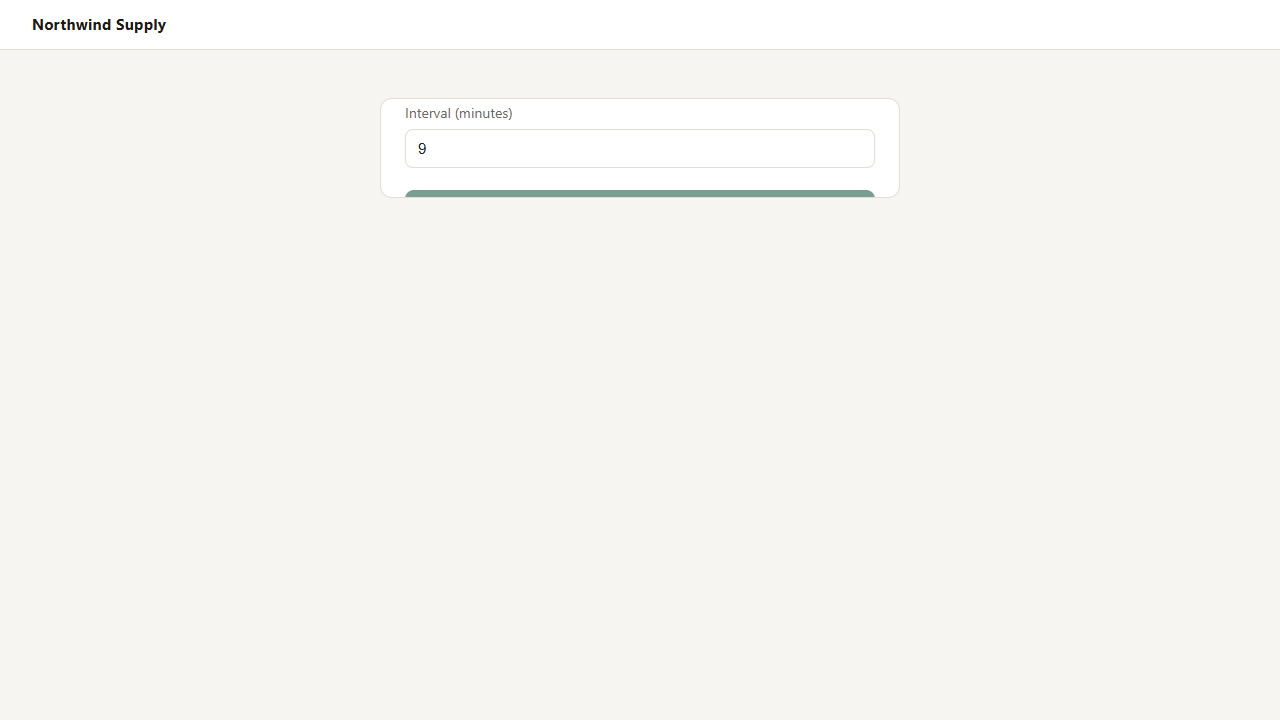
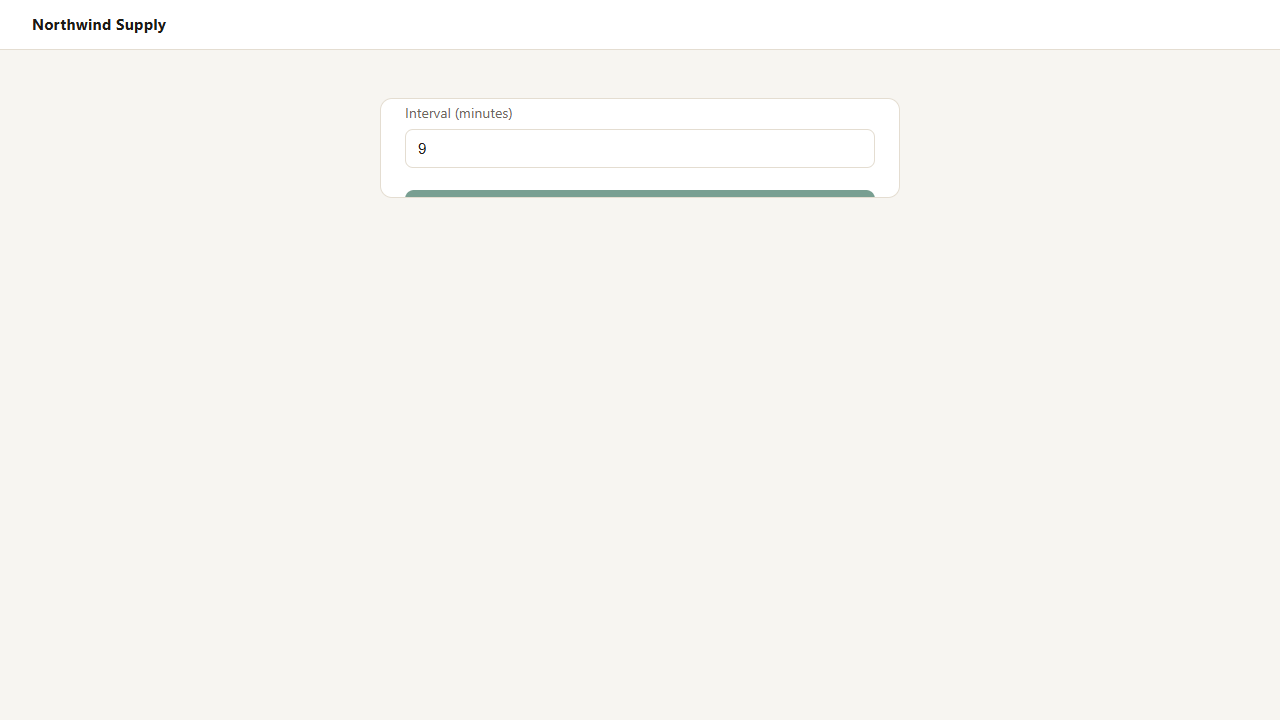
Verifier sawAfter turning email notifications on and clicking the Save button area twice, no 'Settings saved' message appeared.
Other voters
- Judge (meta-models/muse-spark-open): fail — No frame shows "Settings saved" text after the checkbox is turned on, and frames 4-21 navigate to an unrelated Interval form with no confirmation message.
What the verifier did, step by step 20 steps
- 0open the app
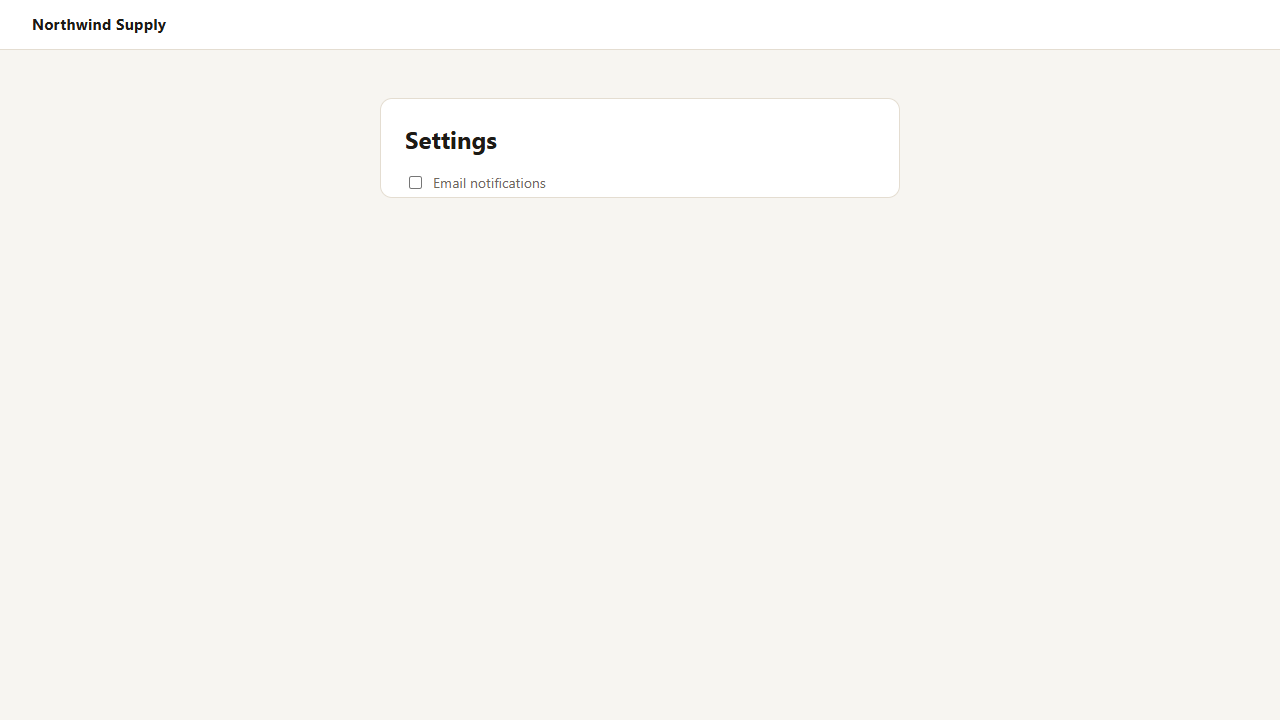
- 1click (414, 182) → landed on input#notify
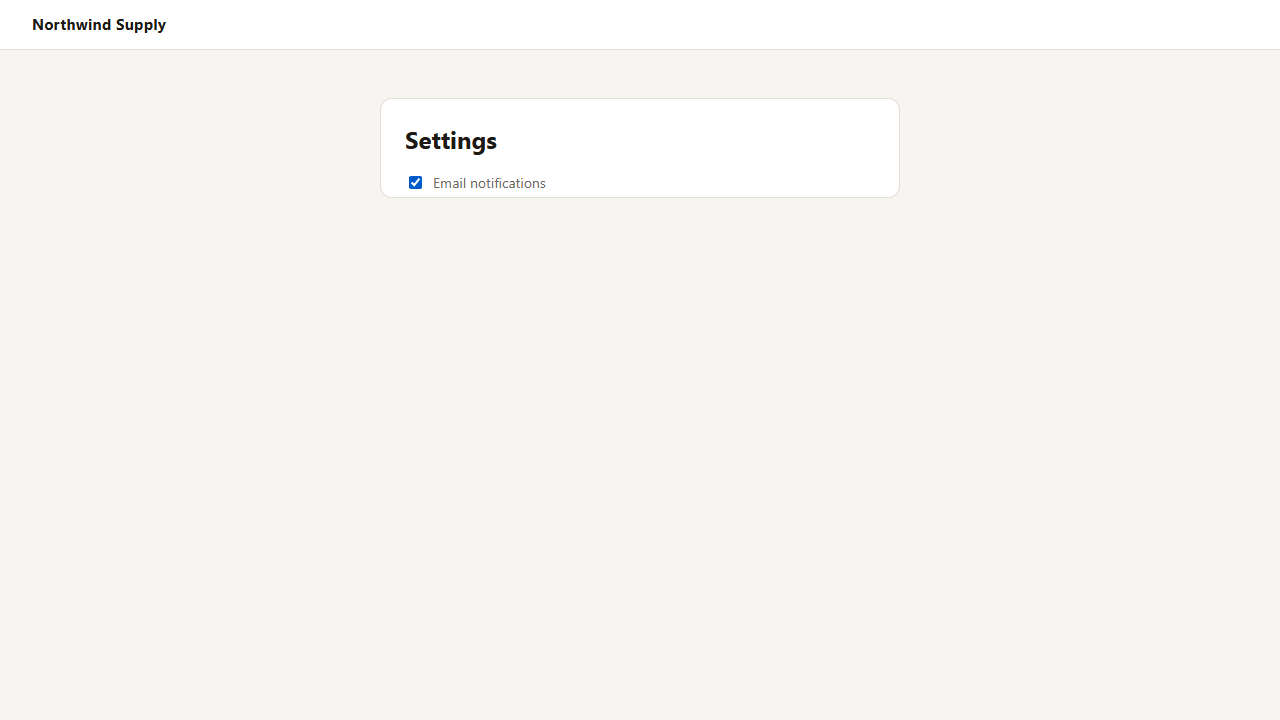
- 2scroll (640, 216) by (0, 5)waitlook at the screen
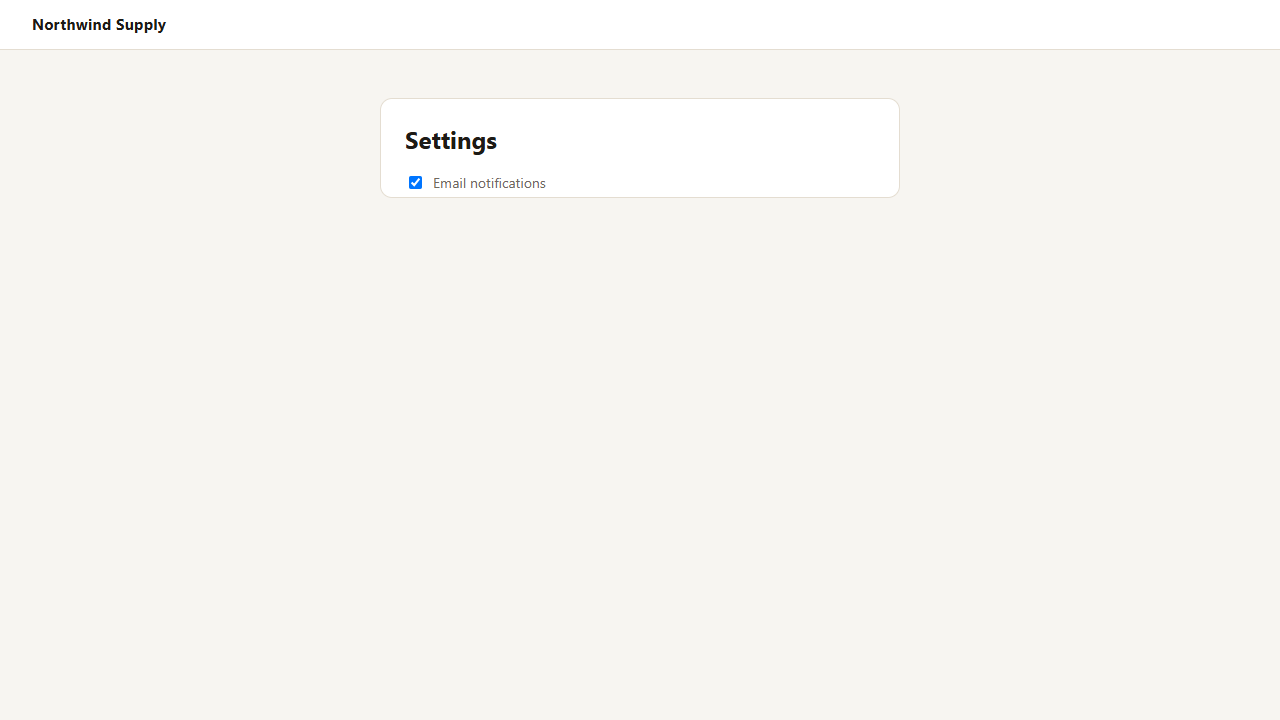
- 3press Tabwaitlook at the screen
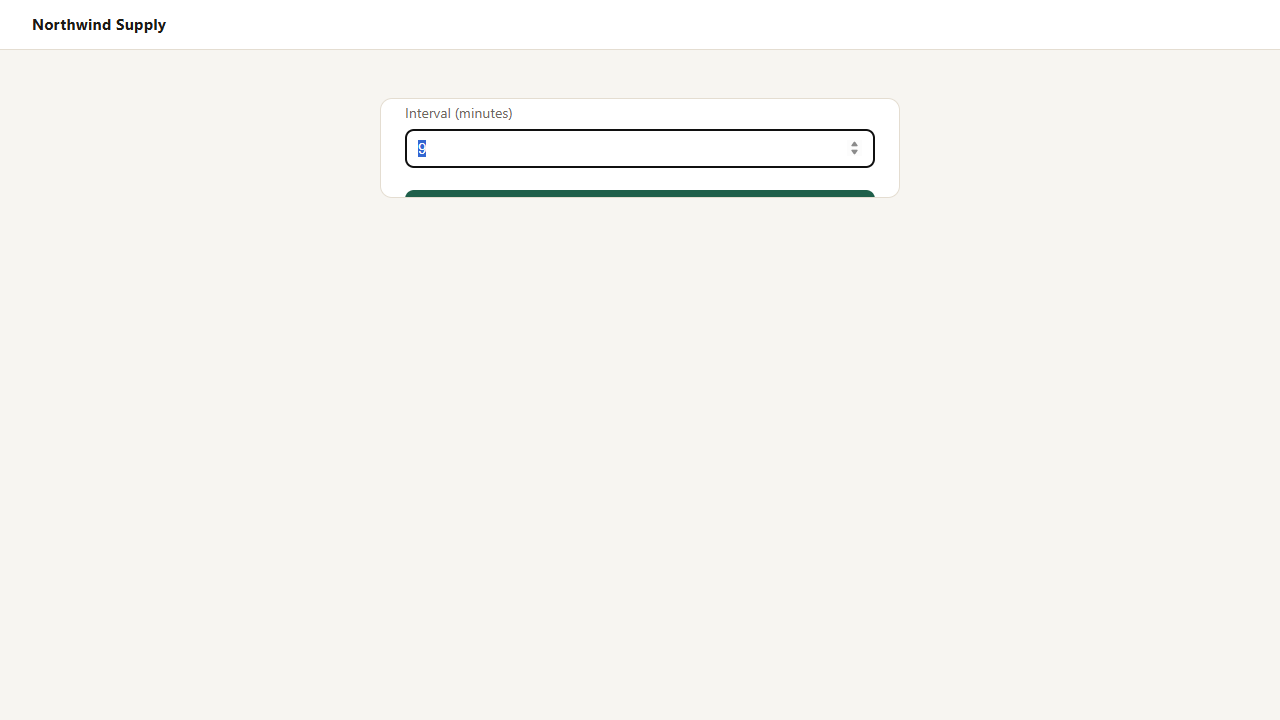
- 4scroll (640, 216) by (0, 5)waitlook at the screen
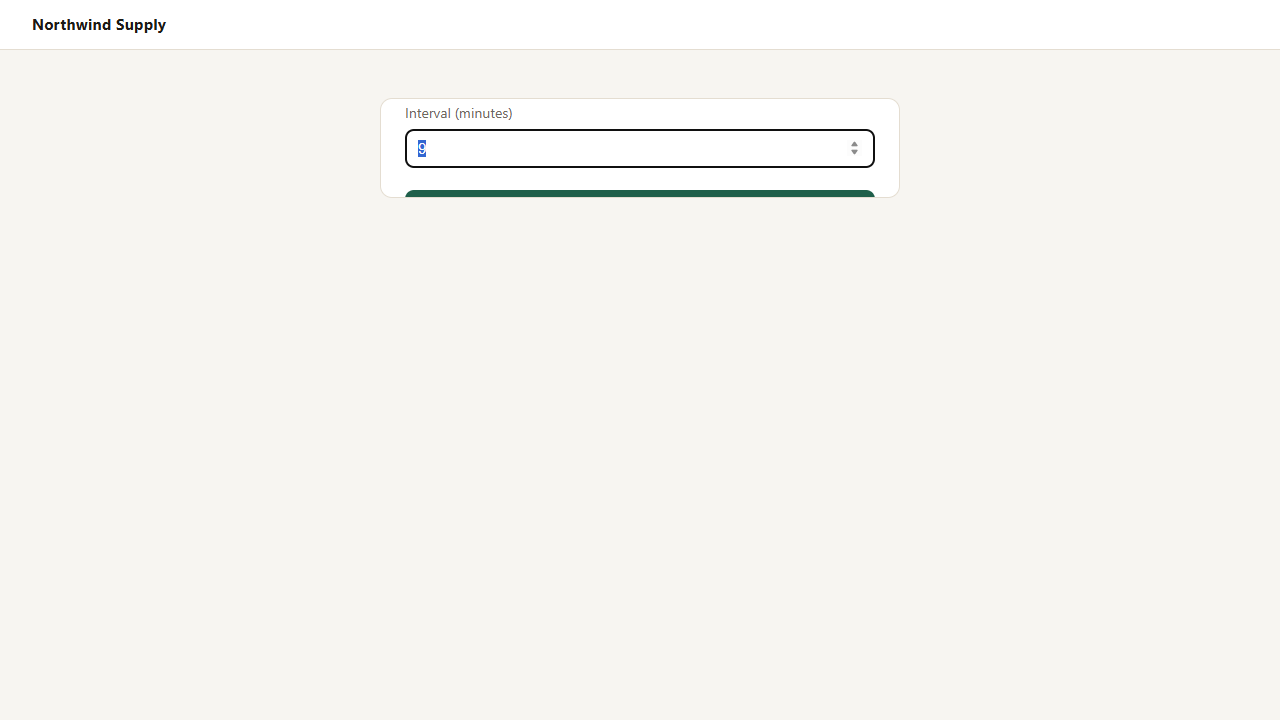
- 5click (637, 193) → landed on button#save.control
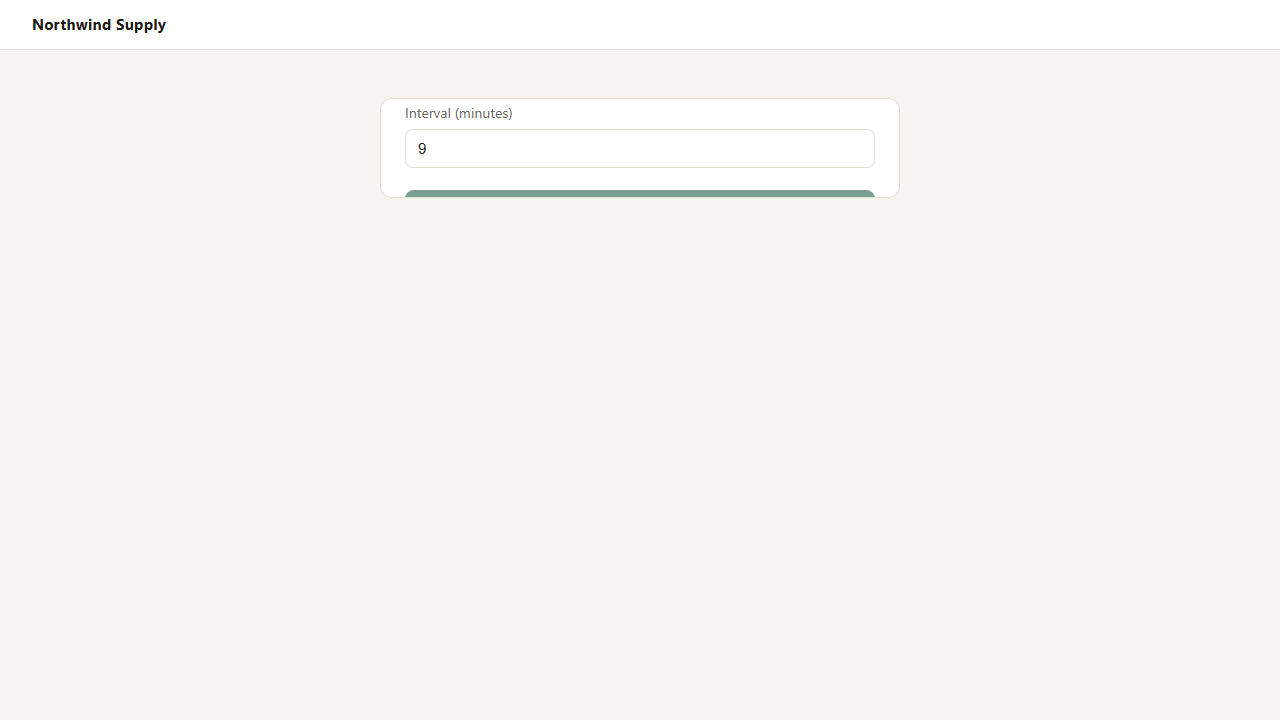
- 6scroll (640, 144) by (0, -5)waitlook at the screen
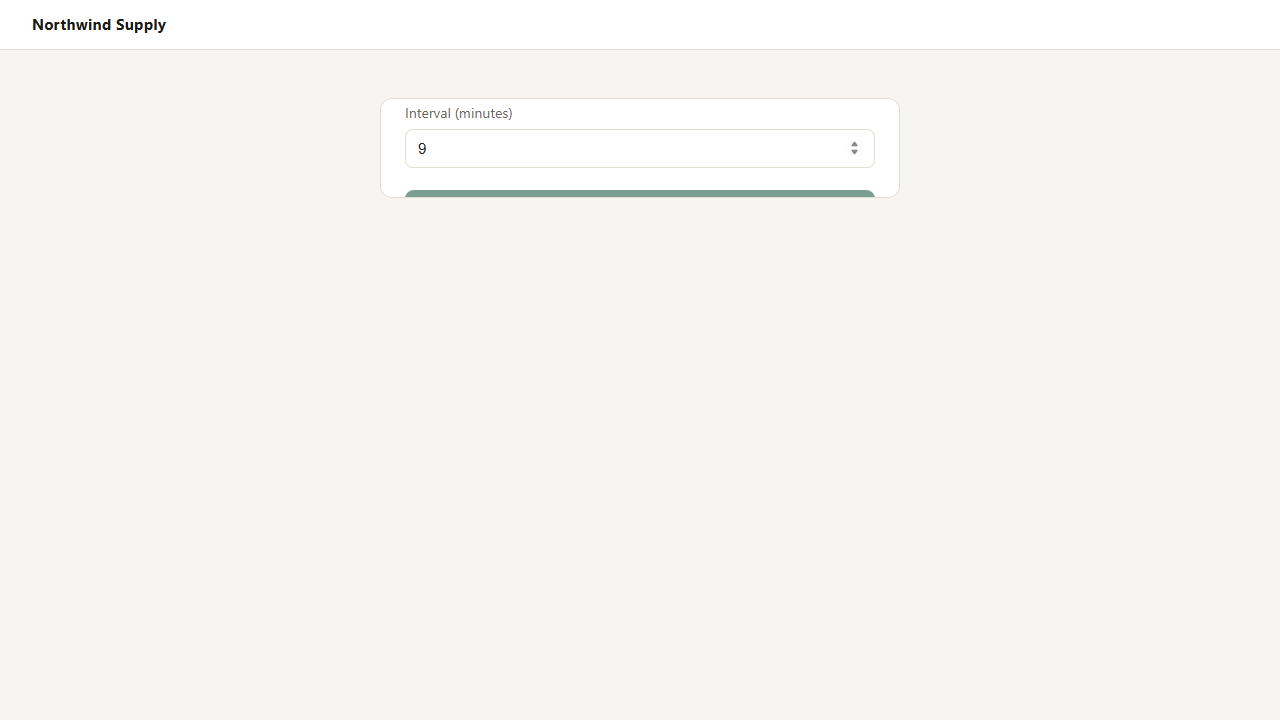
- 7press Control+lwait
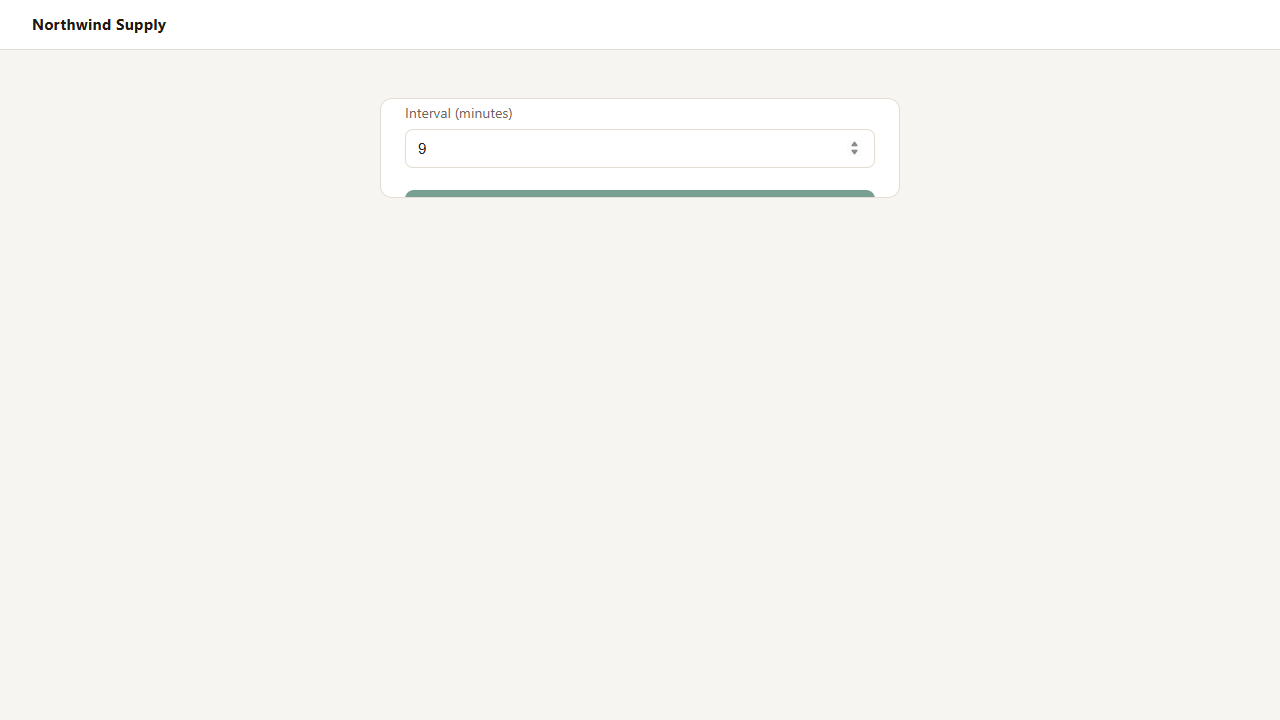
- 8press Homewaitlook at the screen
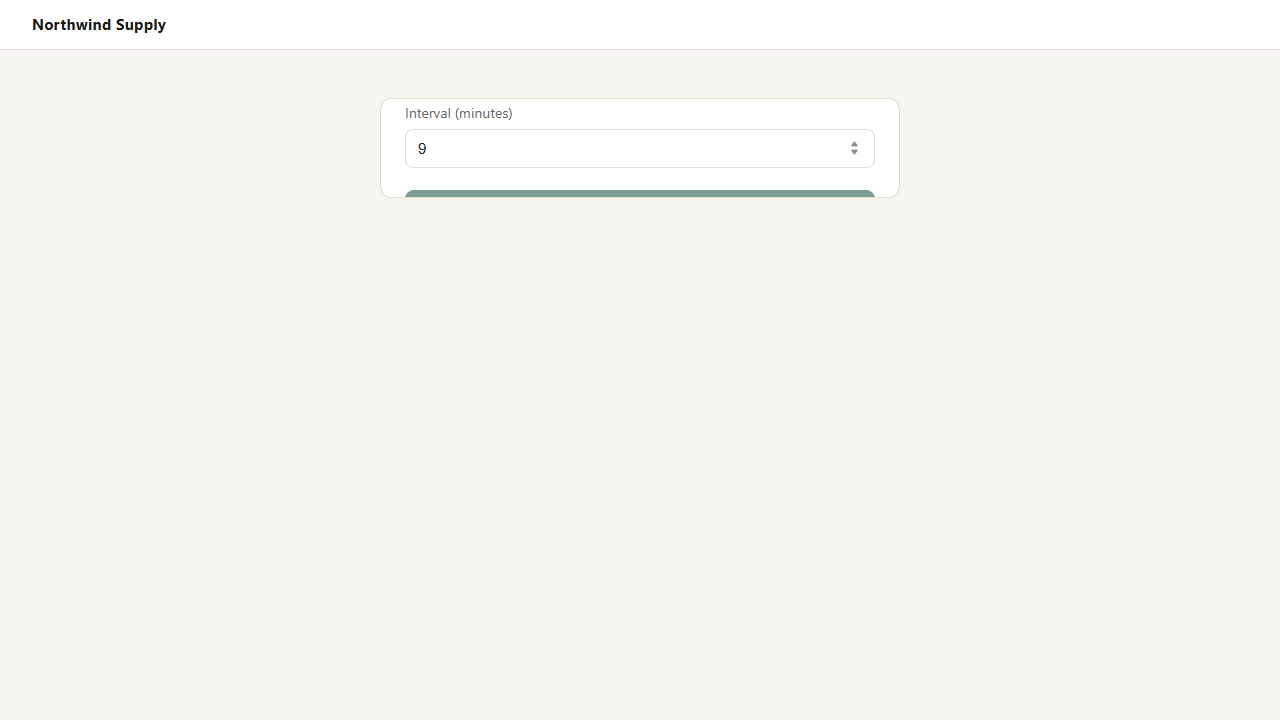
- 9scroll (640, 216) by (0, -500)
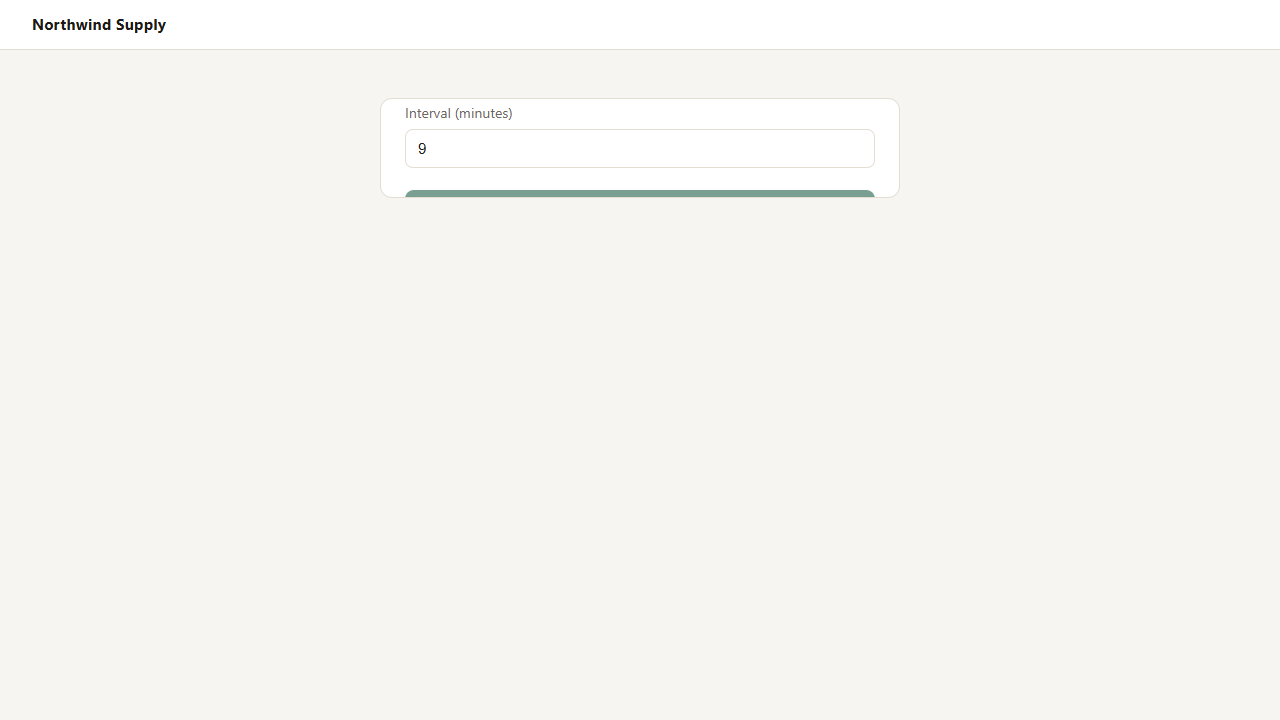
- 10press F5waitkeypress: unknown key "F5"
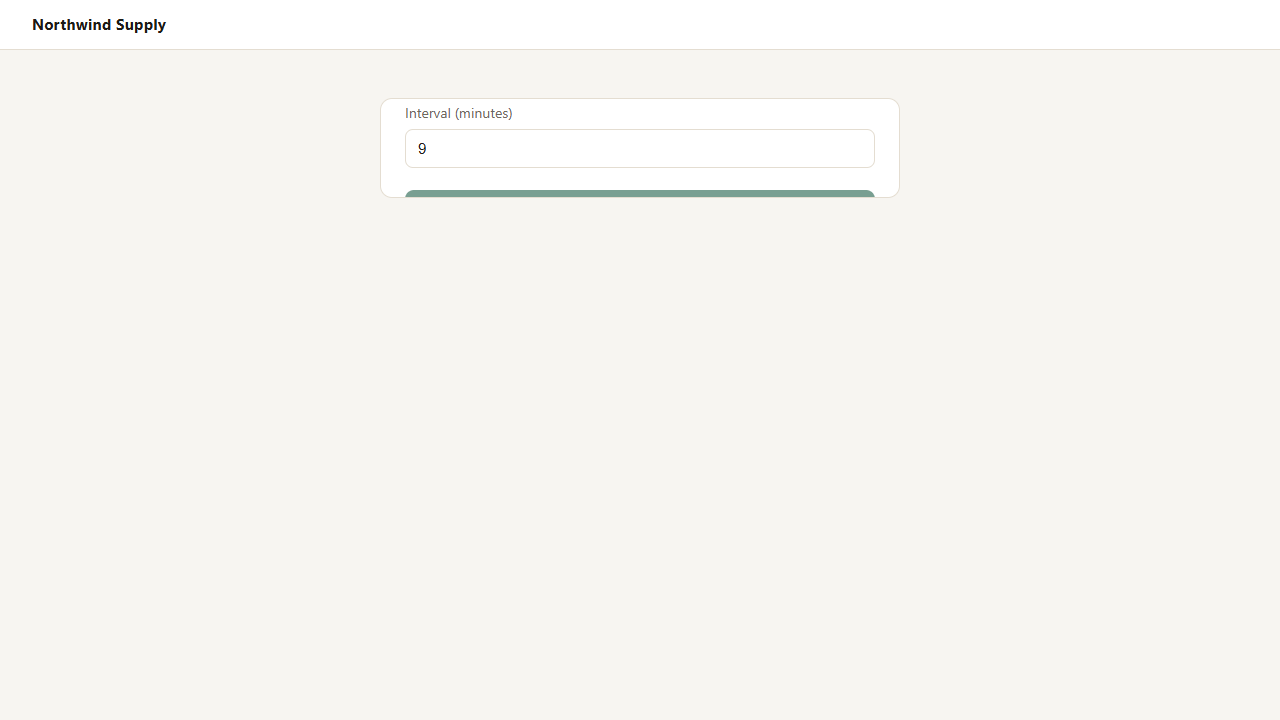
- 11press Control+rwaitlook at the screen
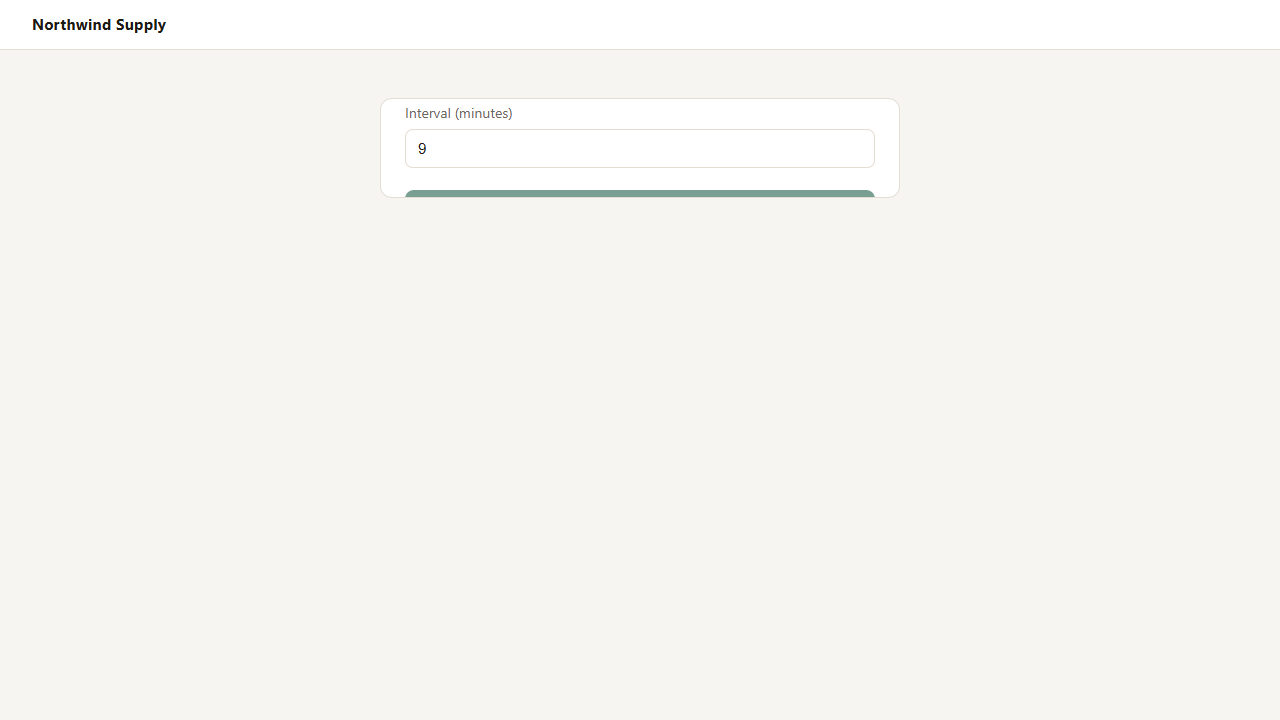
- 12press Shift+Tabwaitlook at the screen
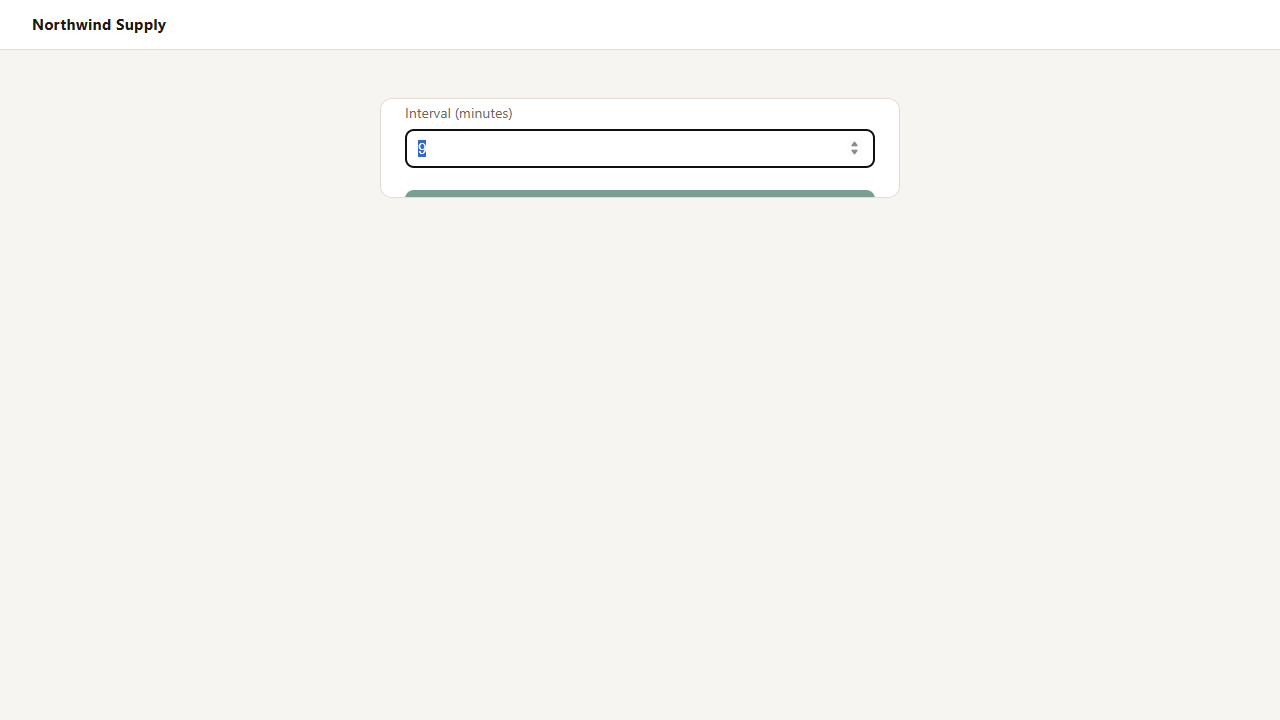
- 13drag
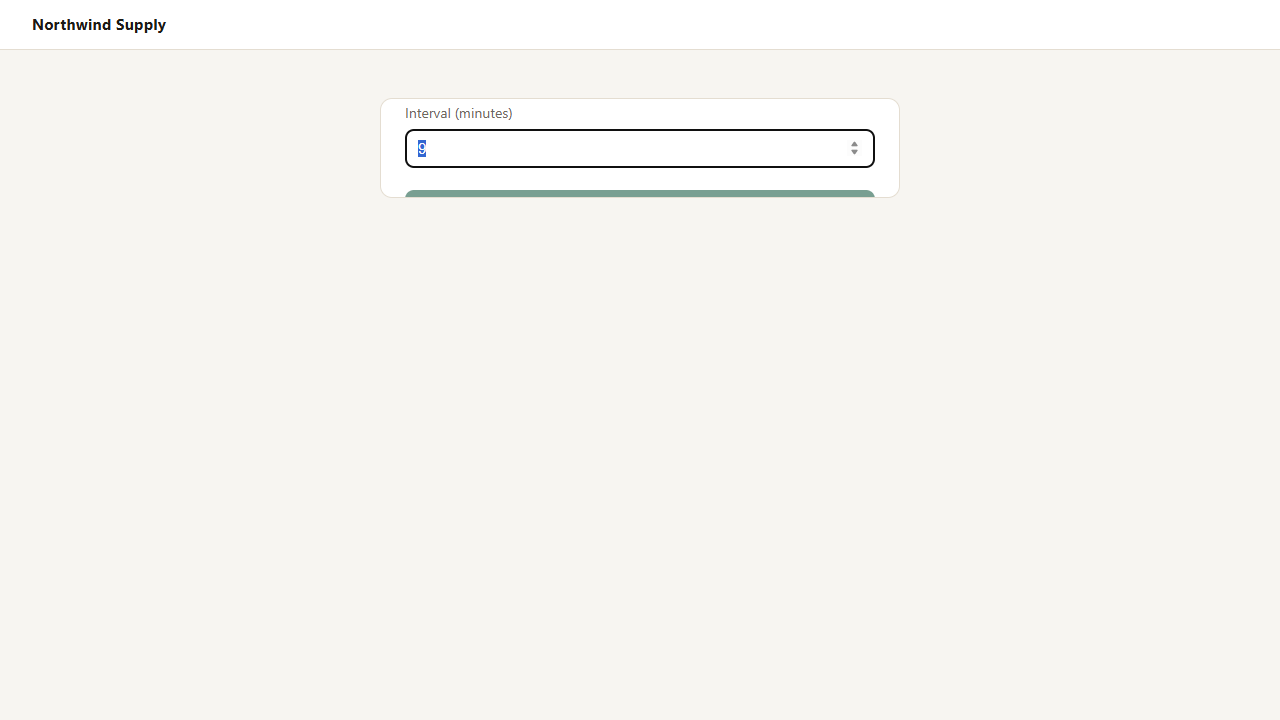
- 14press Control+-waitlook at the screenkeypress: unknown key "-"
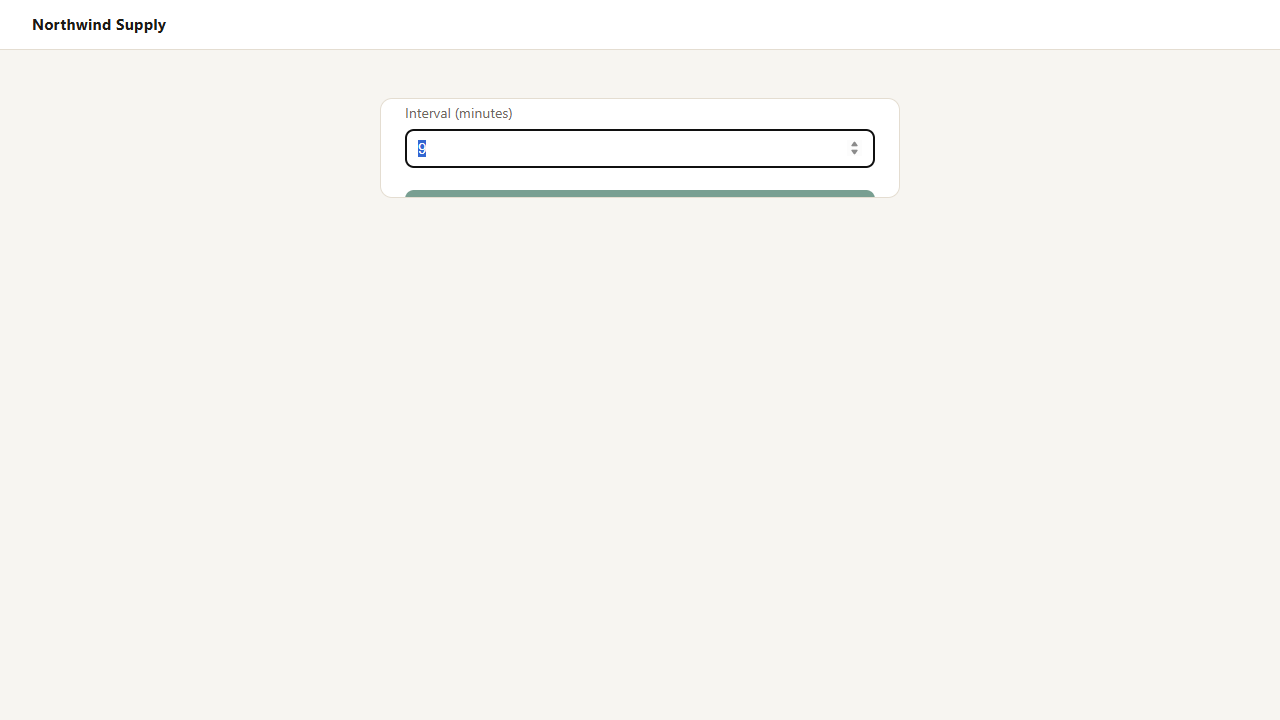
- 15scroll (256, 360) by (0, 10)
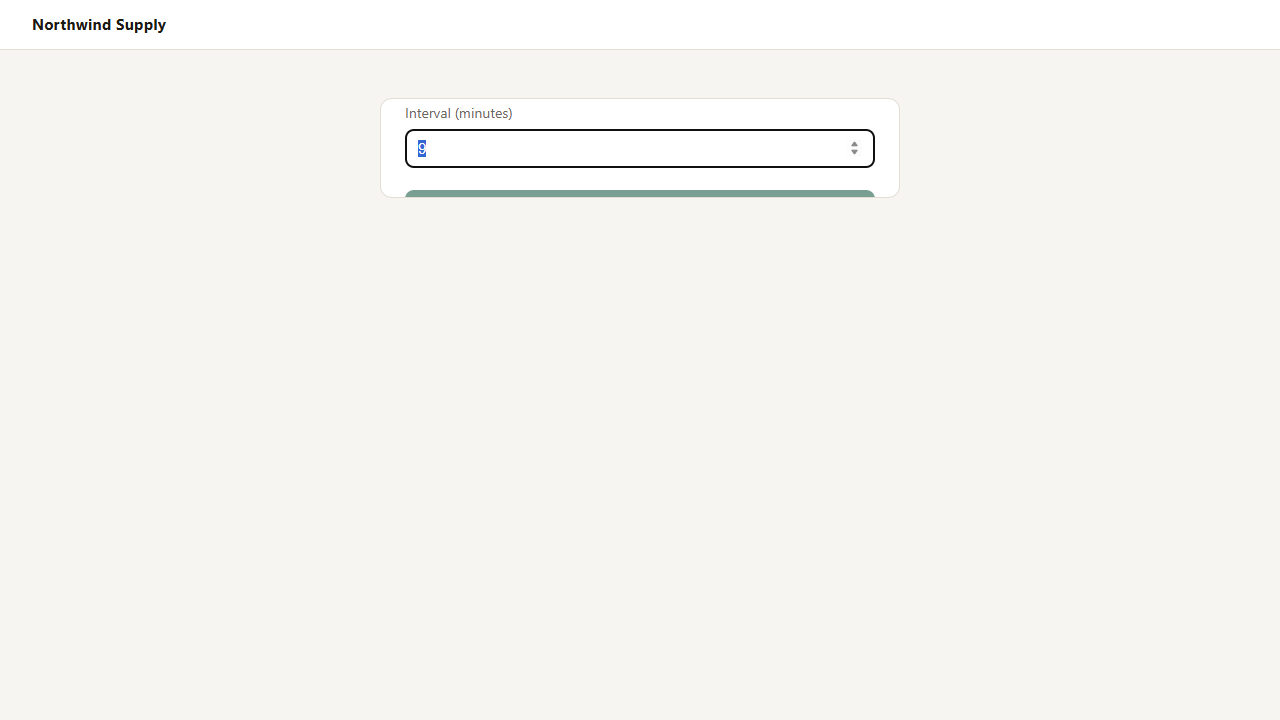
- 16press Tabwaitlook at the screen
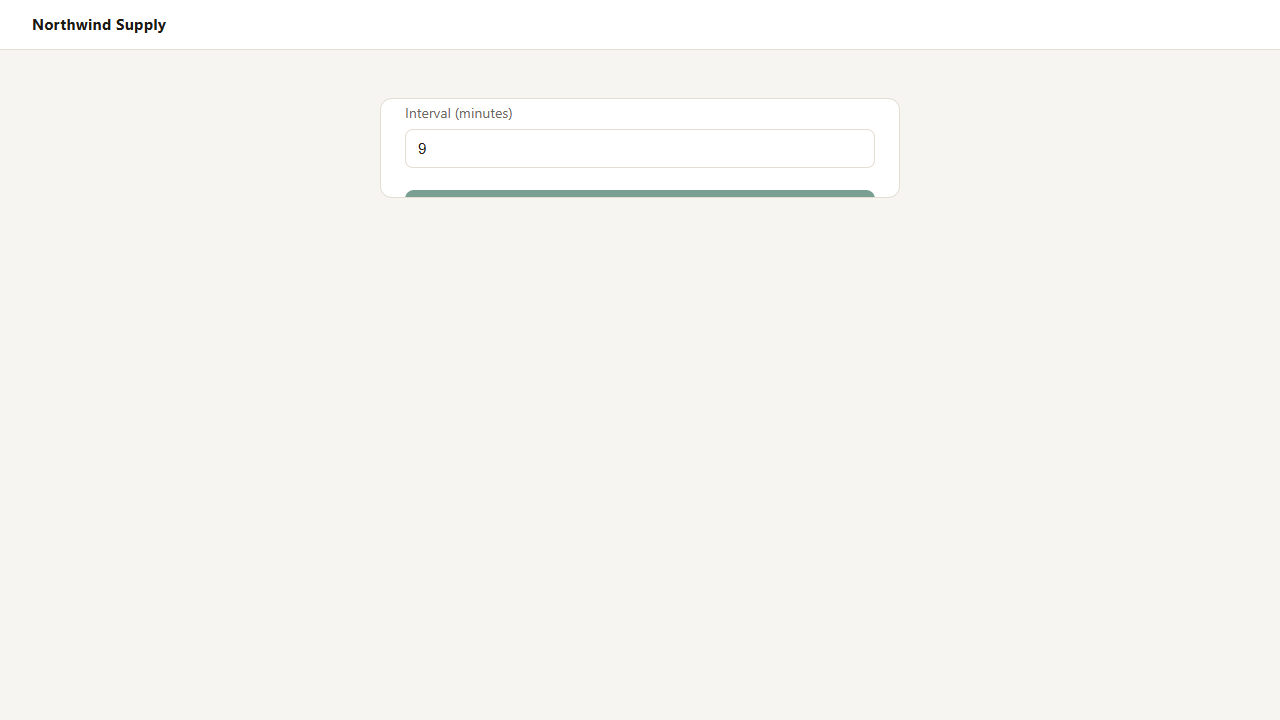
- 17click (640, 193) → landed on button#save.control
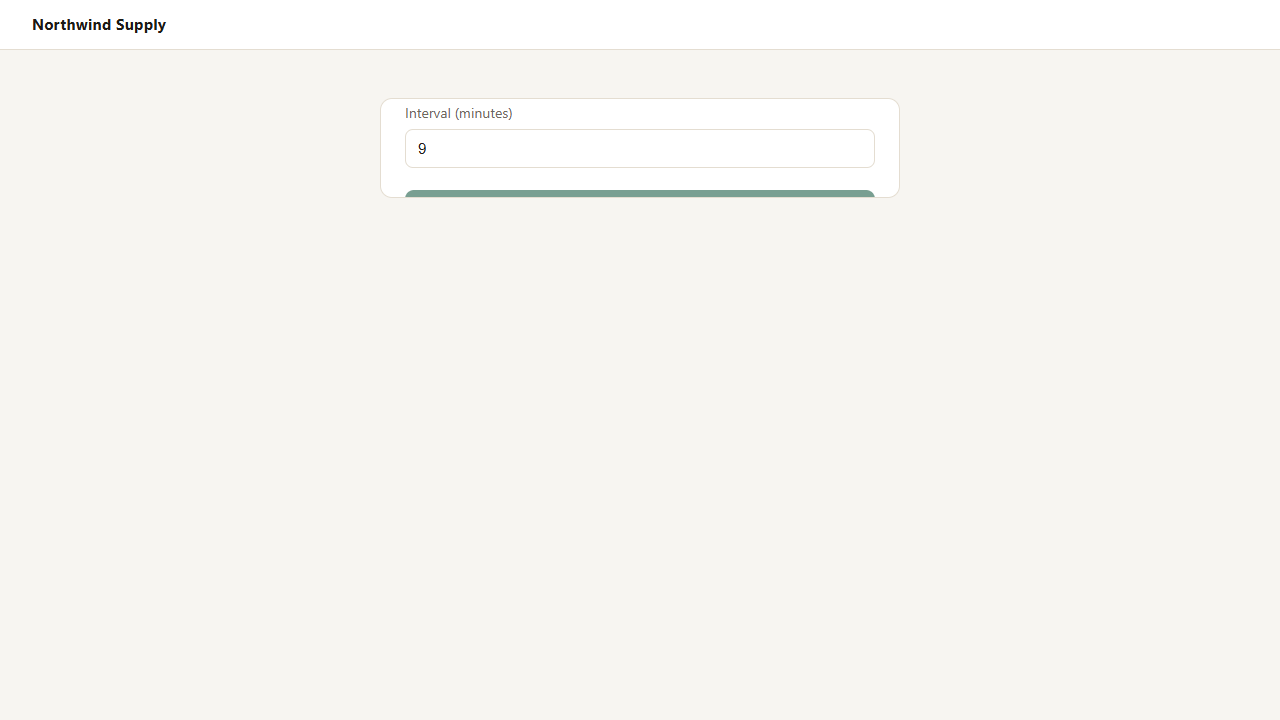
- 18press PageDownwaitlook at the screen
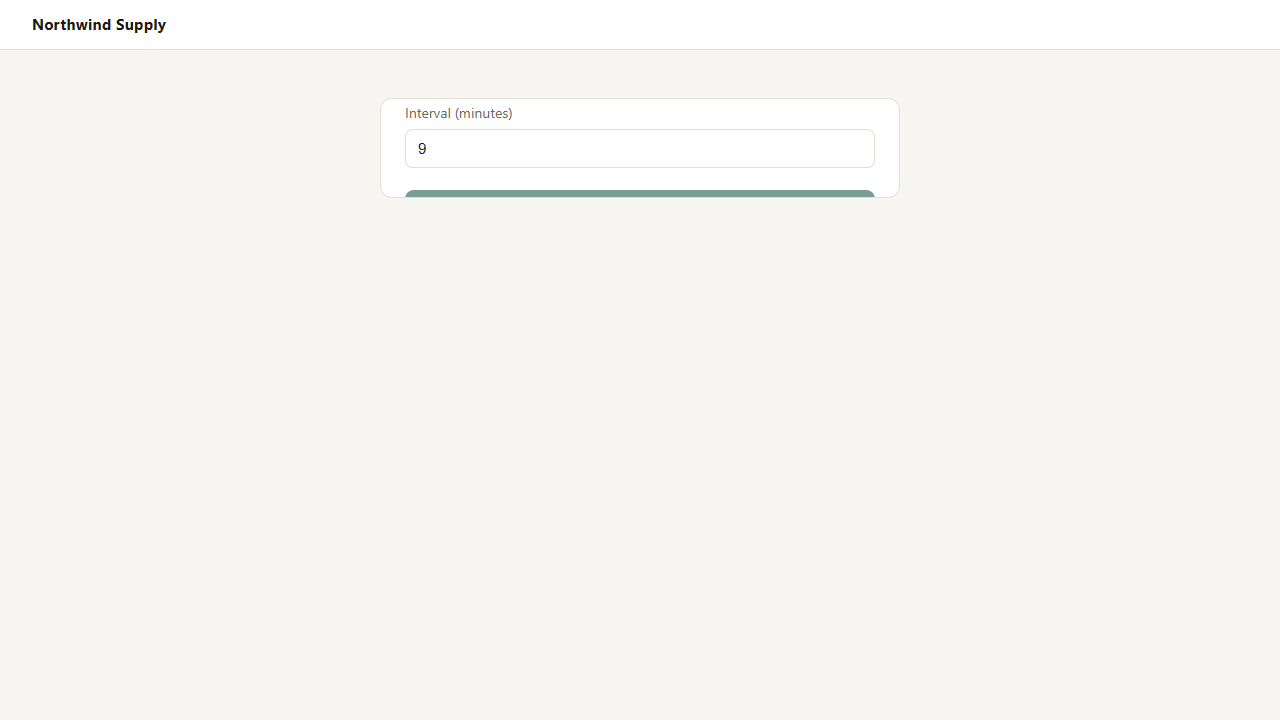
- 19press Enterwaitlook at the screen
- 20look at the screen
Green · The fix — the criteria should pass
bench-gen/G-settings-clipped/fix @ a90c67e
expected pass · observed pass
✓ as expected
Verifier · Muse Spark 1.3pass
Code checkspass
Element checknot applicable
Judge · Muse Spark Openpass
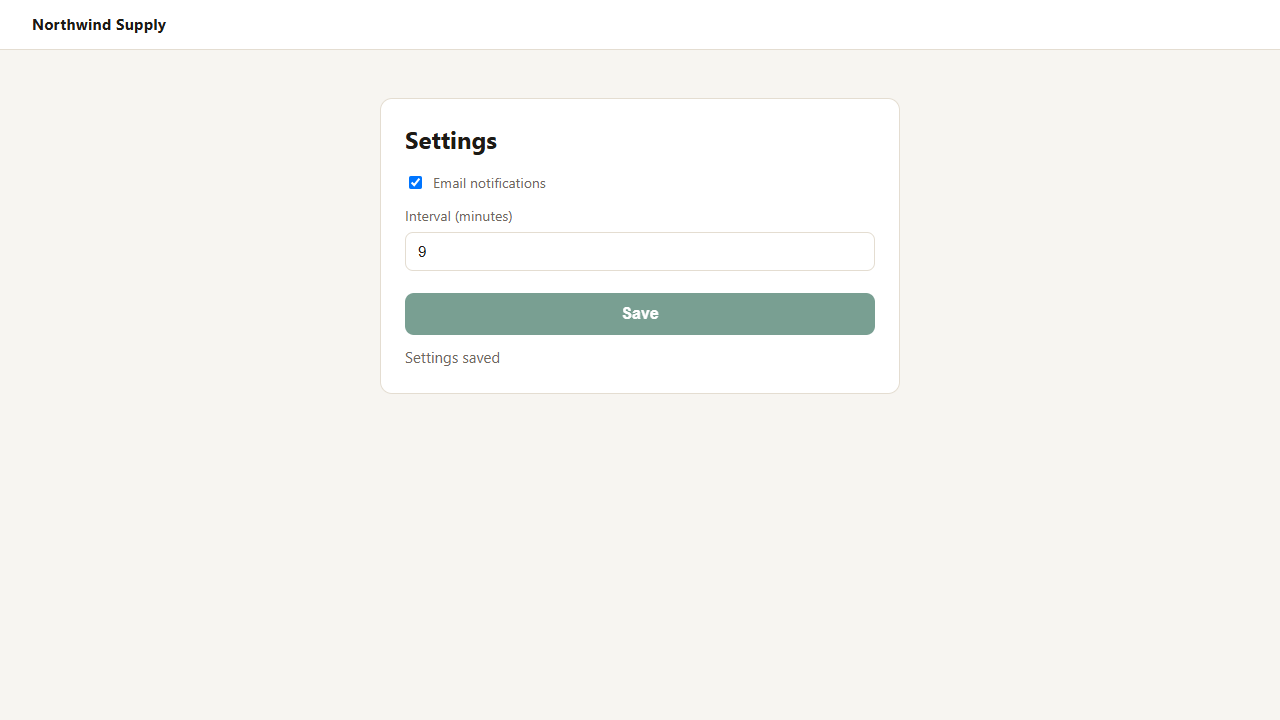
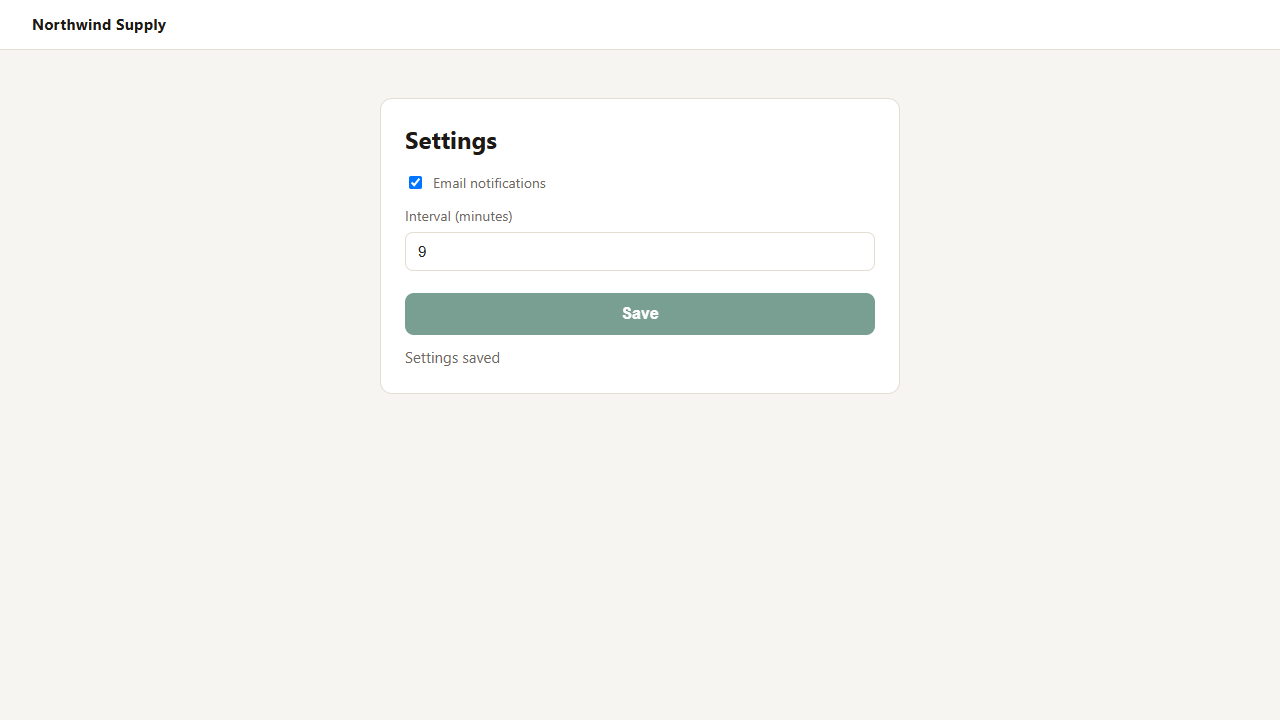
Verifier sawPage shows 'Settings saved' with email notifications checkbox checked on.
Other voters
- Judge (meta-models/muse-spark-open): pass — Frame 3 and 4 show 'Settings saved' text with the Email notifications checkbox checked, confirming the save succeeded and notifications are on after the toggle and Save action.
What the verifier did, step by step 3 steps
- 0open the app
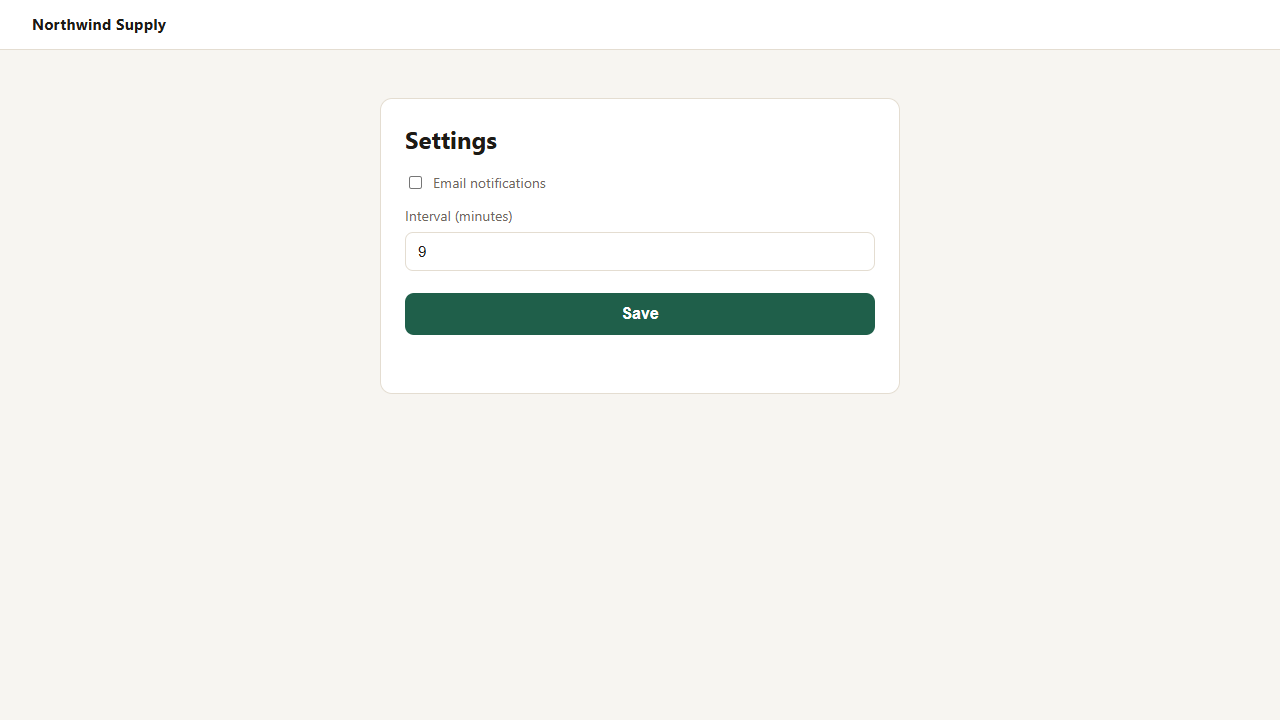
- 1click (414, 183) → landed on input#notify
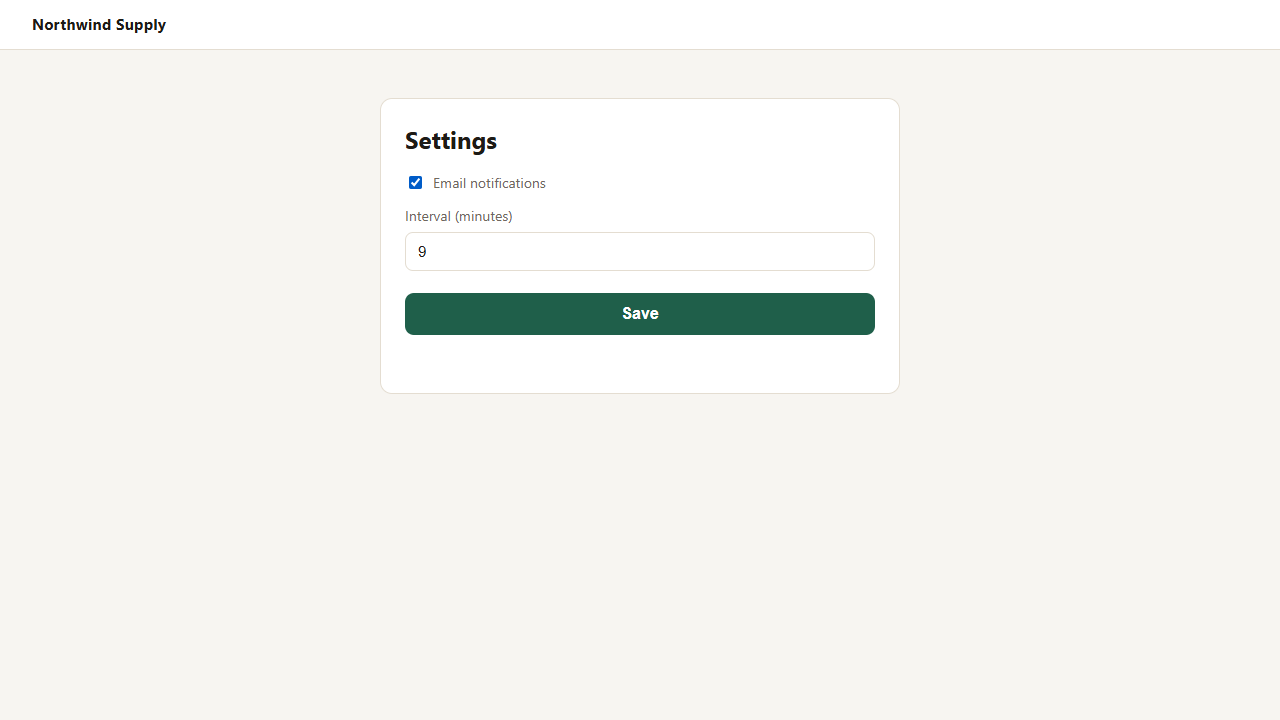
- 2click (637, 312) → landed on button#save.control
- 3look at the screen
Break · A wrong fix — Attest should reject it
bench-gen/G-settings-clipped/bad-fix @ d467551
expected fail · observed inconclusive
! inconclusive
Phase error. stopped after 25 steps
Verifier · Muse Spark 1.3no vote — error
Code checkspass
Element checknot applicable
Judge · Muse Spark Openfail
Other voters
- Judge (meta-models/muse-spark-open): fail — No frame shows "Settings saved" text and email notifications is unchecked in final frames, so the required saved confirmation and persistent on-state are not demonstrated.
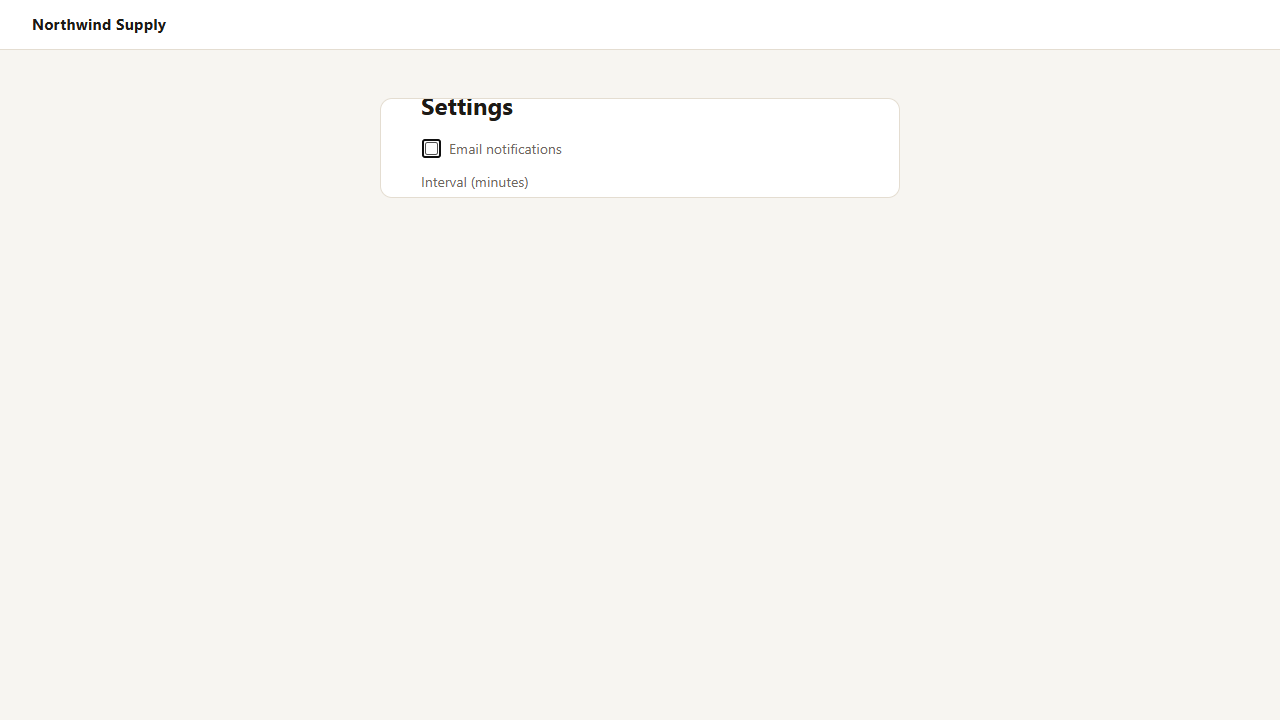
What the verifier did, step by step 25 steps
- 0open the app
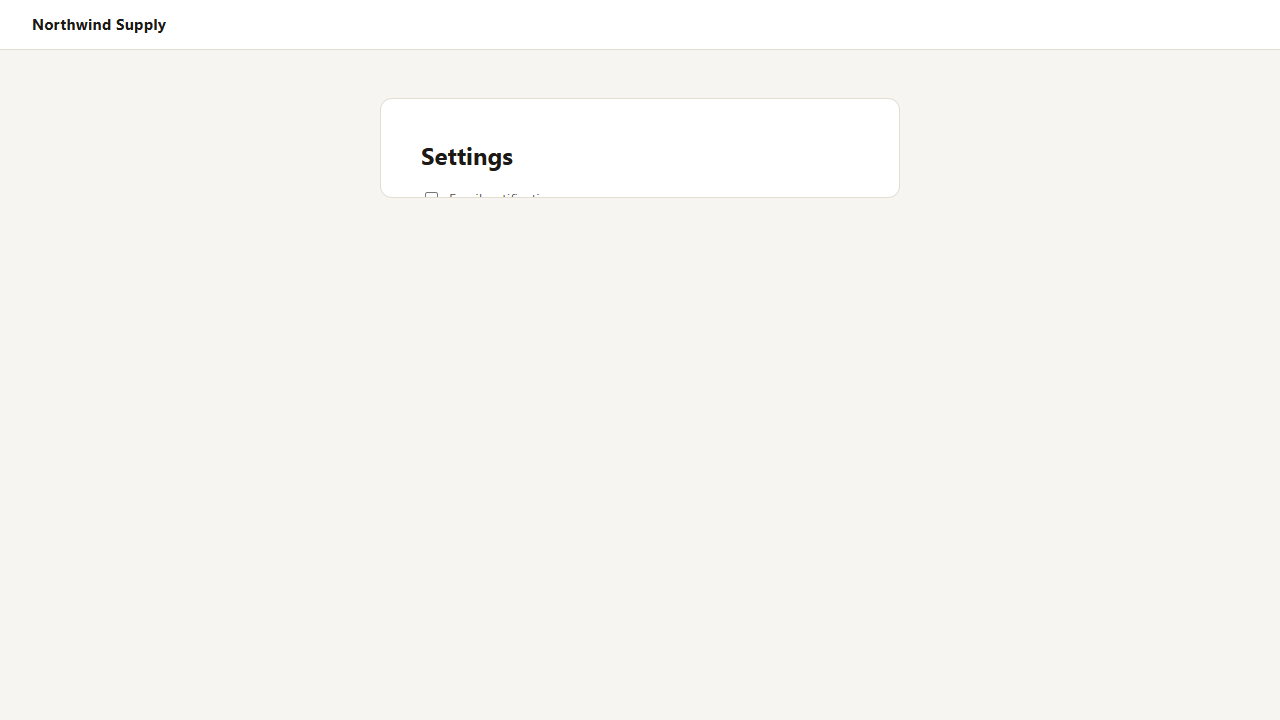
- 1look at the screen
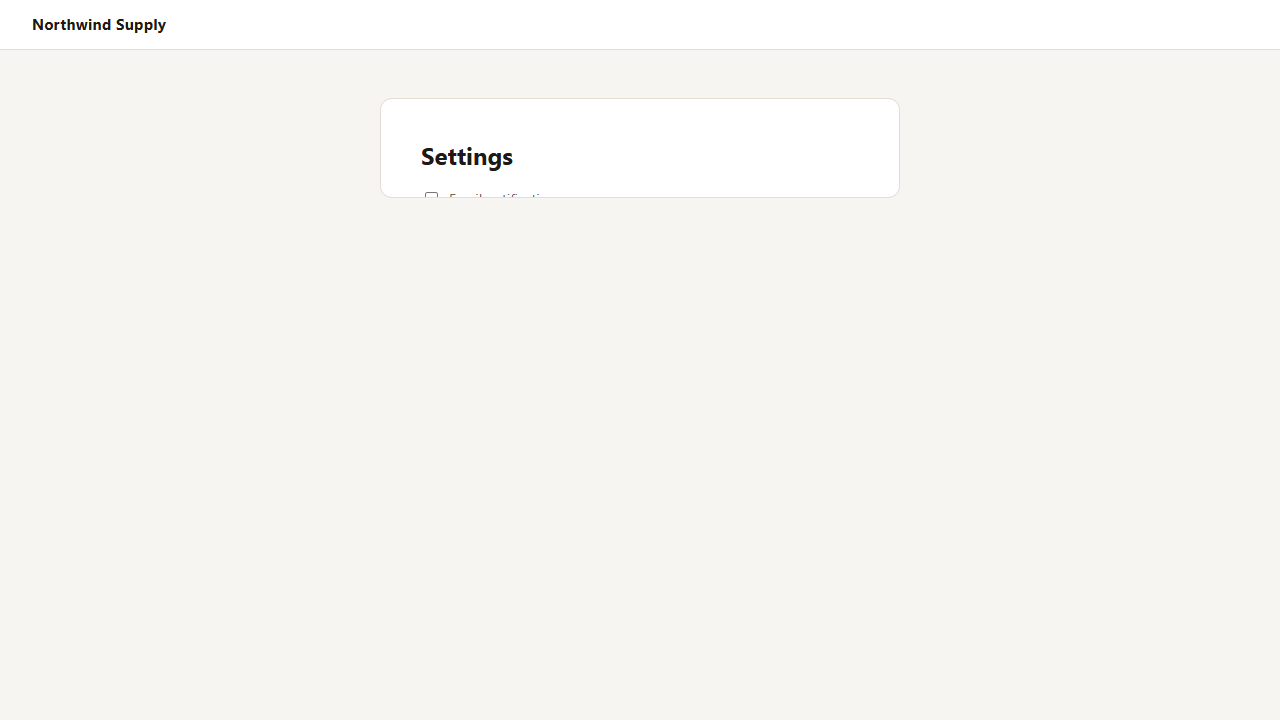
- 2press Ctrl+lwait
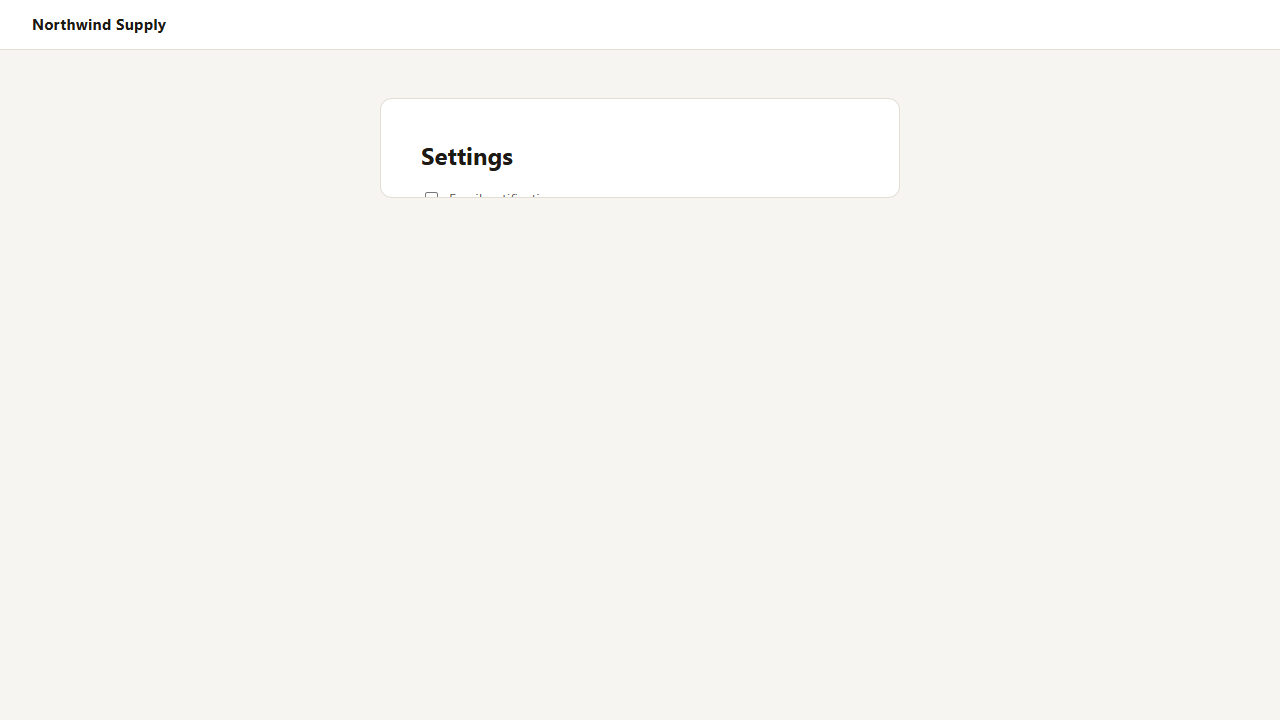
- 3press Ctrl+lwaittype "http://localhost:62504/settings "waitlook at the screen
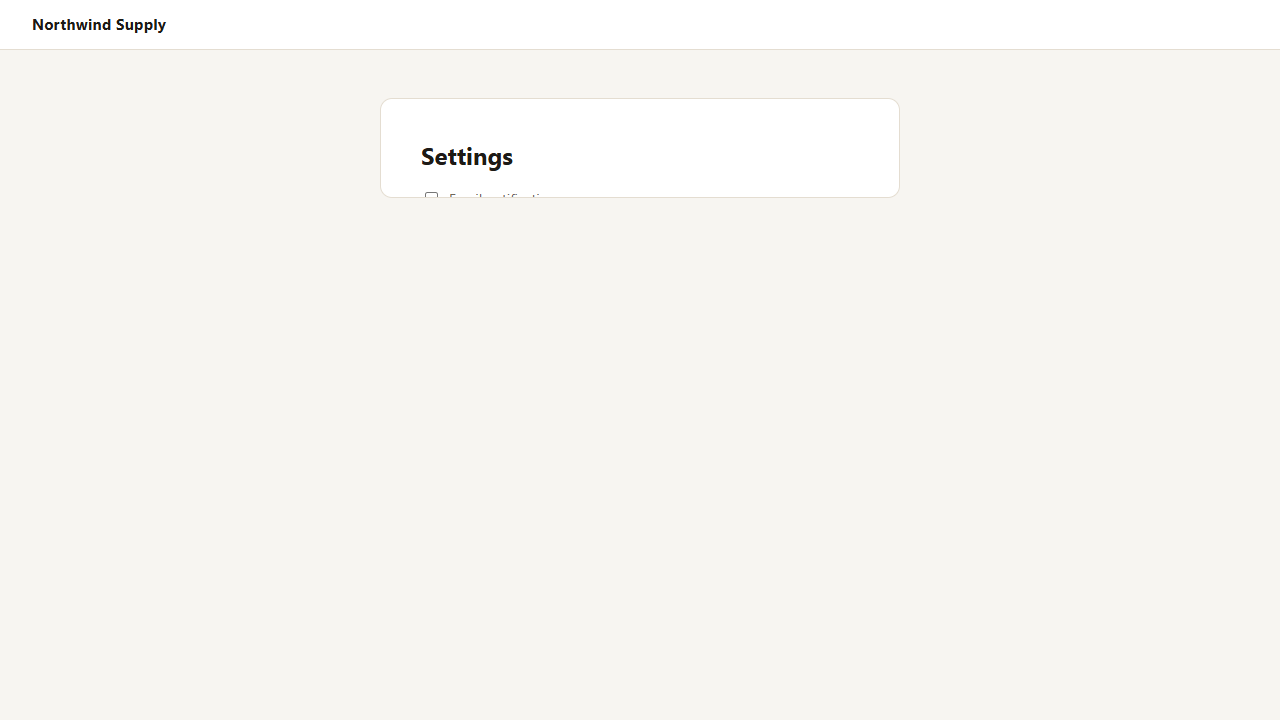
- 4press Ctrl+0waitlook at the screen
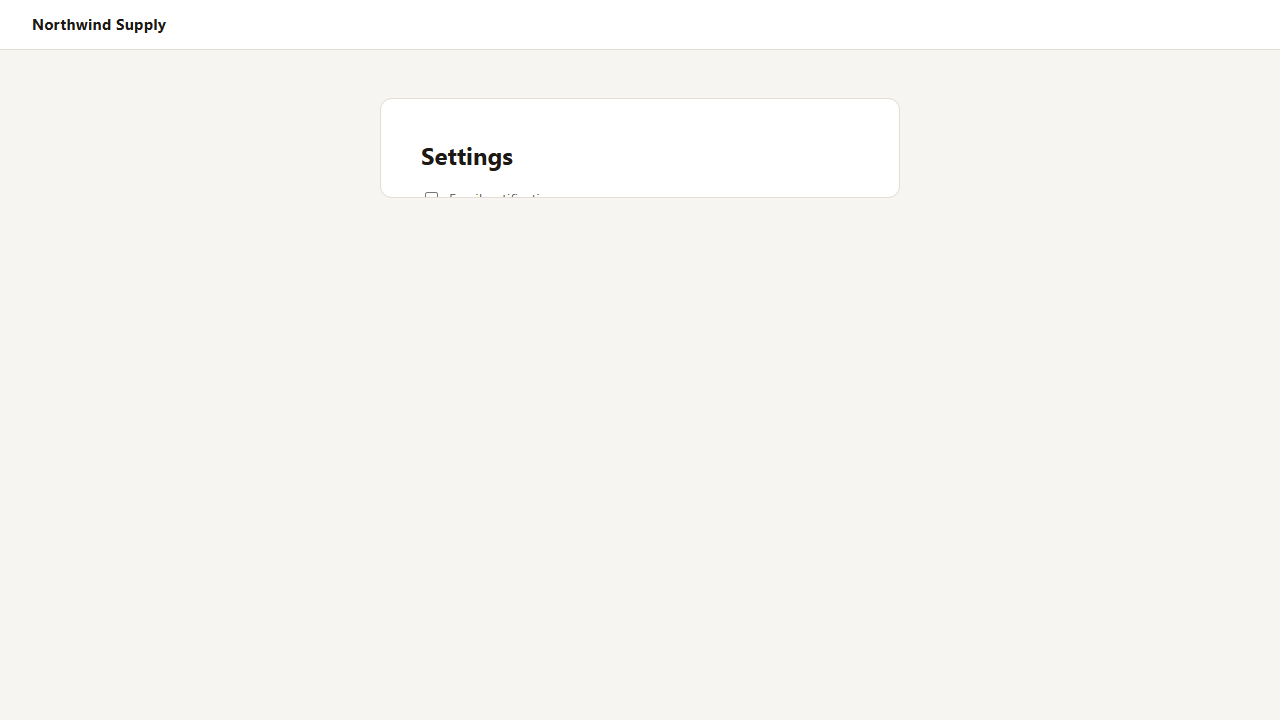
- 5press F5waitlook at the screenkeypress: unknown key "F5"
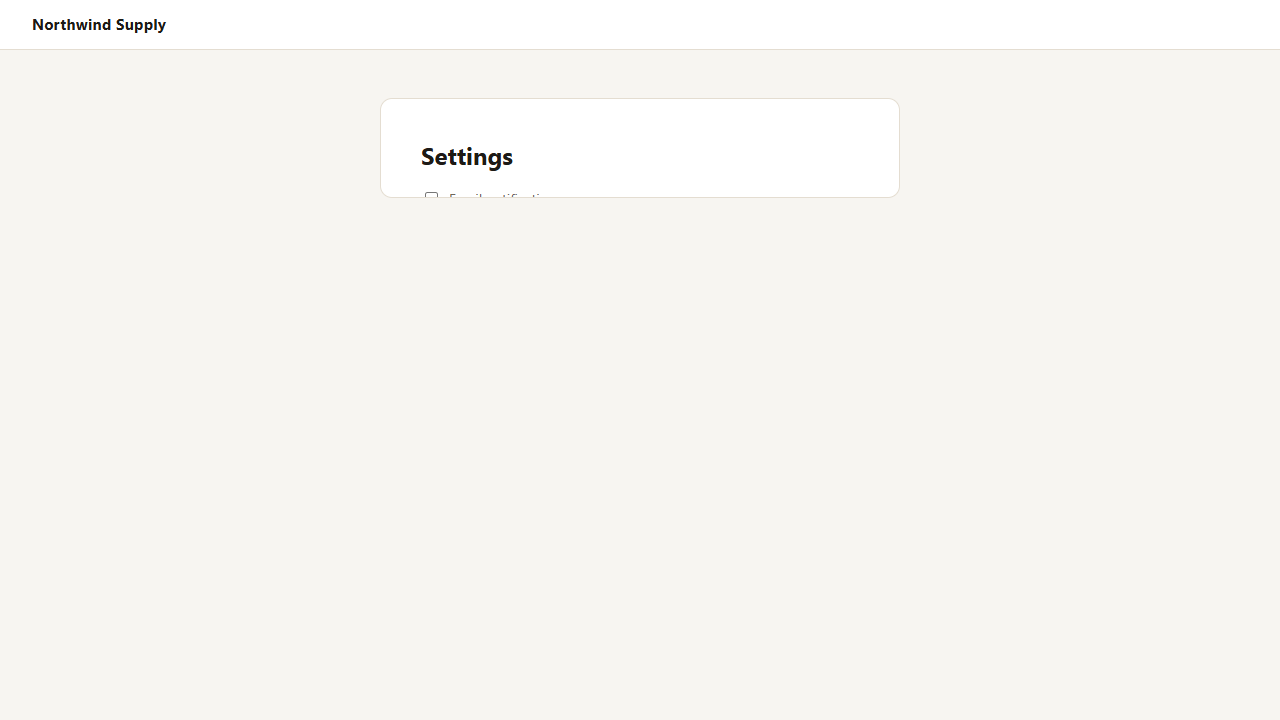
- 6press Ctrl+-waitpress Ctrl+-waitpress Ctrl+-waitlook at the screenkeypress: unknown key "-"keypress: unknown key "-"keypress: unknown key "-"
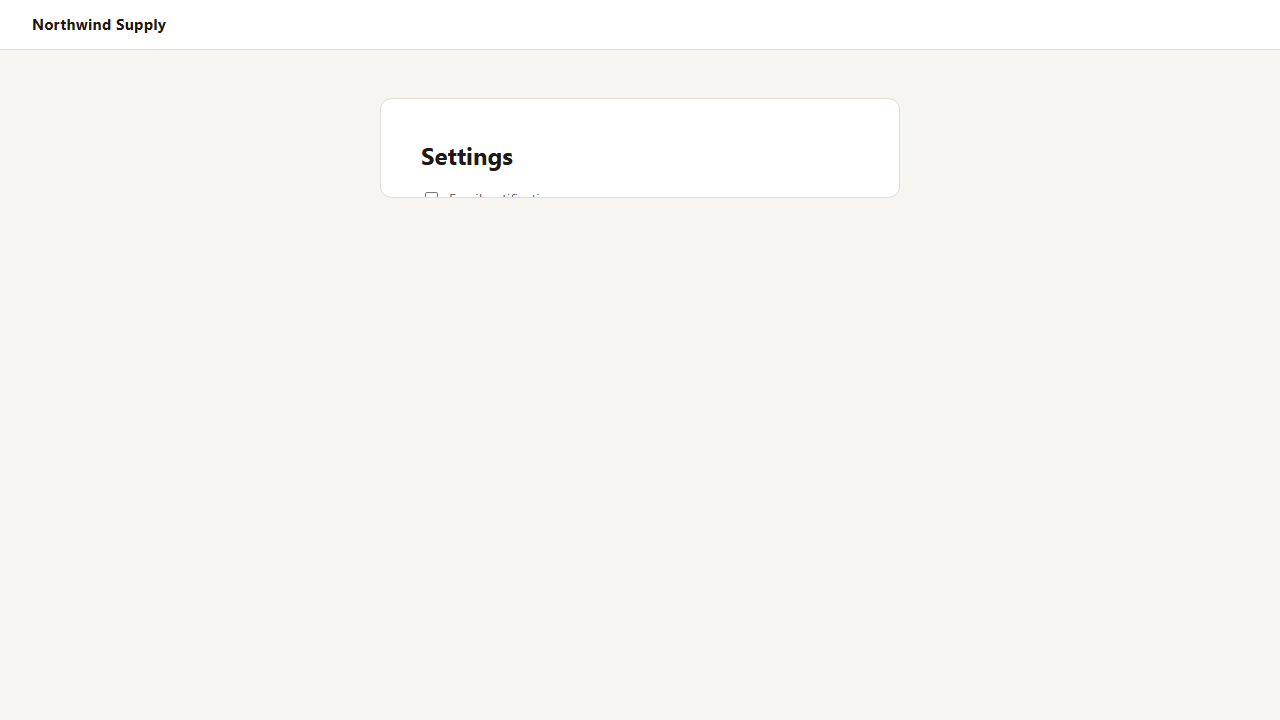
- 7click (431, 195) → landed on input#notifywaitlook at the screen
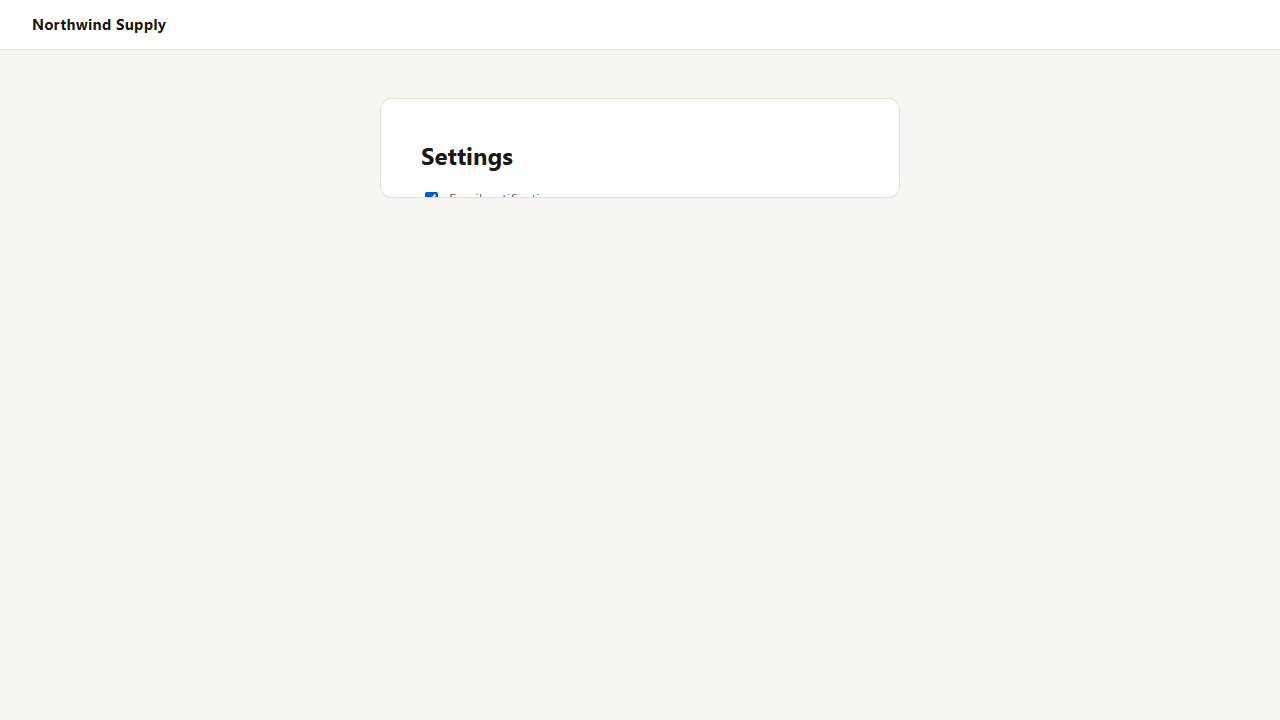
- 8press Tabwaitlook at the screen
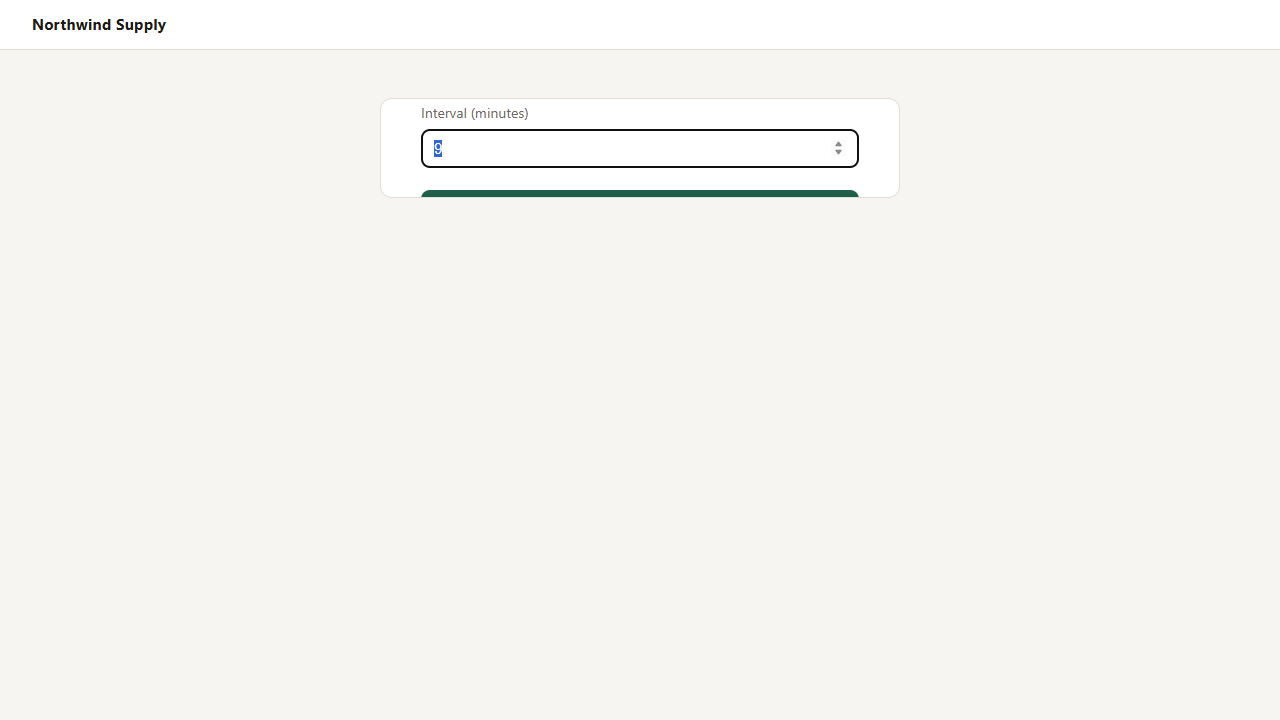
- 9press Tabwaitlook at the screen
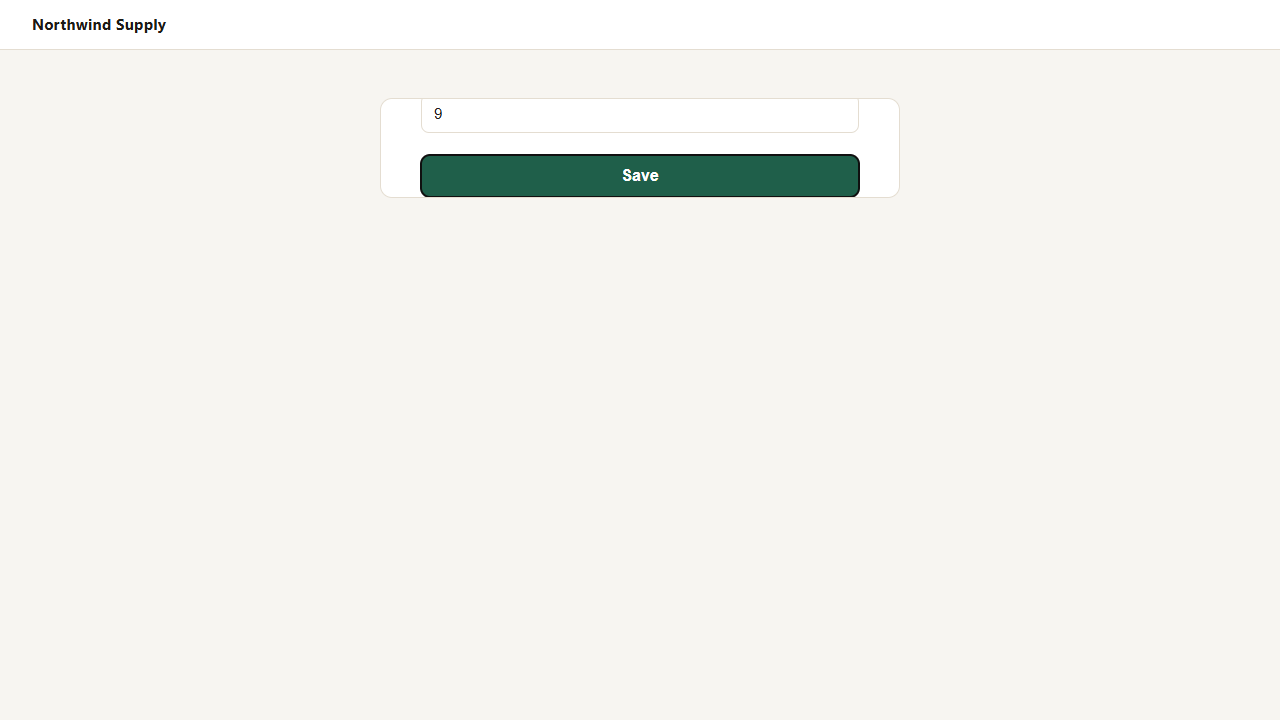
- 10click (640, 174) → landed on button#save.controlwaitlook at the screen
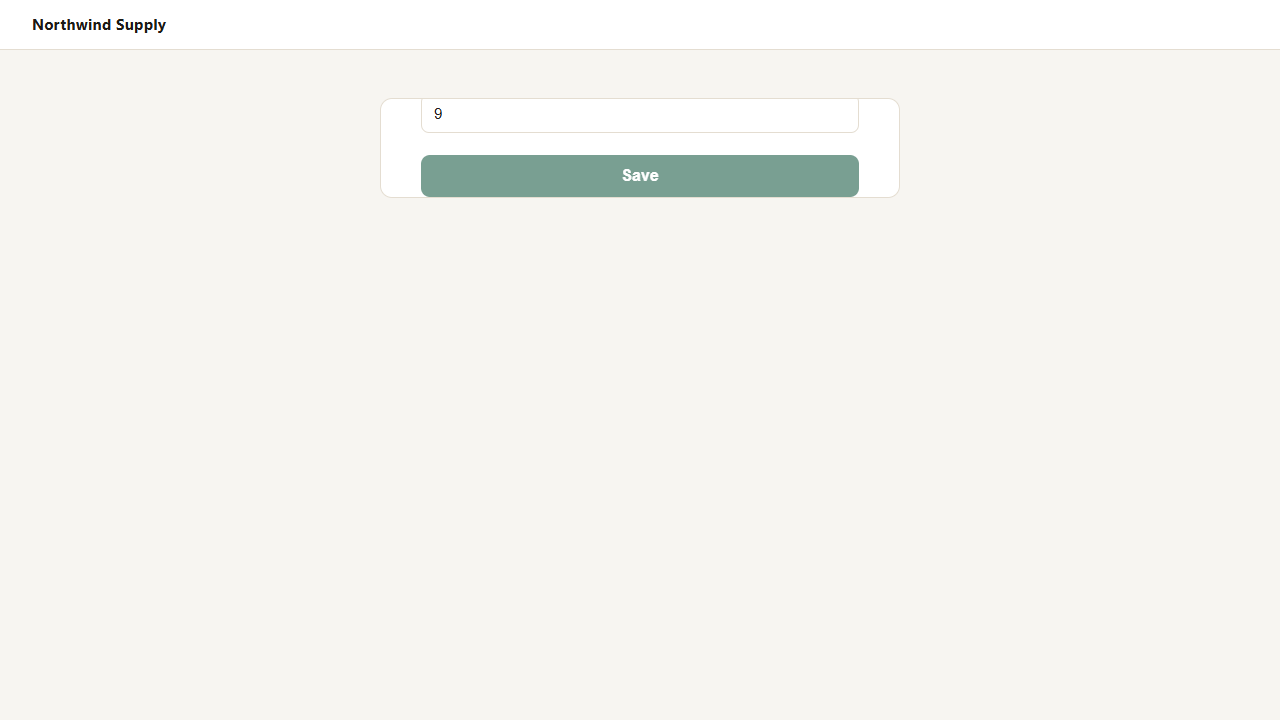
- 11press Homewaitlook at the screen
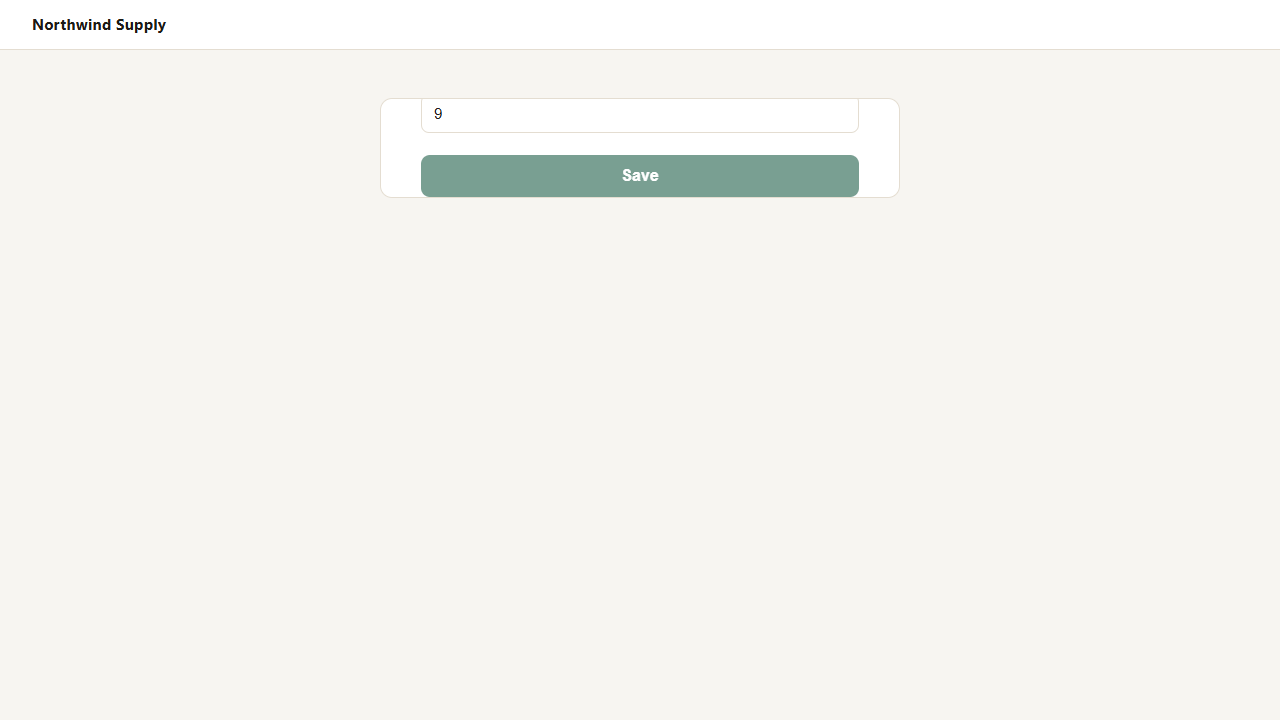
- 12scroll (640, 144) by (0, -5)waitlook at the screen
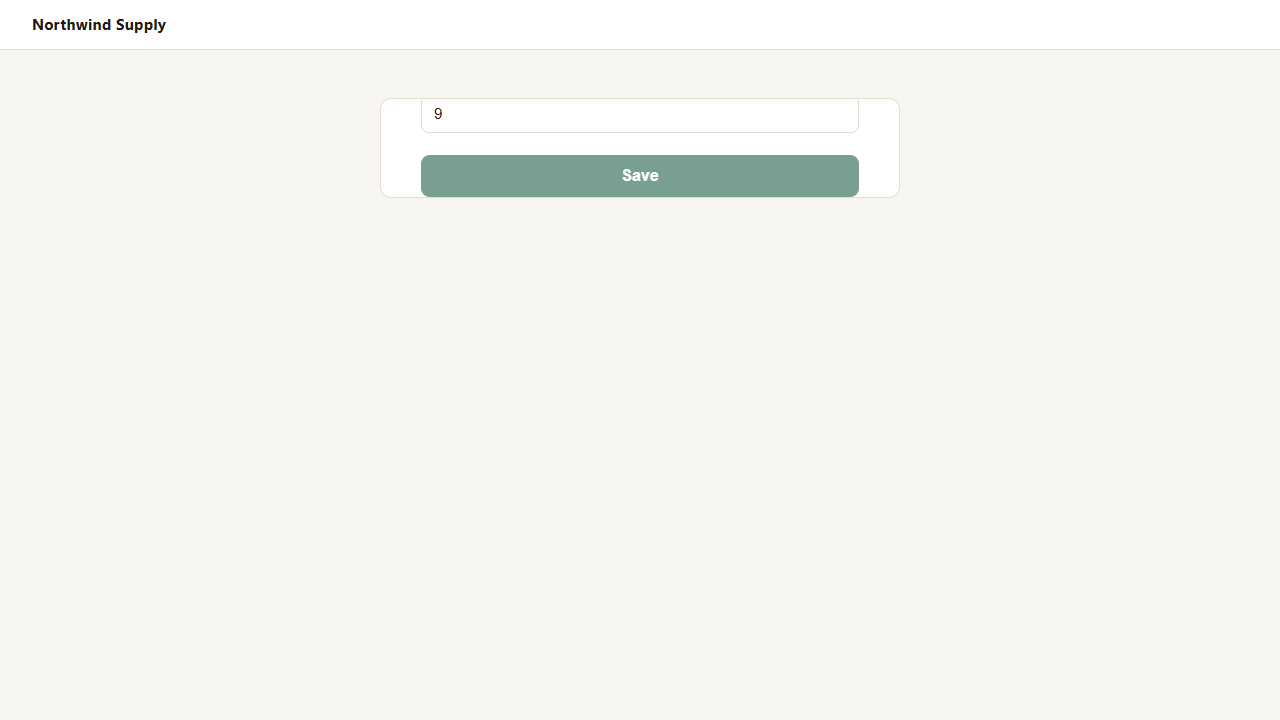
- 13press Shift+Tabwaitlook at the screen
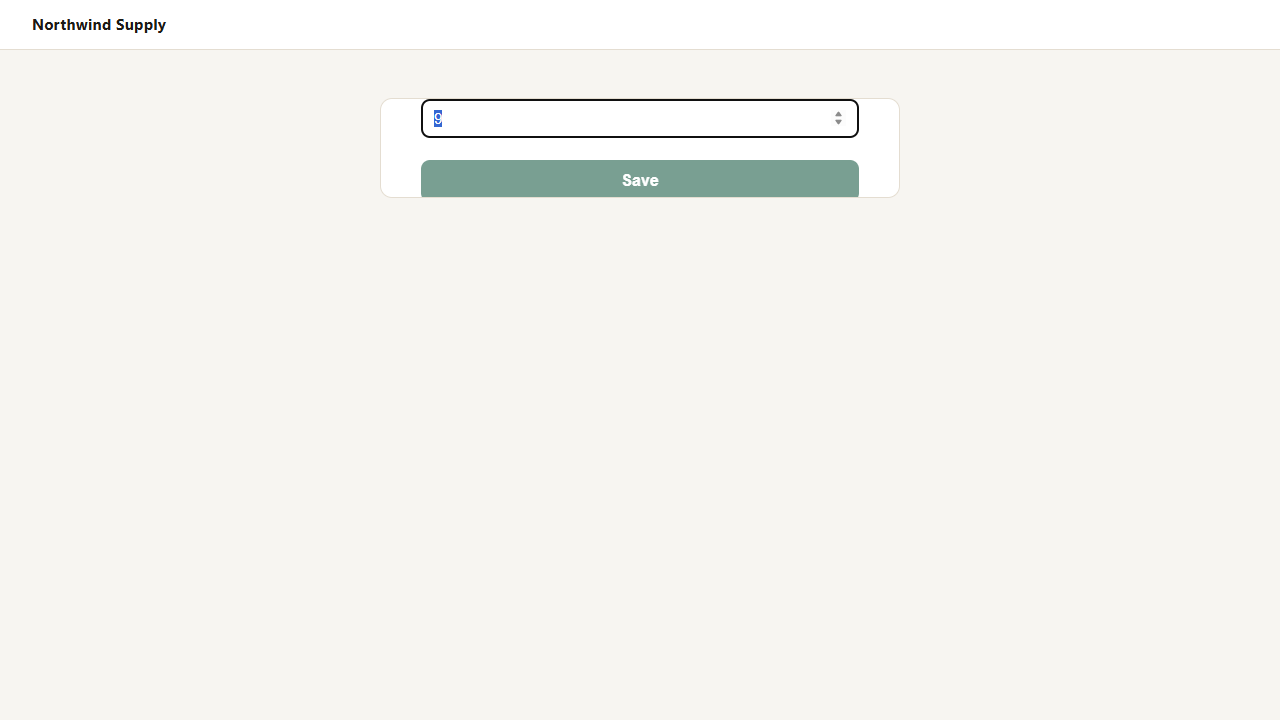
- 14press Shift+Tabwaitlook at the screen
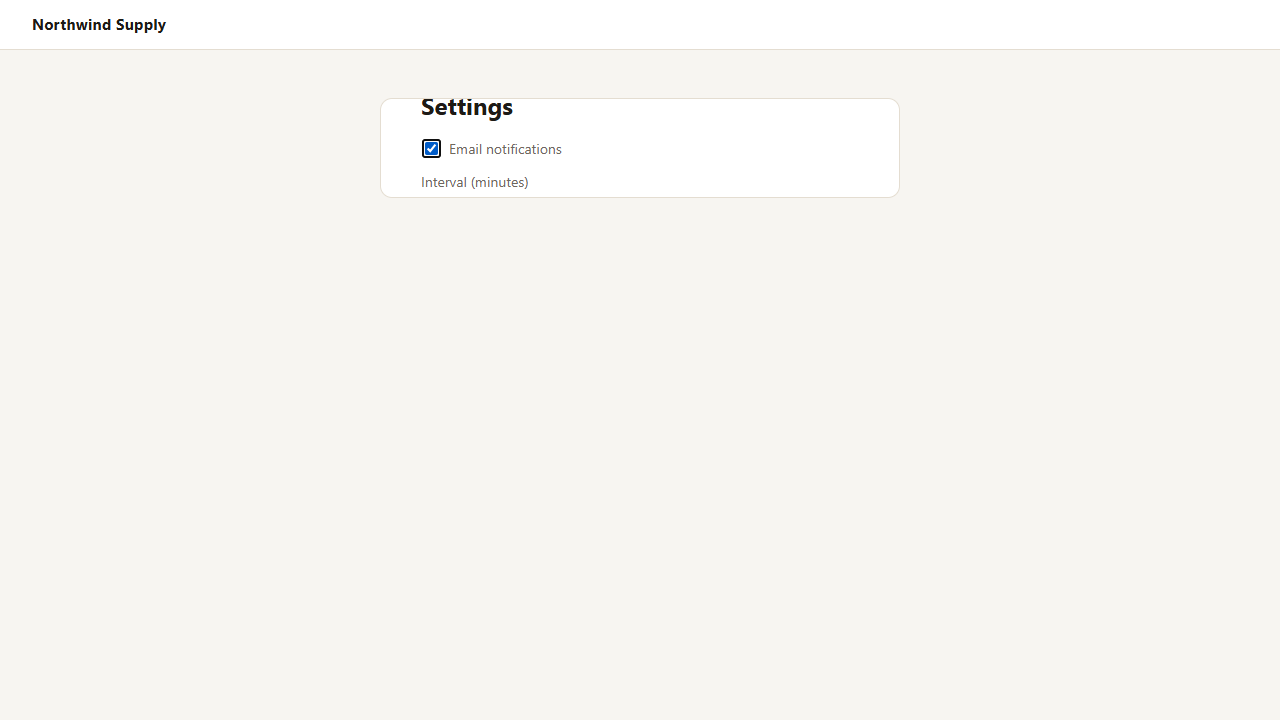
- 15press Tabwaitlook at the screen
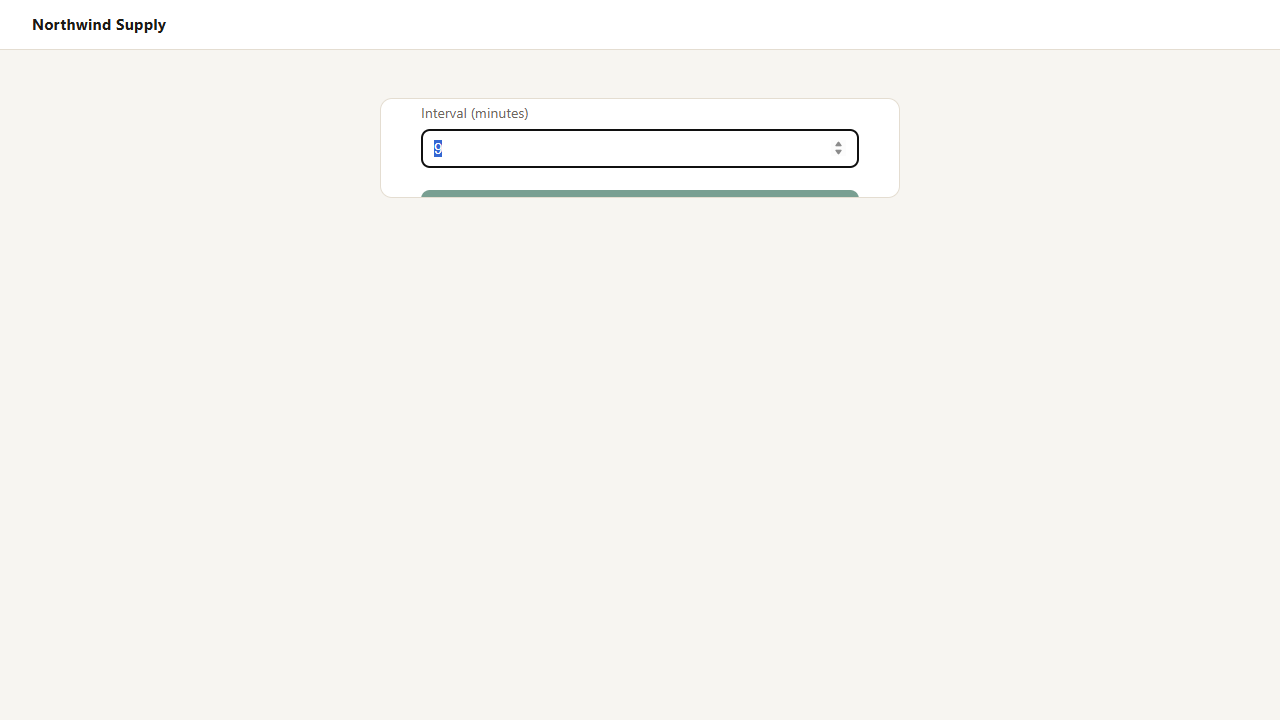
- 16press Tabwaitlook at the screen
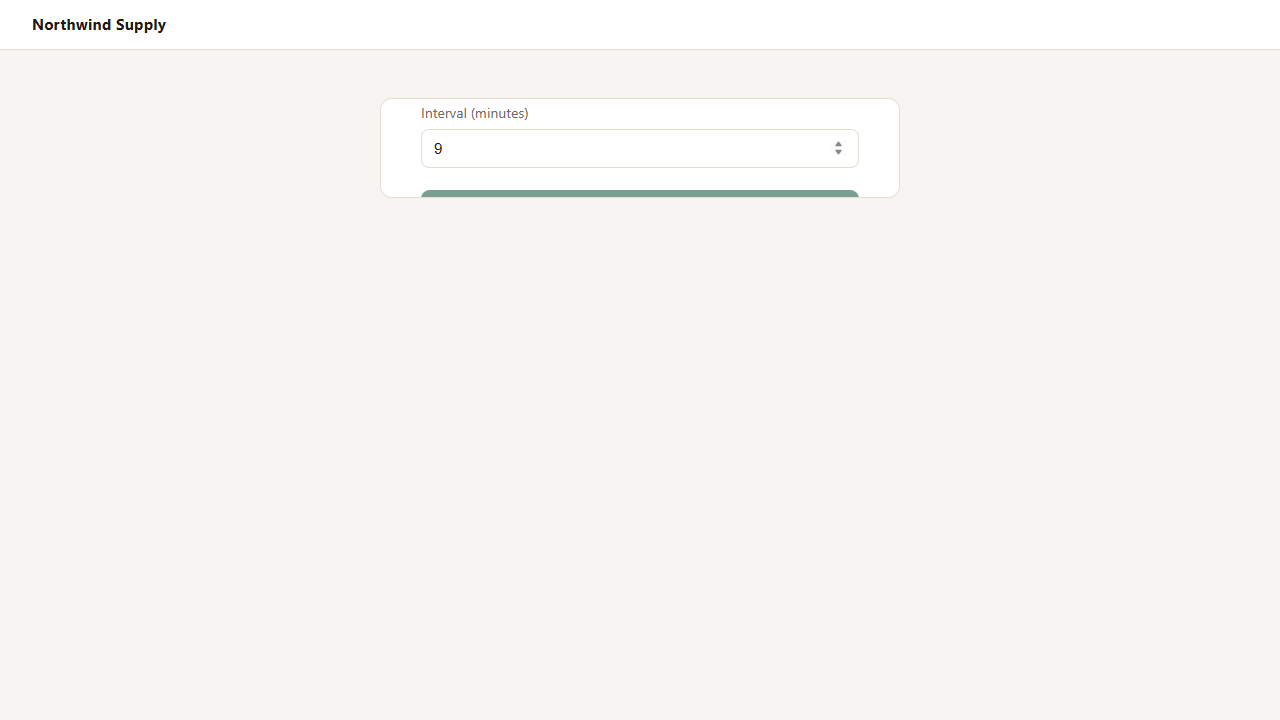
- 17press Tabwaitlook at the screen
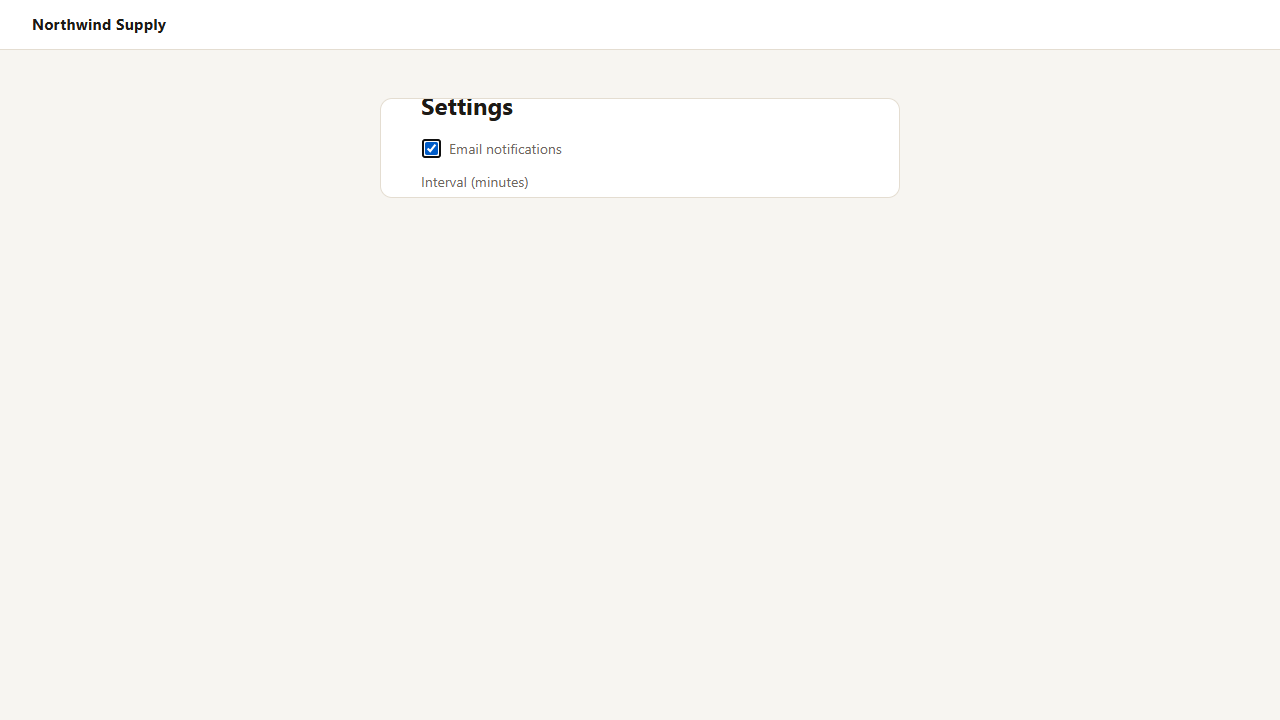
- 18press Tabwaitpress Tabwaitlook at the screen
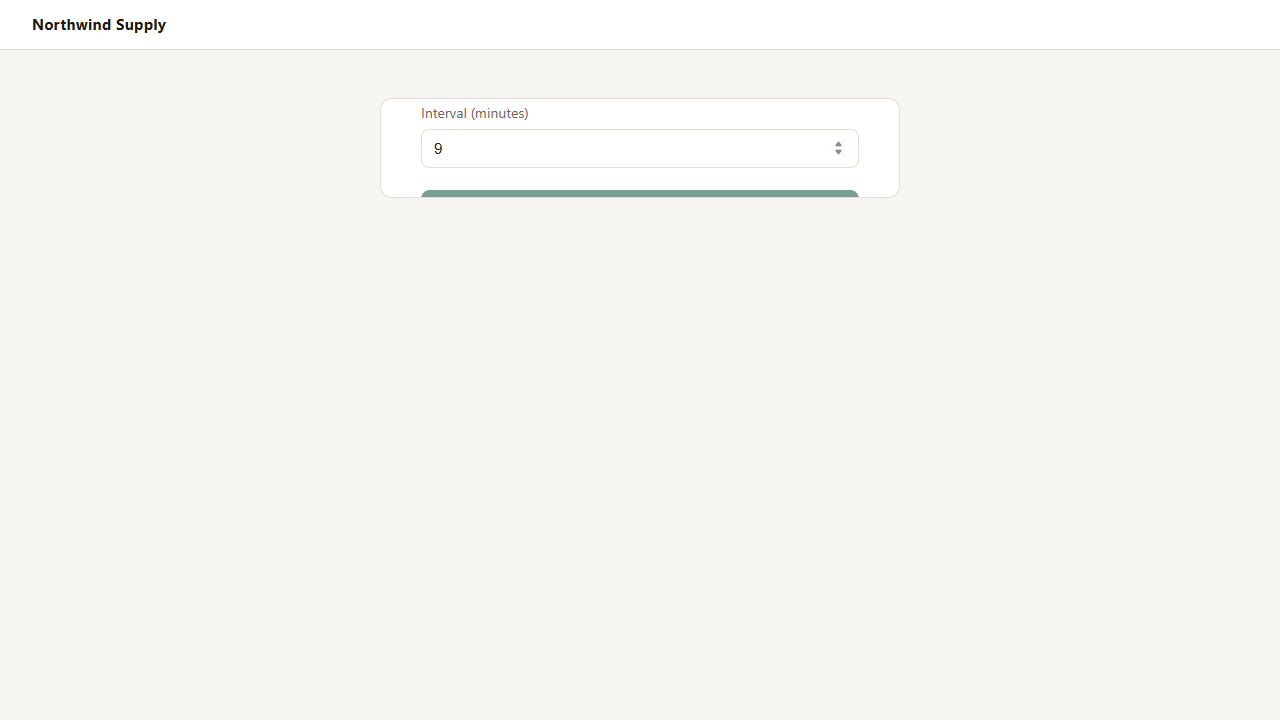
- 19click (640, 194) → landed on button#save.controlwaitlook at the screen
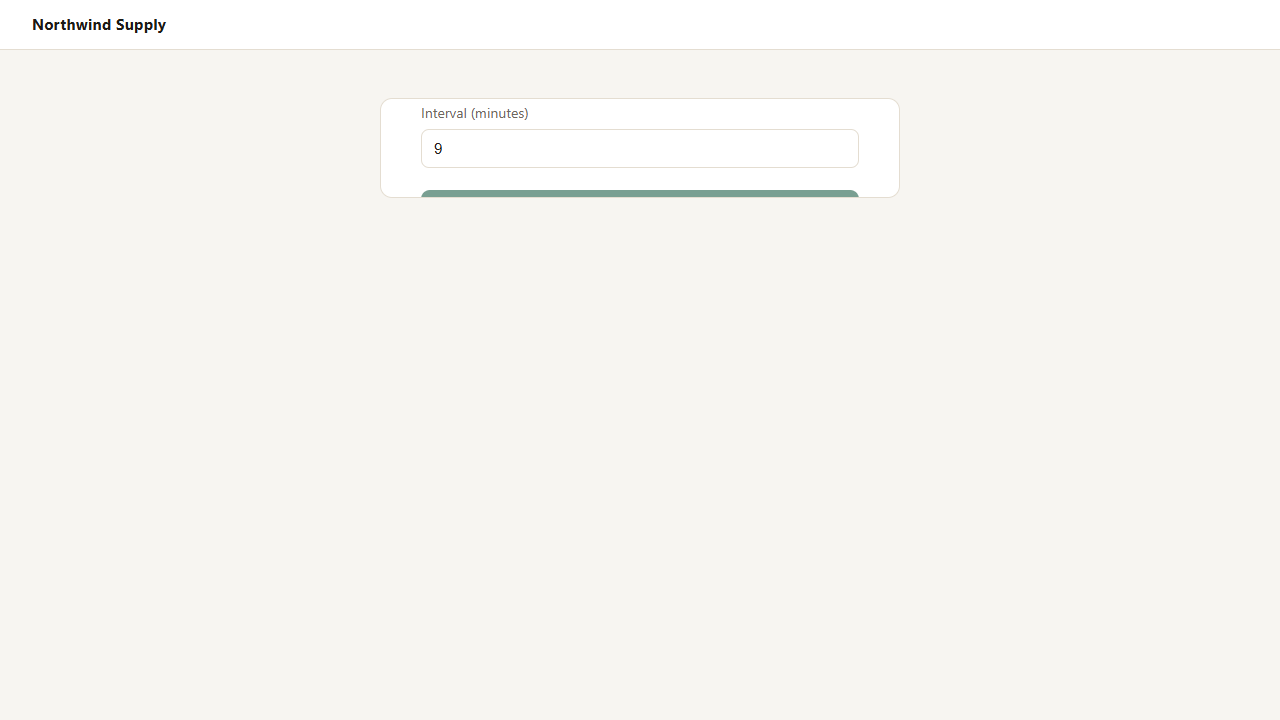
- 20press F5waitlook at the screenkeypress: unknown key "F5"
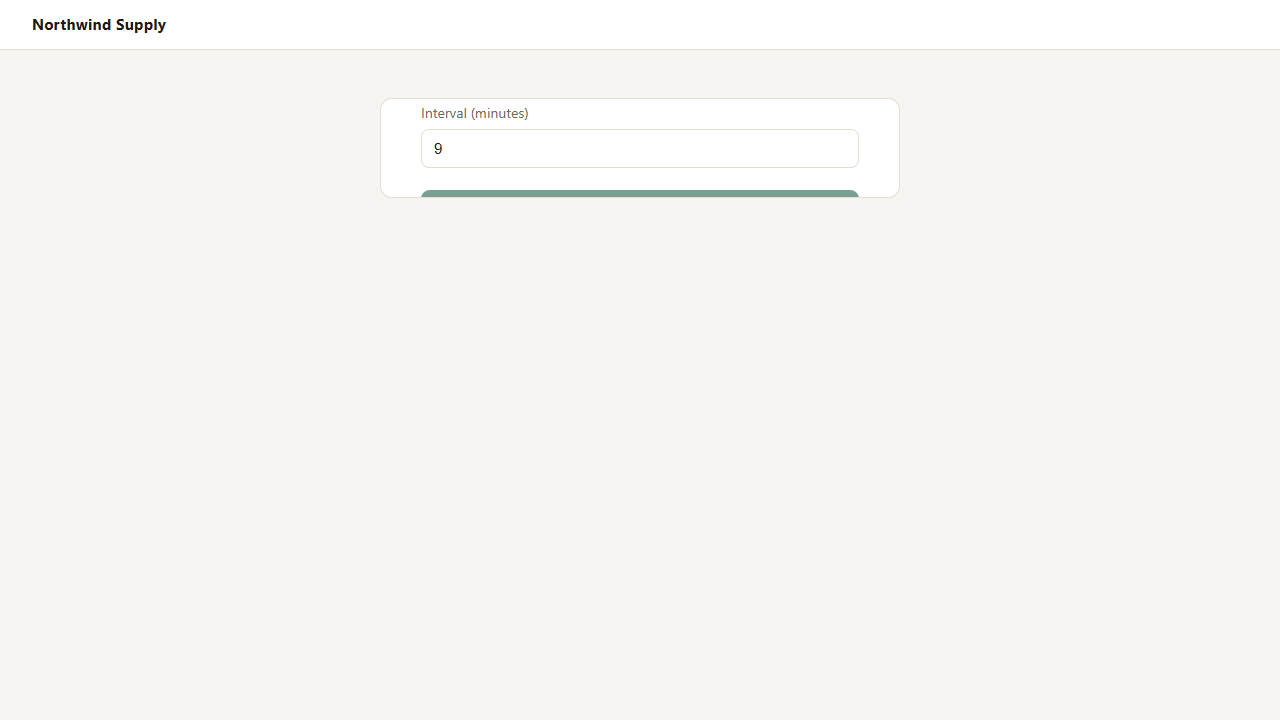
- 21press Shift+Tabwaitlook at the screen
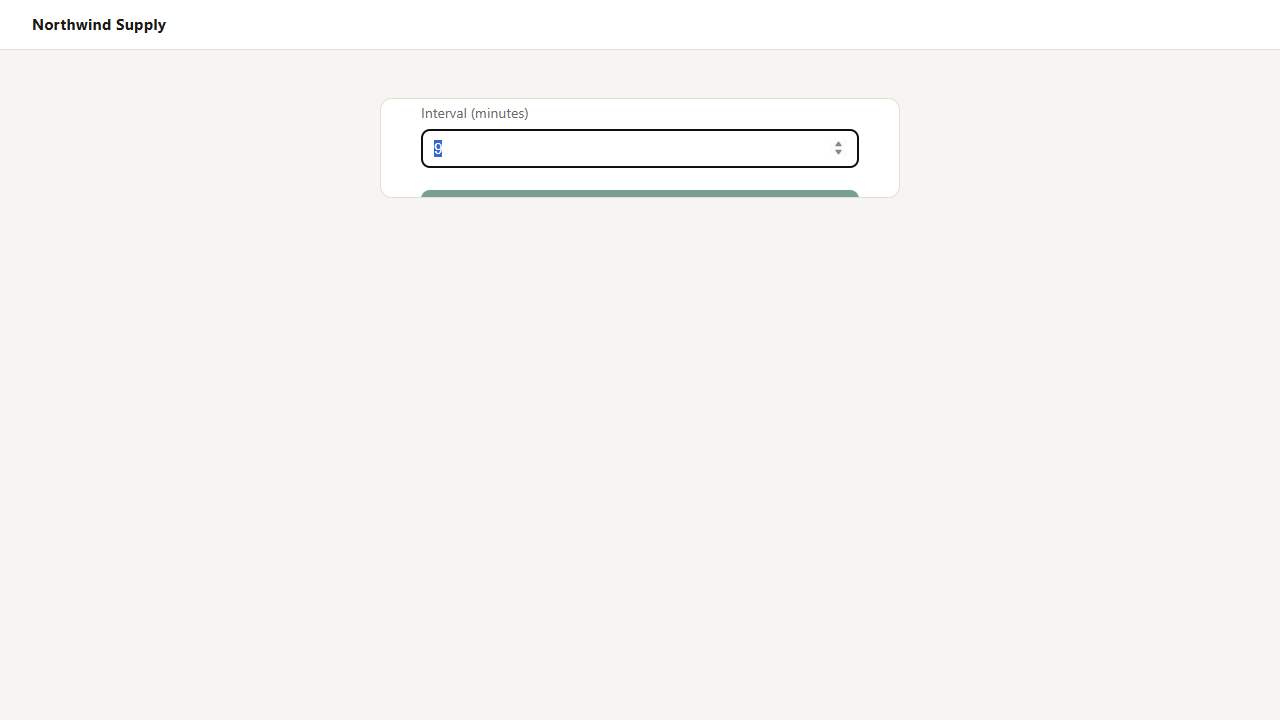
- 22press Shift+Tabwaitlook at the screen
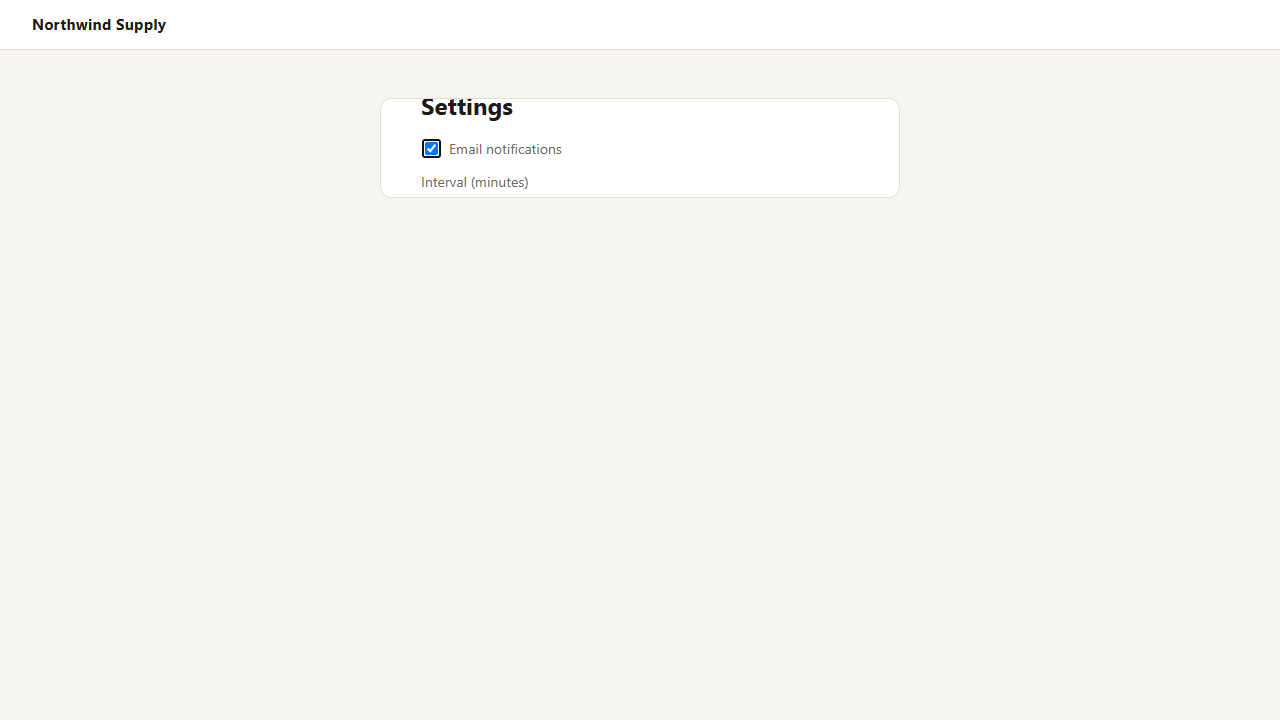
- 23click (431, 147) → landed on input#notifywaitlook at the screen
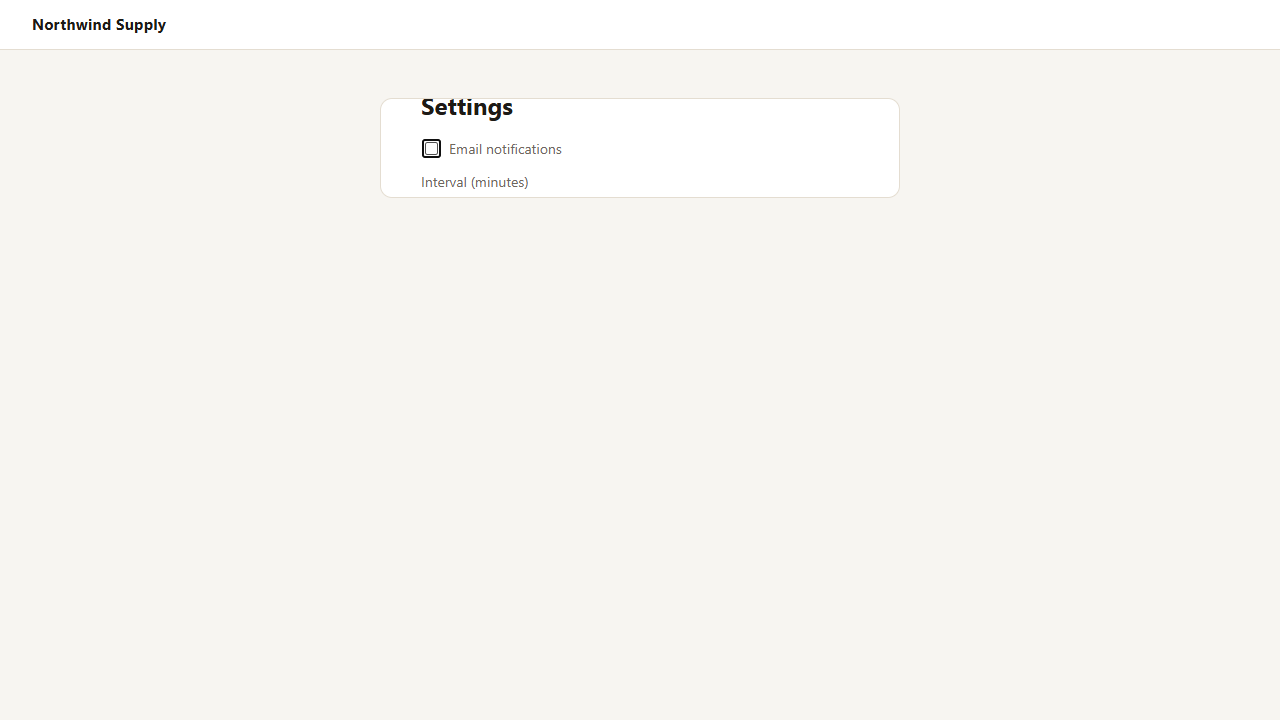
- 24press Tabwaitpress Tabwaitlook at the screen
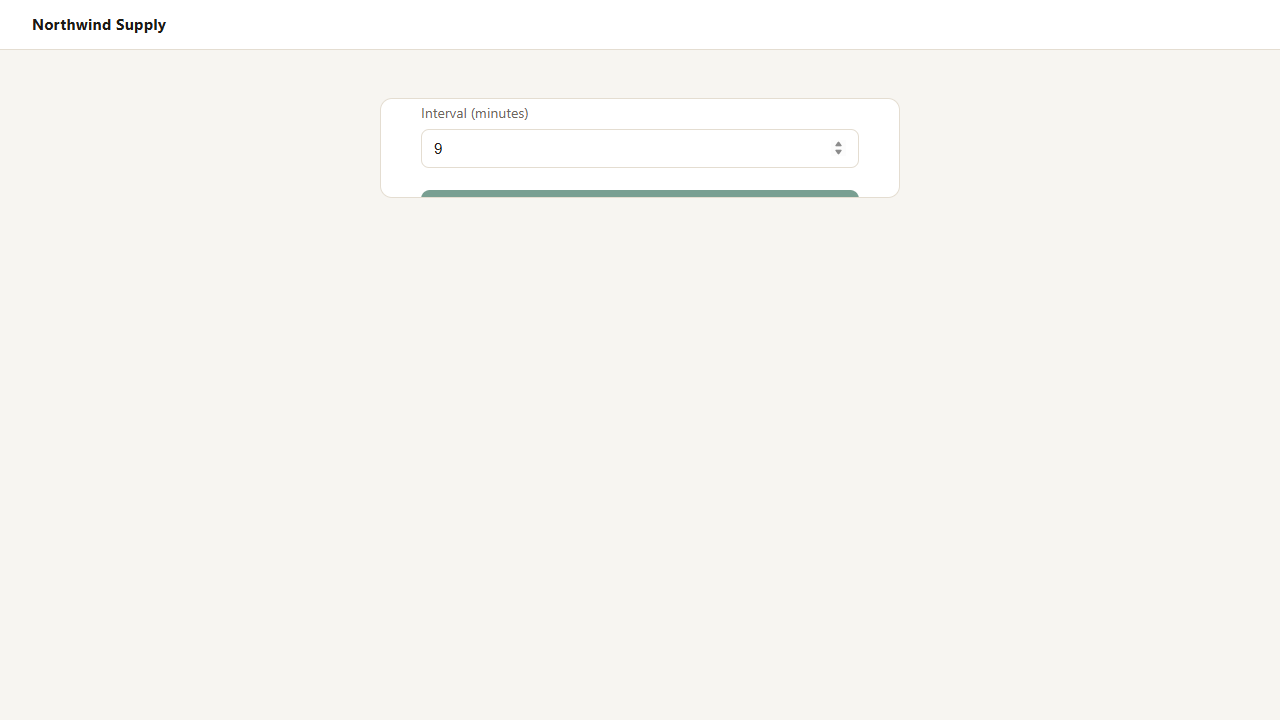
- 25press Tabwaitlook at the screen
Check this receipt yourself
What attest verify checks — no model calls
- The Ed25519 signature over the receipt
- The hash-chained event log, its head and its length
- The hash of every screenshot, video and the criteria copy
- That the verdict follows from the recorded votes
What a receipt does not prove
- That the capture environment was honest — it shows nothing changed after capture; the signature detects a later edit
- Who ran it — the key is created on the machine that ran the proof
- Anything beyond the stated criteria