Verdict
Proven3 of 3 phases as expected
The bug reproduced, the fix works in the running app, and a wrong fix was rejected.
- red failed, green passed, break failed
Subject
- Run from
- https://github.com/Master07/attest.git
- App
- examples/bench-gen/signup-bad-redirect/app
- Red
- bench-gen/G-signup-bad-redirect/base @ c1b5e7e
- Green
- bench-gen/G-signup-bad-redirect/fix @ bd81704
- Break
- bench-gen/G-signup-bad-redirect/bad-fix @ 928fa19
- verifier
- Muse Spark 1.3 Meta Model API · muse-spark-1.3
- judge
- Muse Spark Open Baseten · meta-models/muse-spark-open open weights
Acceptance criteria · human-approved
- Given
- The sign-up form at /signup
- When
- The user enters the name "Ada" and the email "ada@example.com" and clicks "Create account"
- Then
- A welcome page greets the user as "Ada"
The proof
Red · Original code — the bug should reproduce
bench-gen/G-signup-bad-redirect/base @ c1b5e7e
expected fail · observed fail
✓ as expected
Verifier · Muse Spark 1.3fail
Code checksfail
Element checknot applicable
Judge · Muse Spark Openfail
Verifier sawAfter entering Ada and ada@example.com and clicking Create account, the page shows Not found with no welcome greeting for Ada.
Other voters
- Judge (meta-models/muse-spark-open): fail — After entering Ada/ada@example.com and clicking Create account, frames 4-6 show 'Not found' instead of a welcome page greeting Ada.
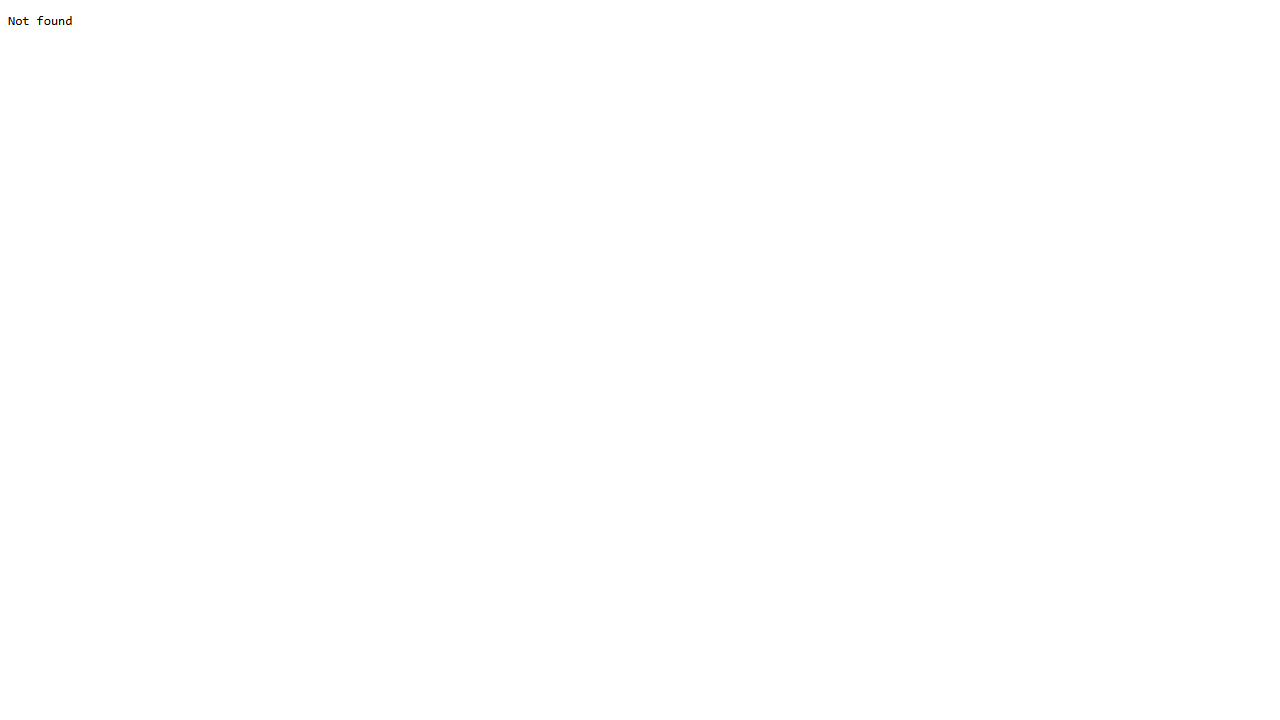
What the verifier did, step by step 5 steps
- 0open the app
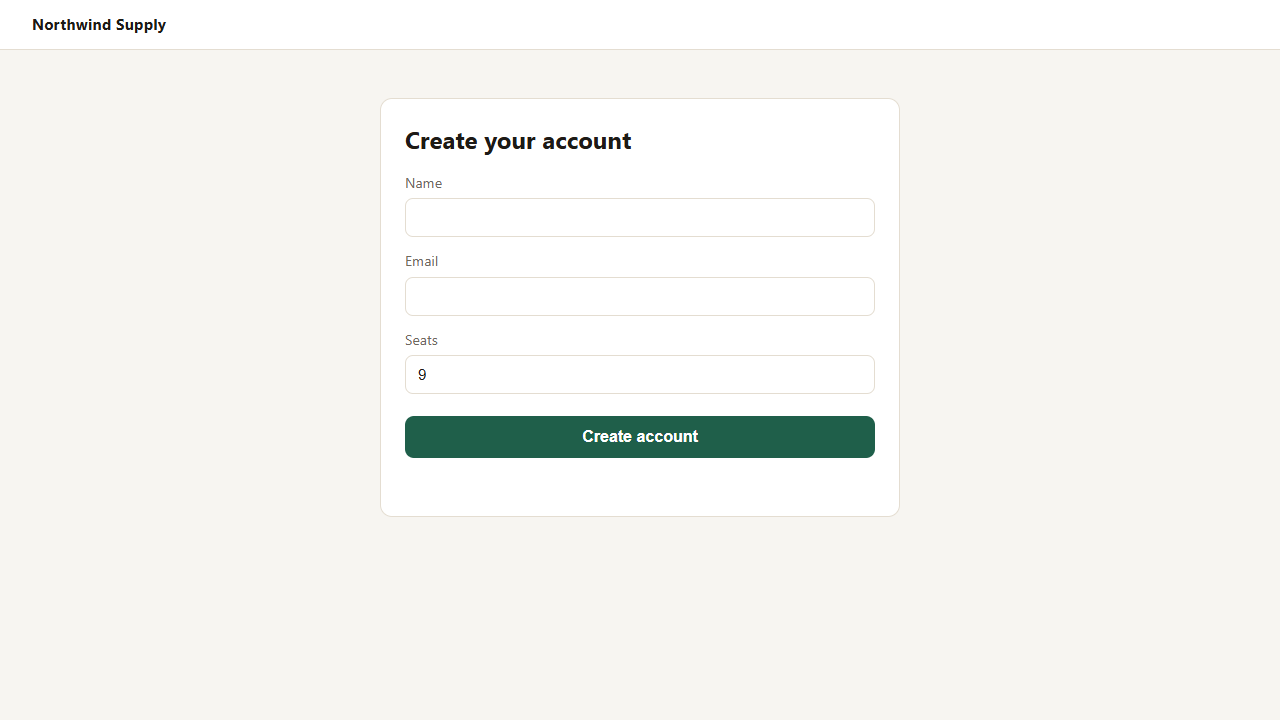
- 1click (638, 218) → landed on input#name
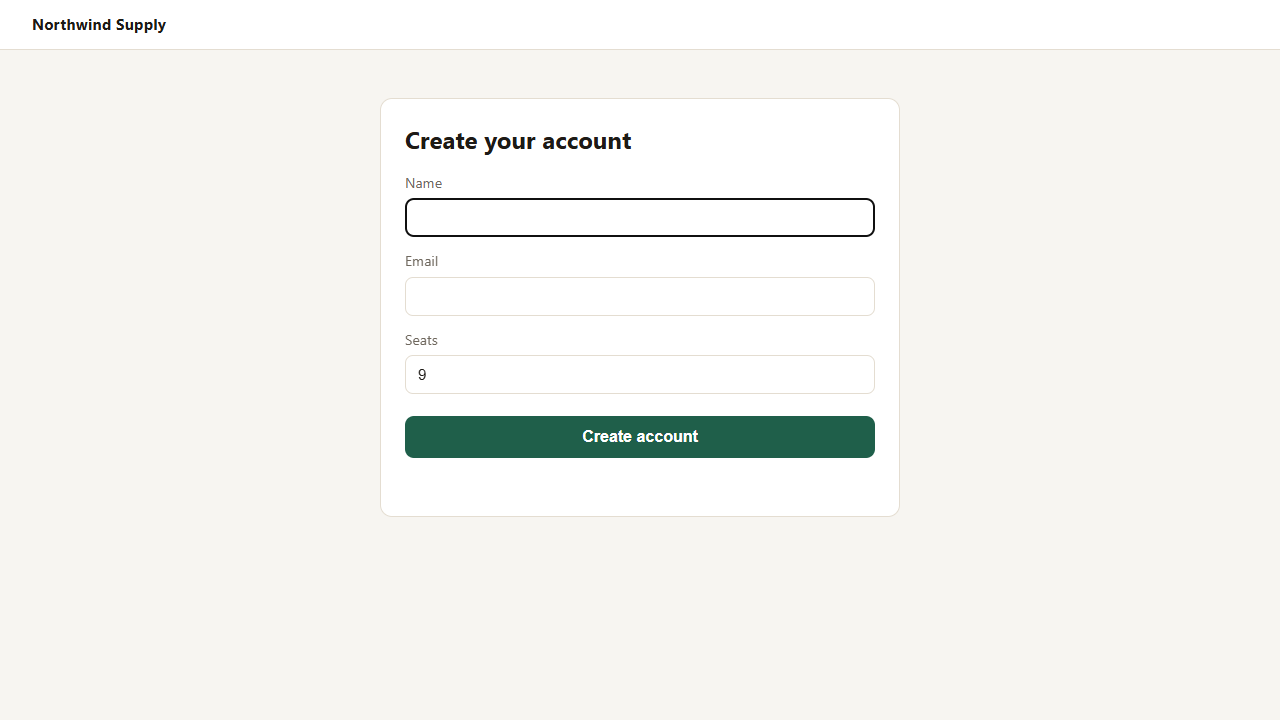
- 2type "Ada"click (637, 295) → landed on input#emailtype "ada@example.com"
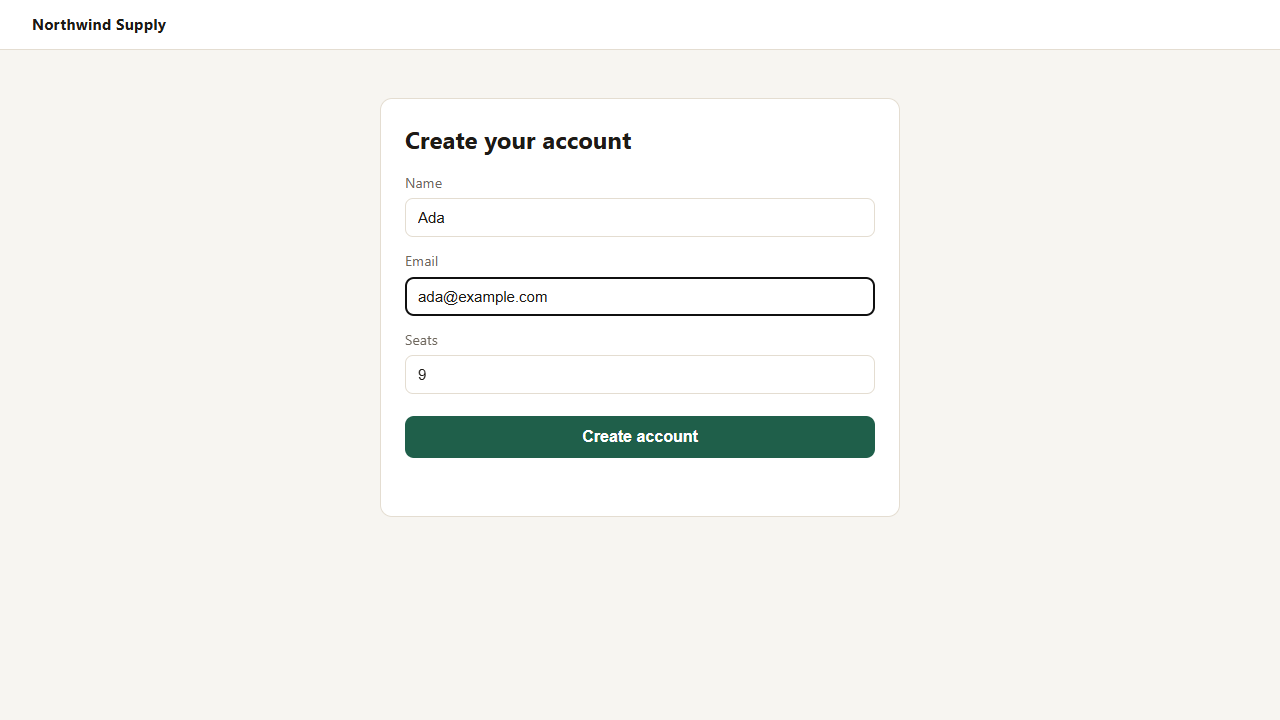
- 3click (637, 435) → landed on button#create.control
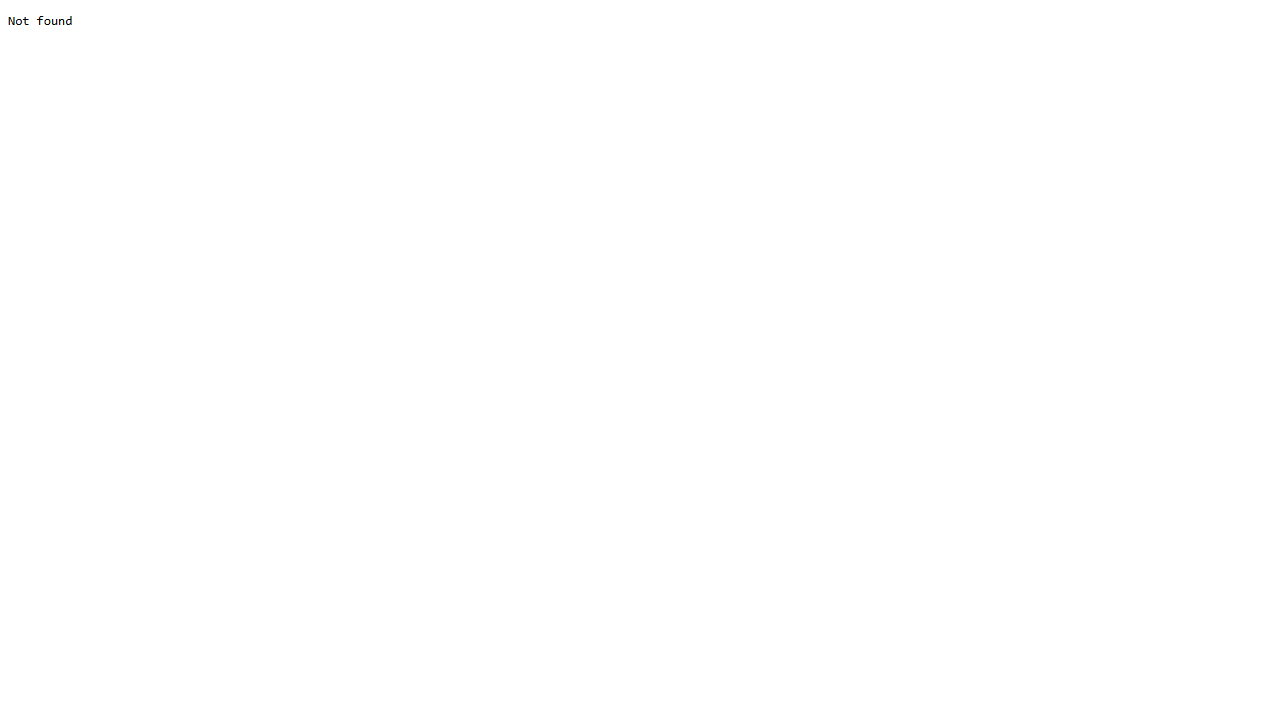
- 4wait
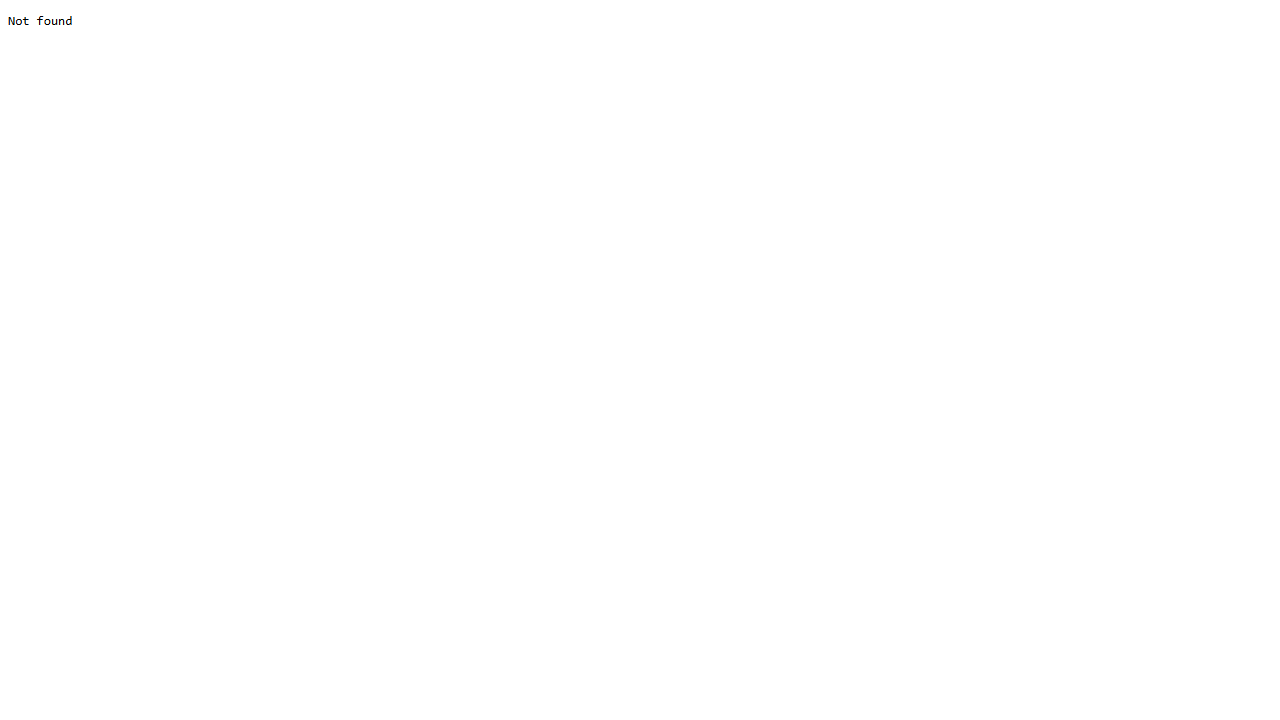
- 5look at the screen
Green · The fix — the criteria should pass
bench-gen/G-signup-bad-redirect/fix @ bd81704
expected pass · observed pass
✓ as expected
Verifier · Muse Spark 1.3pass
Code checkspass
Element checknot applicable
Judge · Muse Spark Openpass
Verifier sawWelcome page displays 'Welcome, Ada' after creating account.
Other voters
- Judge (meta-models/muse-spark-open): pass — Frame 3 clearly displays 'Welcome, Ada' confirming the welcome page greets the user as required after the sign-up form shown in Frame 1.
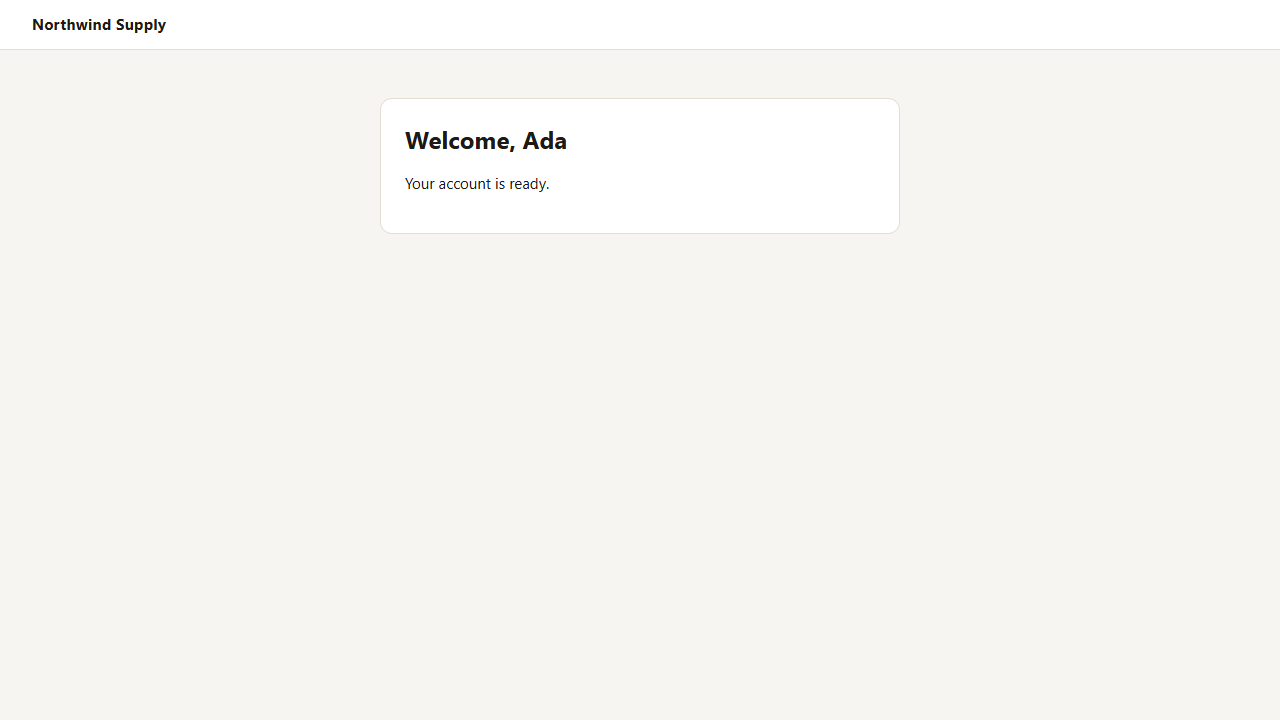
What the verifier did, step by step 2 steps
- 0open the app
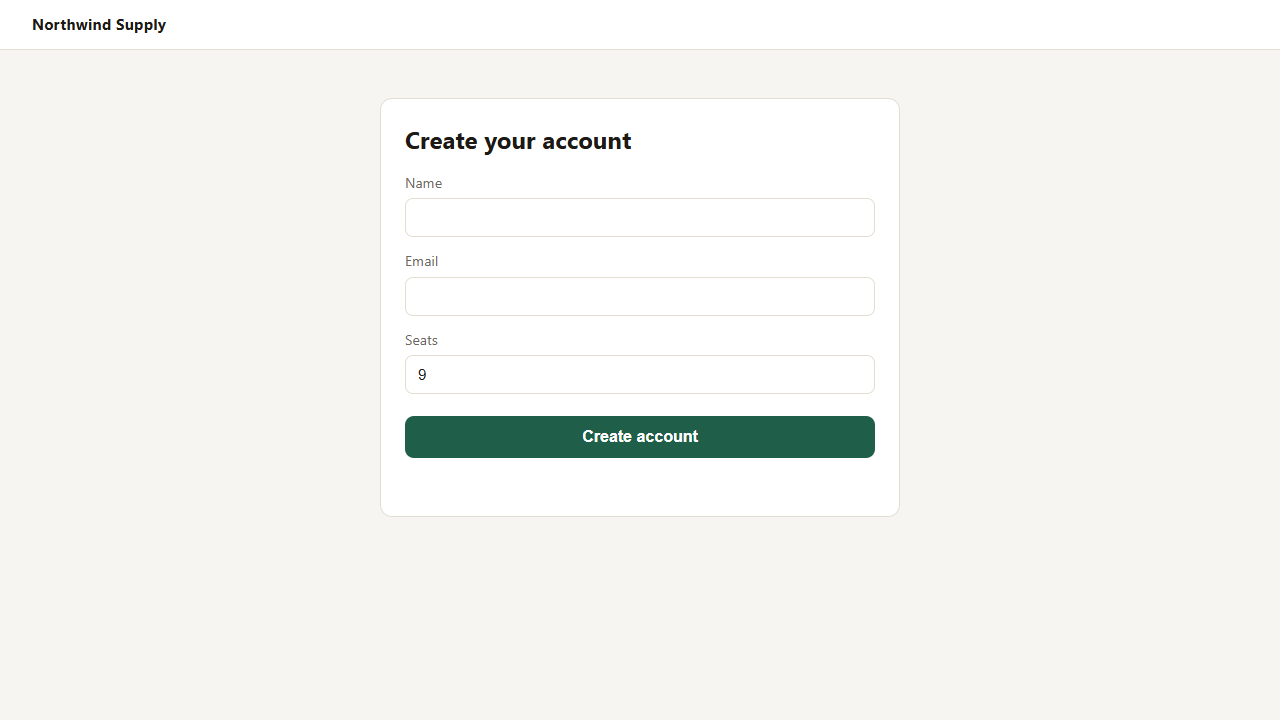
- 1press ctrl+ltype "http://localhost:55846/signup"press Enterwaitlook at the screen
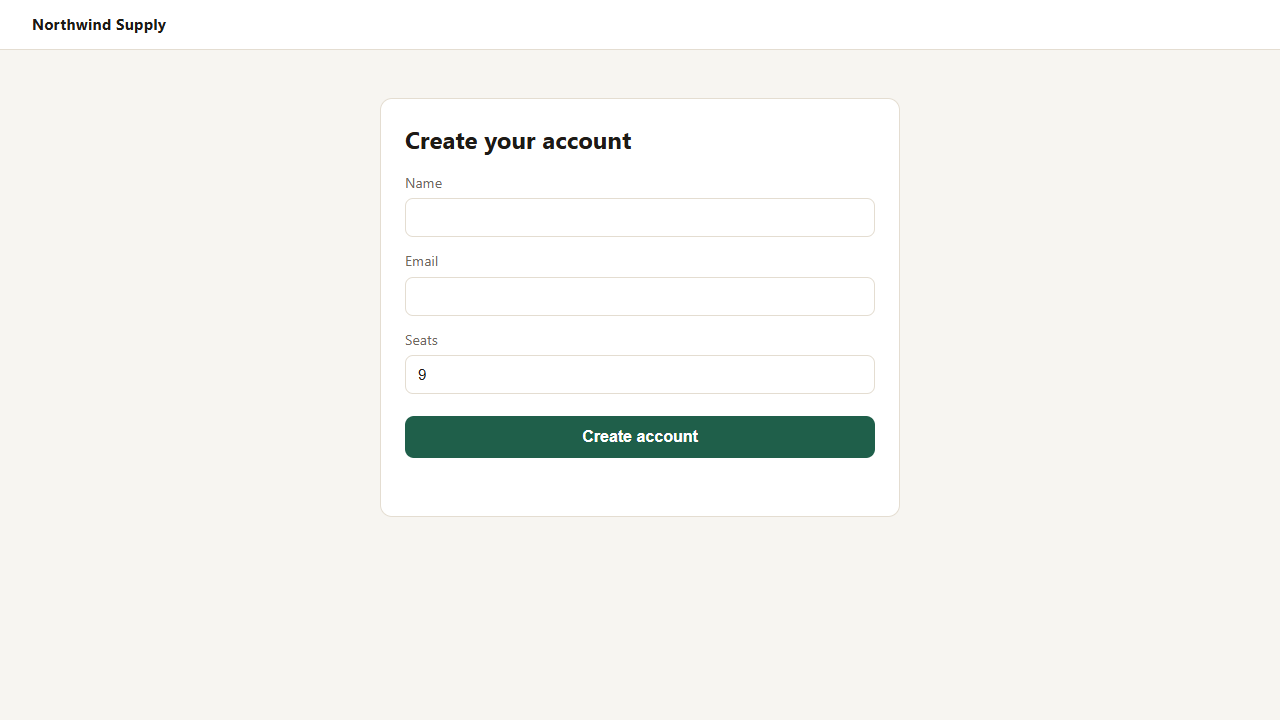
- 2click (640, 216) → landed on input#nametype "Ada"click (640, 296) → landed on input#emailtype "ada@example.com"click (640, 436) → landed on button#create.controlwaitlook at the screen
Break · A wrong fix — Attest should reject it
bench-gen/G-signup-bad-redirect/bad-fix @ 928fa19
expected fail · observed fail
✓ as expected
Verifier · Muse Spark 1.3fail
Code checksfail
Element checknot applicable
Judge · Muse Spark Openfail
Verifier sawAfter entering Ada and ada@example.com and clicking Create account, the page showed 'Not found' with no welcome greeting for Ada.
Other voters
- Judge (meta-models/muse-spark-open): fail — Frame 1 shows the sign-up form but Frames 2-13 are blank white screens with no welcome page or greeting for "Ada" ever visible.
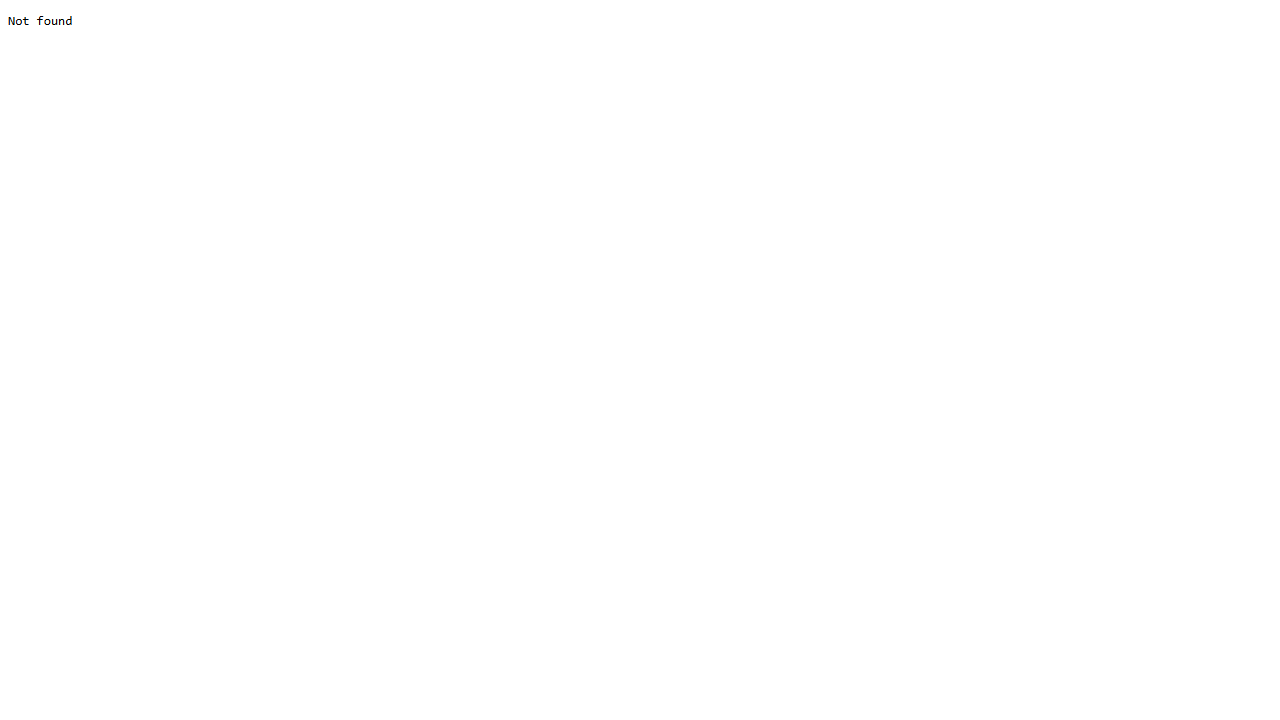
What the verifier did, step by step 12 steps
- 0open the app
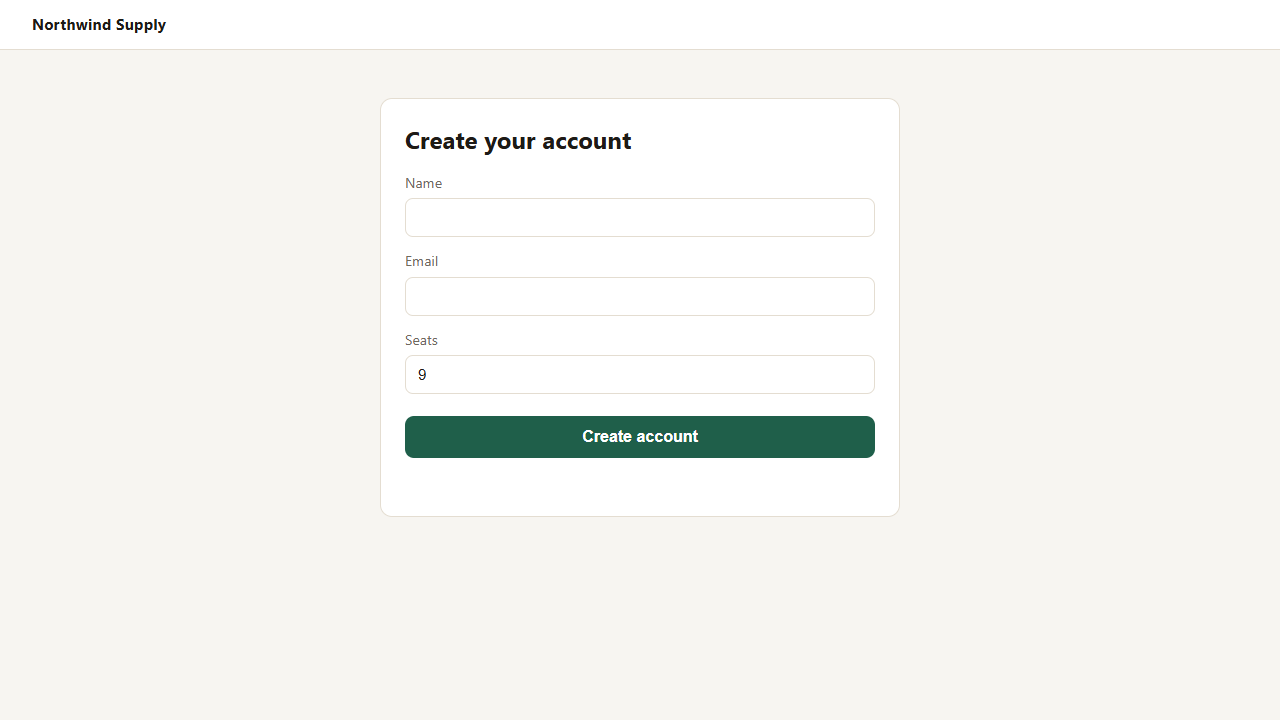
- 1click (638, 216) → landed on input#nametype "Ada"click (638, 296) → landed on input#emailtype "ada@example.com"click (638, 436) → landed on button#create.control
- 2press ctrl+lwait
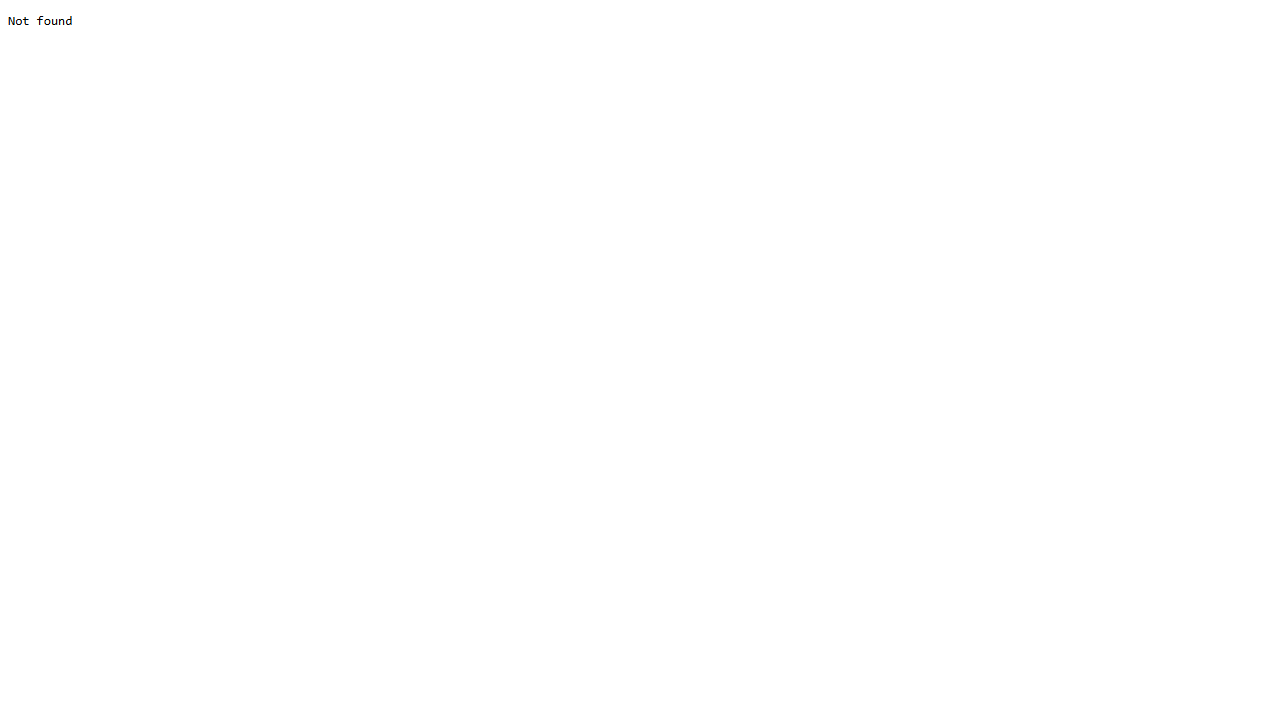
- 3press ctrl+ltype "http://localhost:62958/signup "
- 4press Alt+Left
- 5press F5keypress: unknown key "F5"
- 6look at the screen
- 7press F6keypress: unknown key "F6"
- 8press F6type "http://localhost:62958/signup"press Enterkeypress: unknown key "F6"
- 9press ctrl+lwait
- 10type "http://localhost:62958/signup"
- 11press Enter
- 12press Alt+dwait
Check this receipt yourself
What attest verify checks — no model calls
- The Ed25519 signature over the receipt
- The hash-chained event log, its head and its length
- The hash of every screenshot, video and the criteria copy
- That the verdict follows from the recorded votes
What a receipt does not prove
- That the capture environment was honest — it shows nothing changed after capture; the signature detects a later edit
- Who ran it — the key is created on the machine that ran the proof
- Anything beyond the stated criteria