Verdict
Inconclusive1 of 3 phases as expected
Attest could not establish a proof, so it certifies nothing.
- red: inconclusive
- break: inconclusive
Subject
- Run from
- https://github.com/Master07/attest.git
- App
- examples/bench-gen/todo-clipped/app
- Red
- bench-gen/G-todo-clipped/base @ c0ac66b
- Green
- bench-gen/G-todo-clipped/fix @ cc268cb
- Break
- bench-gen/G-todo-clipped/bad-fix @ 234ac65
- verifier
- Muse Spark 1.3 Meta Model API · muse-spark-1.3
- judge
- Muse Spark Open Baseten · meta-models/muse-spark-open open weights
Acceptance criteria · human-approved
- Given
- An empty to-do list at /
- When
- The user types "Buy milk" into the new-item field and clicks "Add"
- Then
- The list shows "Buy milk"
The proof
Red · Original code — the bug should reproduce
bench-gen/G-todo-clipped/base @ c0ac66b
expected fail · observed inconclusive
! inconclusive
Phase error. stopped after 25 steps
Verifier · Muse Spark 1.3no vote — error
Code checkspass
Element checknot applicable
Judge · Muse Spark Openfail
Other voters
- Judge (meta-models/muse-spark-open): fail — No frame shows the list containing "Buy milk" as an item; the phrase only appears inside the input field and the list area remains empty after the Add button interaction.
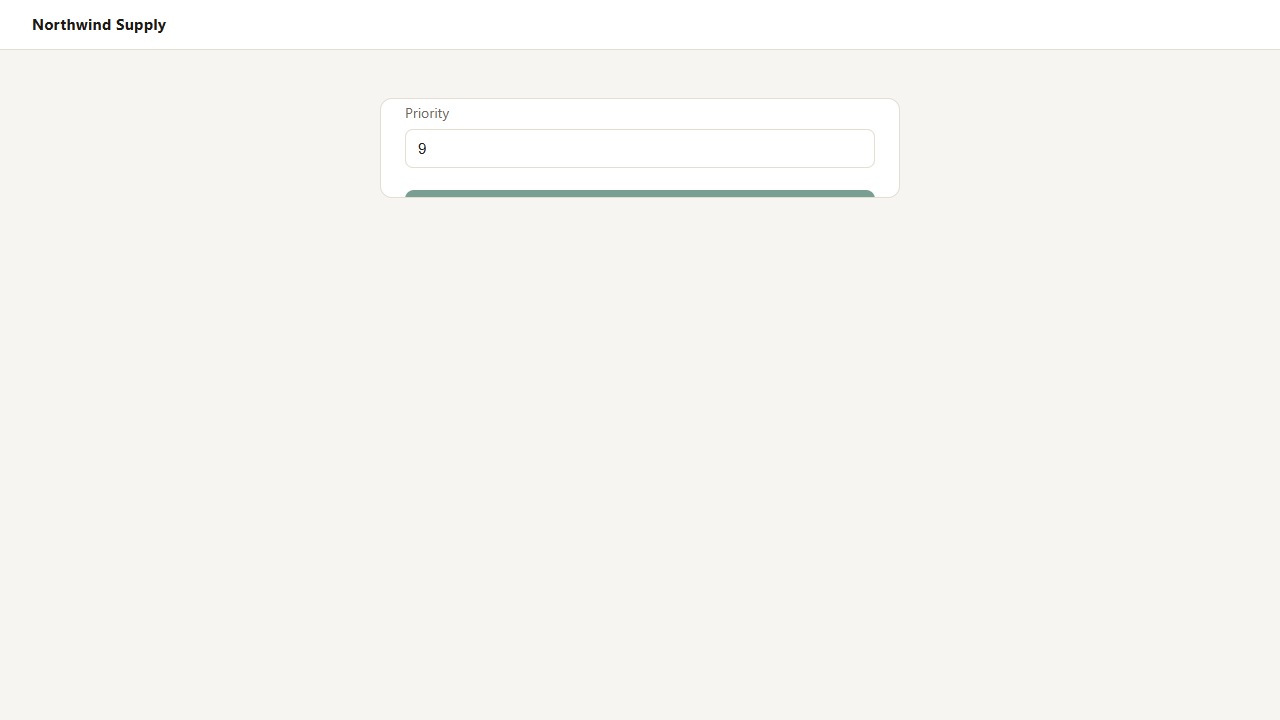
What the verifier did, step by step 25 steps
- 0open the app
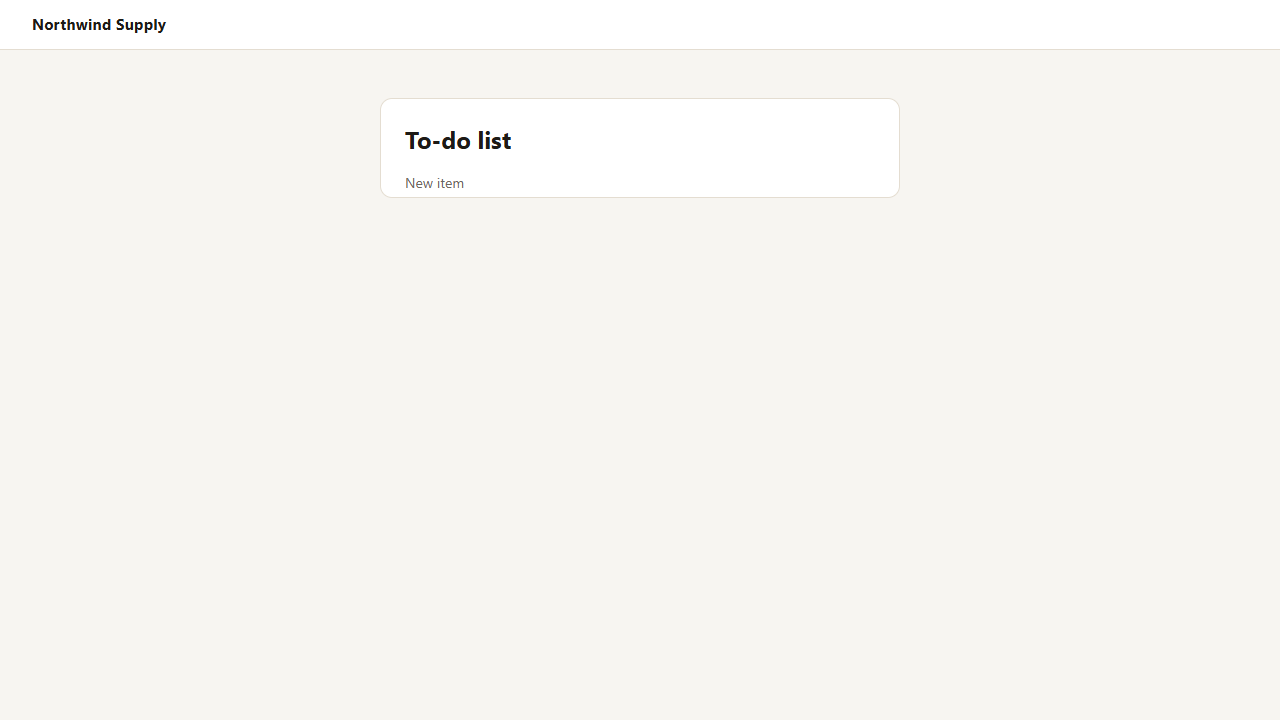
- 1click (637, 183) → landed on label (not a control)
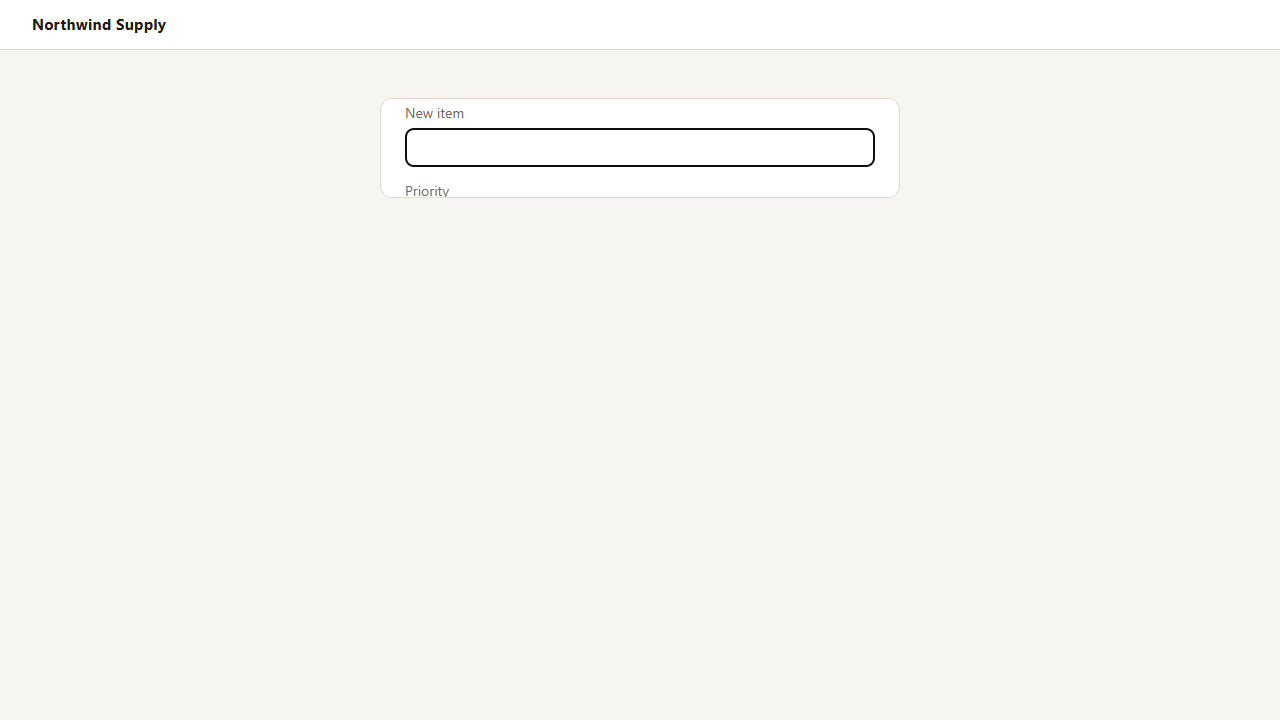
- 2type "Buy milk"
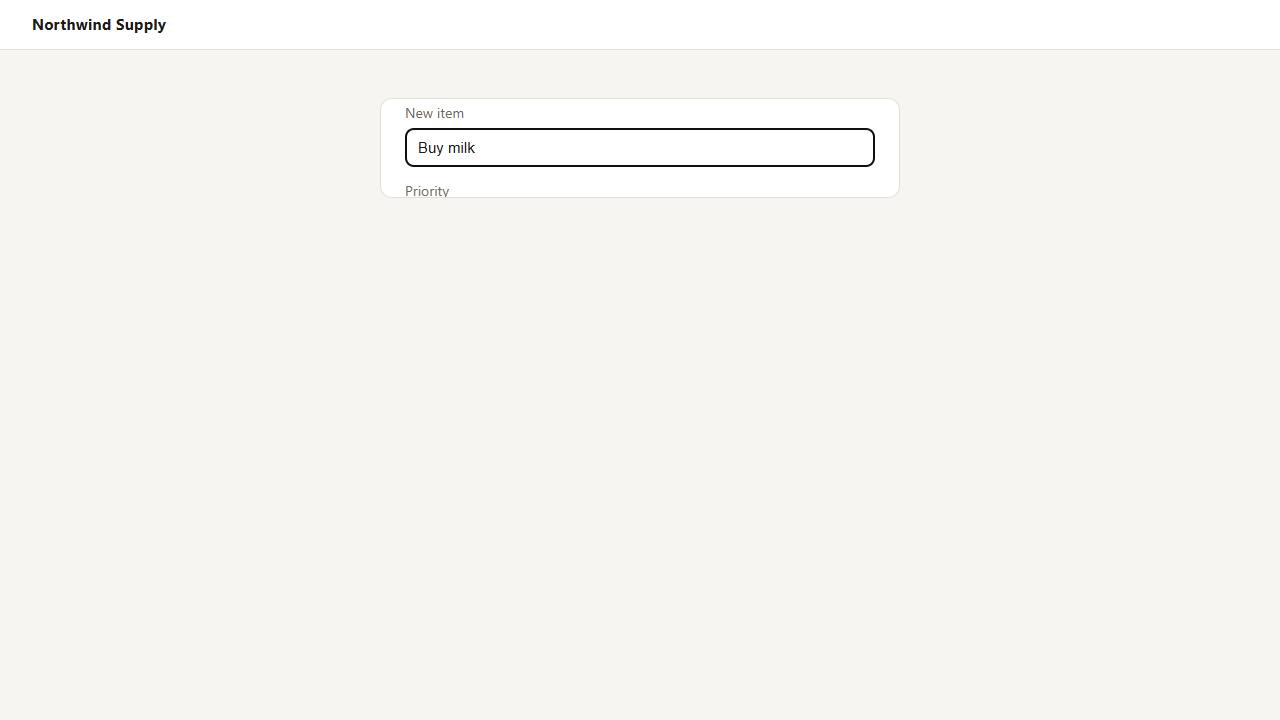
- 3scroll (640, 144) by (0, 3)
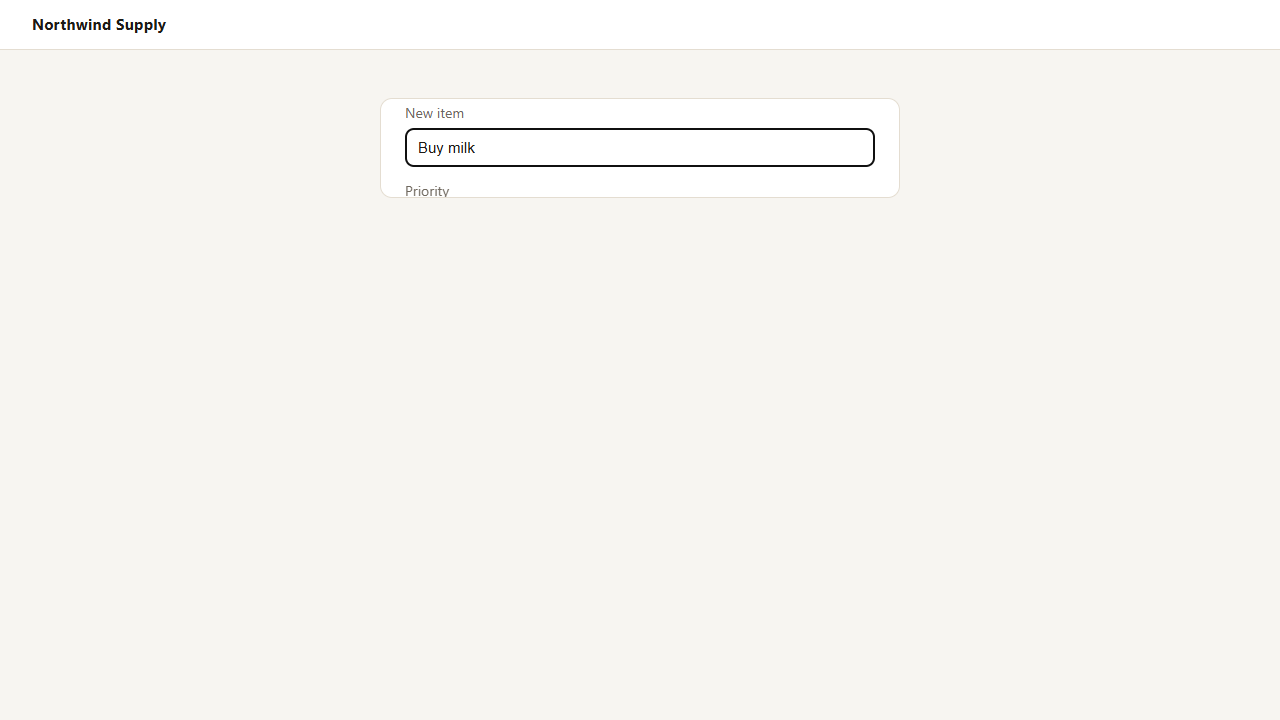
- 4scroll (640, 147) by (0, 8)
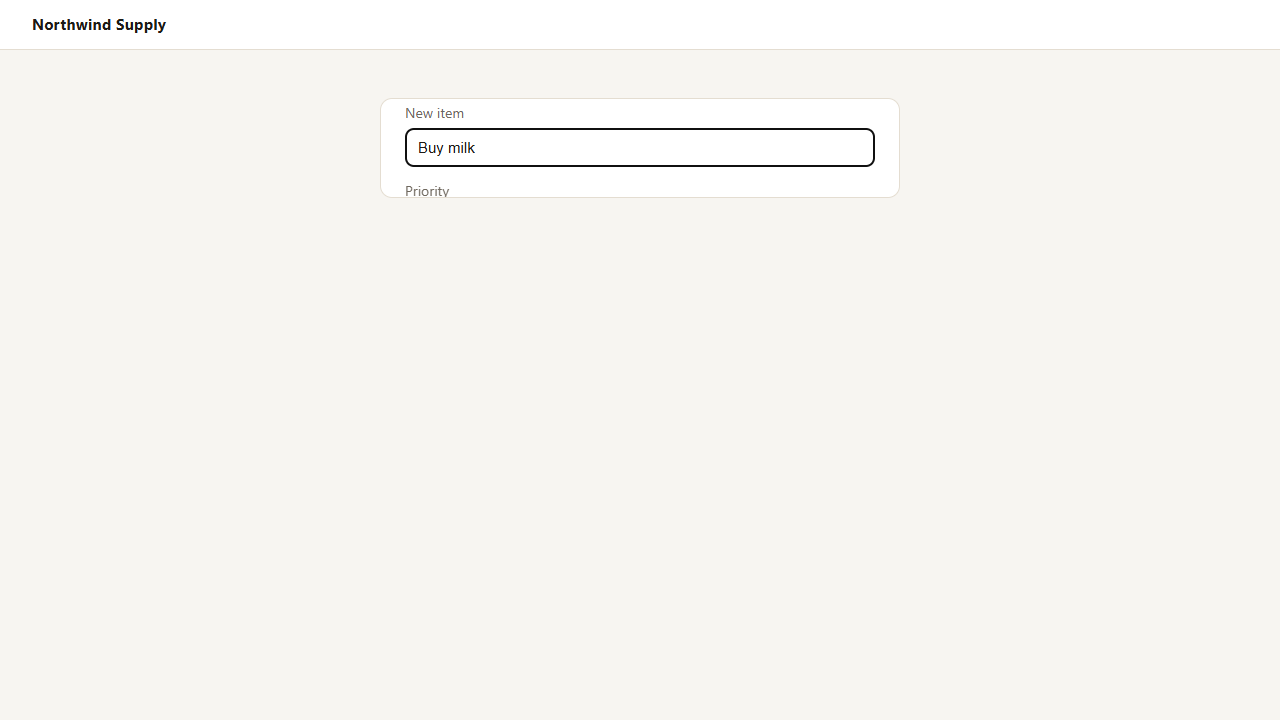
- 5press PageDown
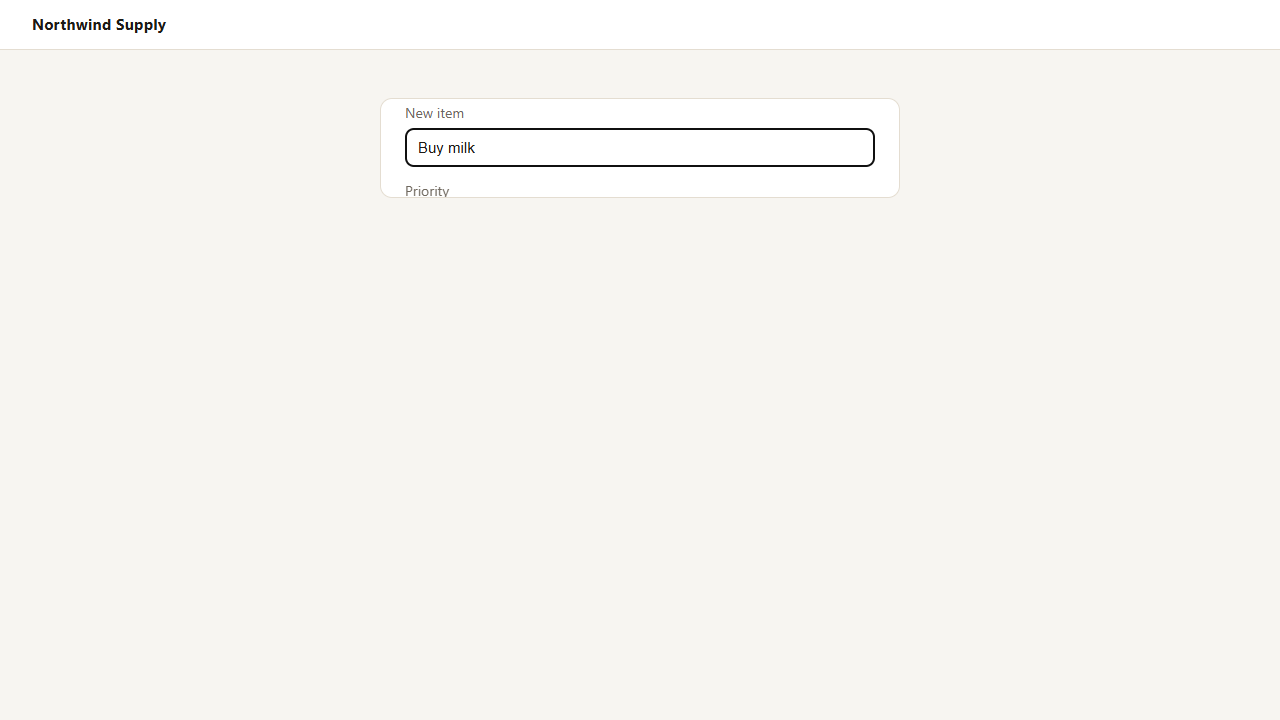
- 6press Tab
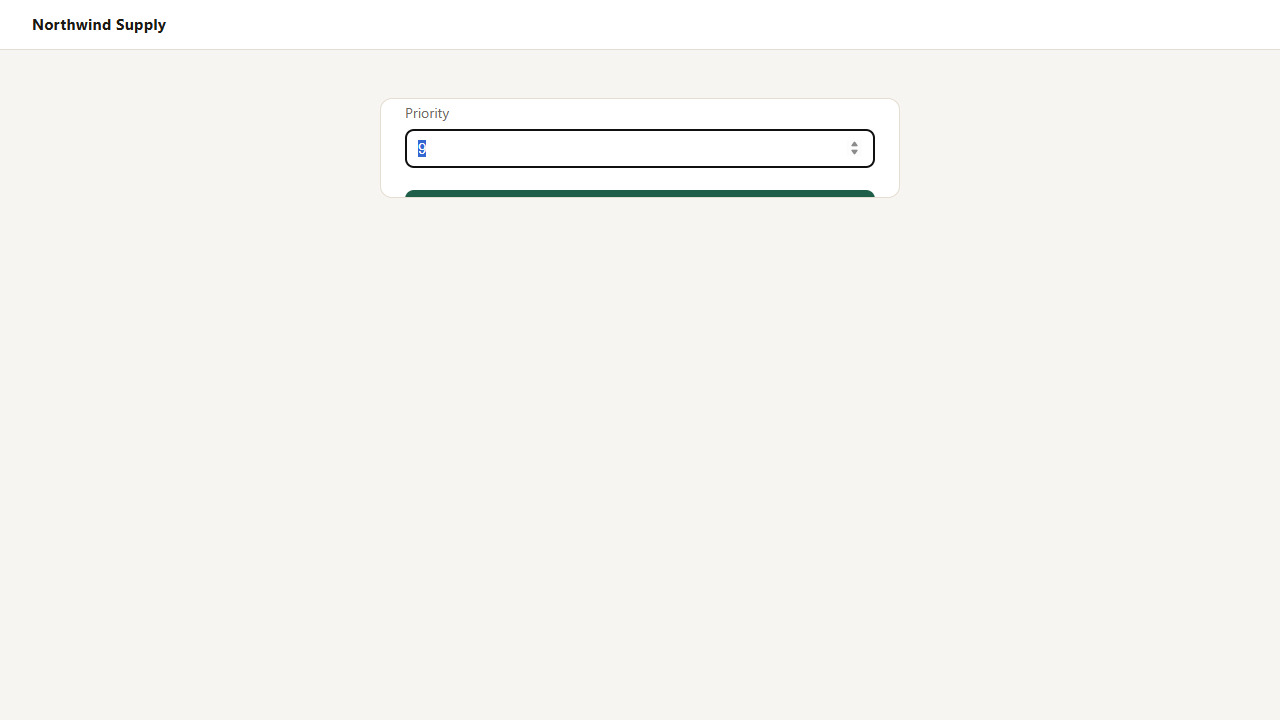
- 7press Control+-keypress: unknown key "-"
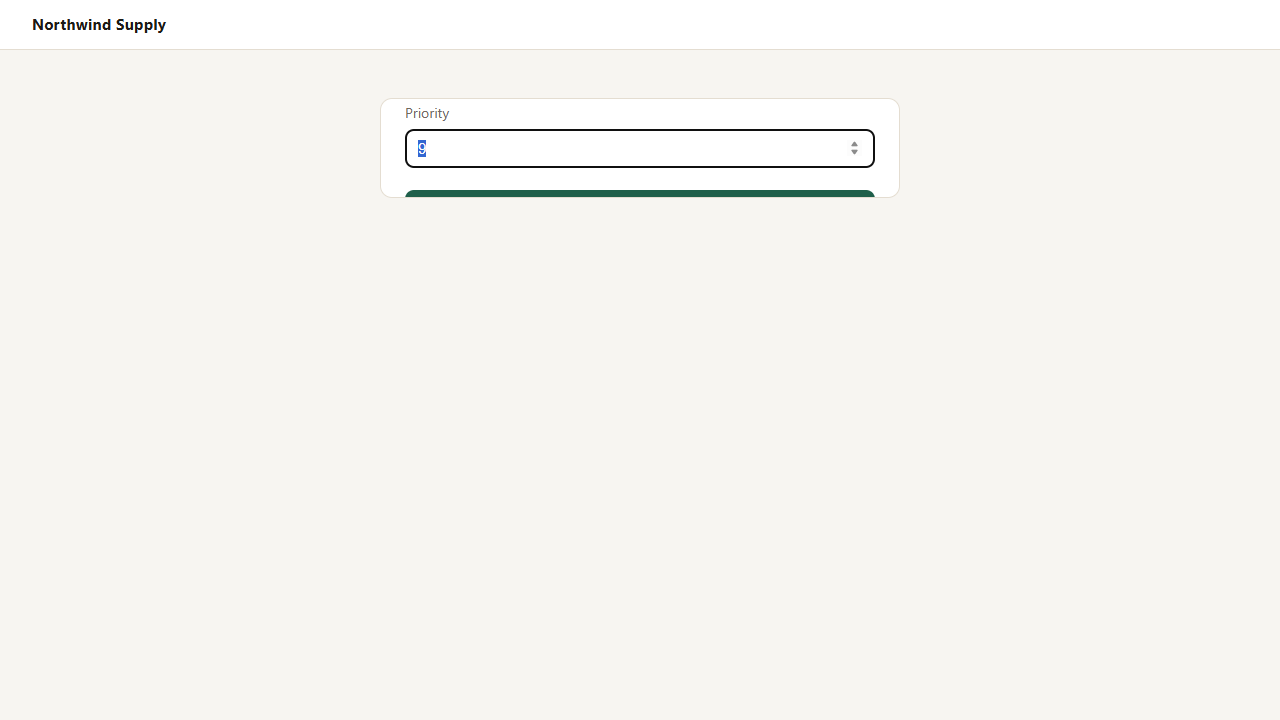
- 8press Tab
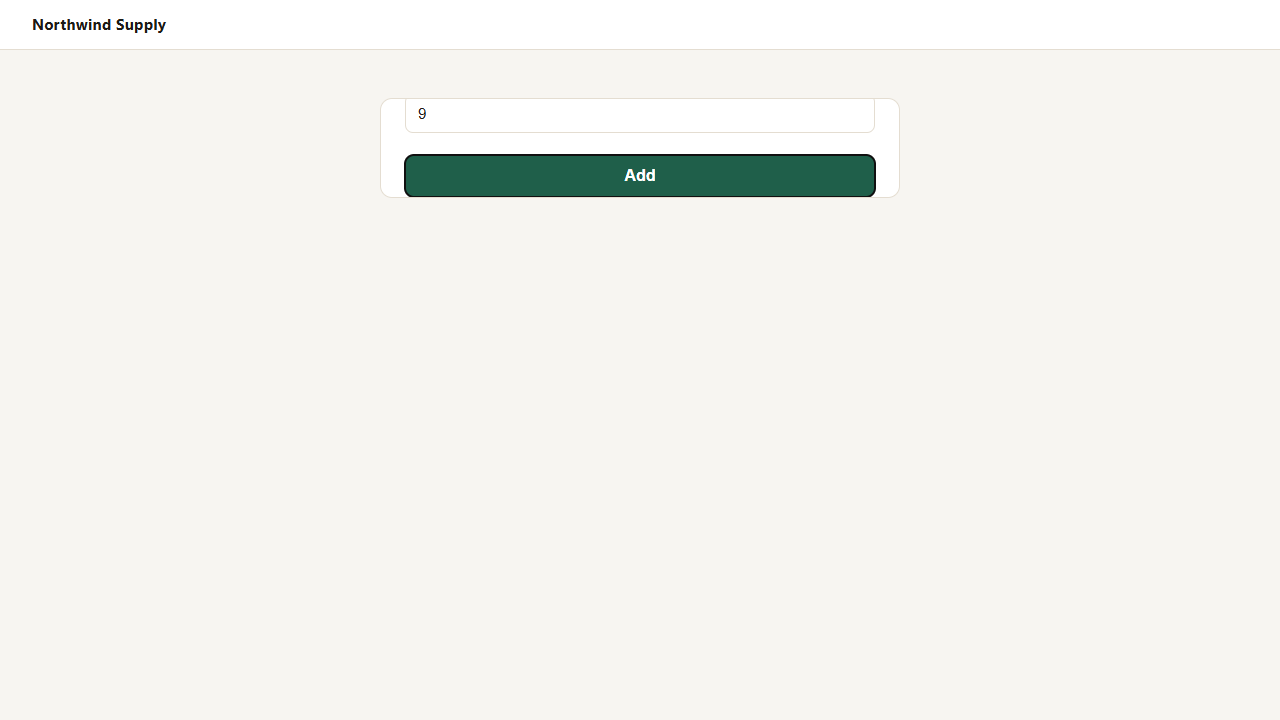
- 9scroll (640, 144) by (0, -5)
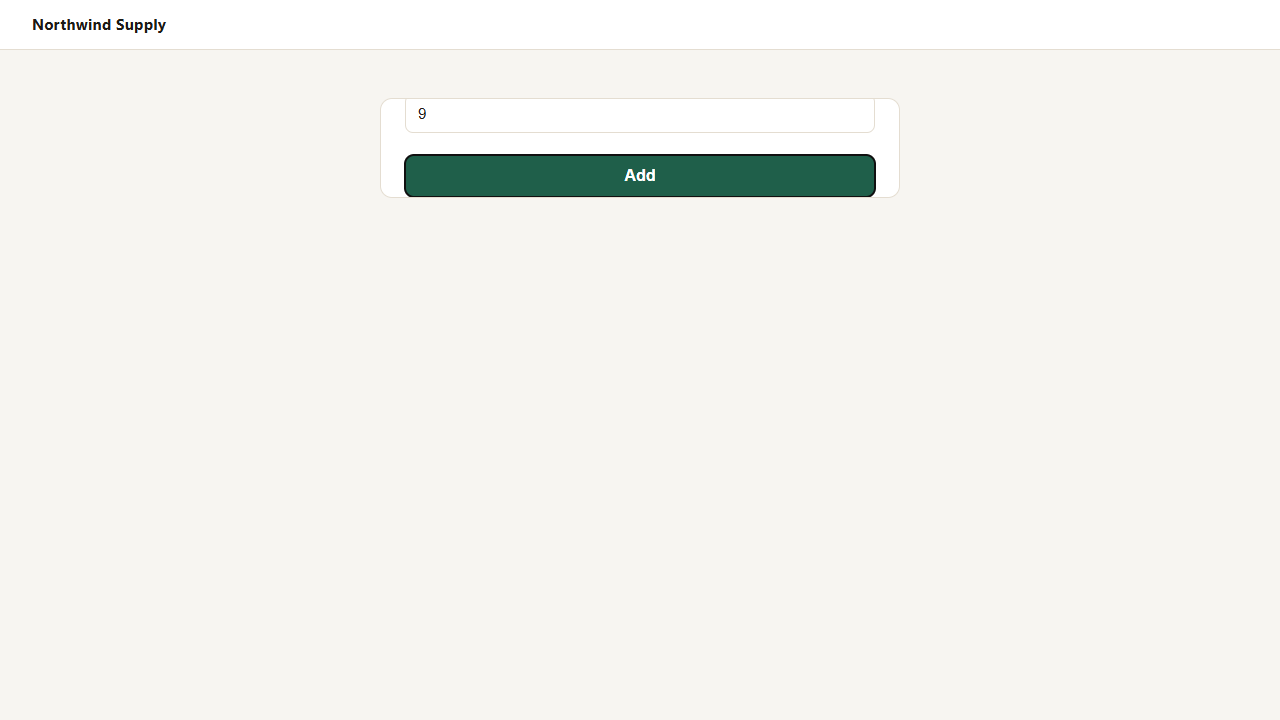
- 10click (640, 174) → landed on button#add.control
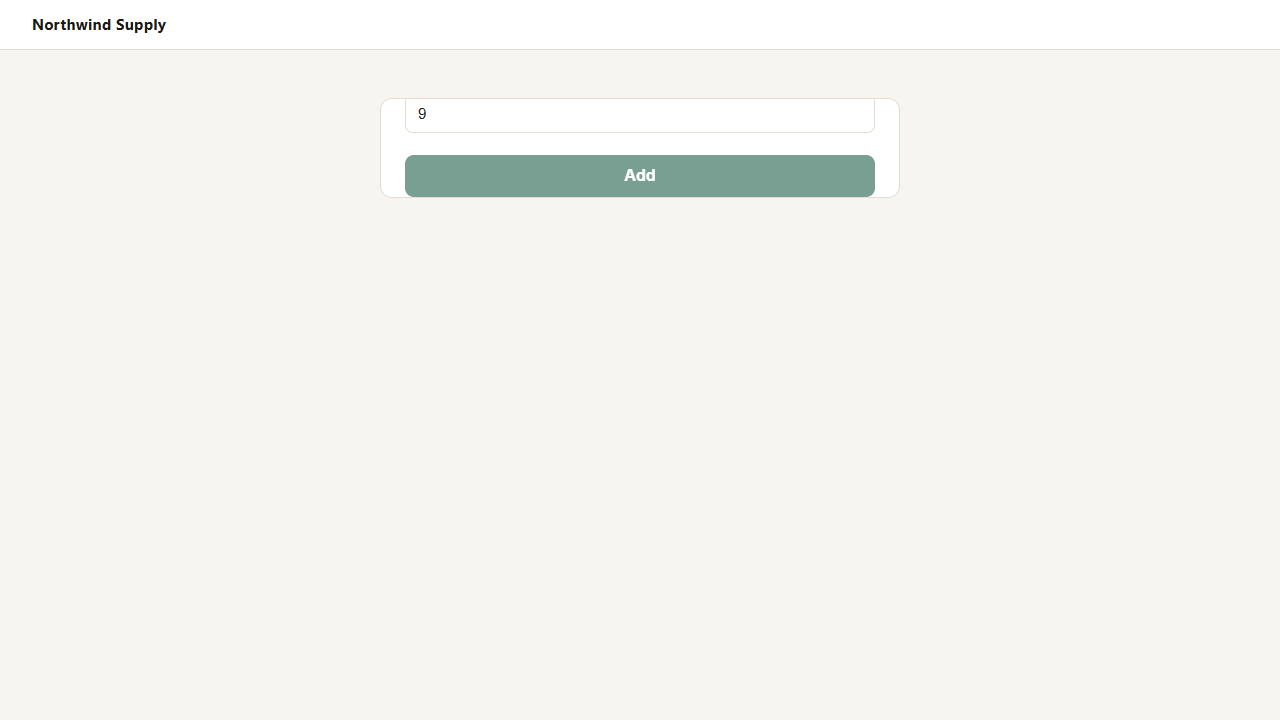
- 11drag
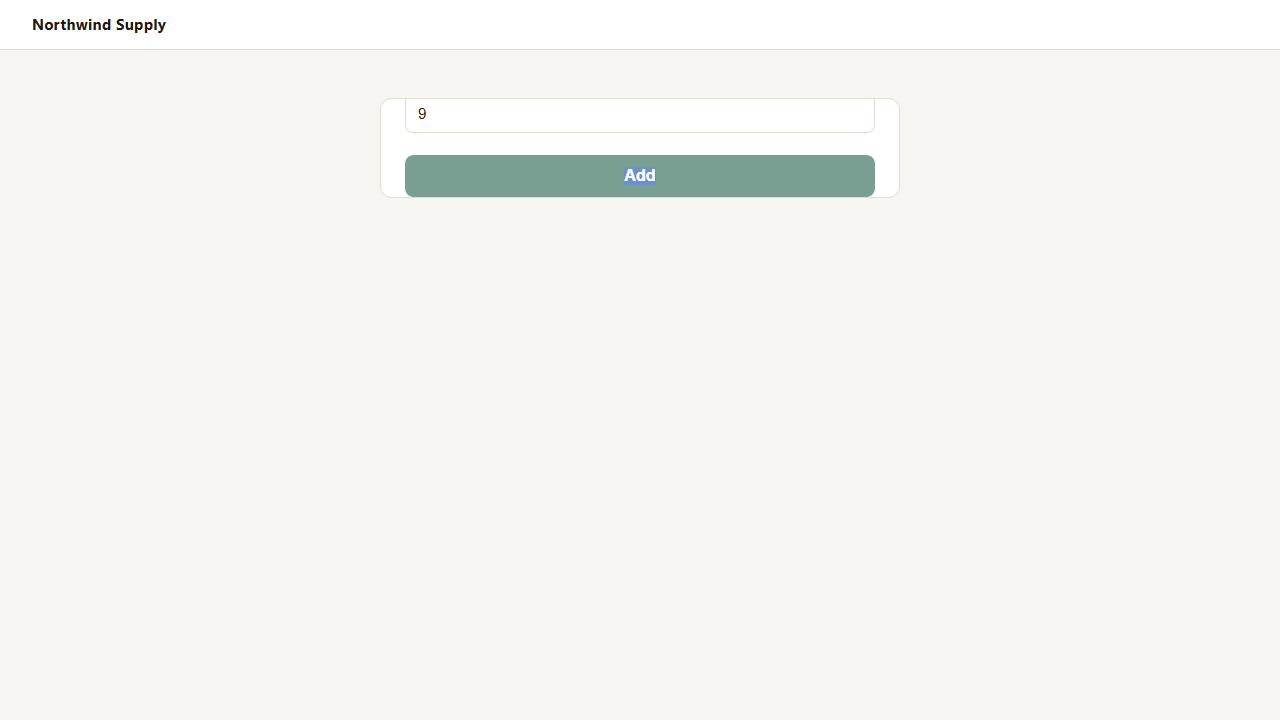
- 12press Control+Home
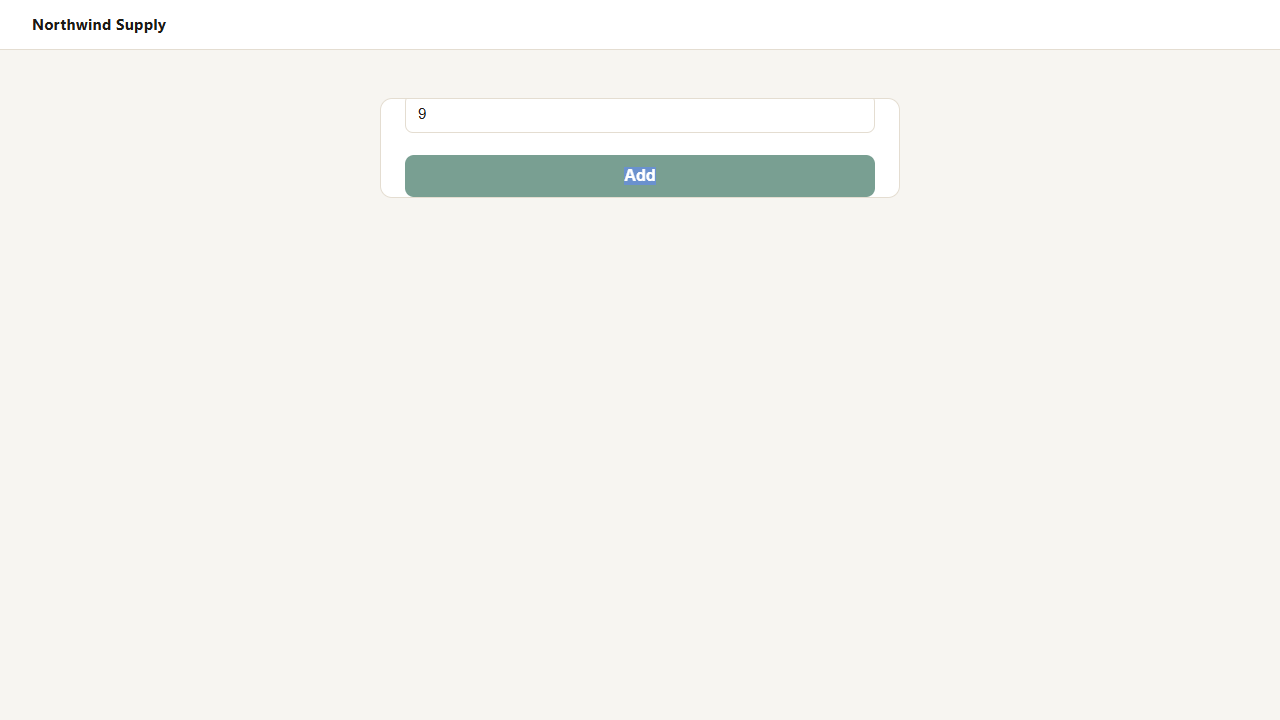
- 13press F5keypress: unknown key "F5"
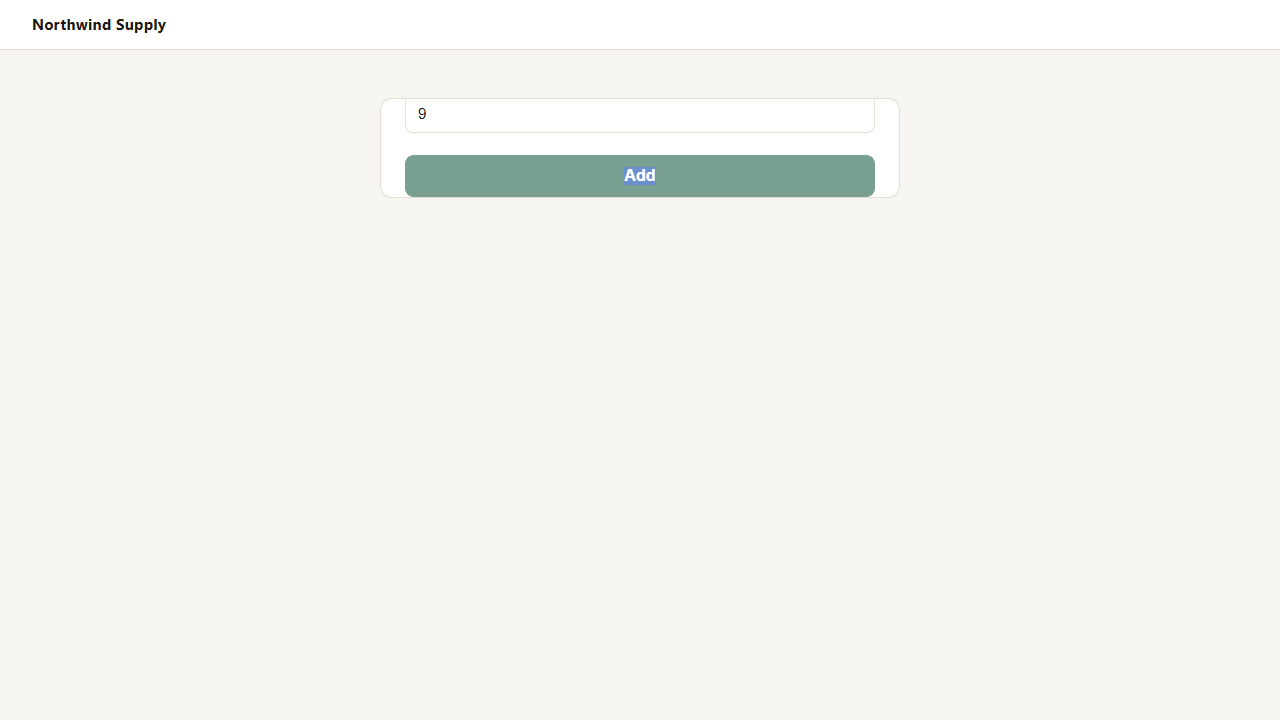
- 14press Control+r
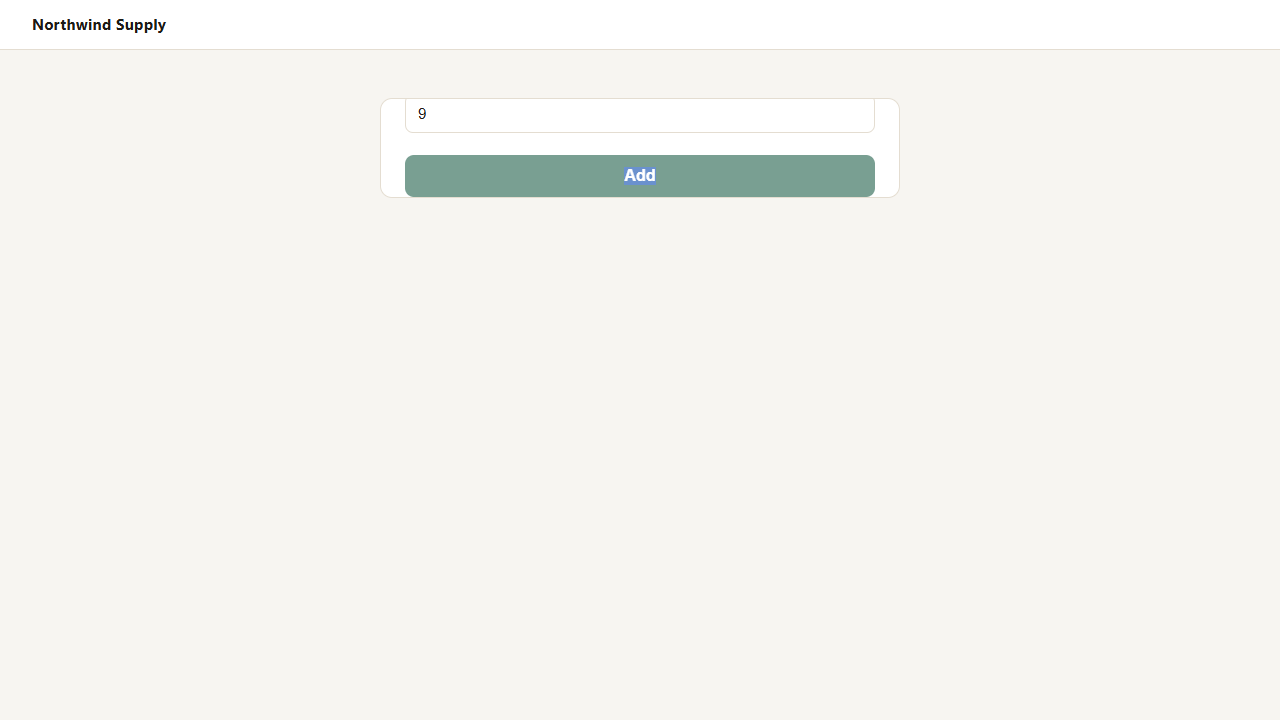
- 15press Shift+Tab
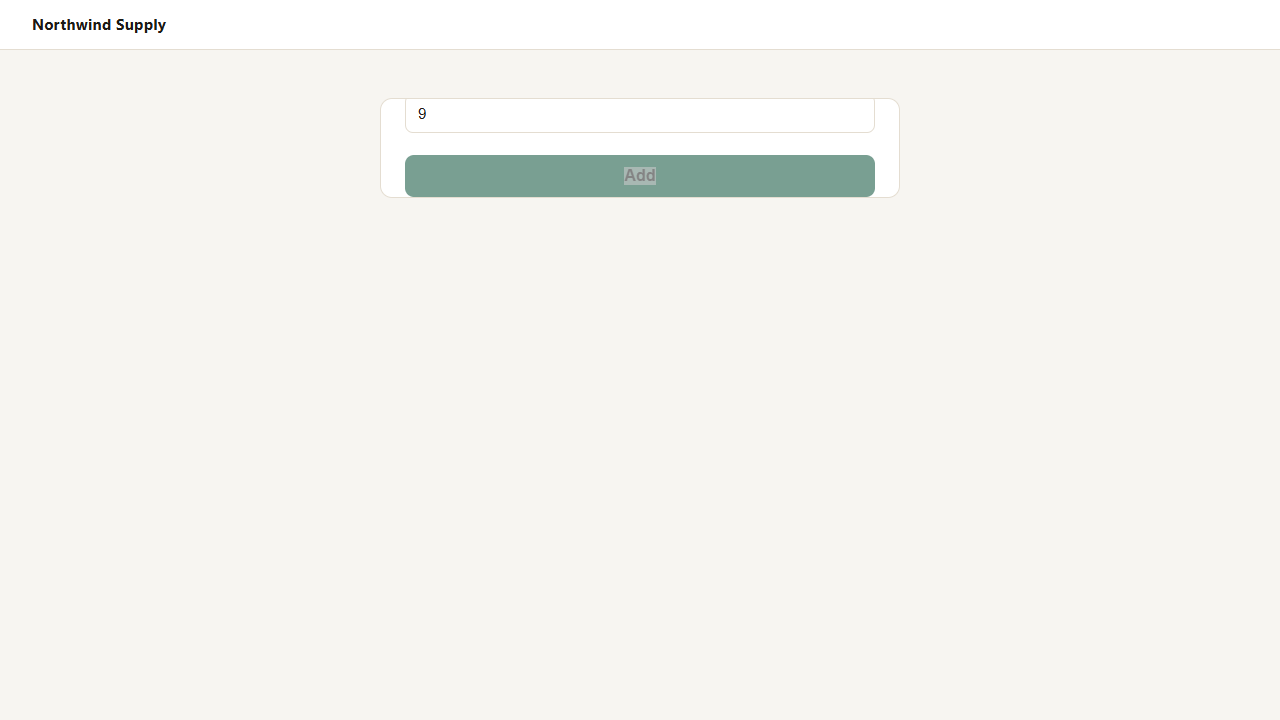
- 16press Shift+Tab
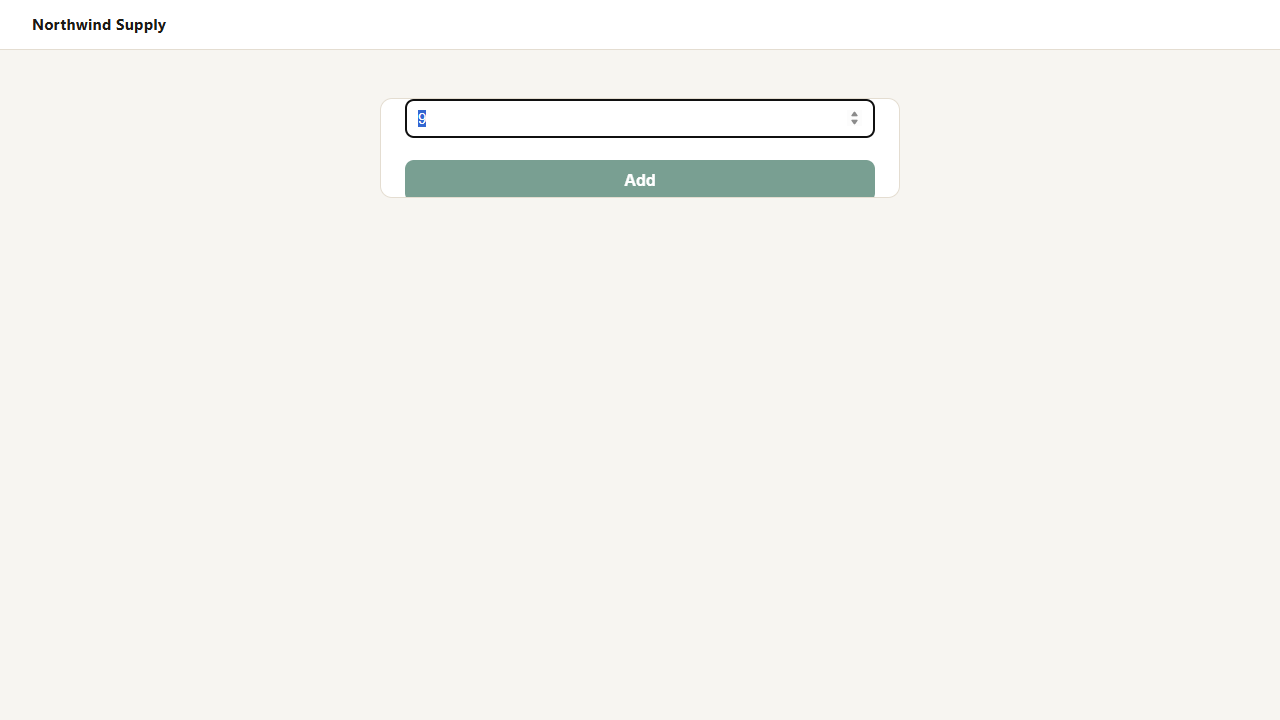
- 17press Shift+Tab
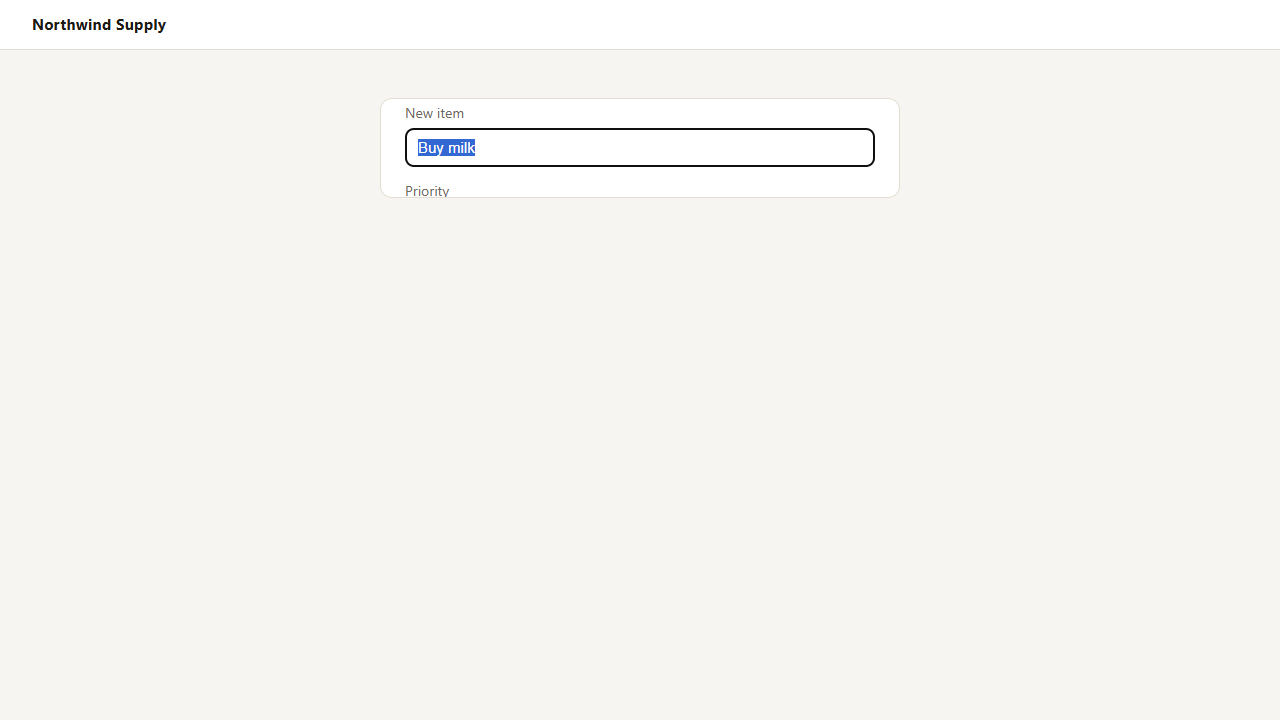
- 18press Tab
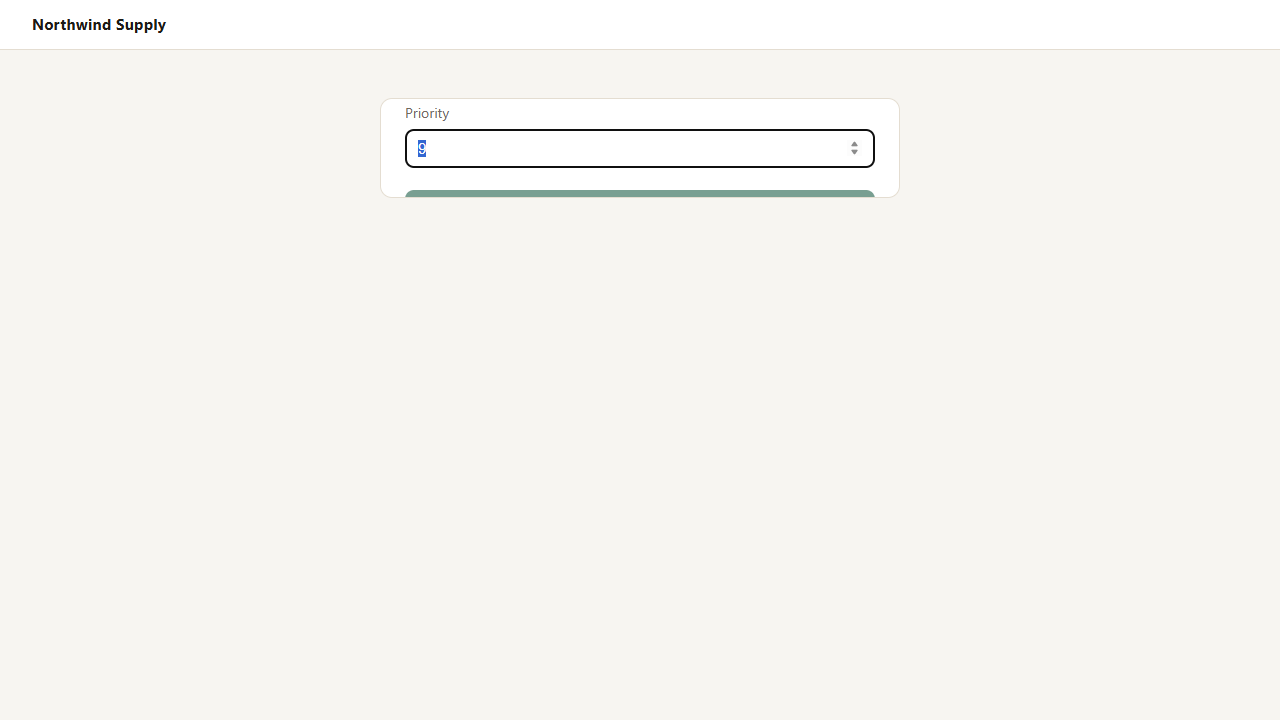
- 19press Tab
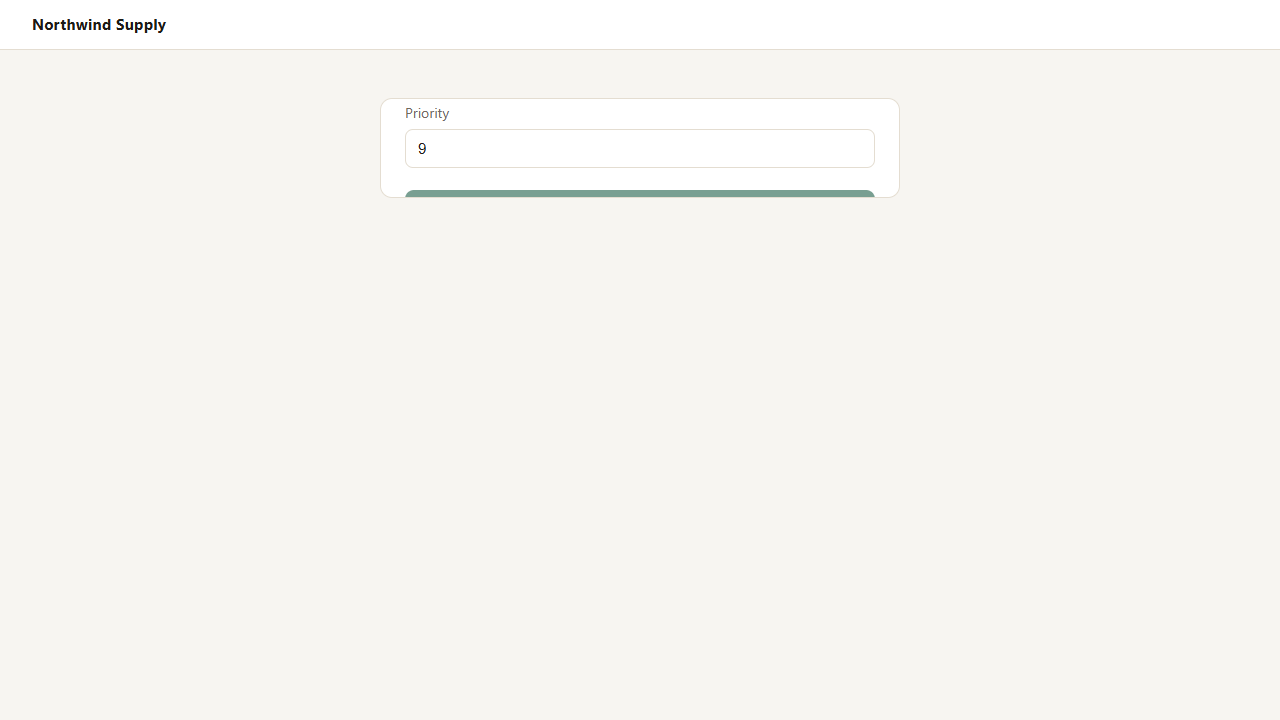
- 20press Tab
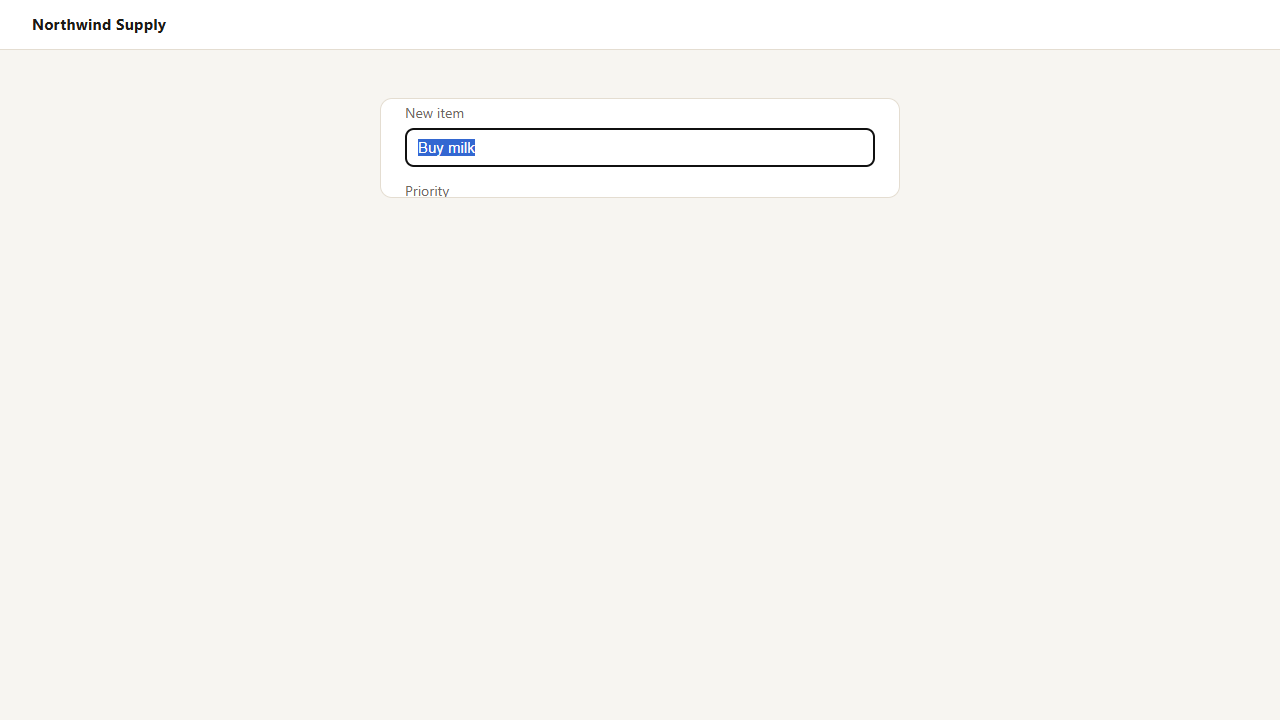
- 21press Tabwait
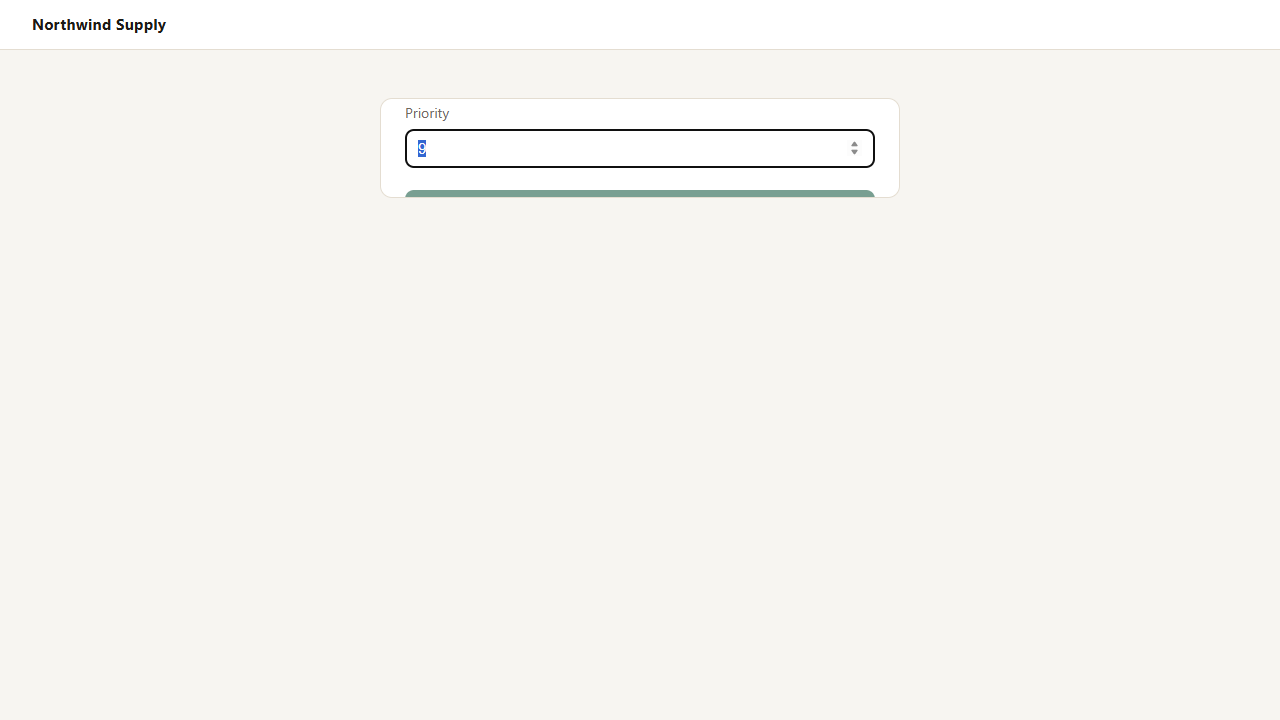
- 22press Tabwait
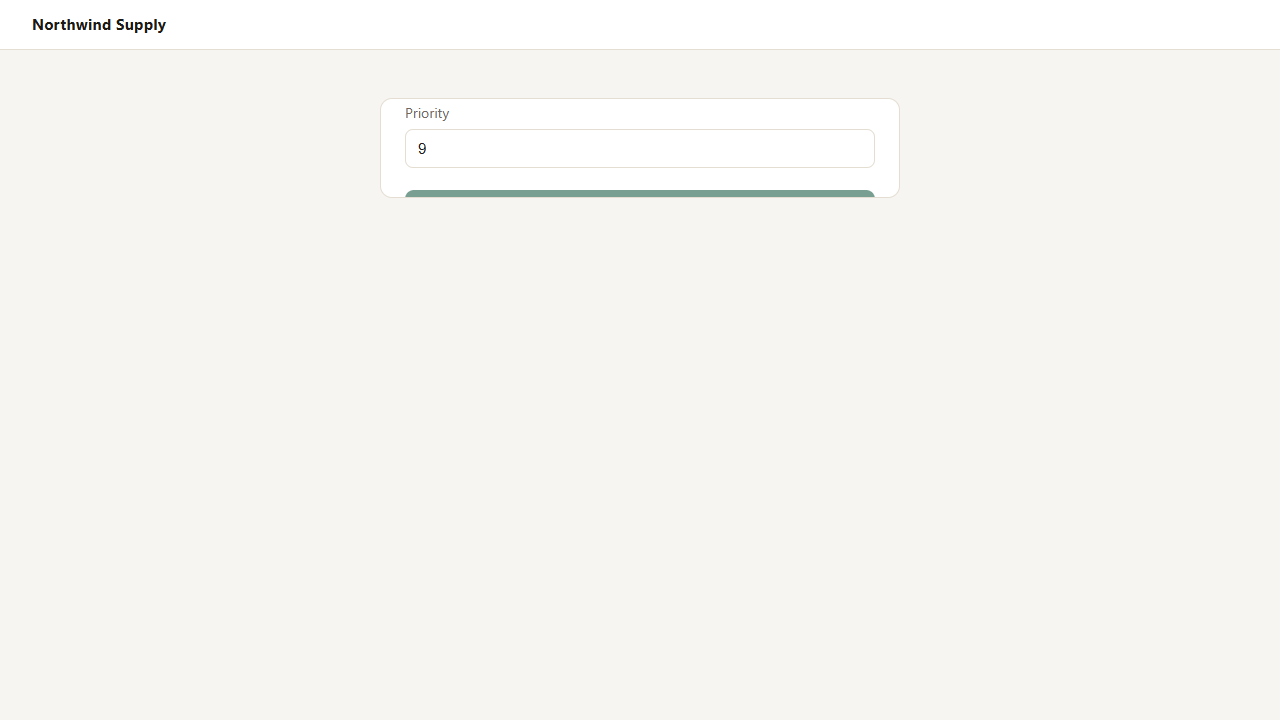
- 23click (638, 148) → landed on input#qty
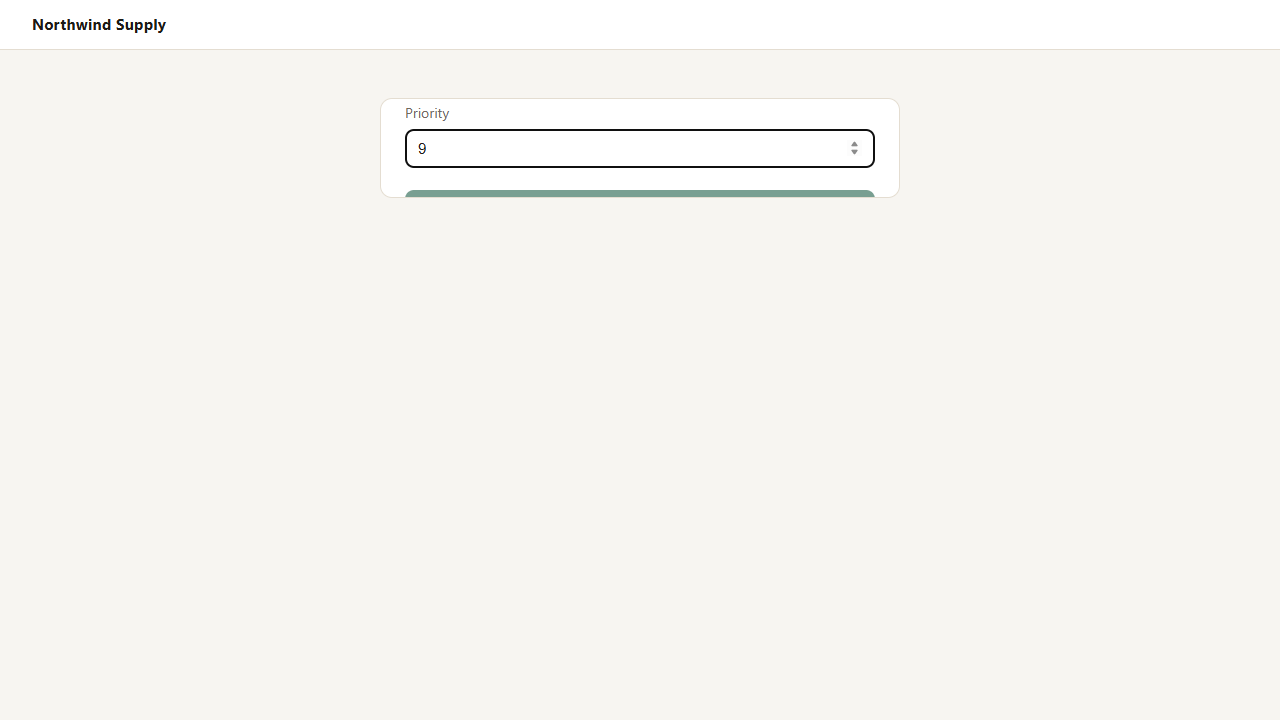
- 24press Tab
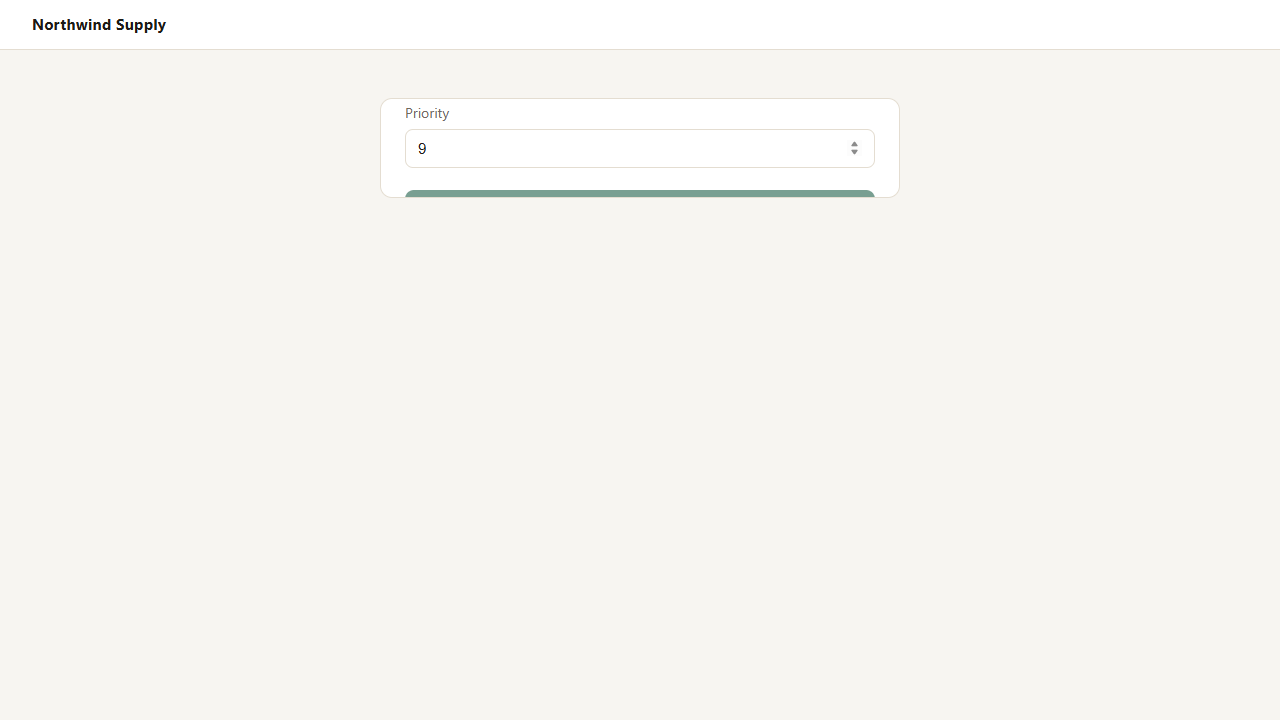
- 25click (640, 193) → landed on button#add.control
Green · The fix — the criteria should pass
bench-gen/G-todo-clipped/fix @ cc268cb
expected pass · observed pass
✓ as expected
Verifier · Muse Spark 1.3pass
Code checkspass
Element checknot applicable
Judge · Muse Spark Openpass
Verifier sawAfter typing Buy milk and clicking Add, the list below shows Buy milk
Other voters
- Judge (meta-models/muse-spark-open): pass — Frame 2 and Frame 3 clearly show 'Buy milk' displayed in the list below the Add button after it was typed.
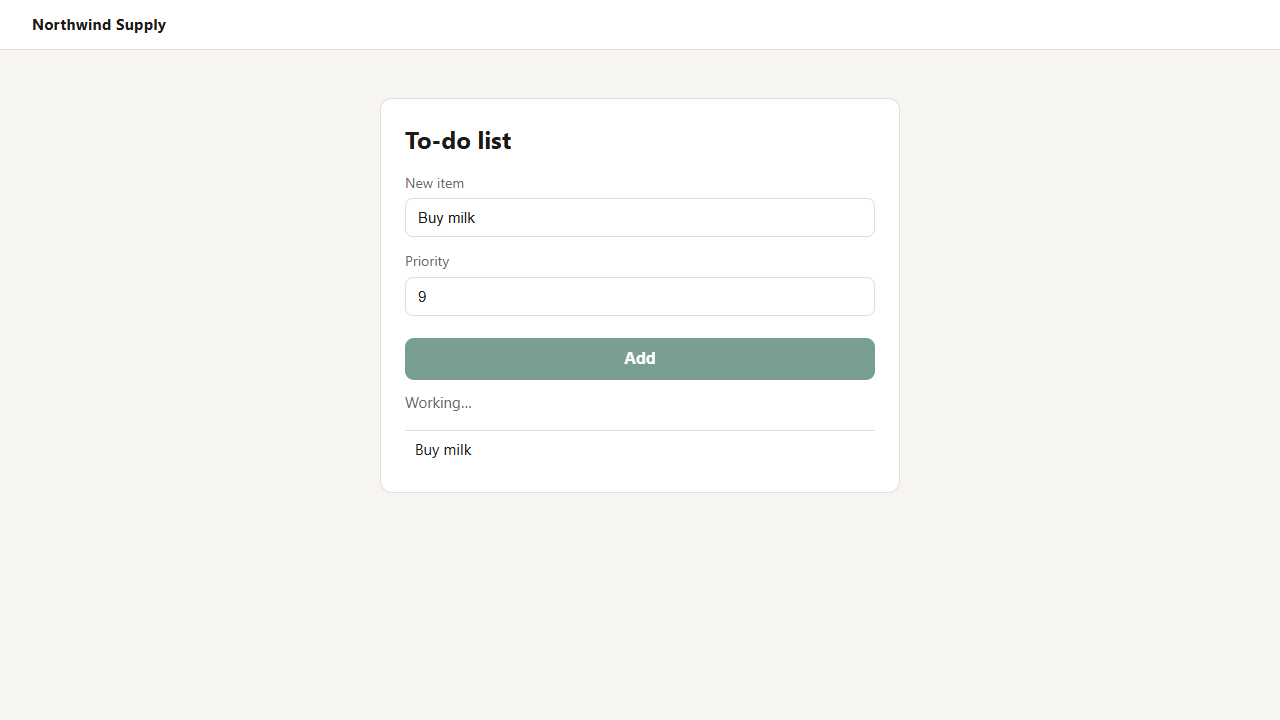
What the verifier did, step by step 2 steps
- 0open the app
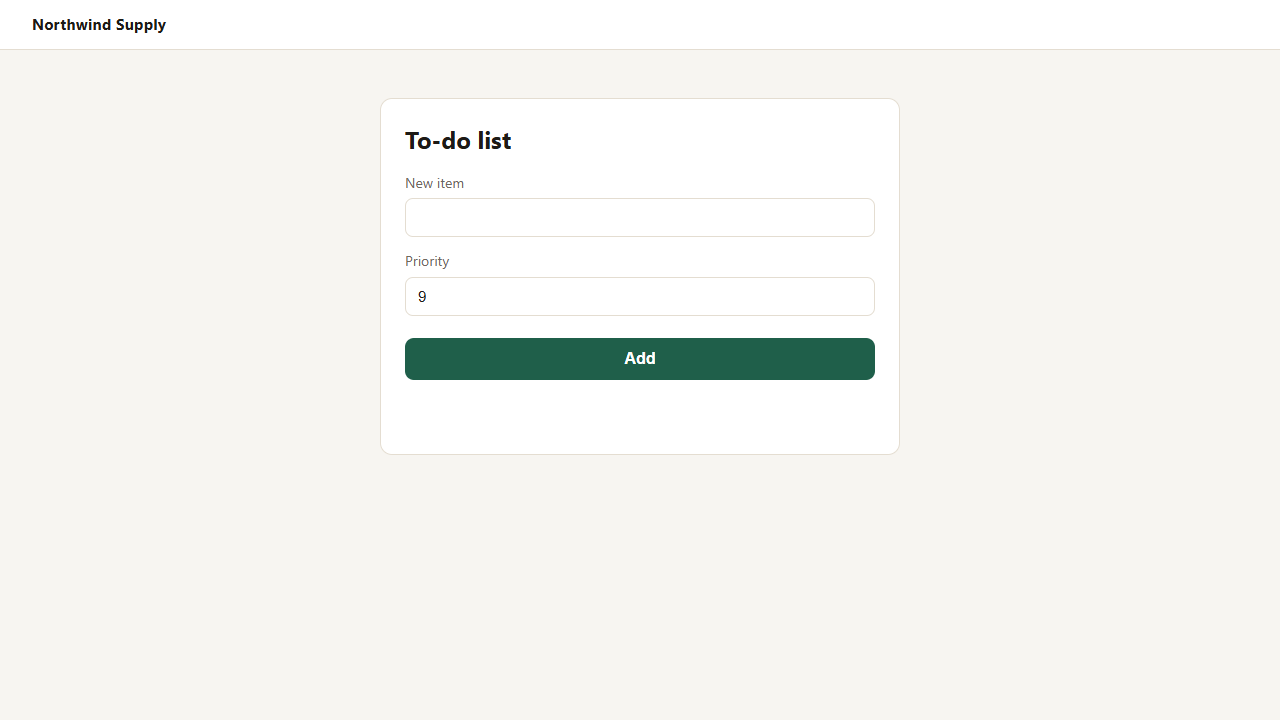
- 1click (638, 217) → landed on input#newtype "Buy milk"click (637, 357) → landed on button#add.control
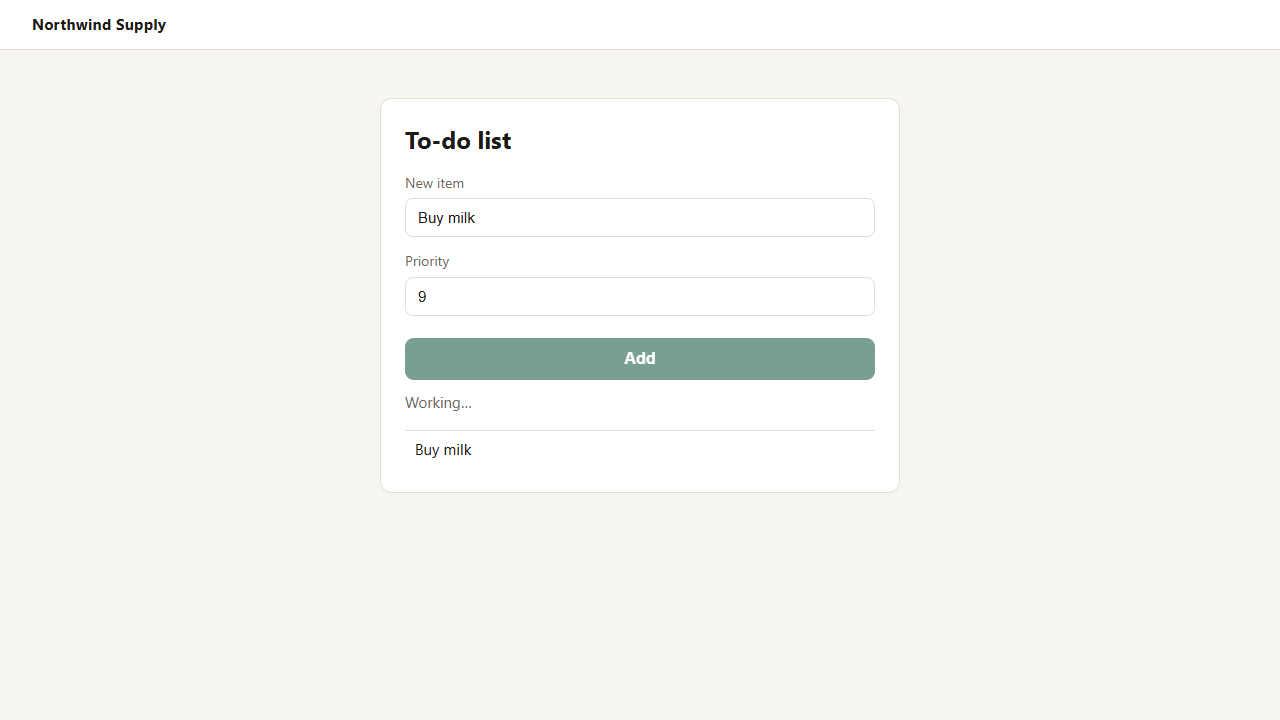
- 2waitlook at the screen
Break · A wrong fix — Attest should reject it
bench-gen/G-todo-clipped/bad-fix @ 234ac65
expected fail · observed inconclusive
! inconclusive
Phase error. stopped after 25 steps
Verifier · Muse Spark 1.3no vote — error
Code checkspass
Element checknot applicable
Judge · Muse Spark Openfail
Other voters
- Judge (meta-models/muse-spark-open): fail — No frame shows the to-do list displaying "Buy milk" as an added item; frames 8-26 only show "Buy milk" inside the input field and never show it rendered in the list after the Add action.
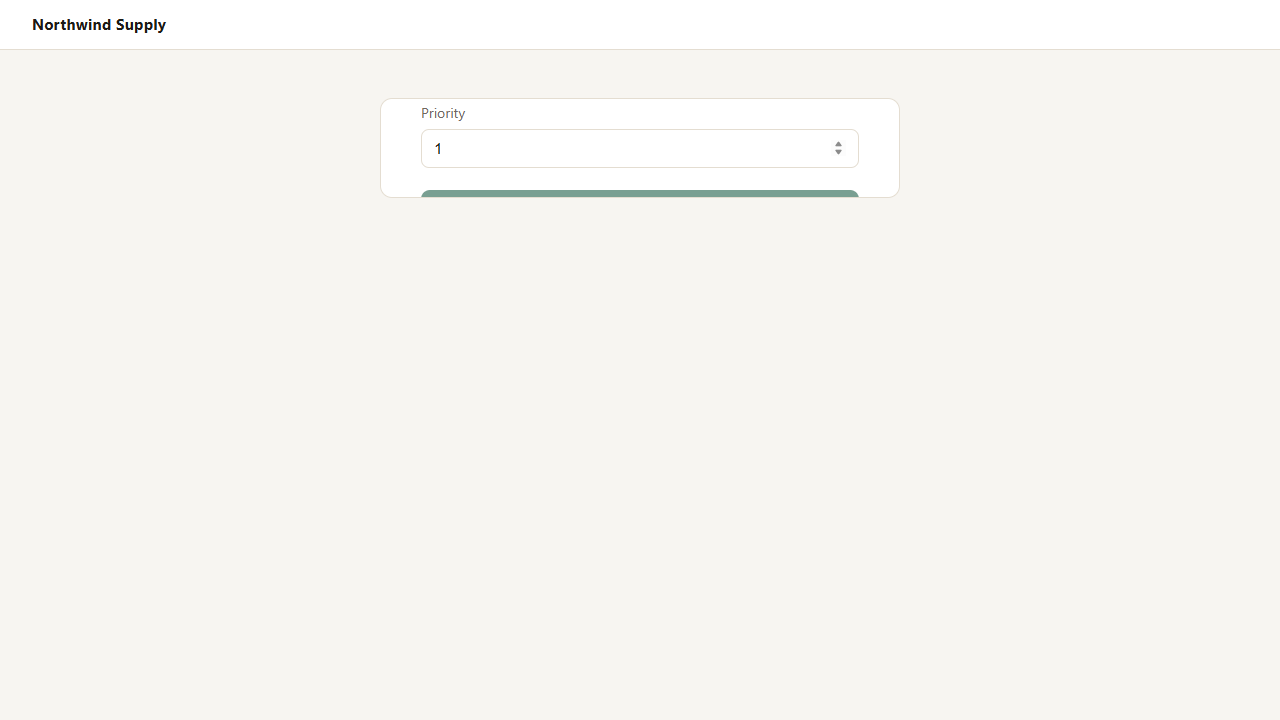
What the verifier did, step by step 25 steps
- 0open the app
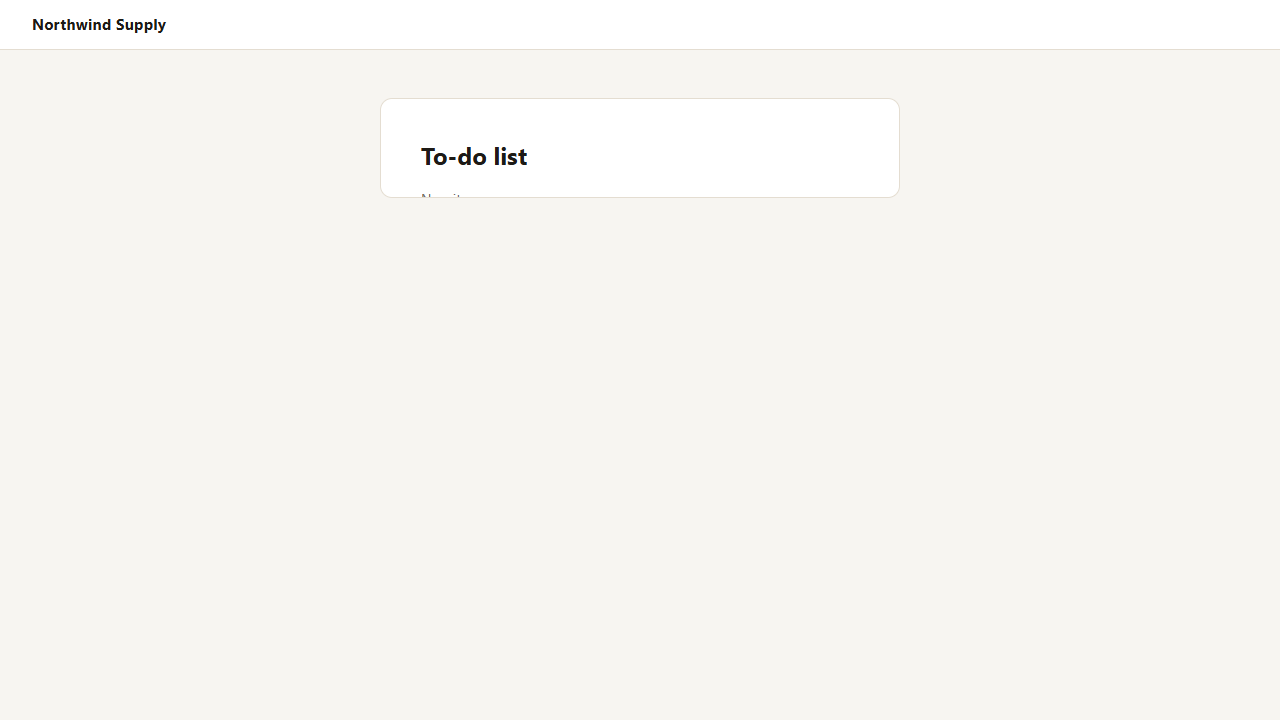
- 1scroll (640, 216) by (0, 3)look at the screen
- 2press F5waitlook at the screenkeypress: unknown key "F5"
- 3press Control+0waitlook at the screen
- 4press Control+-waitpress Control+-waitlook at the screenkeypress: unknown key "-"keypress: unknown key "-"
- 5click (640, 144) → landed on h1 (not a control)waitlook at the screen
- 6press Tabwaitlook at the screen
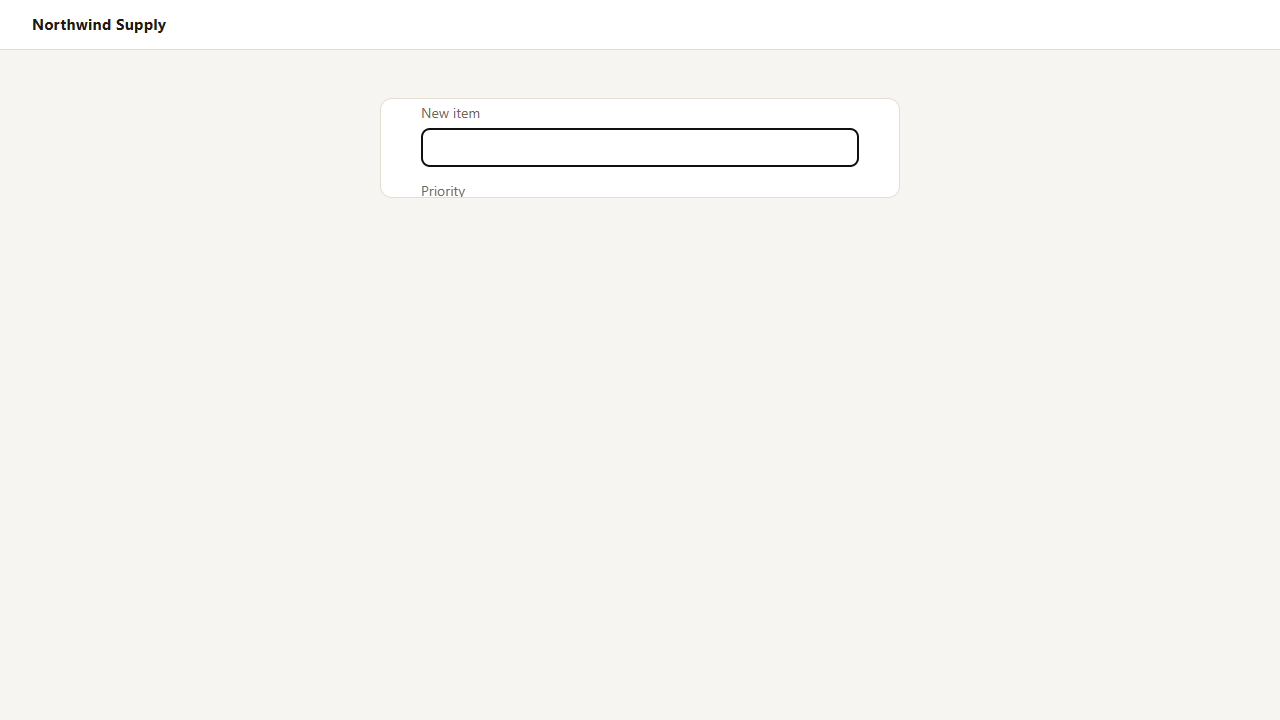
- 7type "Buy milk"waitlook at the screen
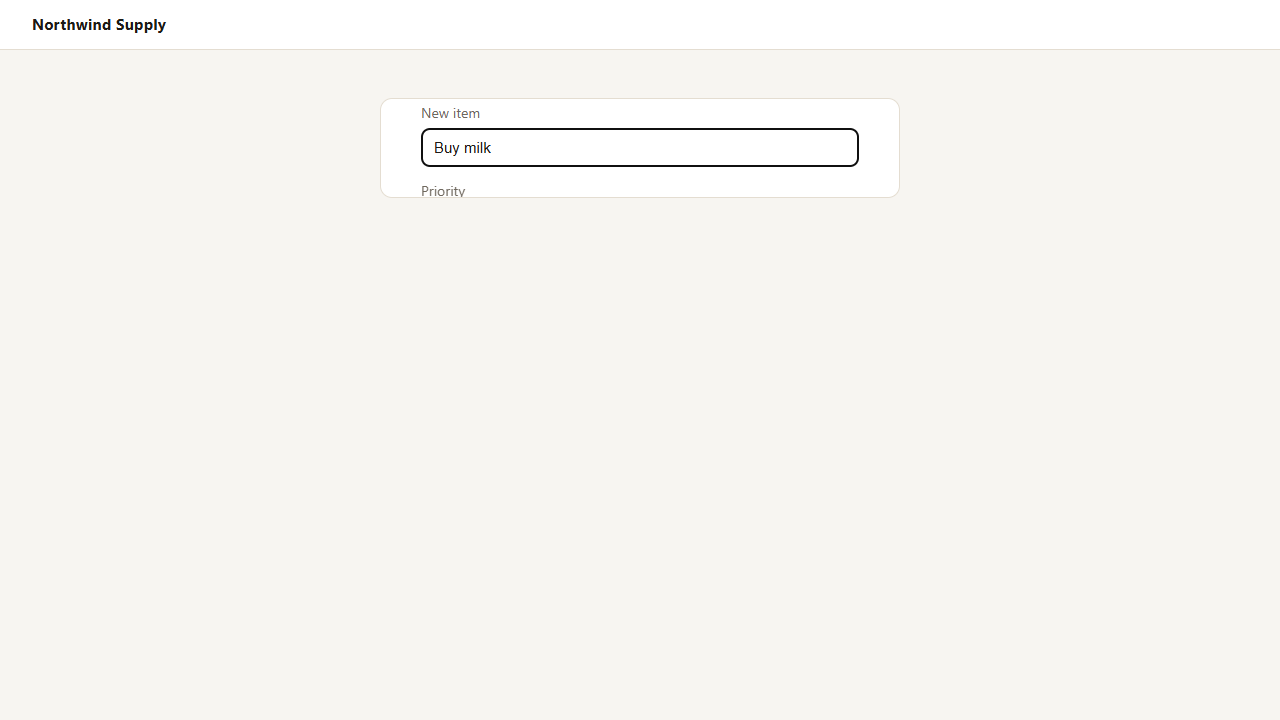
- 8press Tabwaitlook at the screen
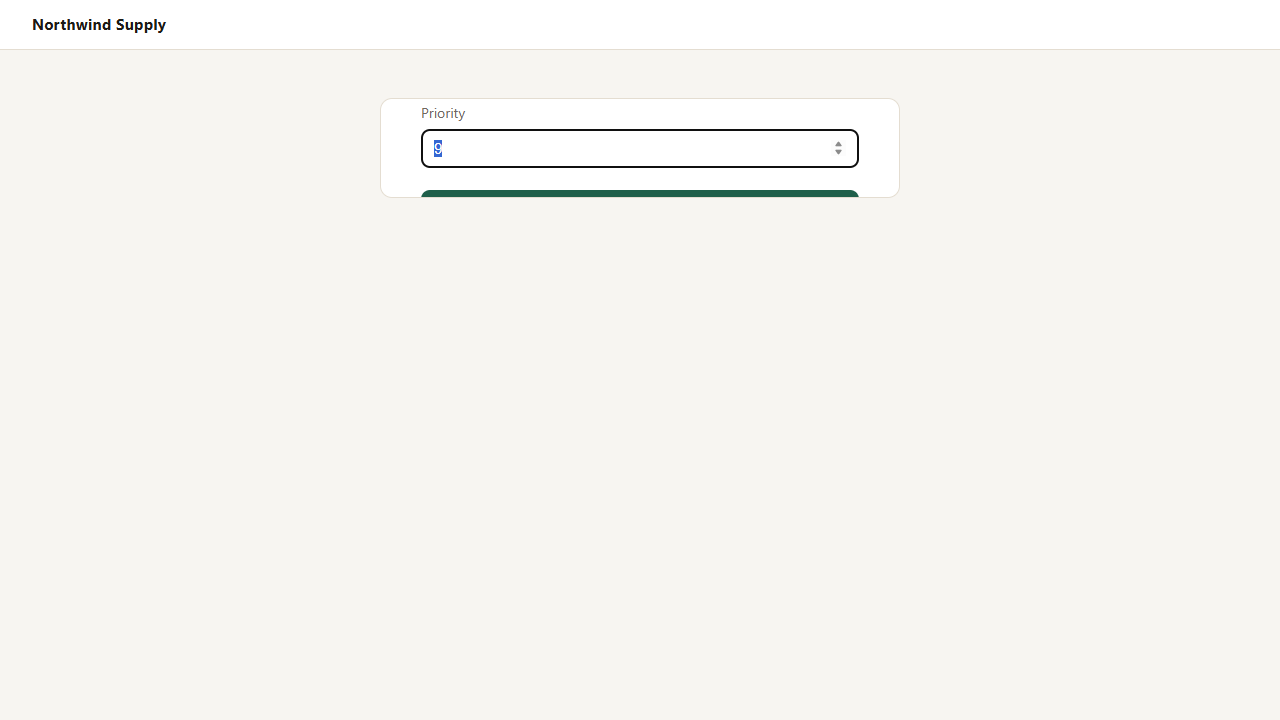
- 9press Tabwaitlook at the screen
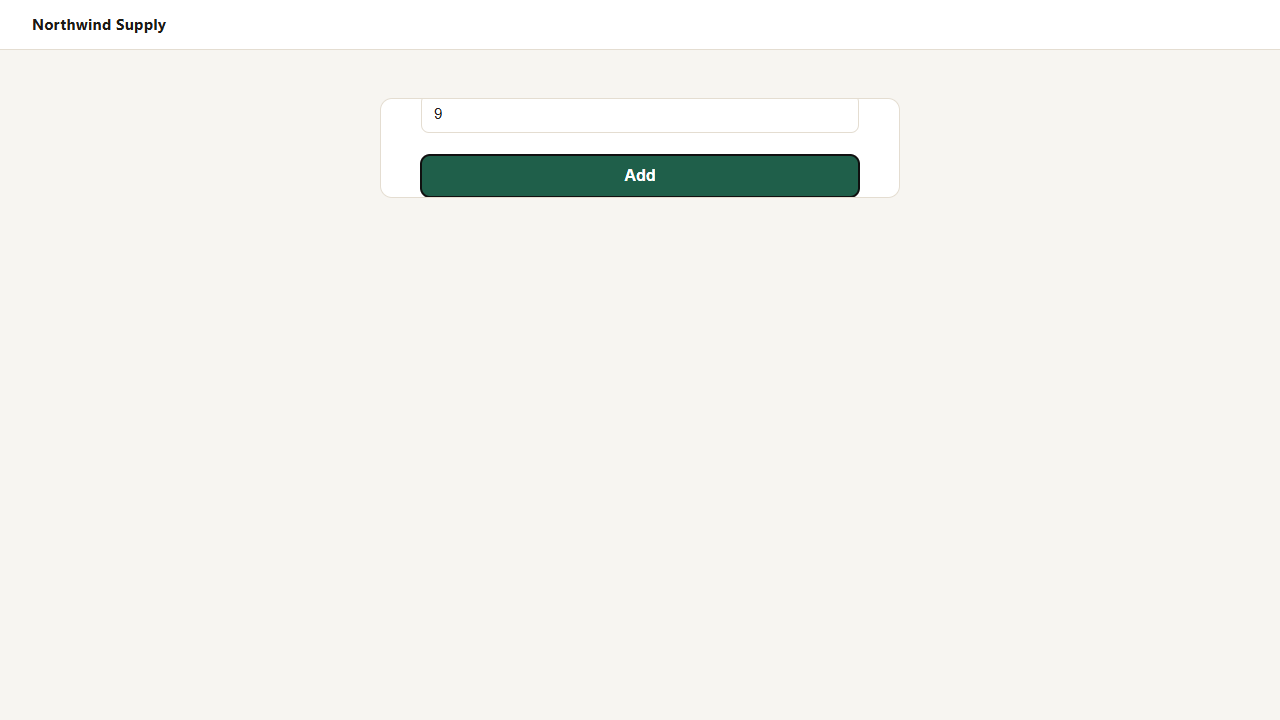
- 10click (640, 174) → landed on button#add.controlwaitlook at the screen
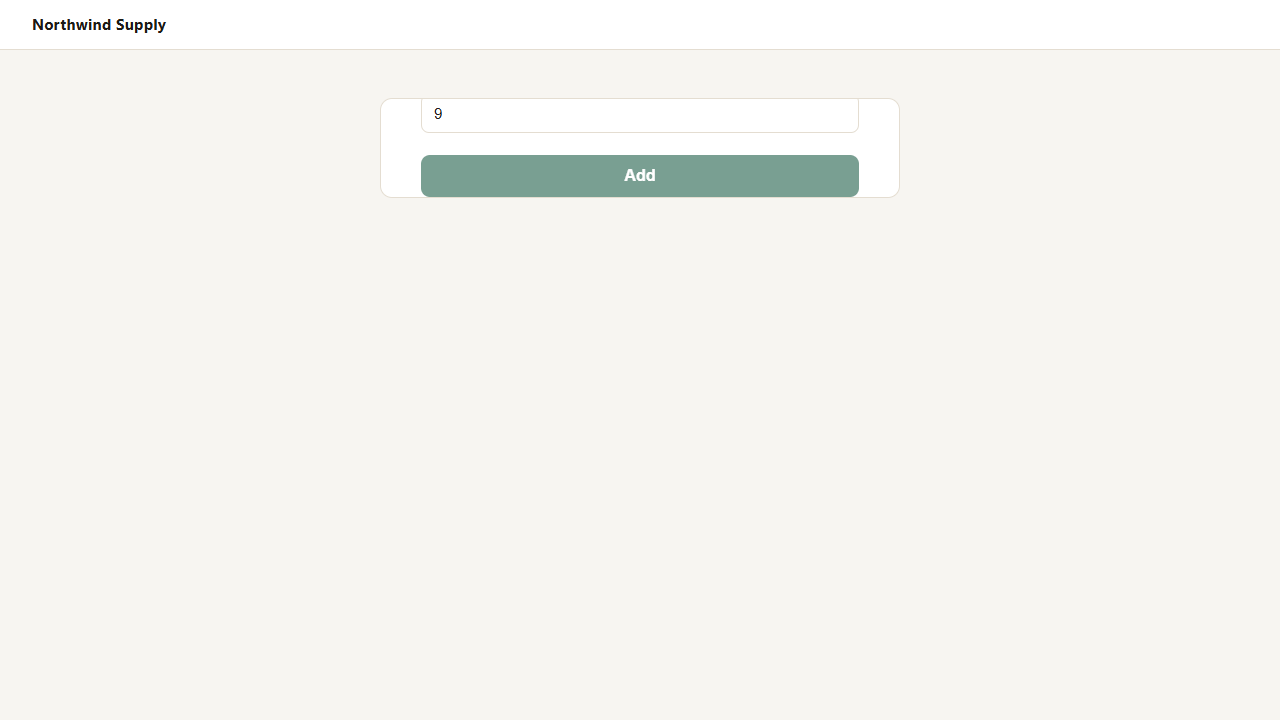
- 11press Tabwaitlook at the screen
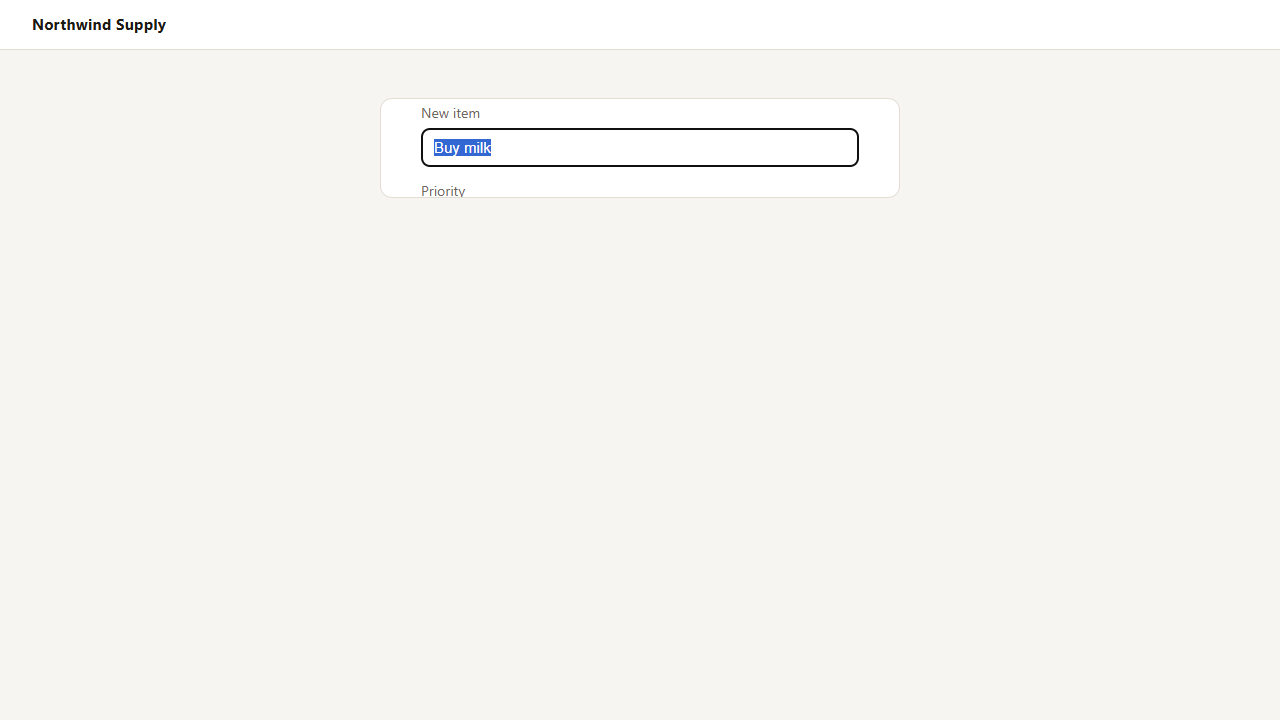
- 12scroll (640, 144) by (0, 5)waitlook at the screen
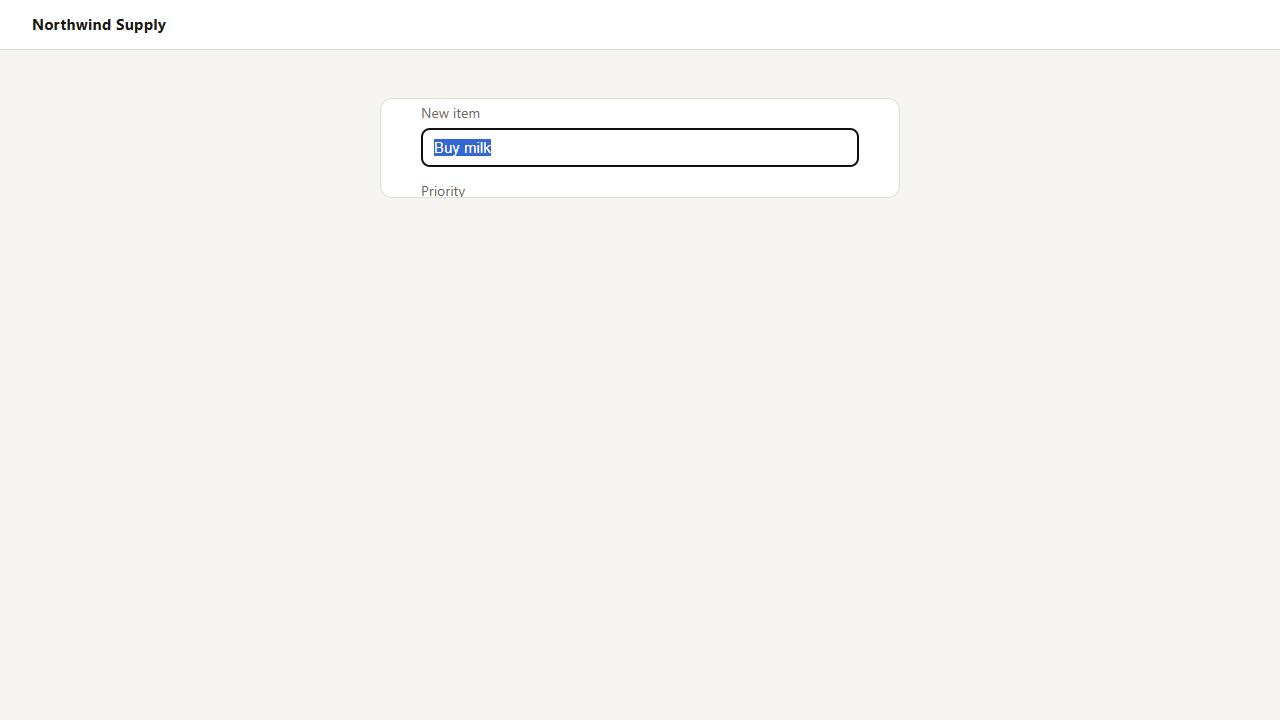
- 13scroll (640, 144) by (0, 300)waitlook at the screen
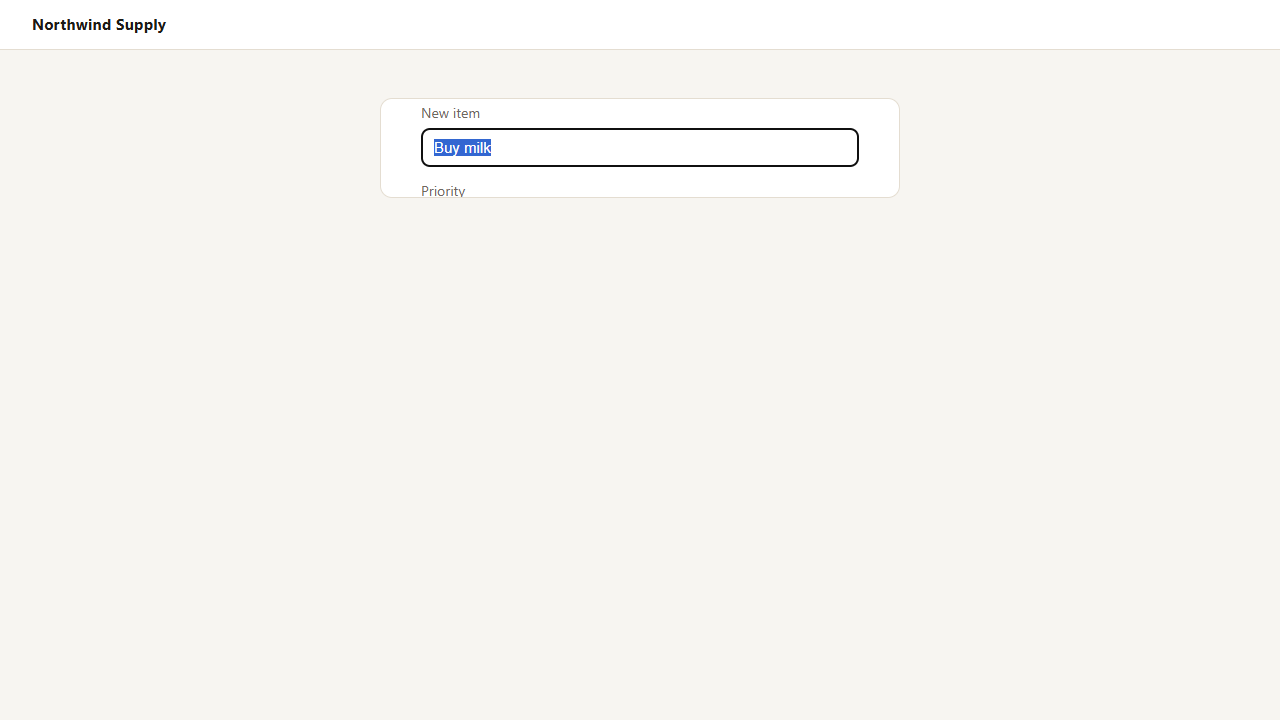
- 14press Tabwaitpress Tabwaitlook at the screen
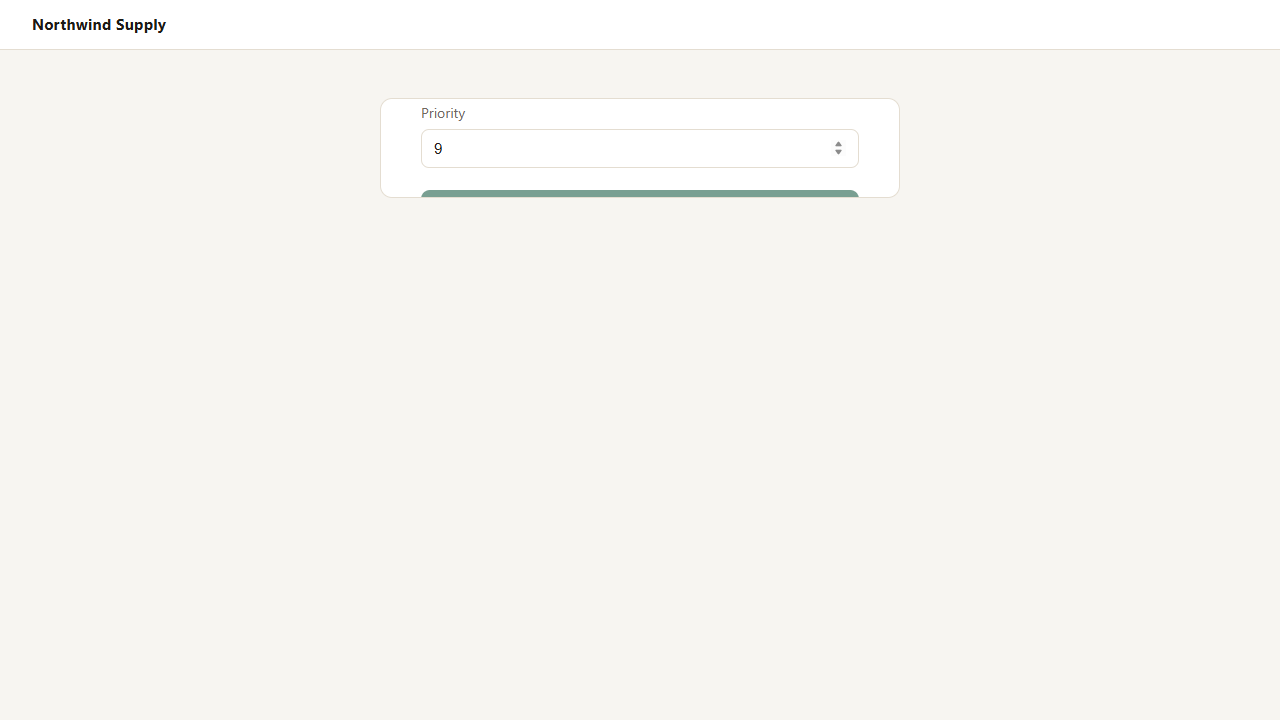
- 15press Tabwaitlook at the screen
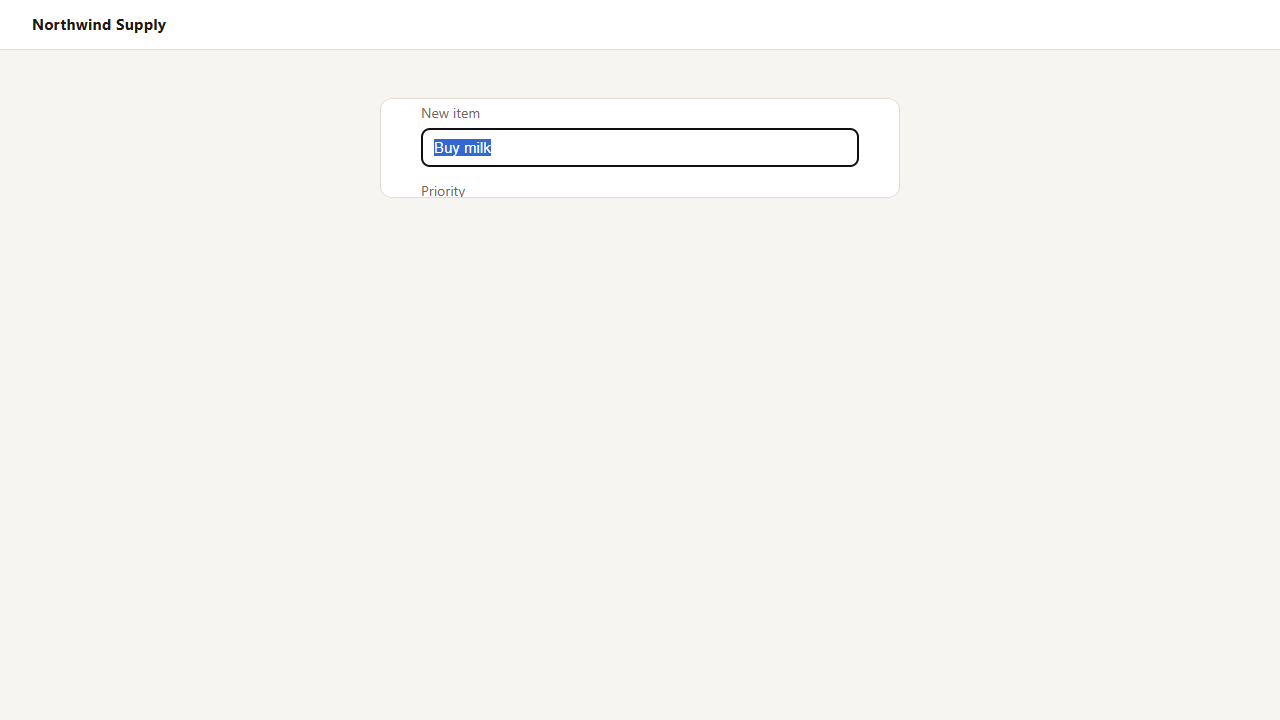
- 16press PageDownwaitlook at the screen
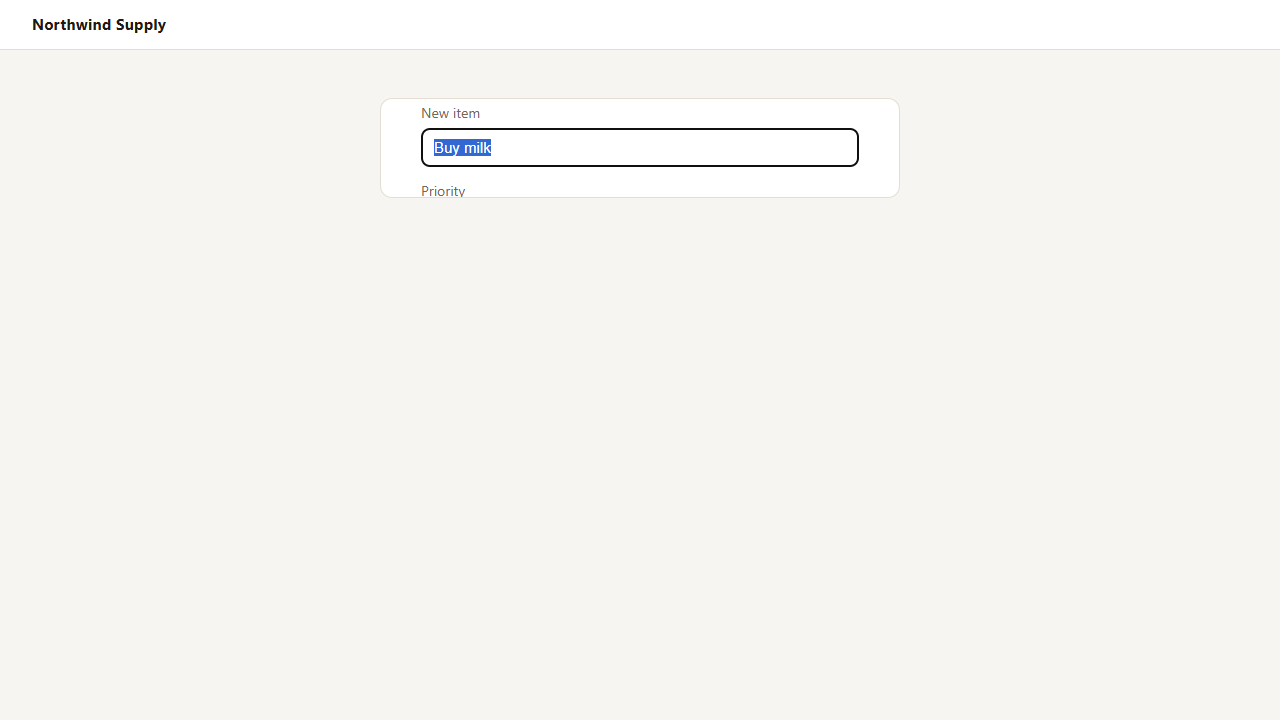
- 17press F5waitlook at the screenkeypress: unknown key "F5"
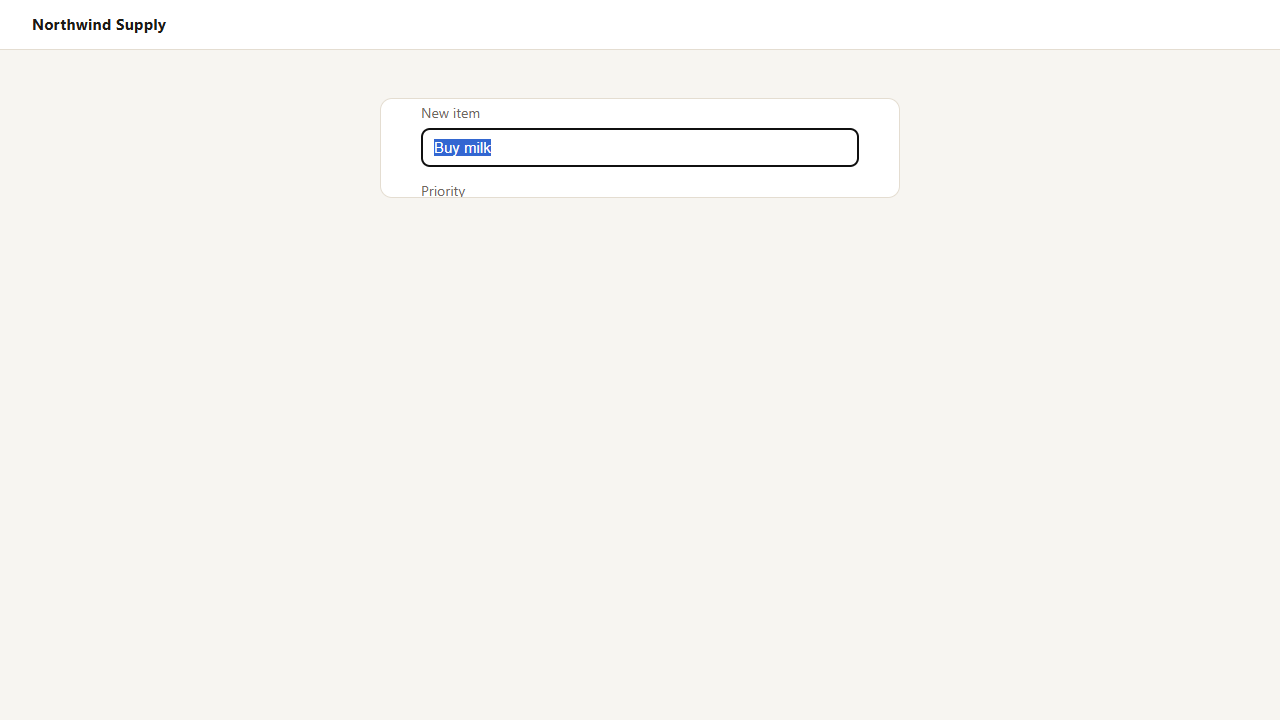
- 18press Control+rwaitlook at the screen
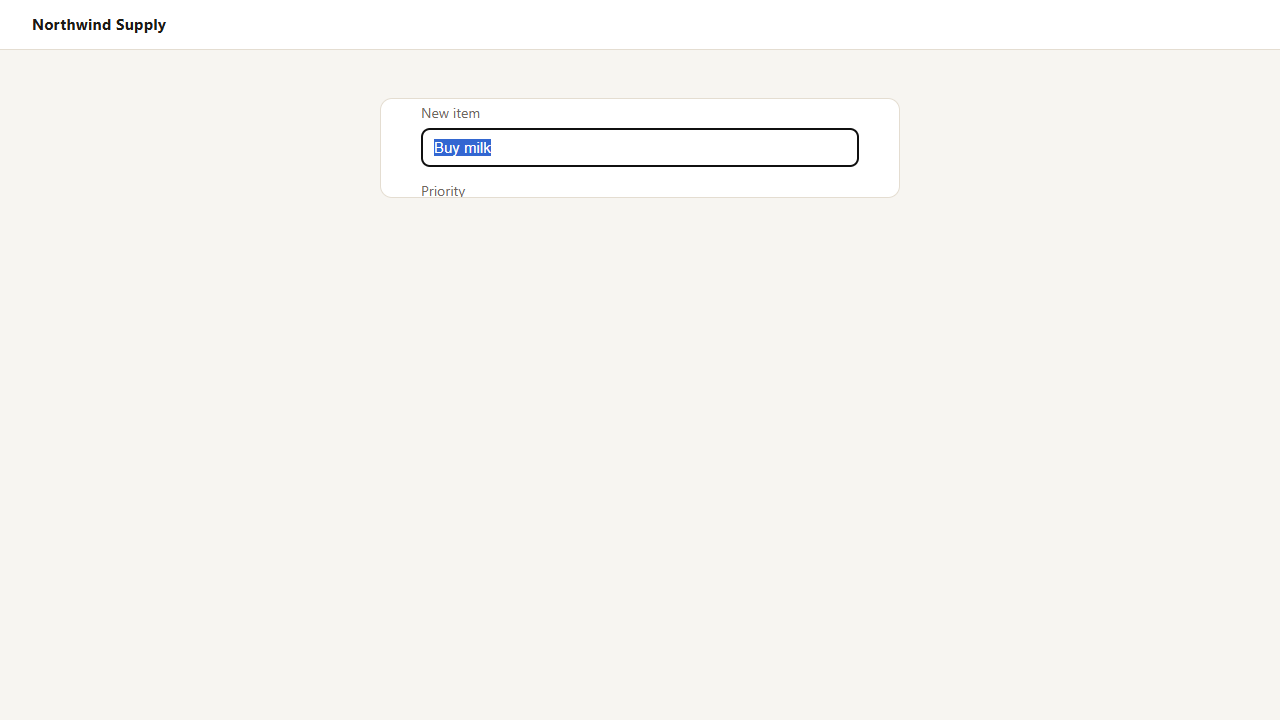
- 19press Escapewaitpress Control+-waitpress Control+-waitpress Control+-waitlook at the screenkeypress: unknown key "-"keypress: unknown key "-"keypress: unknown key "-"
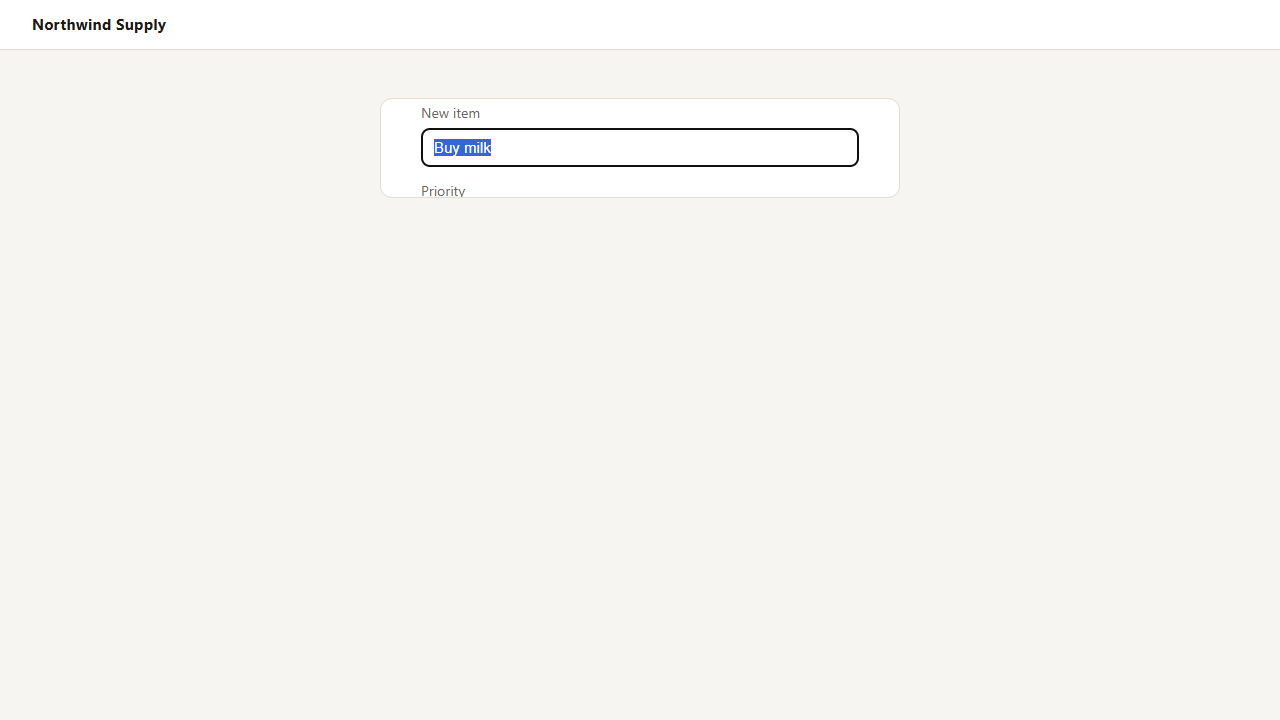
- 20press Tabwaitlook at the screen
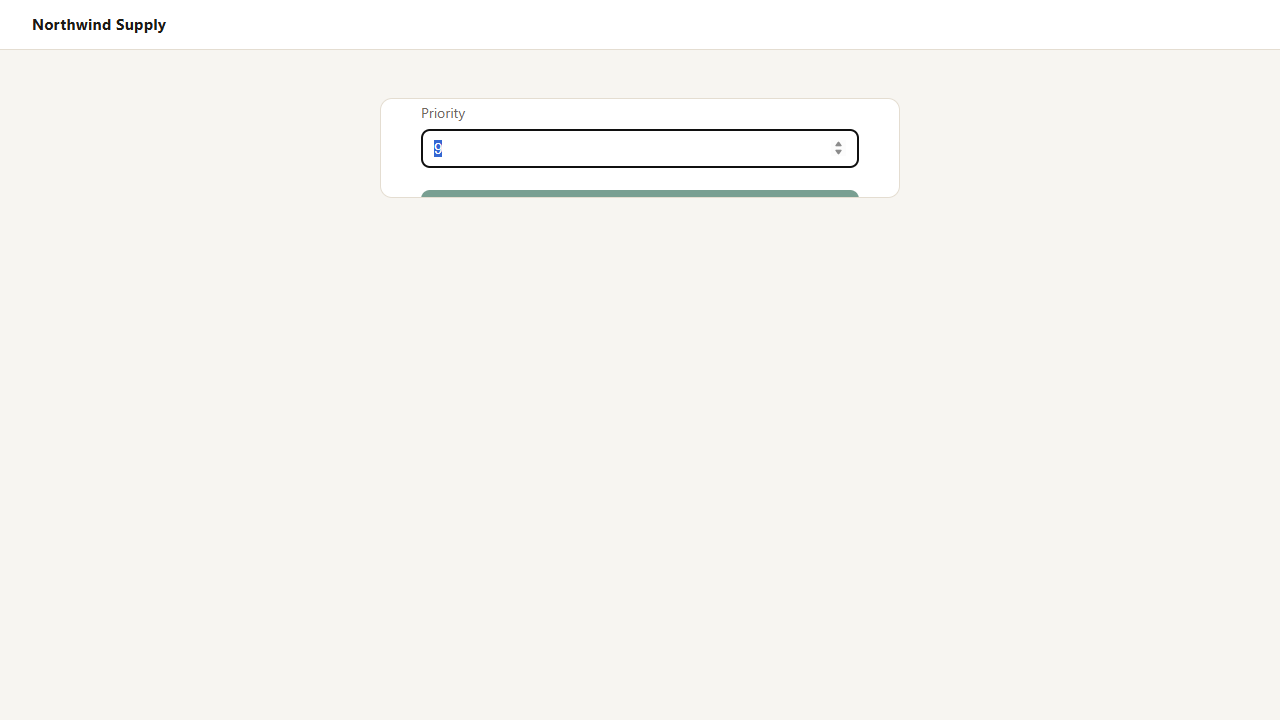
- 21press Tabwaitlook at the screen
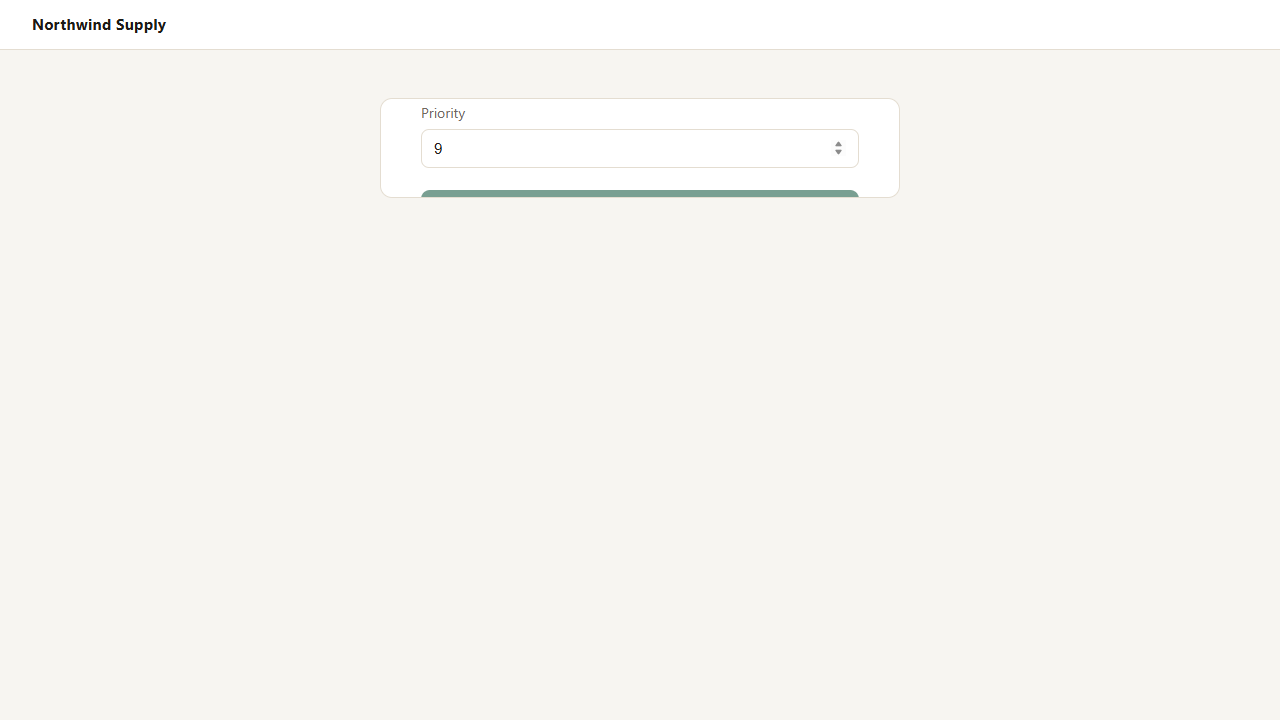
- 22press Tabwaitlook at the screen
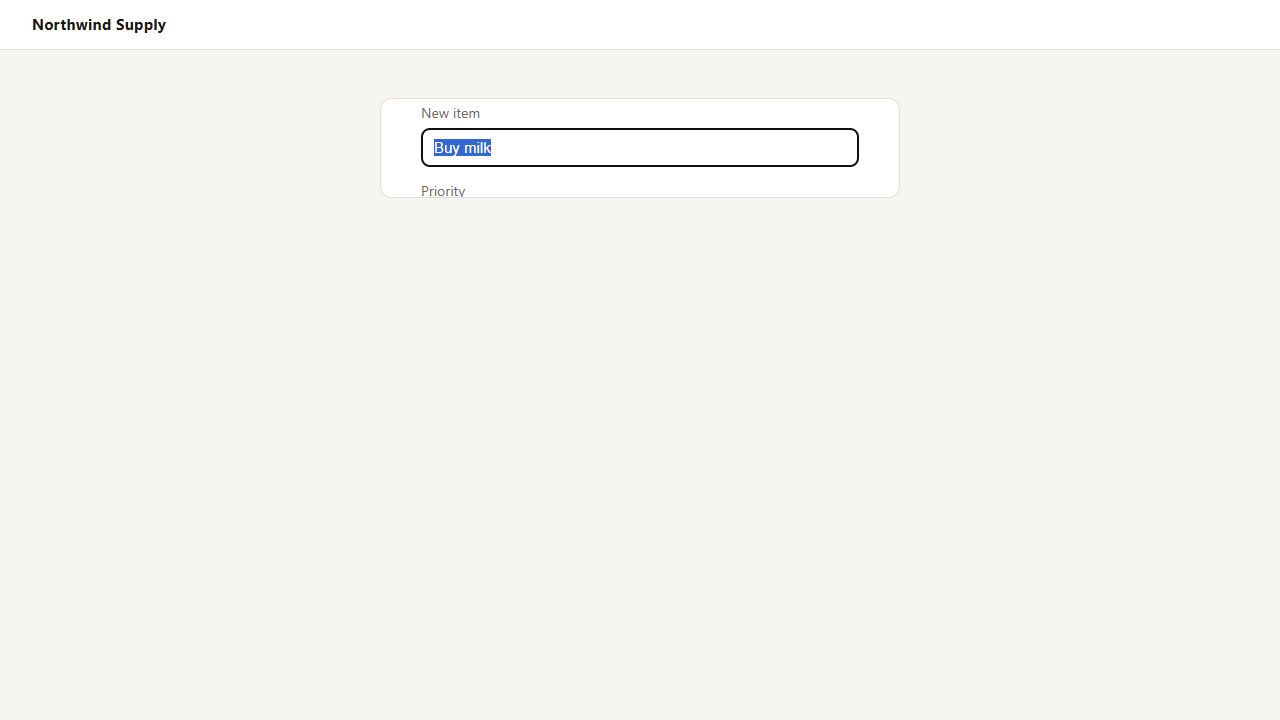
- 23press Tabwaitlook at the screen
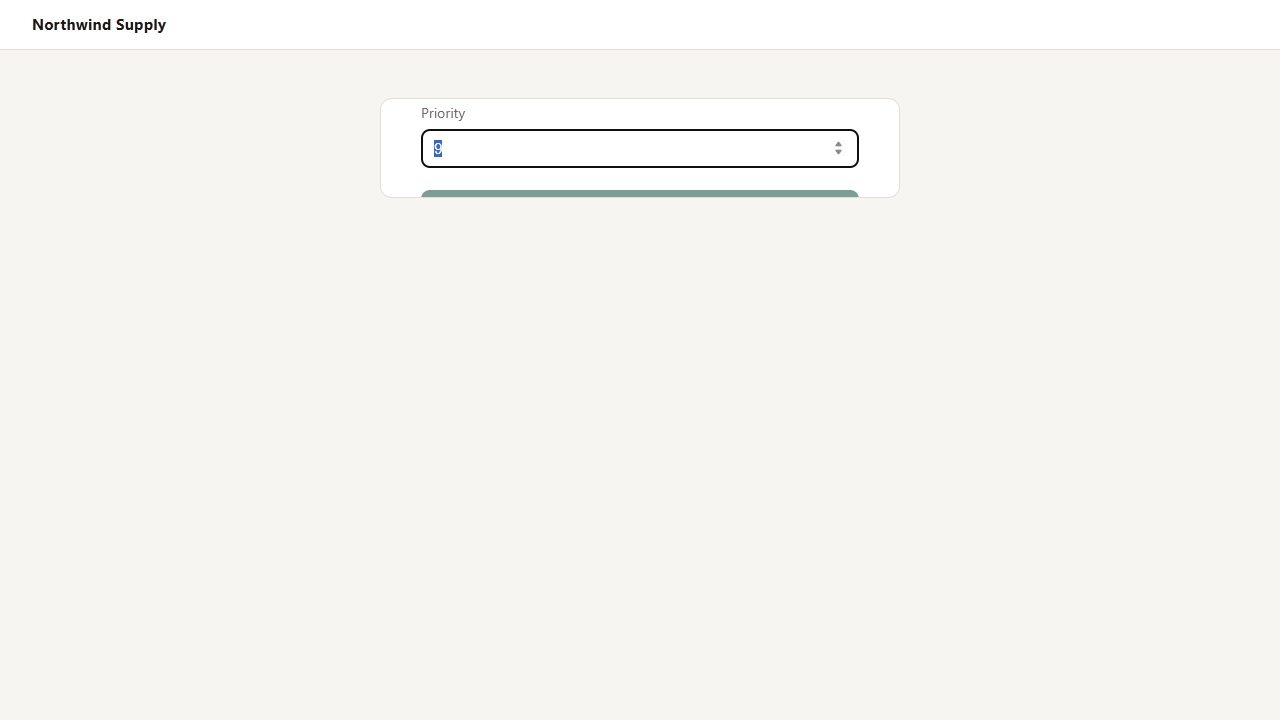
- 24type "1"waitlook at the screen
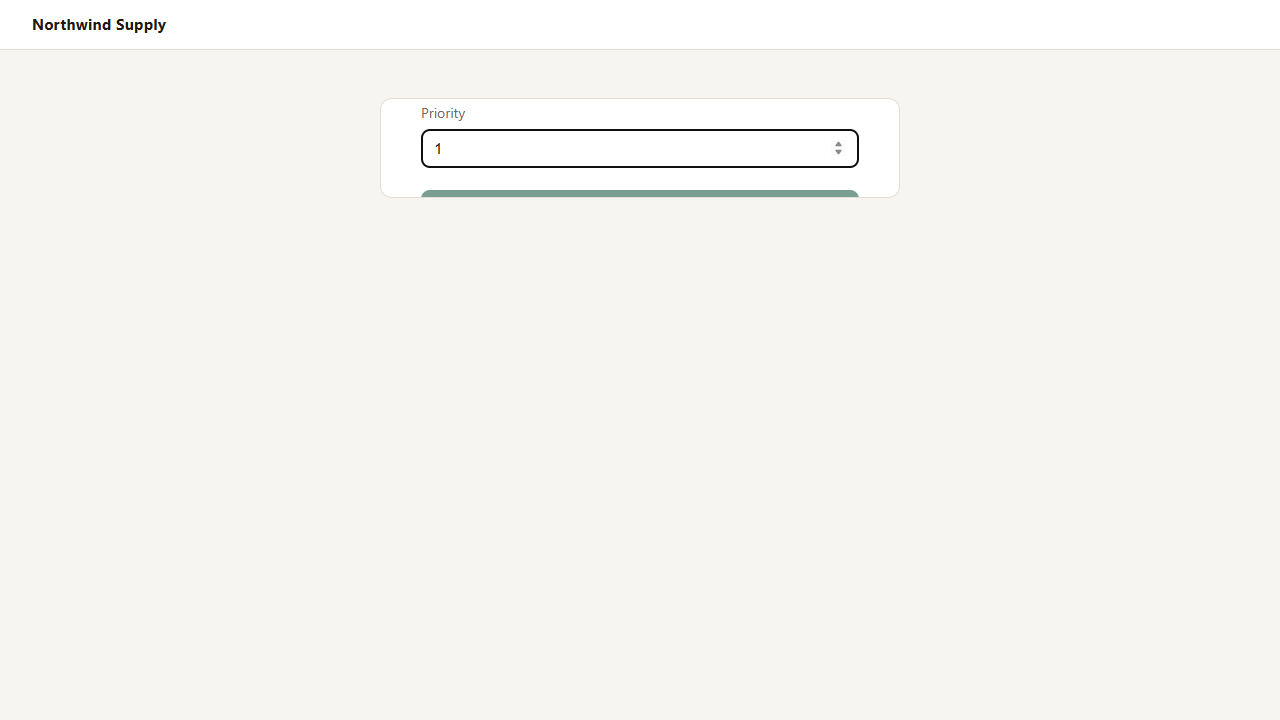
- 25press Tabwaitlook at the screen
Check this receipt yourself
What attest verify checks — no model calls
- The Ed25519 signature over the receipt
- The hash-chained event log, its head and its length
- The hash of every screenshot, video and the criteria copy
- That the verdict follows from the recorded votes
What a receipt does not prove
- That the capture environment was honest — it shows nothing changed after capture; the signature detects a later edit
- Who ran it — the key is created on the machine that ran the proof
- Anything beyond the stated criteria