Verdict
Inconclusive1 of 2 phases as expected
Attest could not establish a proof, so it certifies nothing.
- red: inconclusive
Why it's inconclusive
- Execution incomplete · red: HTTP 500 {"error":{"code":null,"message":"internal server error","param":null,"type":"server_error"}}
Next: Re-run once. If it repeats, run attest doctor and check the criterion's given path.
Subject
- Run from
- https://github.com/Master07/attest.git
- App
- examples/heldout/app
- Red
- ho/p2/b1/base @ 55ad353
- Green
- ho/C10/candidate @ 2ecac8a
- verifier
- Muse Spark 1.3 Meta Model API · muse-spark-1.3
- judge
- Muse Spark Open Baseten · meta-models/muse-spark-open open weights
Acceptance criteria · human-approved
- space-in-default-input-does-not-advance
- Given
- The presentation is open on the slide headed "First slide". The field labelled "Default input" is visible, and the slide headed "Second slide" is not visible.
- When
- The user clicks into the "Default input" field and types the text hello world, including the space between the two words.
- Then
- The "Default input" field contains "hello world" and the presentation is still showing the slide headed "First slide".
- typing-in-email-input-does-not-advance
- Given
- The presentation is open on the slide headed "First slide". The field labelled "Email input" is visible, and the slide headed "Second slide" is not visible.
- When
- The user clicks into the "Email input" field and types the text hello world, including the space between the two words.
- Then
- The "Email input" field contains "hello world" and the presentation is still showing the slide headed "First slide".
- explicit-text-input-keeps-working
- Given
- The presentation is open on the slide headed "First slide". The field labelled "Text input" is visible, and the slide headed "Second slide" is not visible.
- When
- The user clicks into the "Text input" field and types the text hello world, including the space between the two words.
- Then
- The "Text input" field contains "hello world" and the presentation is still showing the slide headed "First slide".
- shortcuts-work-when-slide-has-focus
- Given
- The presentation is open on the slide headed "First slide". No text field has focus, and the slide headed "Second slide" is not visible.
- When
- The user clicks the slide heading "First slide" and presses the Space key once.
- Then
- The slide headed "Second slide" is visible.
The proof
Red · Original code — the bug should reproduce
ho/p2/b1/base @ 55ad353
expected fail · observed inconclusive
! inconclusive
Phase error. HTTP 500 {"error":{"code":null,"message":"internal server error","param":null,"type":"server_error"}}
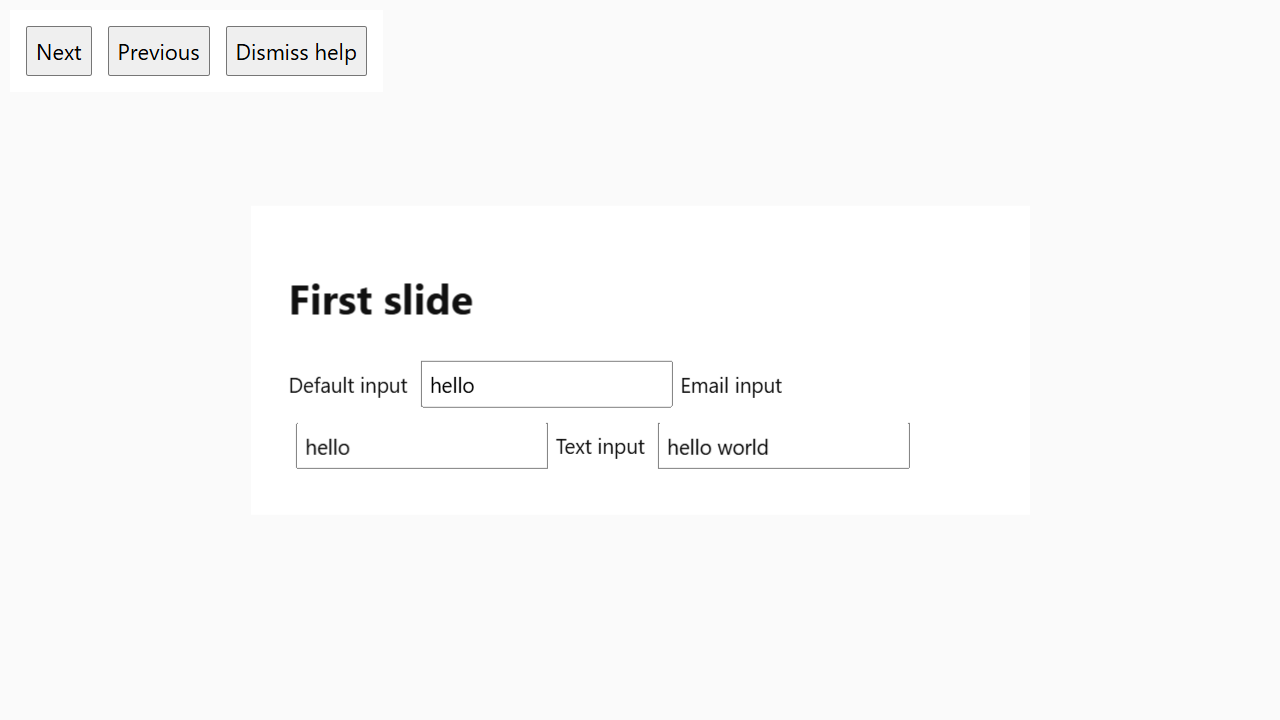
space-in-default-input-does-not-advance
Verifier · Muse Spark 1.3no vote — error
Code checksnot applicable
Element checknot applicable
Judge · Muse Spark Openfail
Other voters
- Judge (meta-models/muse-spark-open): fail — Default input never shows "hello world" (only "hello" in Frames 4-7) and Frame 3 shows Second slide after typing space, so space advanced the presentation.
typing-in-email-input-does-not-advance
Verifier · Muse Spark 1.3no vote — error
Code checksnot applicable
Element checknot applicable
Judge · Muse Spark Openfail
Other voters
- Judge (meta-models/muse-spark-open): fail — Email input never shows "hello world" (only "hello" in Frames 9-12) and Frame 8 shows Second slide after typing space in that field.
explicit-text-input-keeps-working
Verifier · Muse Spark 1.3no vote — error
Code checksnot applicable
Element checknot applicable
Judge · Muse Spark Openpass
Other voters
- Judge (meta-models/muse-spark-open): pass — Frames 11 and 12 show Text input contains "hello world" while First slide remains visible and Second slide is not visible.
shortcuts-work-when-slide-has-focus
Verifier · Muse Spark 1.3no vote — error
Code checksnot applicable
Element checknot applicable
Judge · Muse Spark Openfail
Other voters
- Judge (meta-models/muse-spark-open): fail — Final Frames 11-12 still show First slide with focus in Text input and Second slide never appears after the heading-click + Space step; no frame satisfies the then condition from the required given.
What the verifier did, step by step 11 steps
- 0open the app
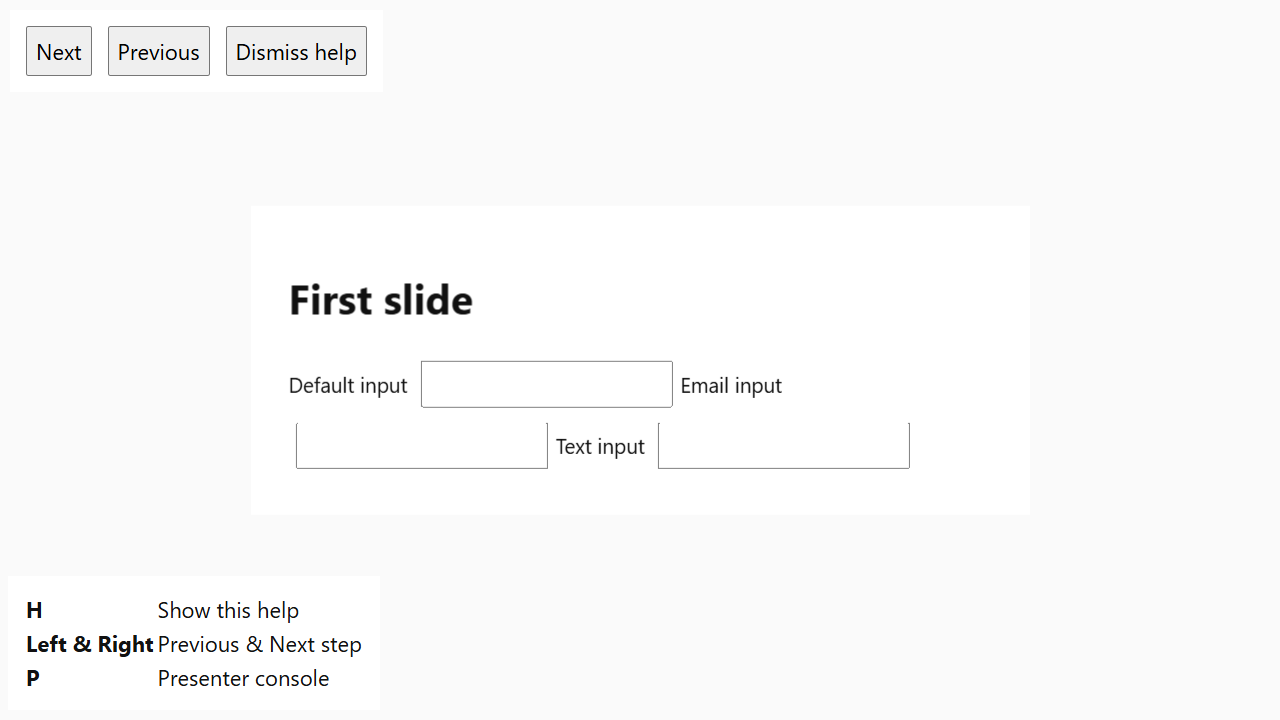
- 1click (546, 383) → landed on input#default
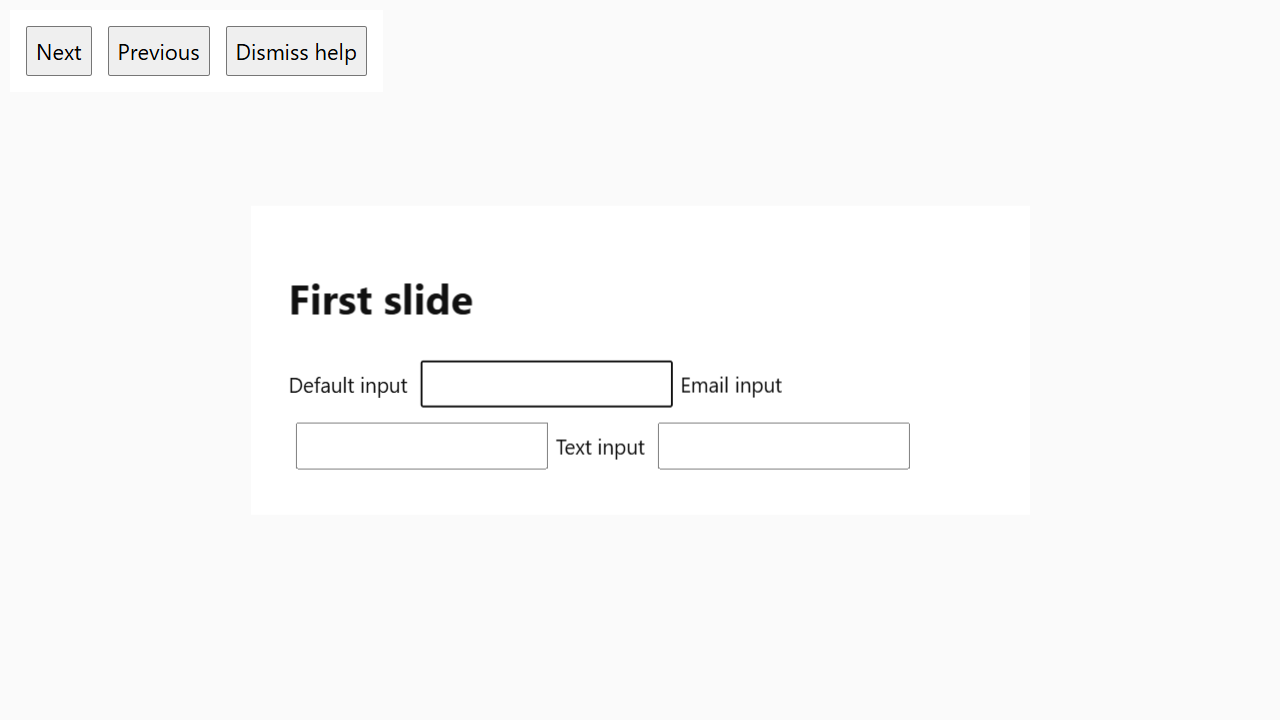
- 2type "hello world"
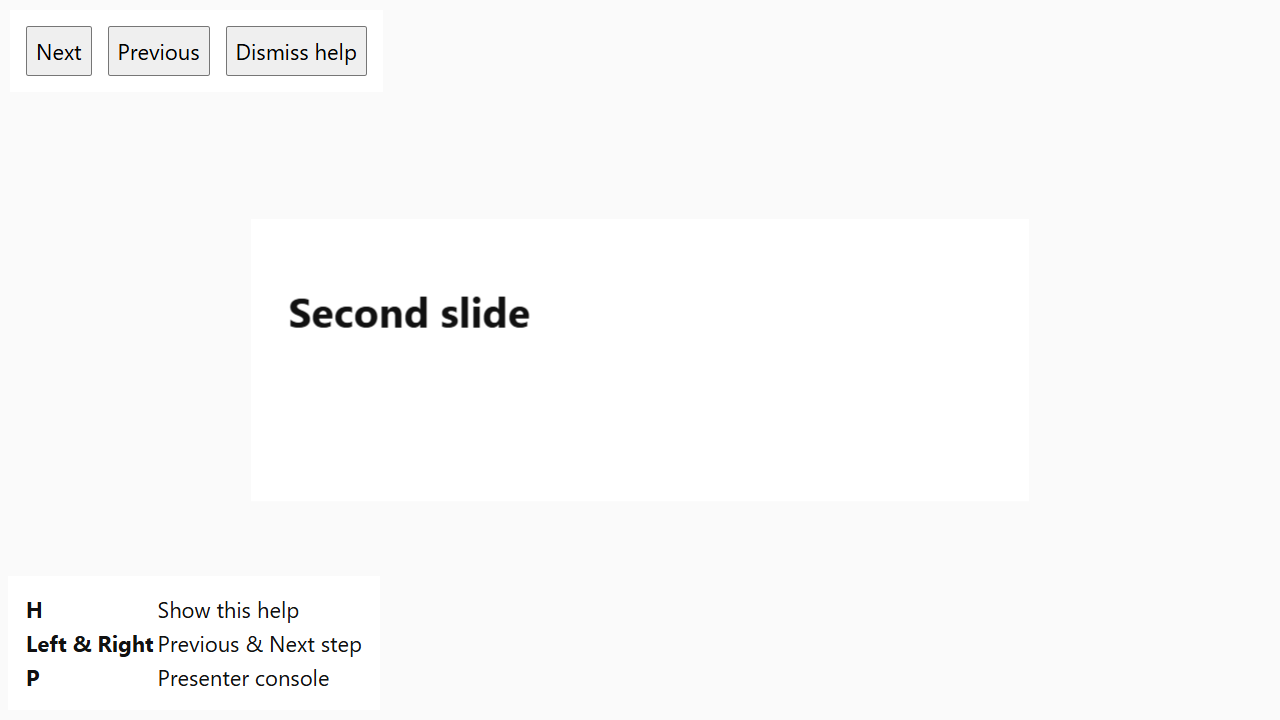
- 3click (159, 51) → landed on button#prev
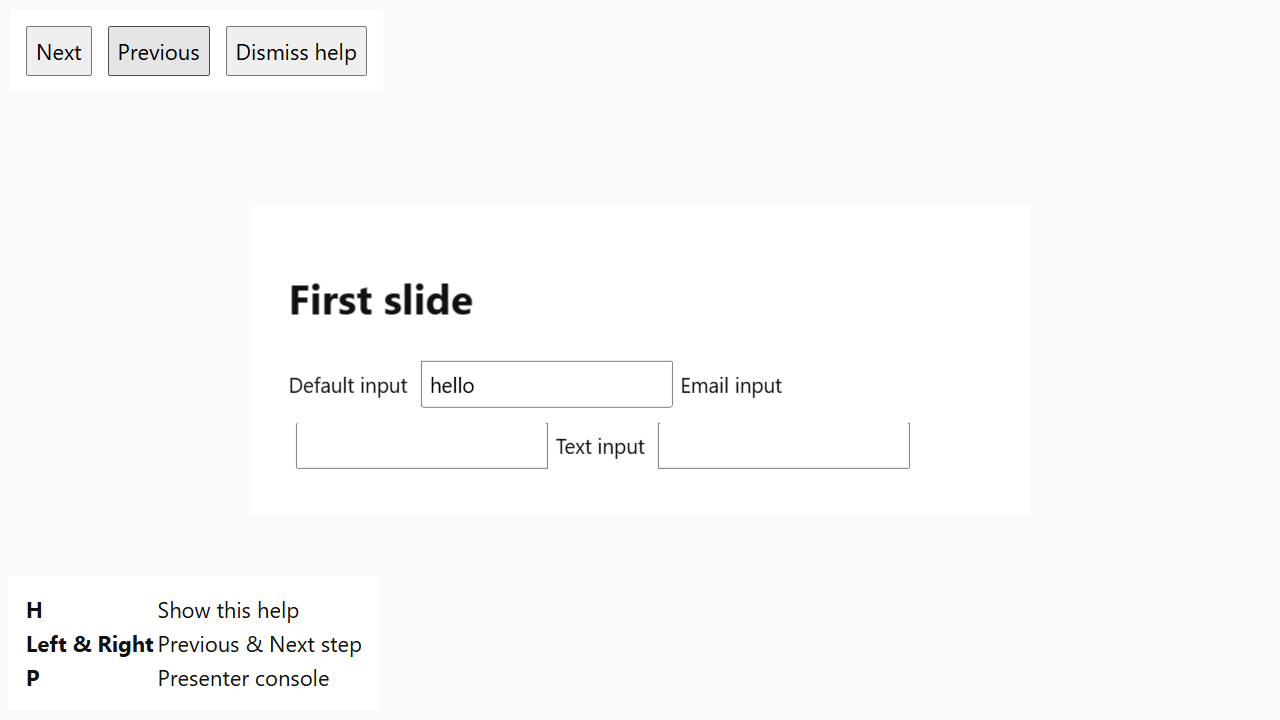
- 4press F5wait
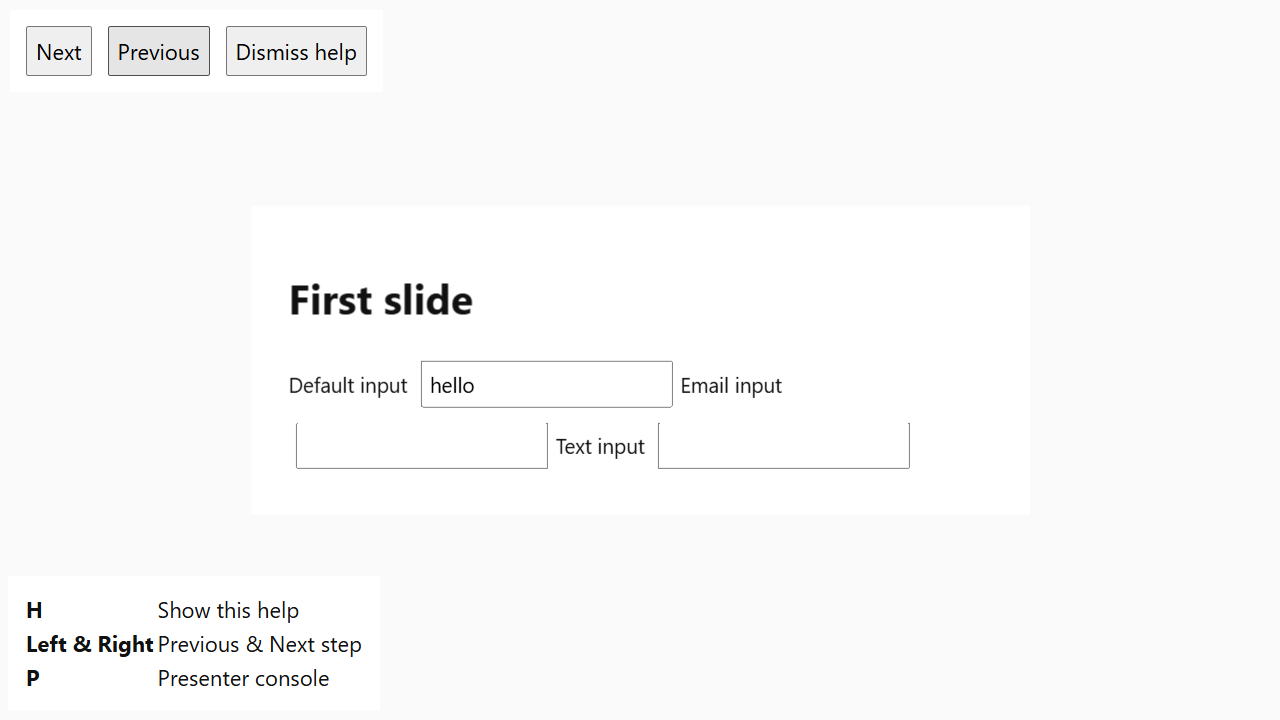
- 5press Ctrl+rwait
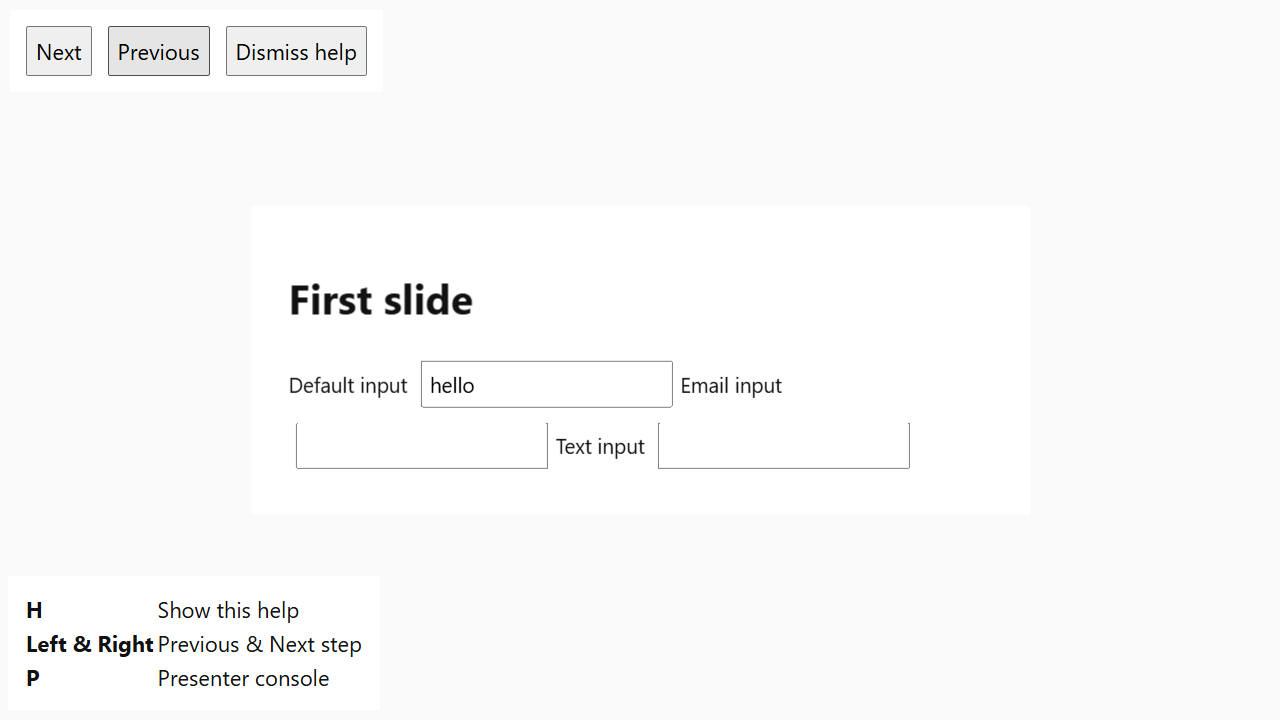
- 6click (421, 444) → landed on input#email
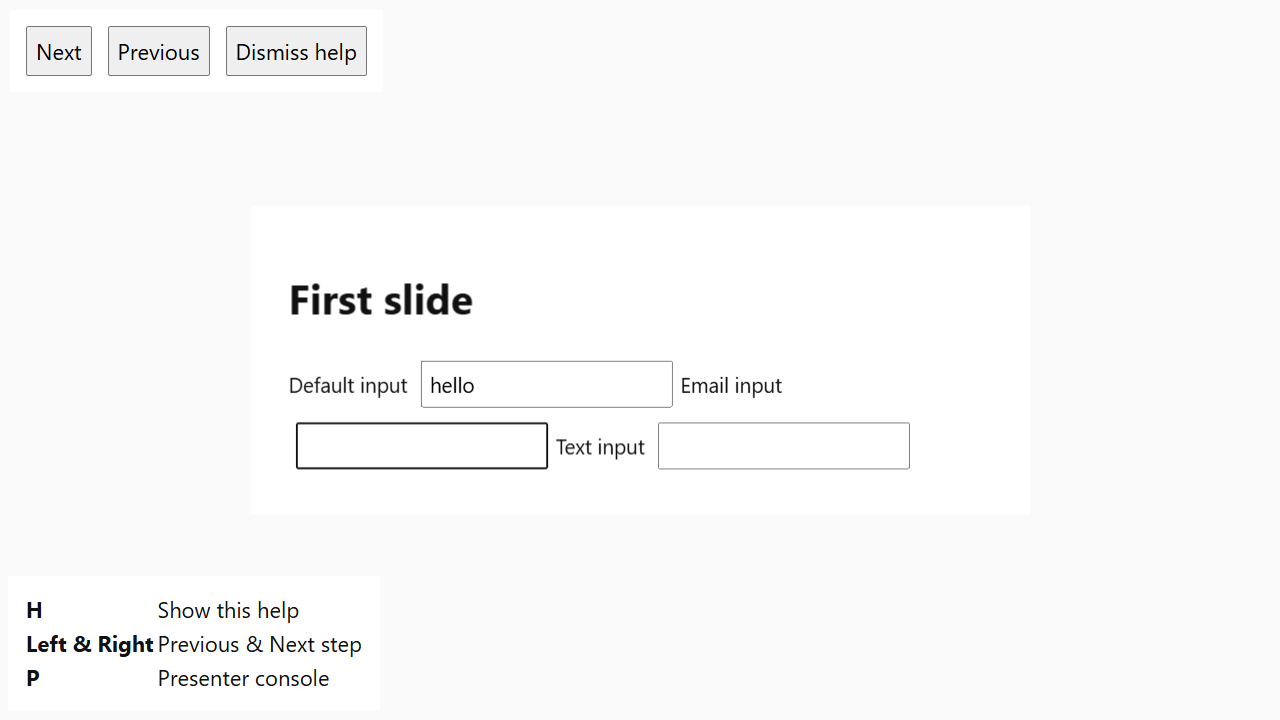
- 7type "hello world"
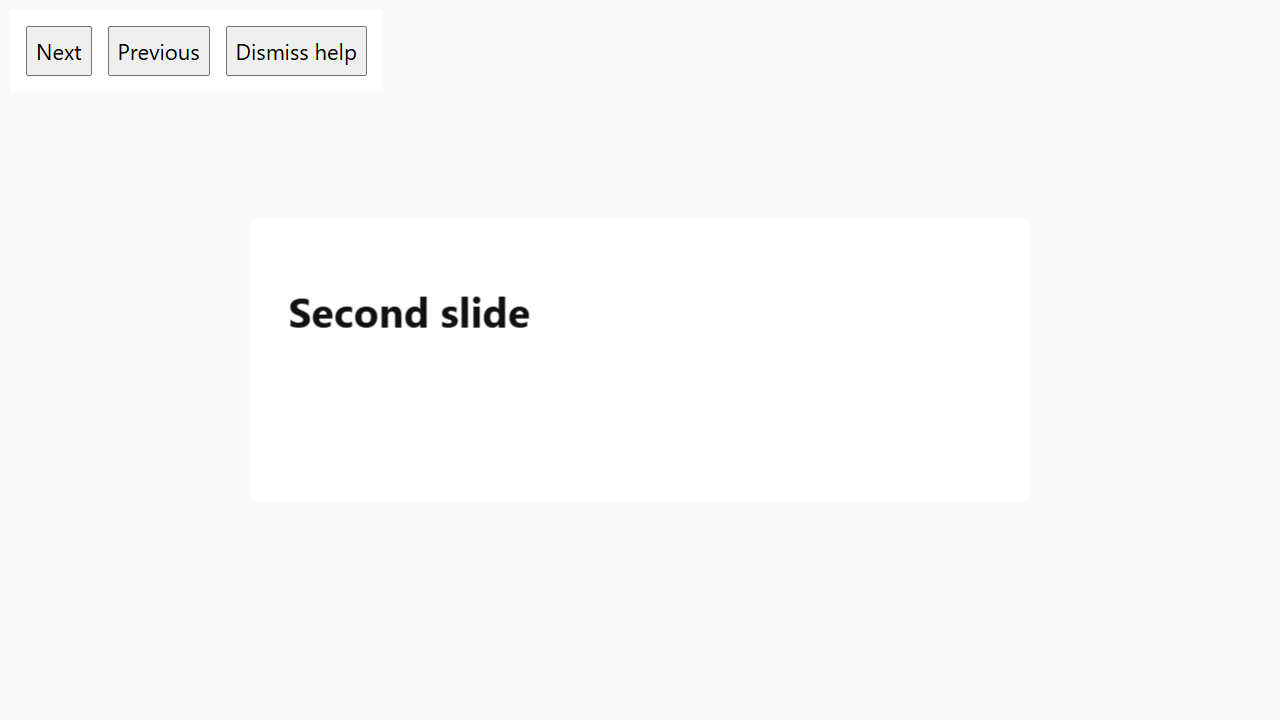
- 8click (157, 50) → landed on button#prev
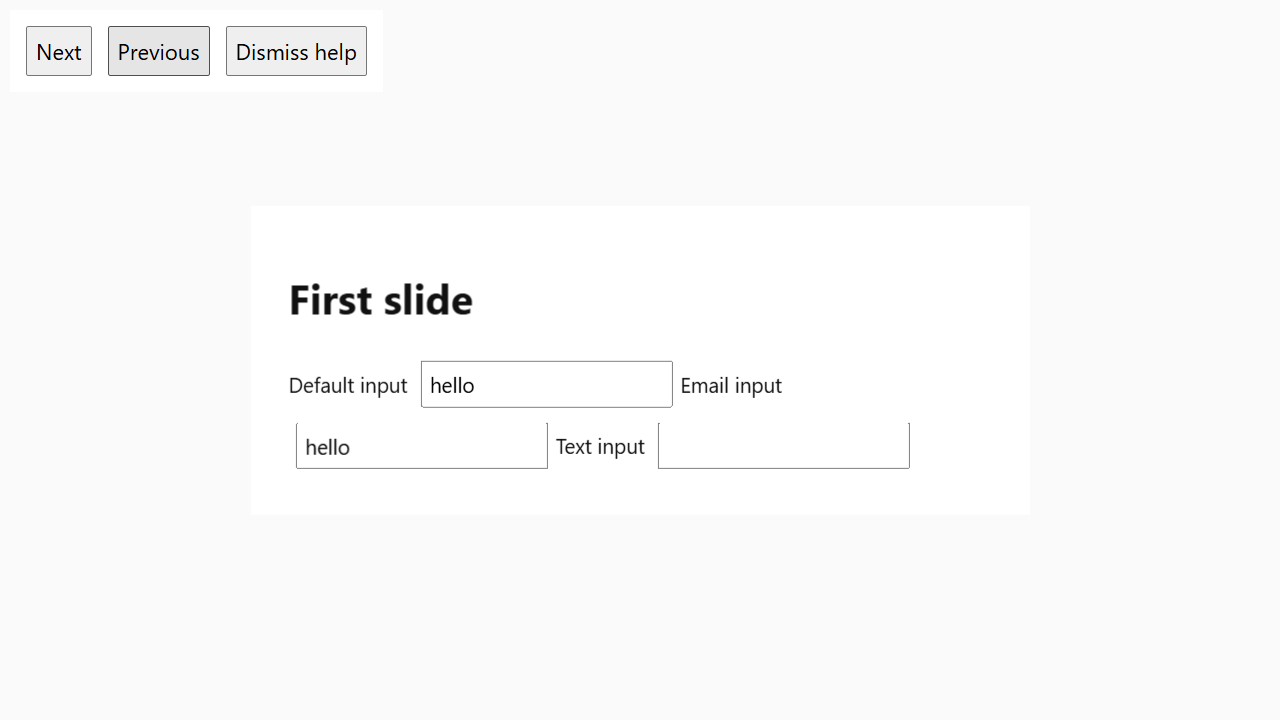
- 9click (784, 444) → landed on input#explicit
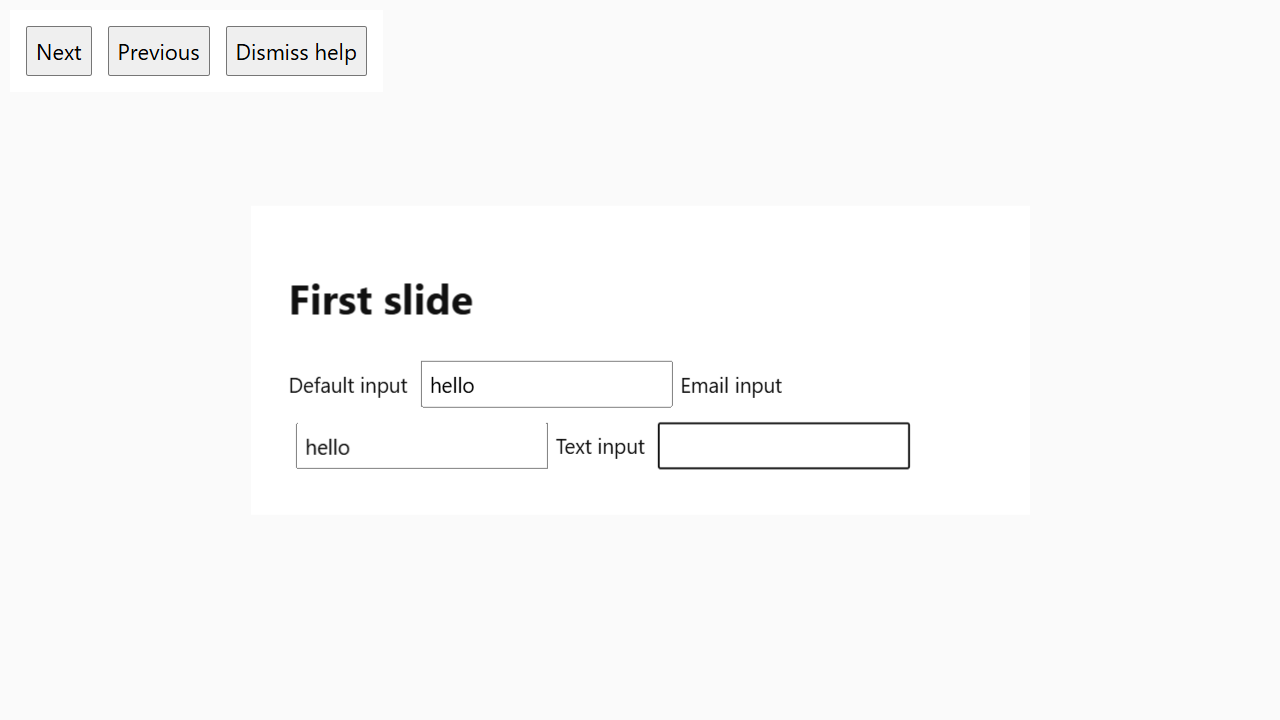
- 10type "hello world"
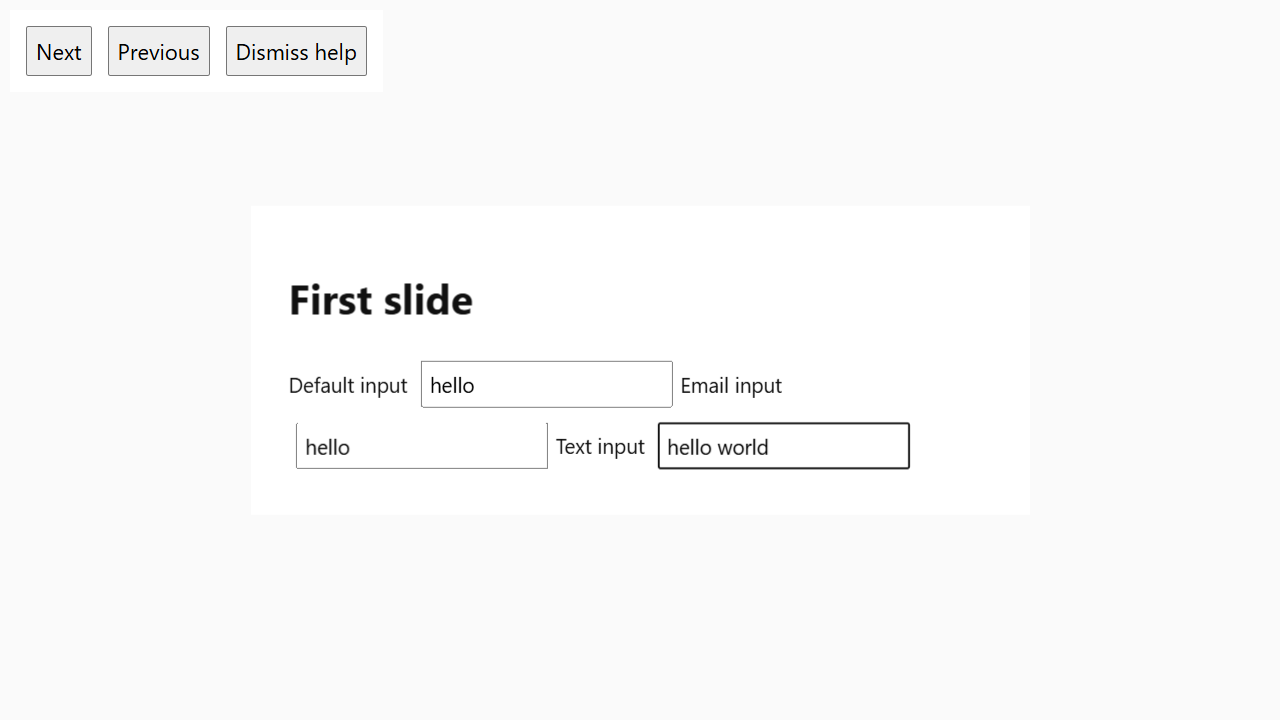
- 11click (380, 299) → landed on h1 (not a control)
Green · The fix — the criteria should pass
ho/C10/candidate @ 2ecac8a
expected pass · observed pass
✓ as expected
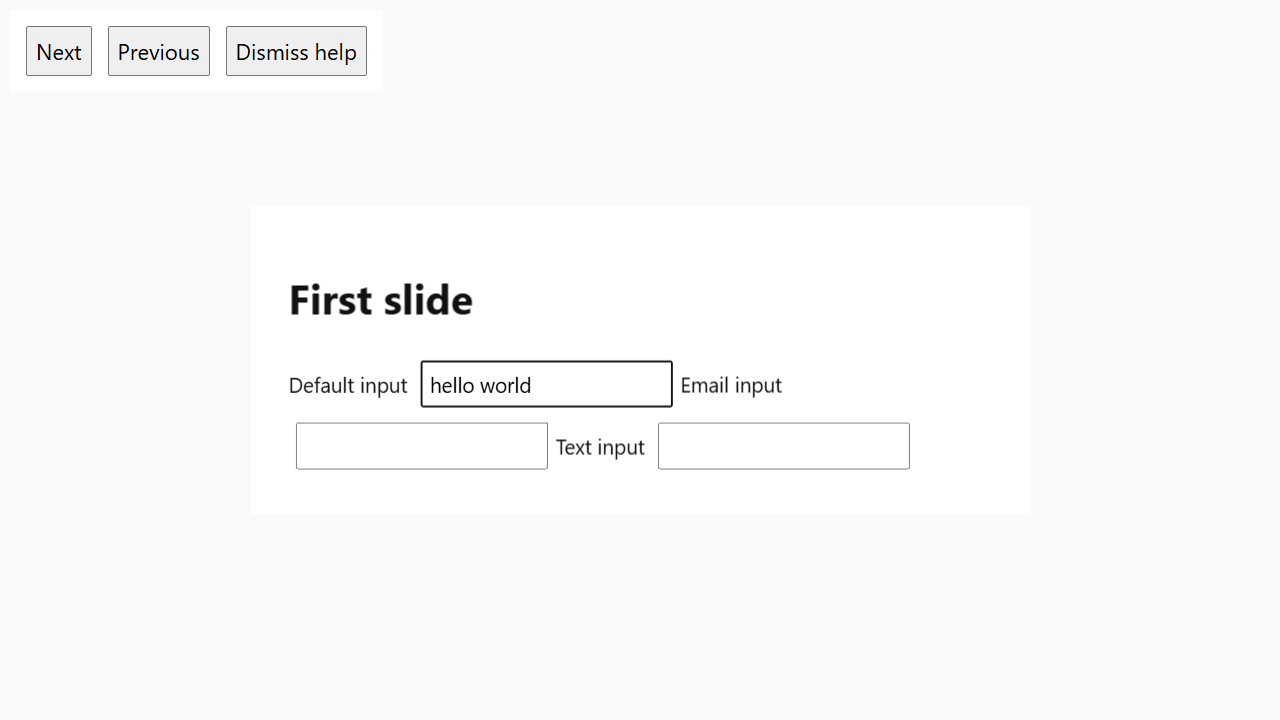
space-in-default-input-does-not-advance
Verifier · Muse Spark 1.3pass
Code checksnot applicable
Element checknot applicable
Judge · Muse Spark Openpass
Verifier sawDefault input field contained 'hello world' and First slide was still visible after typing including space.
Other voters
- Judge (meta-models/muse-spark-open): pass — Frame 3 shows Default input contains "hello world" with the space preserved while First slide remains visible and Second slide is not visible.
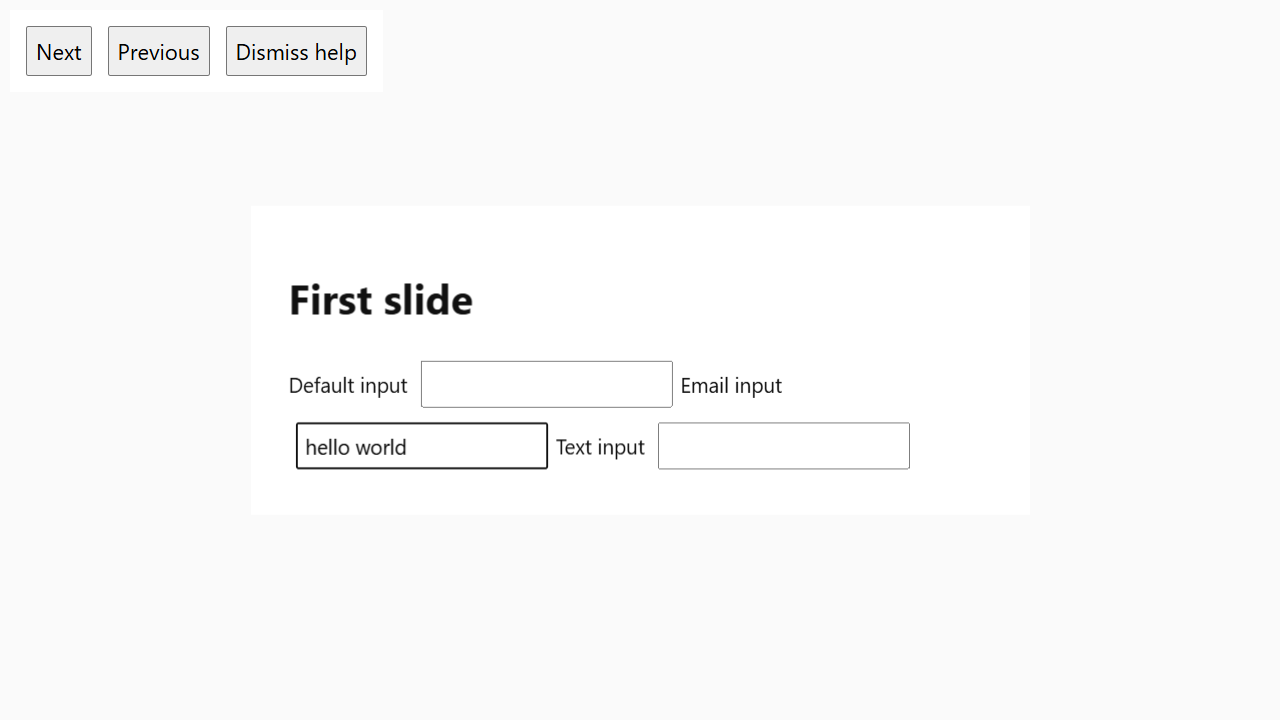
typing-in-email-input-does-not-advance
Verifier · Muse Spark 1.3pass
Code checksnot applicable
Element checknot applicable
Judge · Muse Spark Openpass
Verifier sawEmail input field (lower-left) contained 'hello world' and First slide was still visible after typing including space.
Other voters
- Judge (meta-models/muse-spark-open): pass — Frame 8 shows the Email input (lower-left field) contains "hello world" with the space while First slide is still visible.
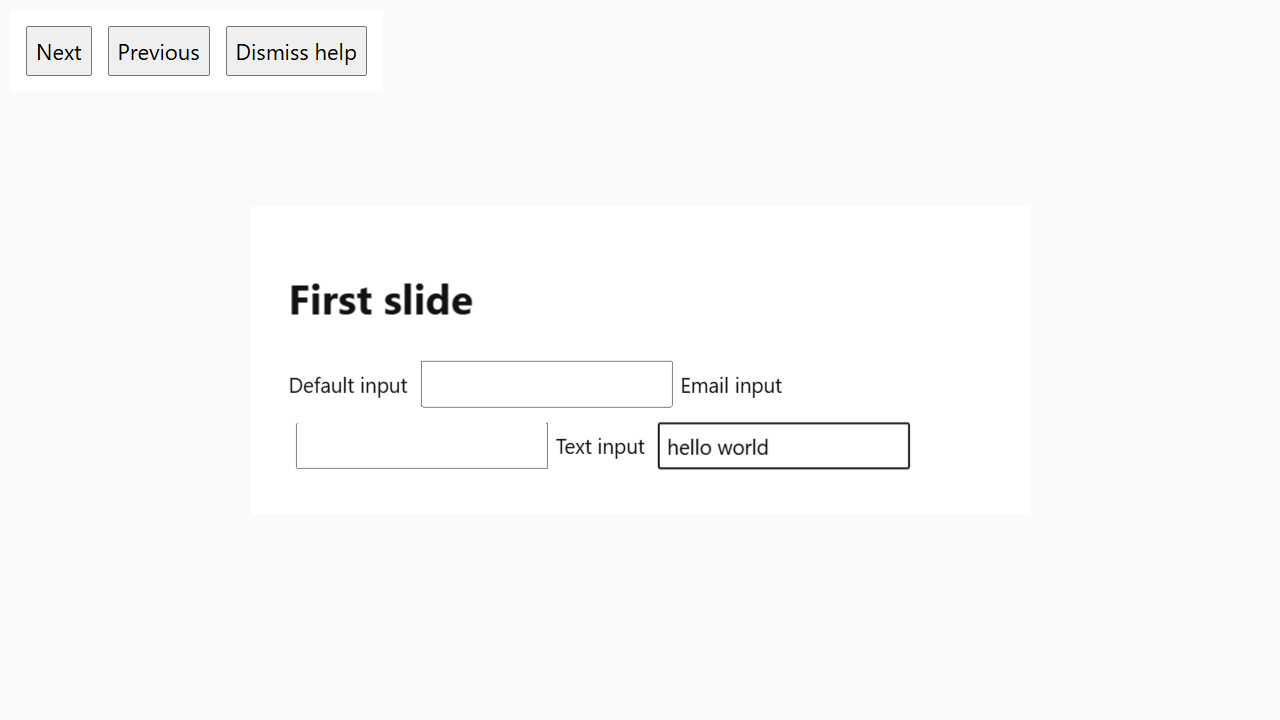
explicit-text-input-keeps-working
Verifier · Muse Spark 1.3pass
Code checksnot applicable
Element checknot applicable
Judge · Muse Spark Openpass
Verifier sawText input field (lower-right) contained 'hello world' and First slide was still visible after typing including space.
Other voters
- Judge (meta-models/muse-spark-open): pass — Frame 11 shows Text input (lower-right field) contains "hello world" with the space while First slide is still visible.
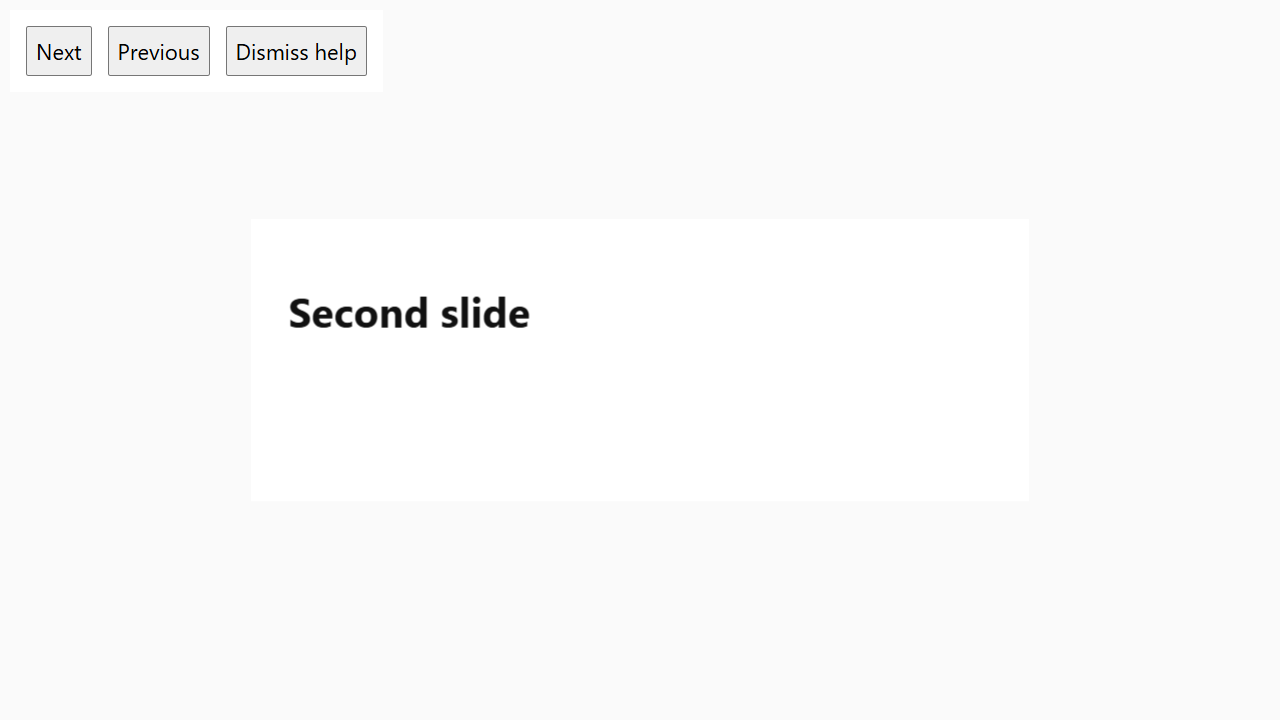
shortcuts-work-when-slide-has-focus
Verifier · Muse Spark 1.3pass
Code checksnot applicable
Element checknot applicable
Judge · Muse Spark Openpass
Verifier sawAfter clicking First slide heading and pressing Space once, Second slide became visible.
Other voters
- Judge (meta-models/muse-spark-open): pass — Frames 13-14 show First slide with no input focused and Second slide not visible, and Frame 15 shows Second slide visible after the slide had focus and Space was pressed.
What the verifier did, step by step 14 steps
- 0open the app
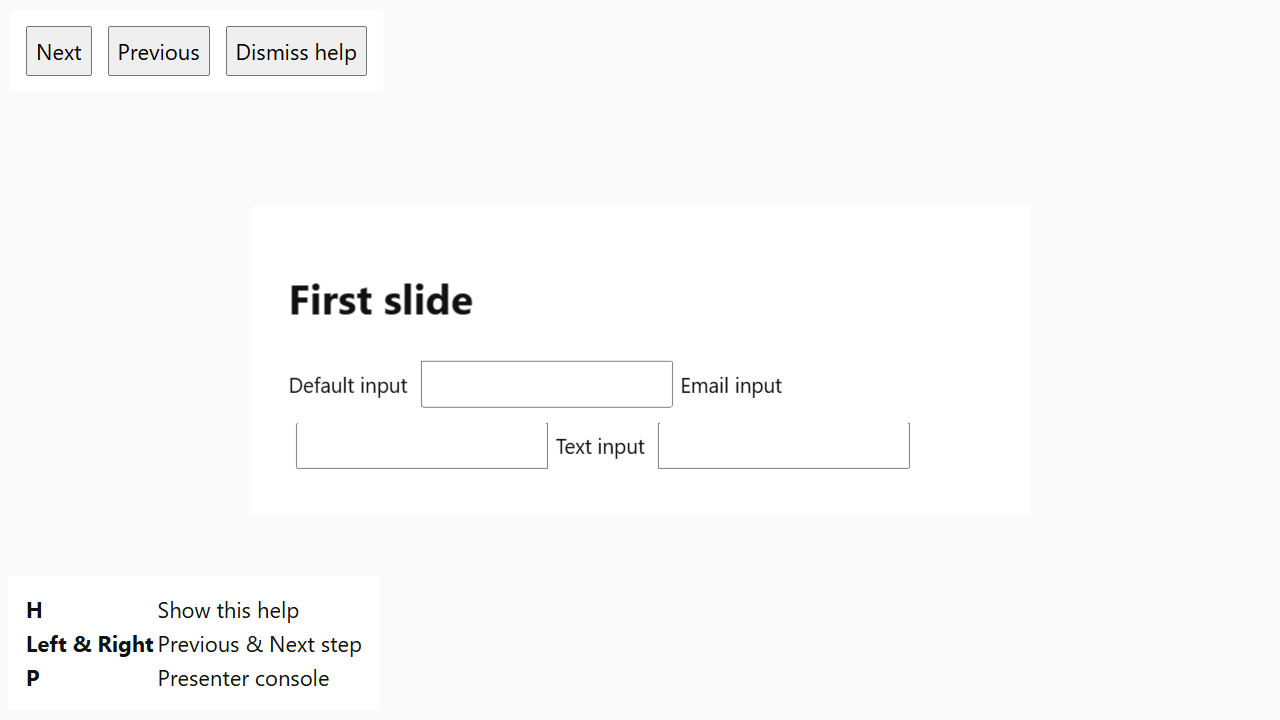
- 1click (546, 383) → landed on input#defaultwait
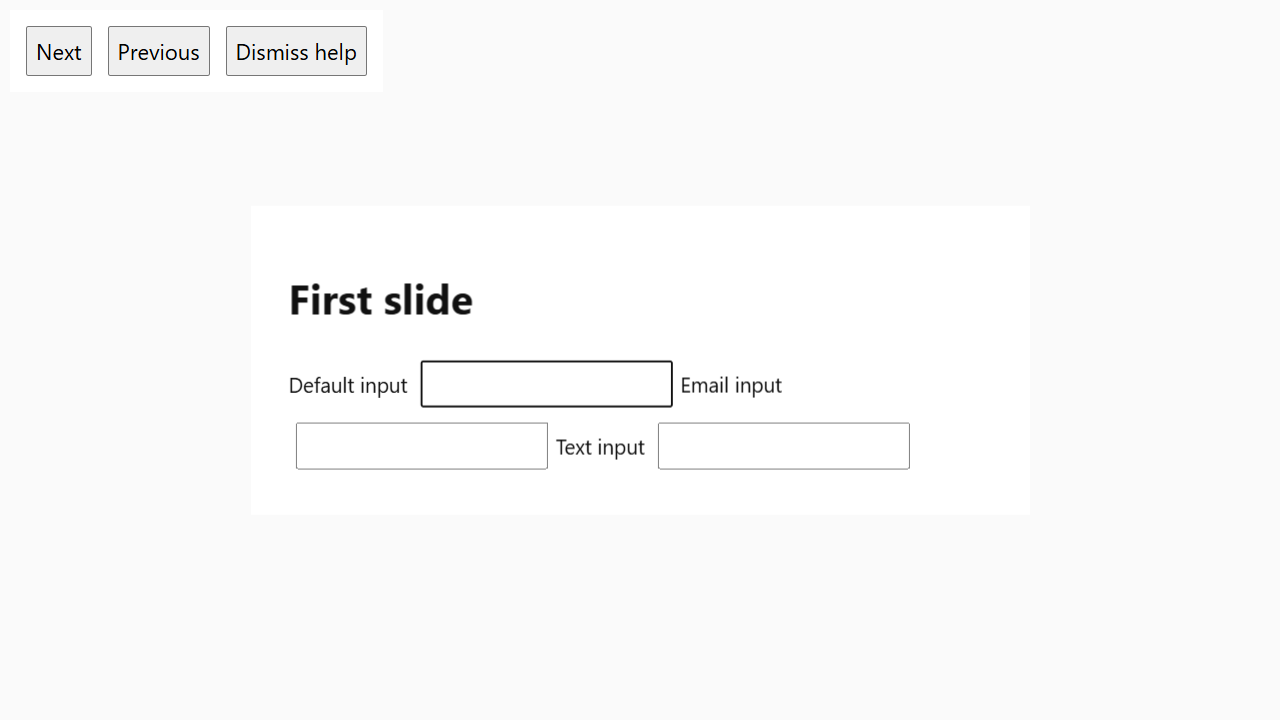
- 2type "hello world"wait
- 3press F5wait
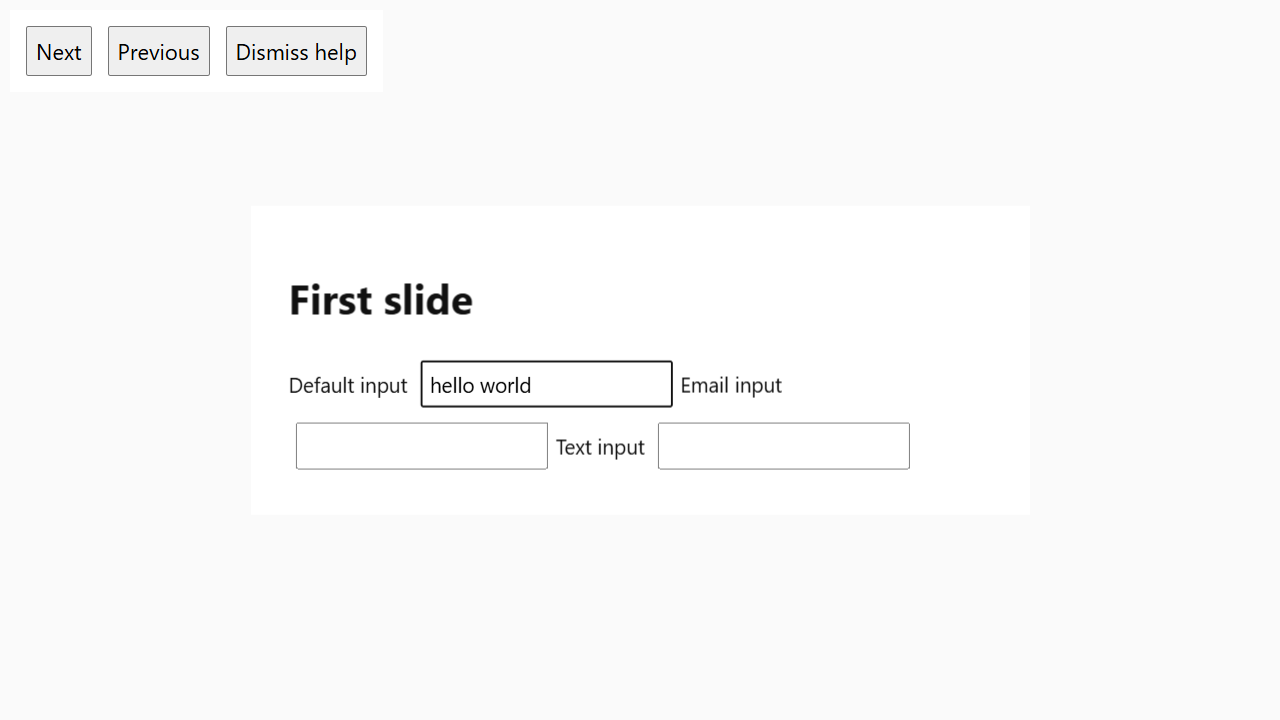
- 4press ctrl+rwait
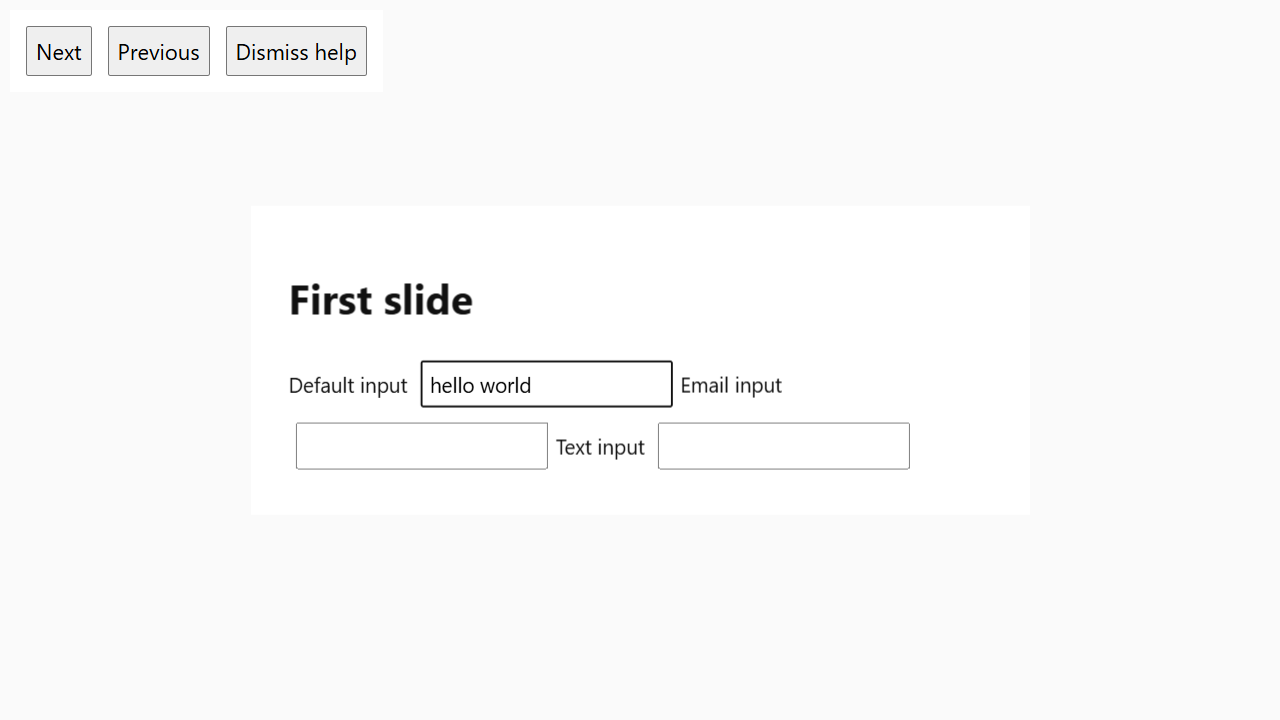
- 5click (545, 384) → landed on input#defaultwaitpress ctrl+apress Backspacewait
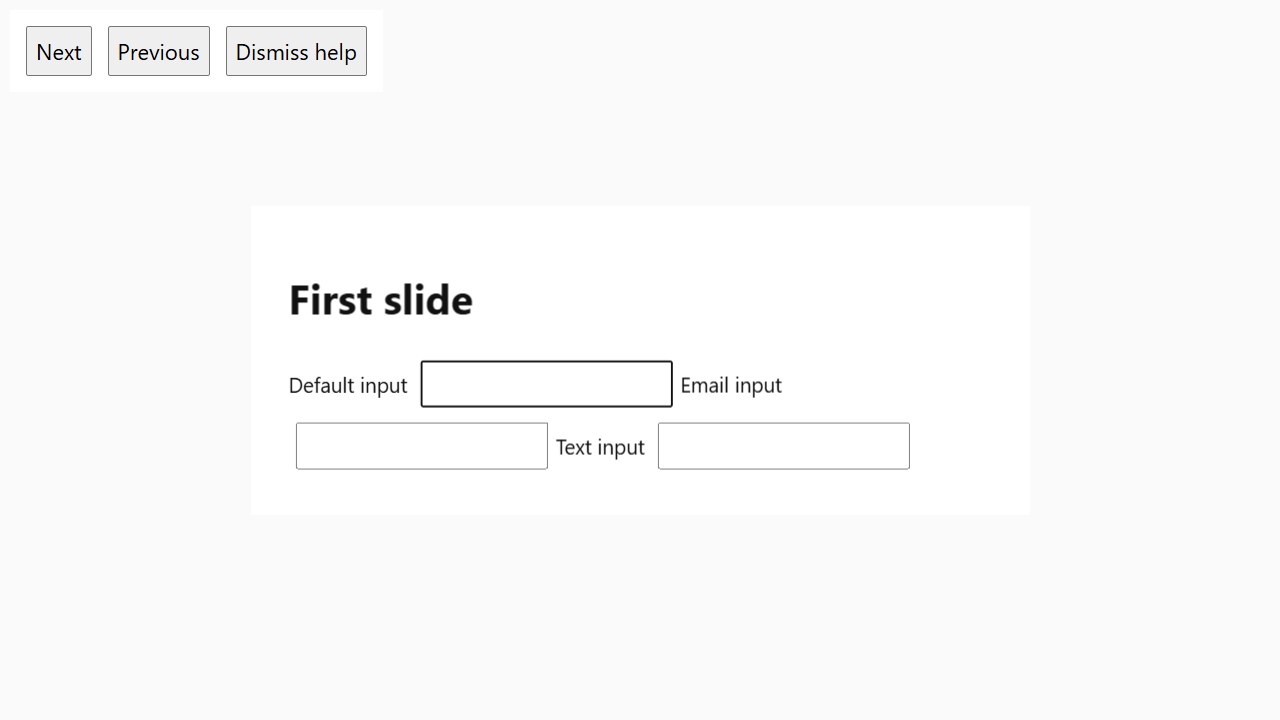
- 6click (420, 444) → landed on input#emailwait
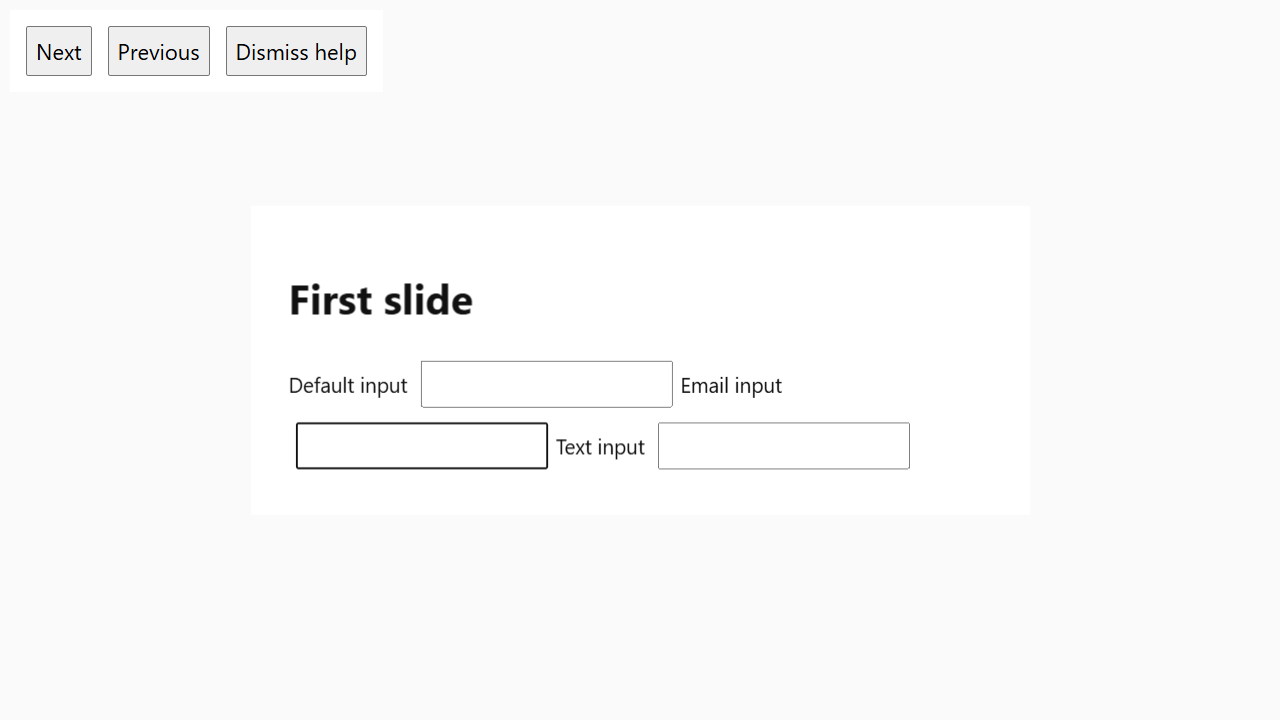
- 7type "hello world"wait
- 8press ctrl+apress Backspacewait
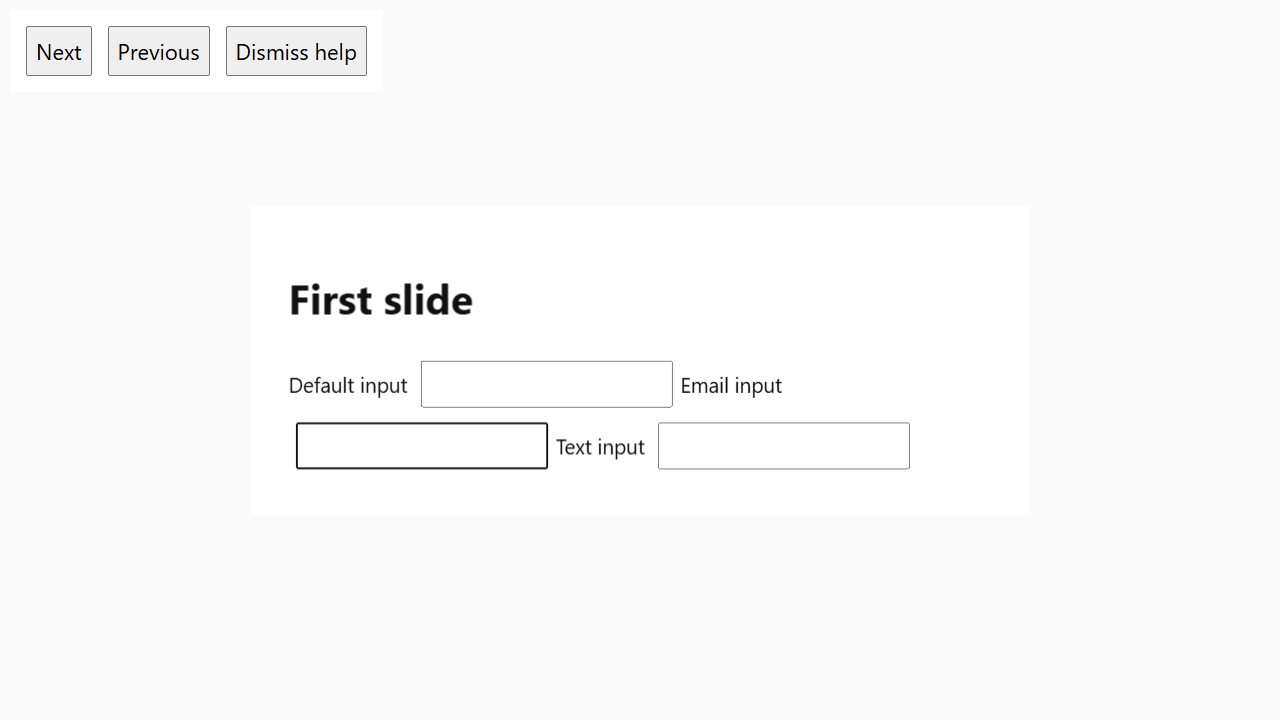
- 9click (783, 444) → landed on input#explicitwait
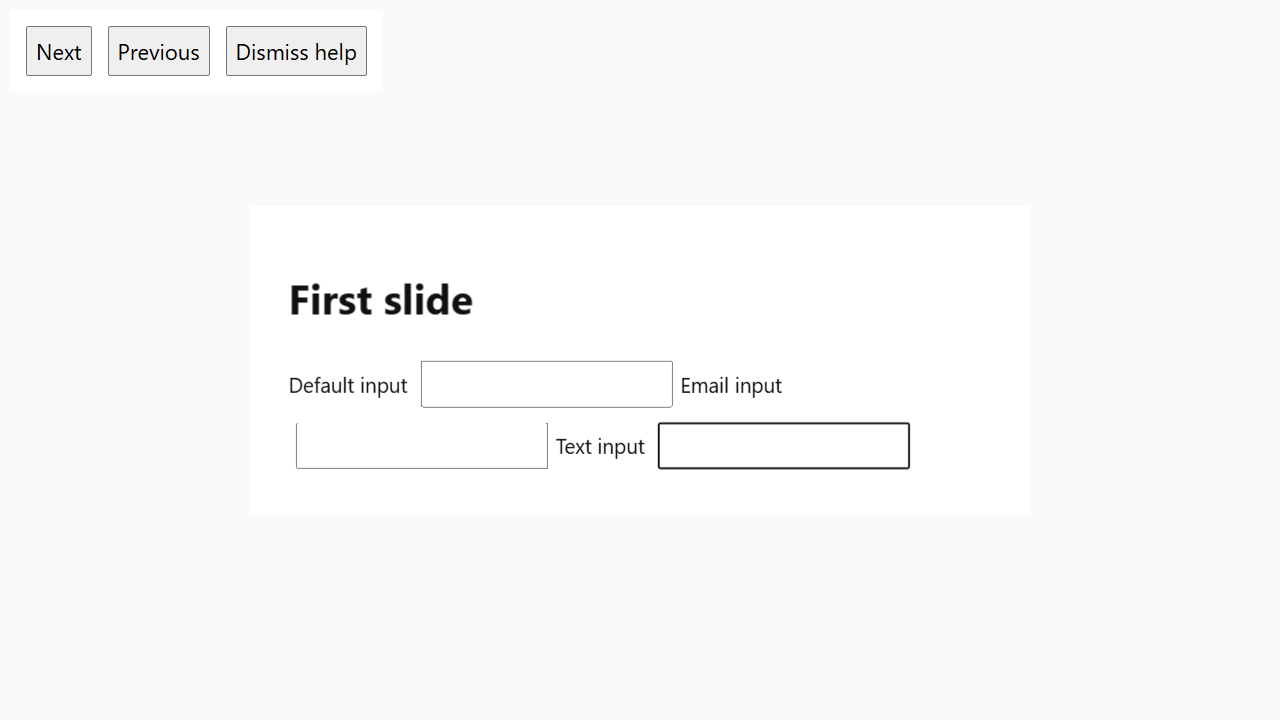
- 10type "hello world"wait
- 11press ctrl+apress Backspacewait
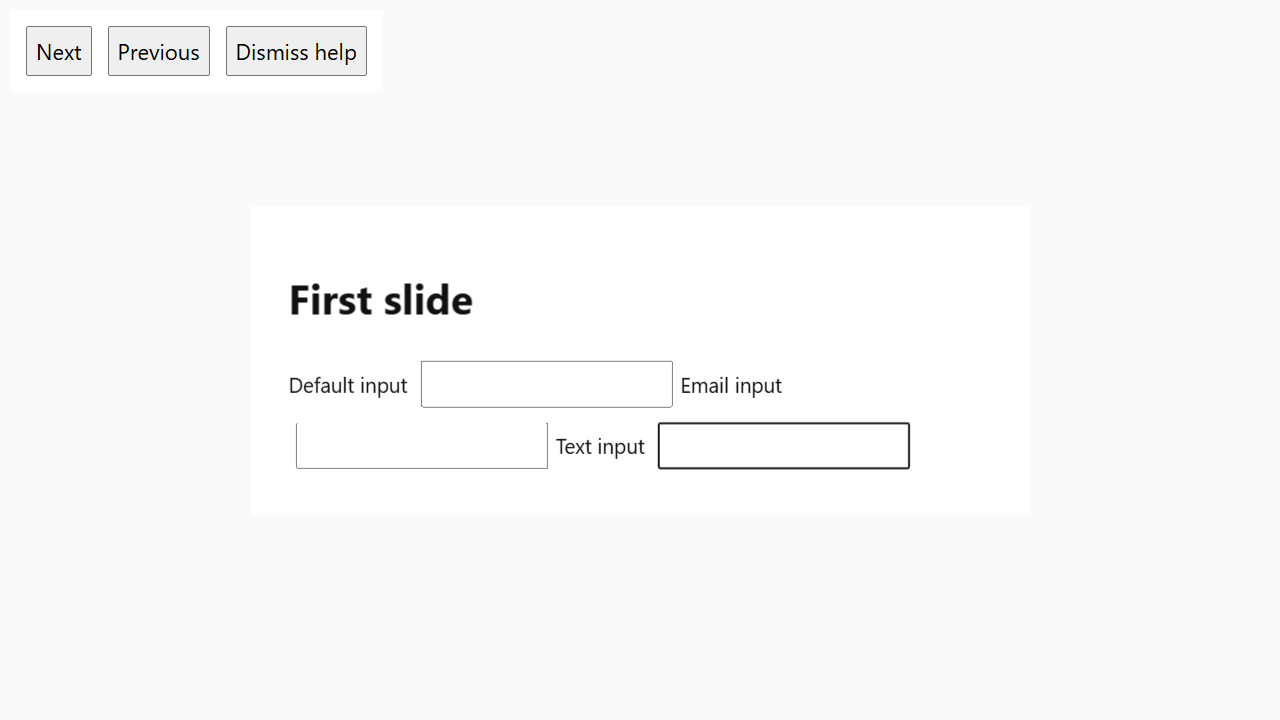
- 12click (640, 273) → landed on h1 (not a control)wait
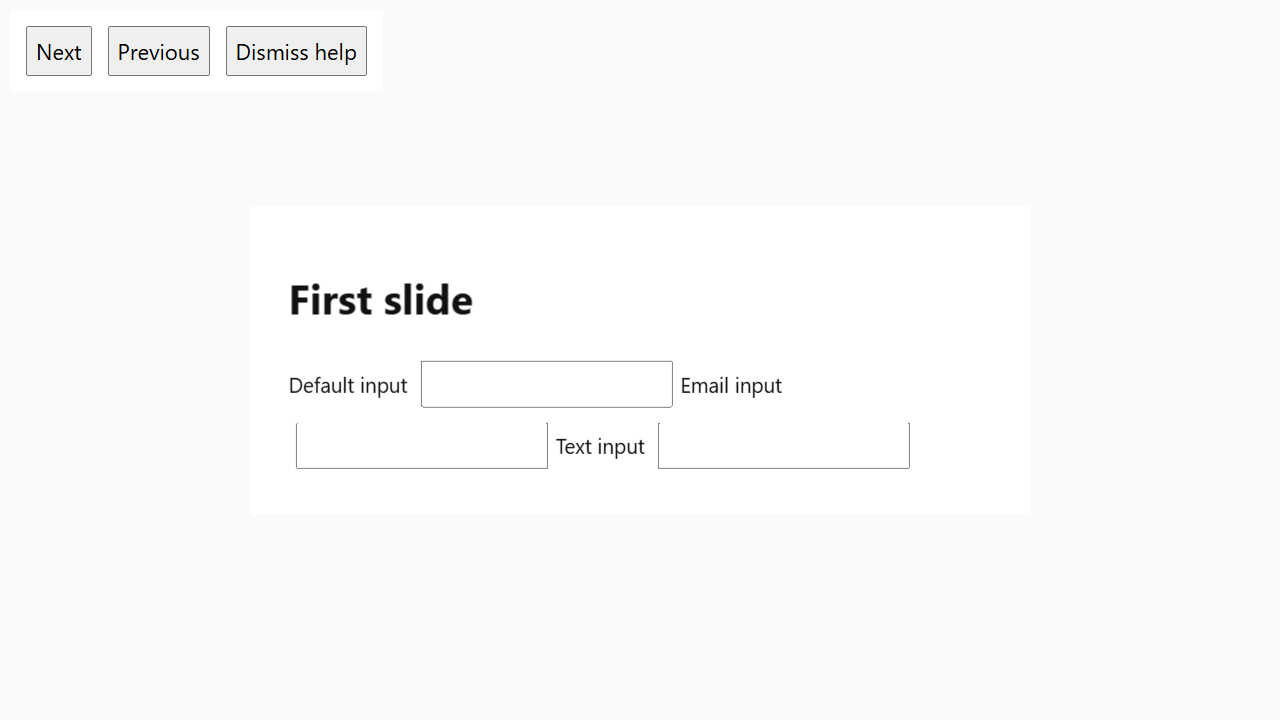
- 13click (380, 299) → landed on h1 (not a control)wait
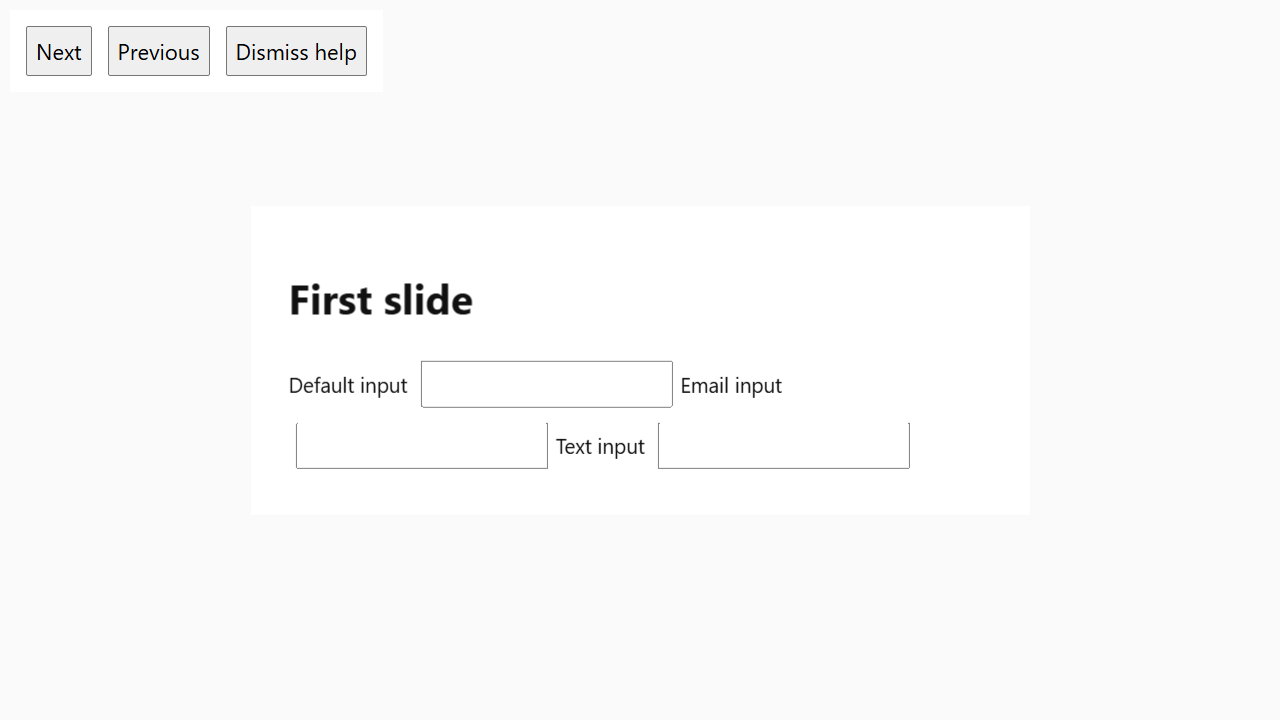
- 14press Spacewait
Check this receipt yourself
What attest verify checks — no model calls
- The Ed25519 signature over the receipt
- The hash-chained event log, its head and its length
- The hash of every screenshot, video and the criteria copy
- That the verdict follows from the recorded votes
What a receipt does not prove
- That the capture environment was honest — it shows nothing changed after capture; the signature detects a later edit
- Who ran it — the key is created on the machine that ran the proof
- Anything beyond the stated criteria