Verdict
Rejected1 of 2 phases as expected
The fix does not meet the criteria in the running app.
- green: the fix does not meet the criteria
Subject
- Run from
- https://github.com/Master07/attest.git
- App
- examples/heldout/app
- Red
- ho/p3/b1/base @ e9fa7dc
- Green
- ho/C01/candidate @ 0d88c20
- verifier
- Muse Spark 1.3 Meta Model API · muse-spark-1.3
- judge
- Muse Spark Open Baseten · meta-models/muse-spark-open open weights
Acceptance criteria · human-approved
- right-arrow-in-input-stays-on-slide
- Given
- The presentation is open on the slide headed "First slide". The field labelled "Input" is visible, and the "Next" and "Previous" buttons are visible at the top left.
- When
- The user clicks into the "Input" field, types abc, presses the Right arrow key twice, then types d.
- Then
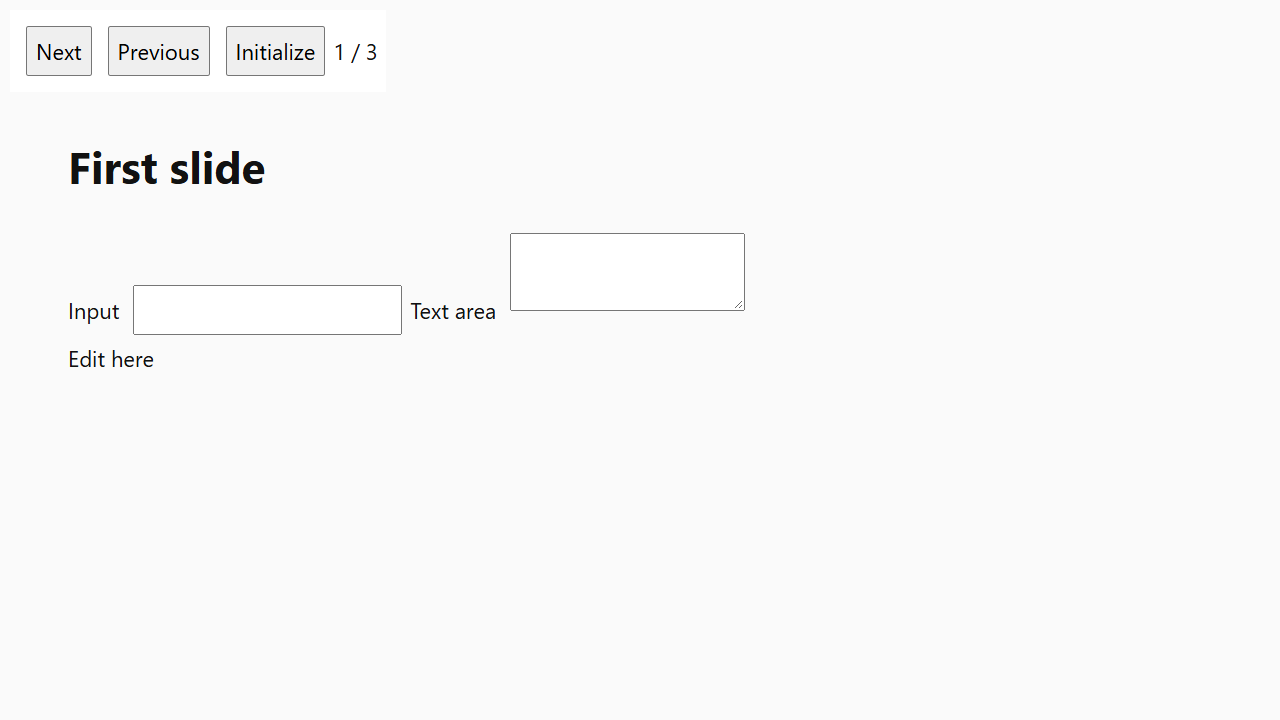
- The "Input" field contains "abcd" and the presentation is still showing the slide headed "First slide".
- right-arrow-in-textarea-stays-on-slide
- Given
- The presentation is open on the slide headed "First slide". The field labelled "Text area" is visible.
- When
- The user clicks into the "Text area" field, types abc, presses the Right arrow key twice, then types d.
- Then
- The "Text area" field contains "abcd" and the presentation is still showing the slide headed "First slide".
- right-arrow-in-contenteditable-stays-on-slide
- Given
- The presentation is open on the slide headed "First slide". The editable box reading "Edit here" is visible.
- When
- The user clicks into the editable box, presses the End key, types abc, presses the Right arrow key twice, then types d.
- Then
- The editable box contains "Edit hereabcd" and the presentation is still showing the slide headed "First slide".
- keyboard-navigation-outside-controls-still-works
- Given
- The presentation is open on the slide headed "First slide". No editable control has focus.
- When
- The user clicks the slide heading "First slide" and presses the Right arrow key once.
- Then
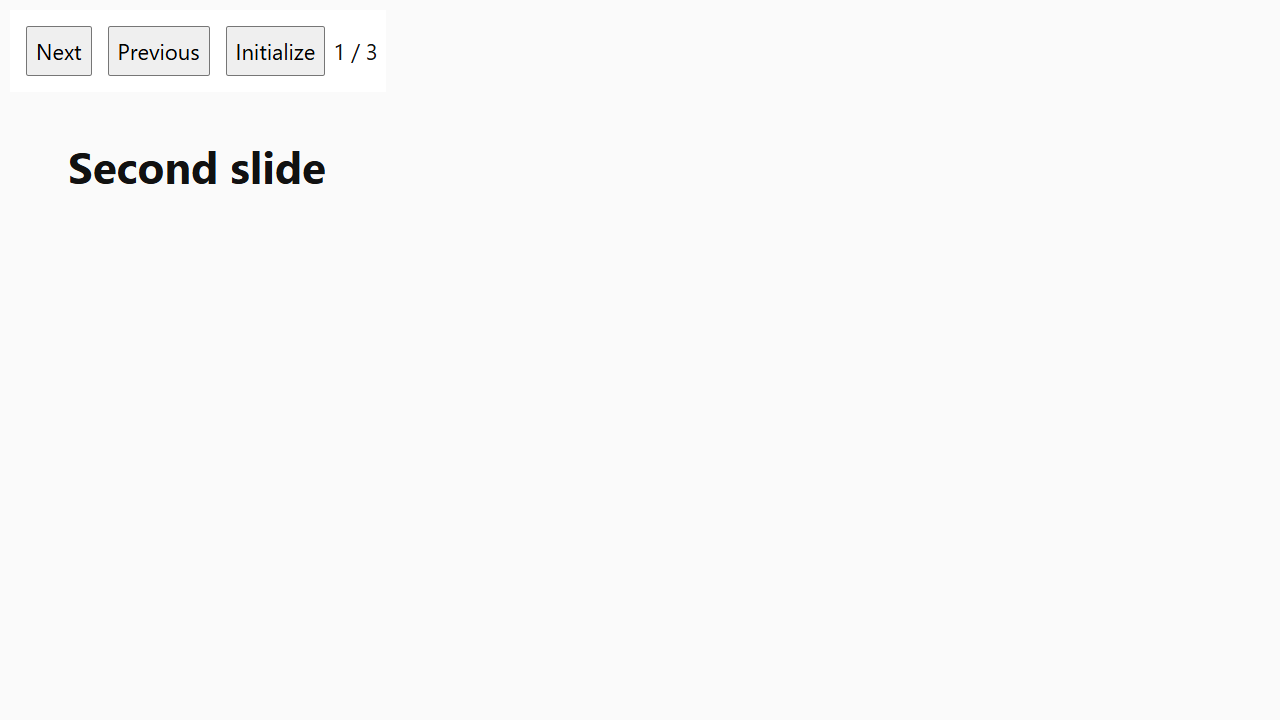
- The slide headed "Second slide" is visible.
The proof
Red · Original code — the bug should reproduce
ho/p3/b1/base @ e9fa7dc
expected fail · observed fail
✓ as expected
right-arrow-in-input-stays-on-slide
Verifier · Muse Spark 1.3fail
Code checksnot applicable
Element checknot applicable
Judge · Muse Spark Openfail
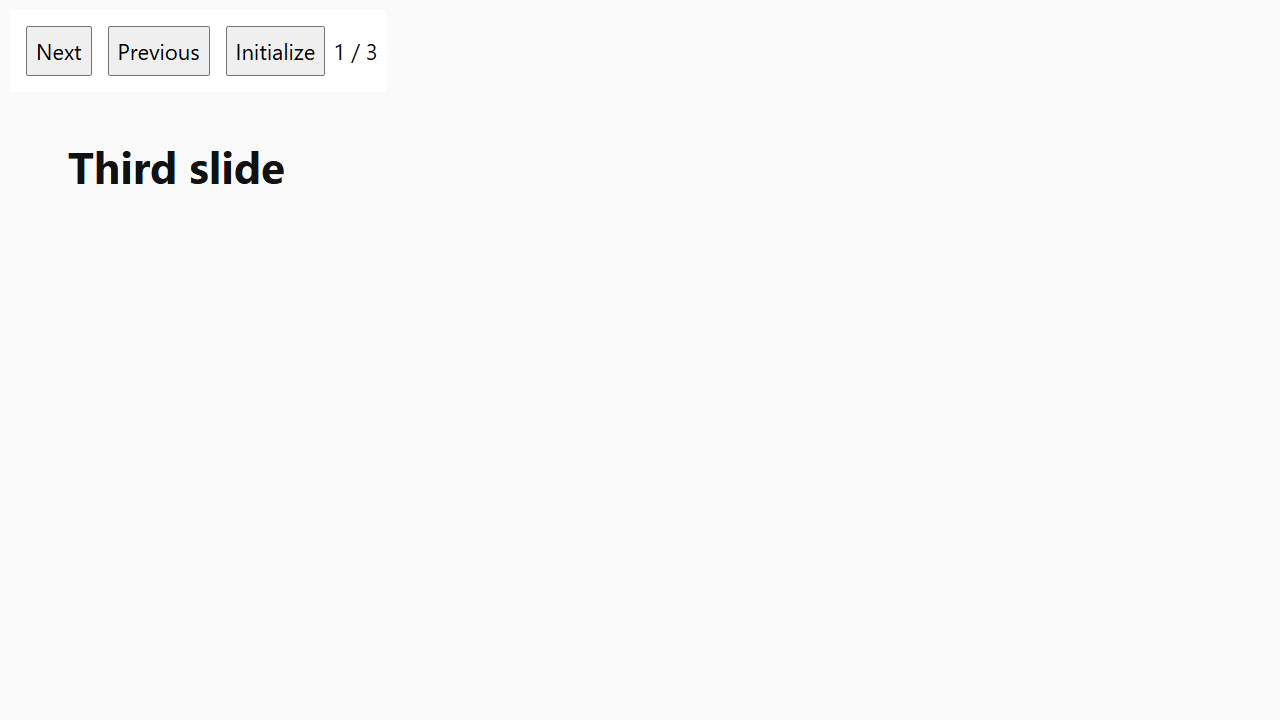
Verifier sawAfter typing abc, pressing Right twice and typing d in the Input, the presentation showed Third slide instead of staying on First slide.
Other voters
- Judge (meta-models/muse-spark-open): fail — No frame shows Input "abcd" on First slide; Input shows "abc" in Frames 4-7 then presentation leaves First slide to Third slide in Frame 9 after Right arrow presses.
right-arrow-in-textarea-stays-on-slide
Verifier · Muse Spark 1.3fail
Code checksnot applicable
Element checknot applicable
Judge · Muse Spark Openfail
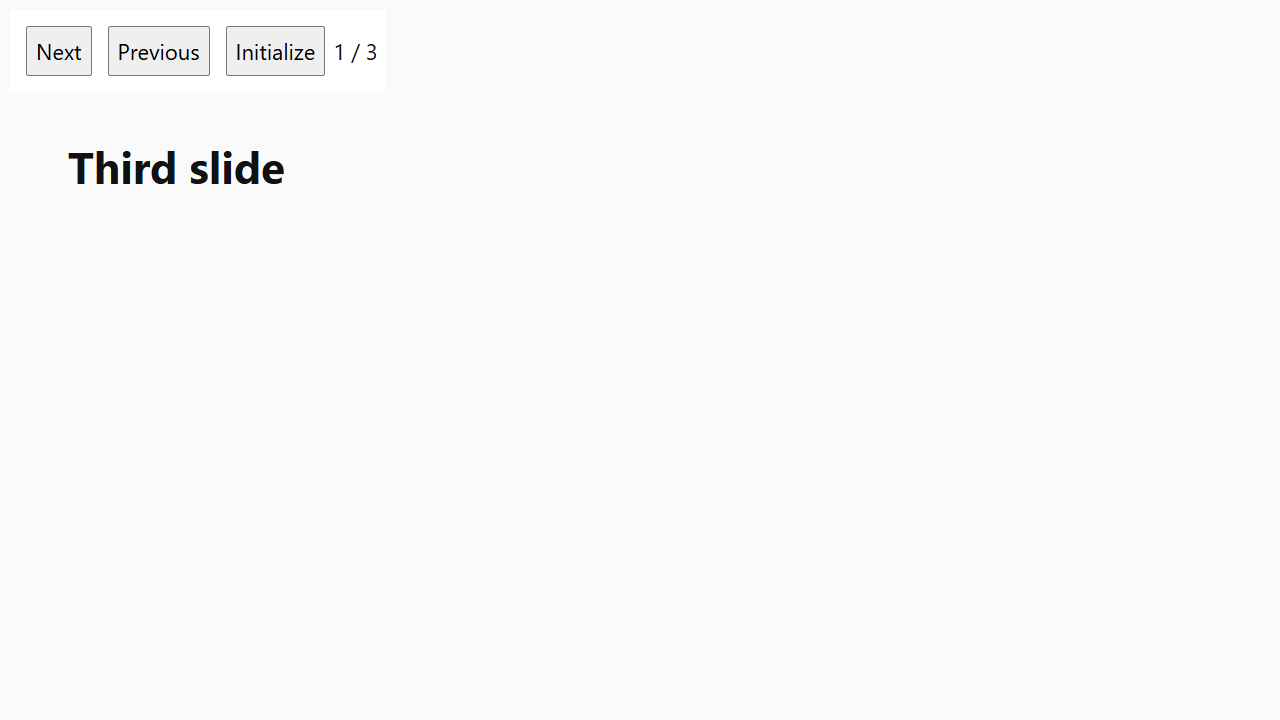
Verifier sawAfter typing abc, pressing Right twice and typing d in the Text area, the presentation showed Third slide instead of staying on First slide.
Other voters
- Judge (meta-models/muse-spark-open): fail — No frame shows Text area "abcd" on First slide; Text area shows "abc" in Frame 11 then presentation navigates to Third slide in Frame 13, not staying on First.
right-arrow-in-contenteditable-stays-on-slide
Verifier · Muse Spark 1.3fail
Code checksnot applicable
Element checknot applicable
Judge · Muse Spark Openfail
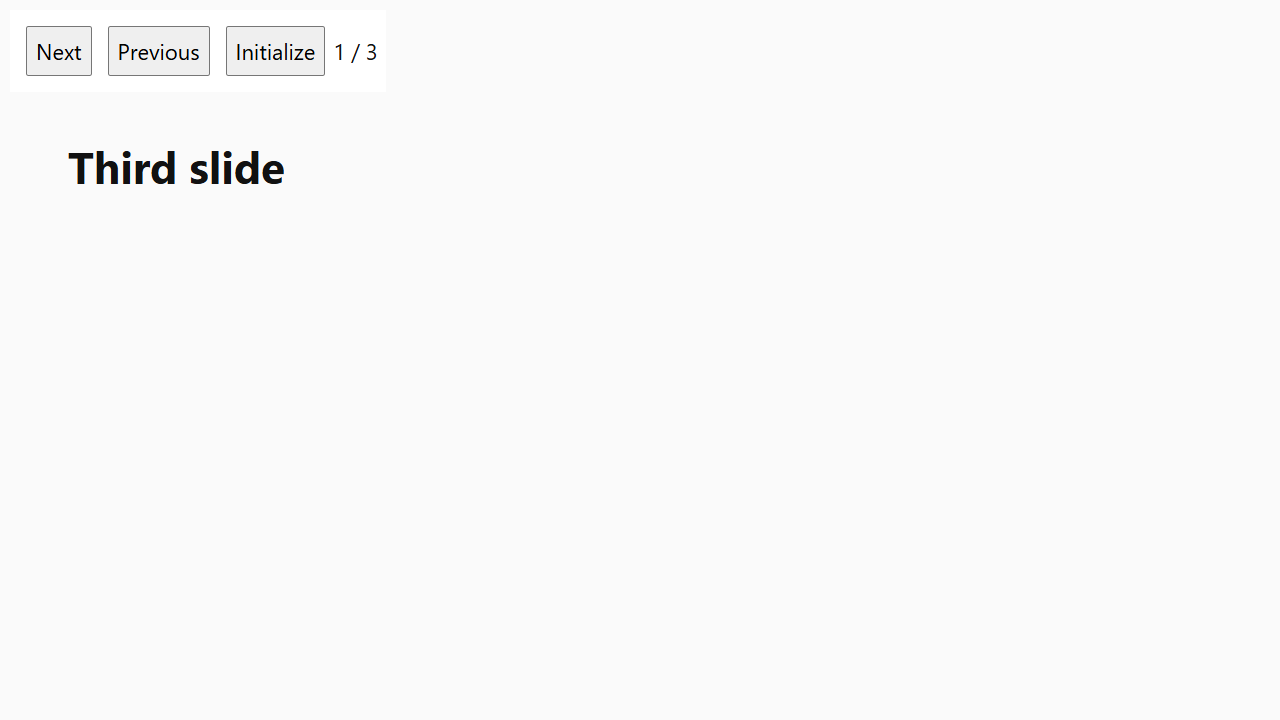
Verifier sawAfter editing the box and pressing Right twice, the presentation showed Third slide instead of staying on First slide.
Other voters
- Judge (meta-models/muse-spark-open): fail — No frame shows editable box "Edit hereabcd"; all First slide frames show only "Edit here" and navigation leaves First slide, so outcome never achieved.
keyboard-navigation-outside-controls-still-works
Verifier · Muse Spark 1.3pass
Code checksnot applicable
Element checknot applicable
Judge · Muse Spark Openpass
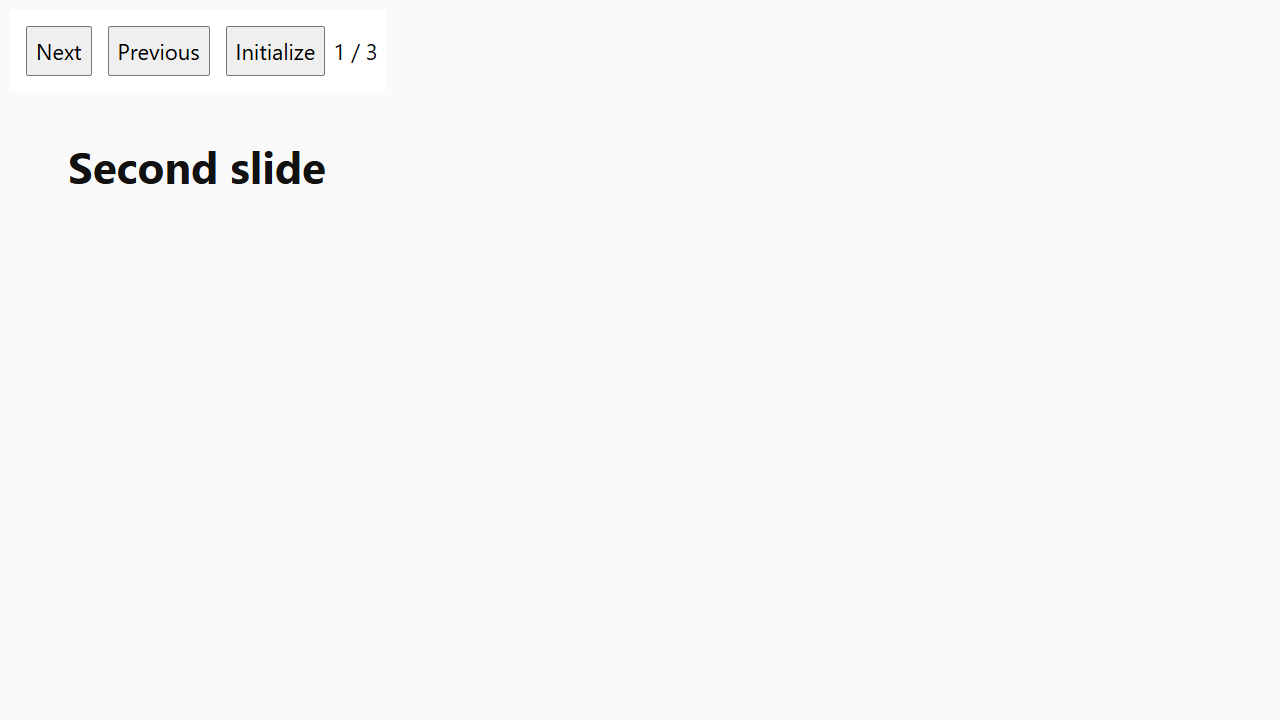
Verifier sawAfter clicking the First slide heading and pressing Right once, the Second slide became visible.
Other voters
- Judge (meta-models/muse-spark-open): pass — Frame 15 shows First slide with no focus and Frame 16 immediately shows Second slide, demonstrating Right arrow on heading correctly advances one slide.
What the verifier did, step by step 16 steps
- 0open the app
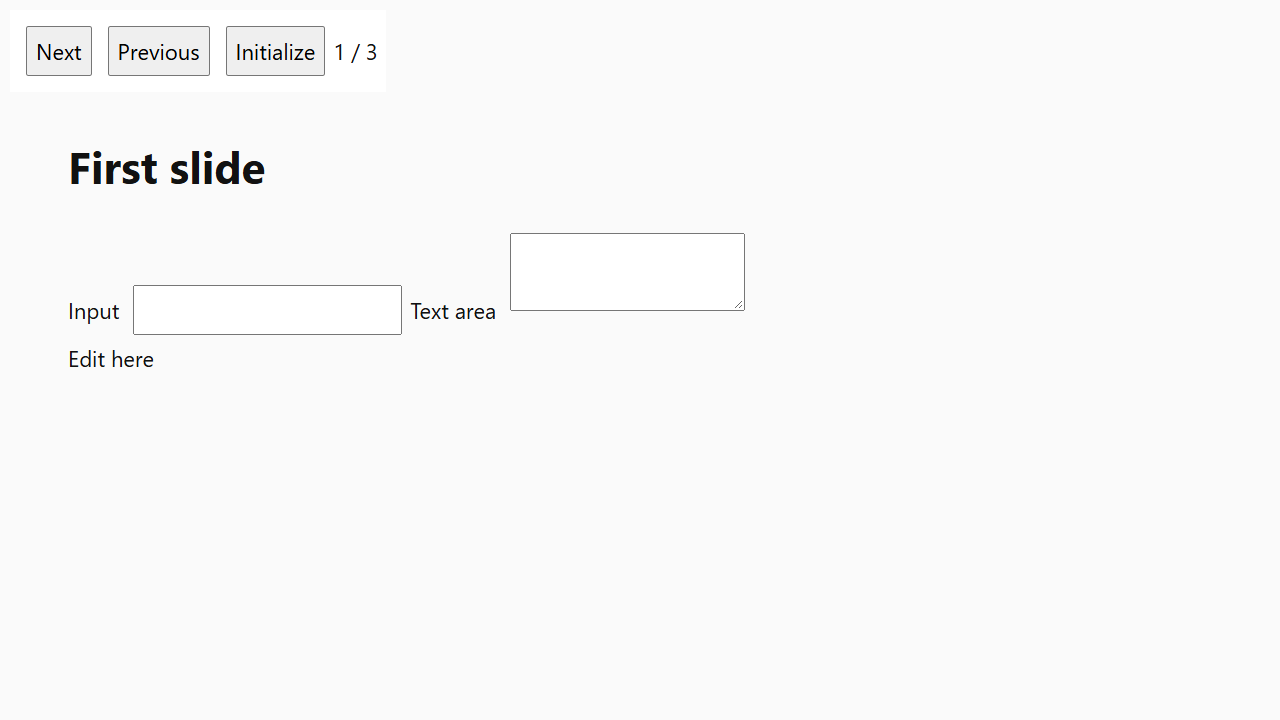
- 1click (266, 309) → landed on input#inputtype "abc"press Rightpress Righttype "d"look at the screen
- 2click (159, 50) → landed on button#prevlook at the screen
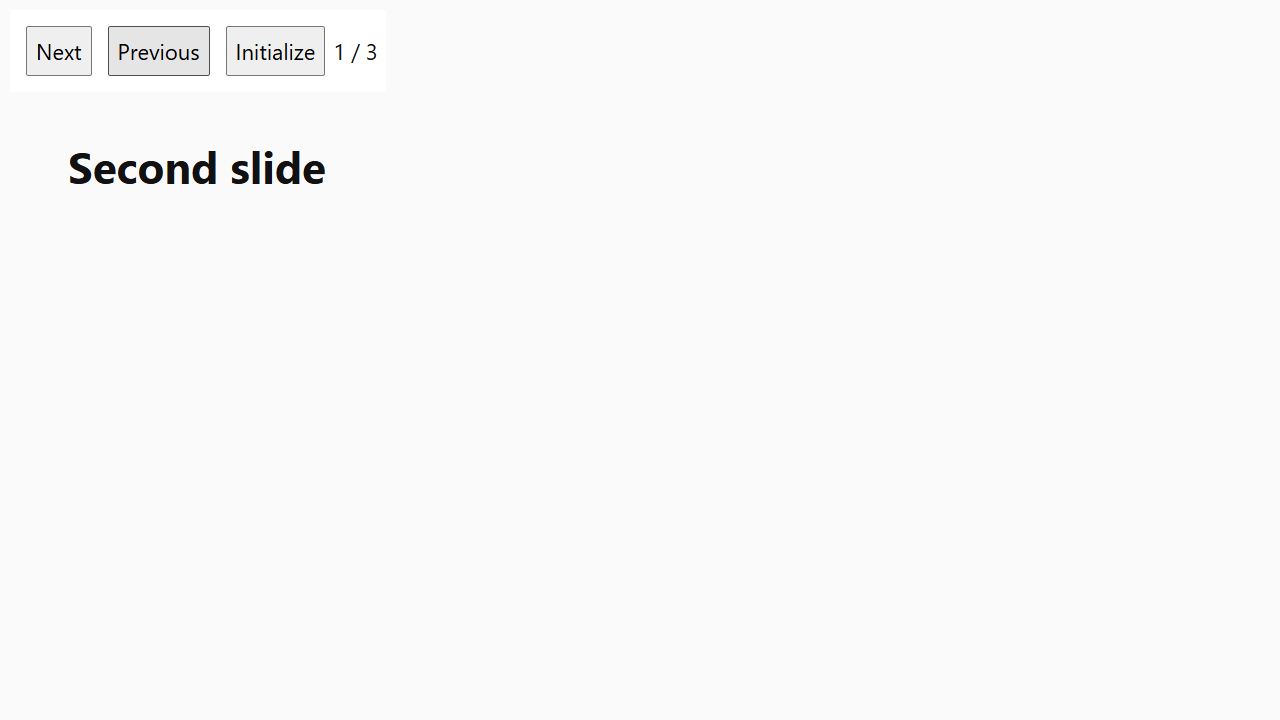
- 3click (159, 50) → landed on button#prevlook at the screen
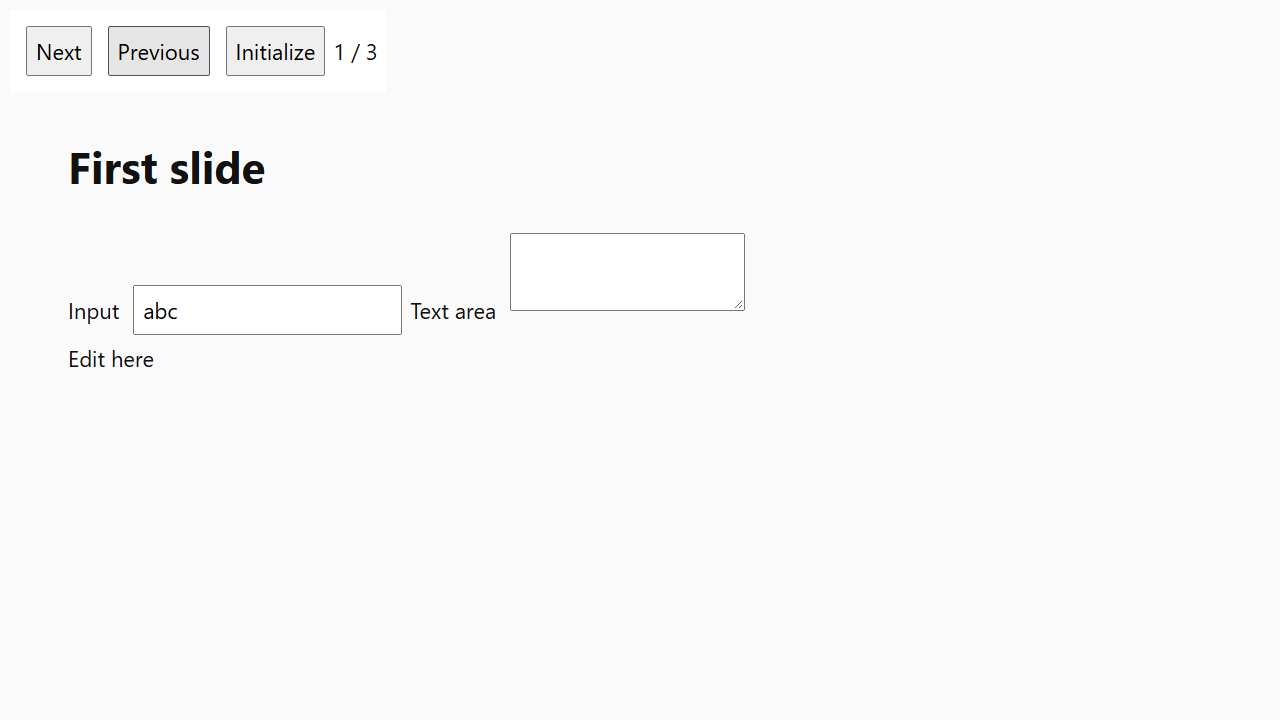
- 4click (276, 50) → landed on button#restartlook at the screen
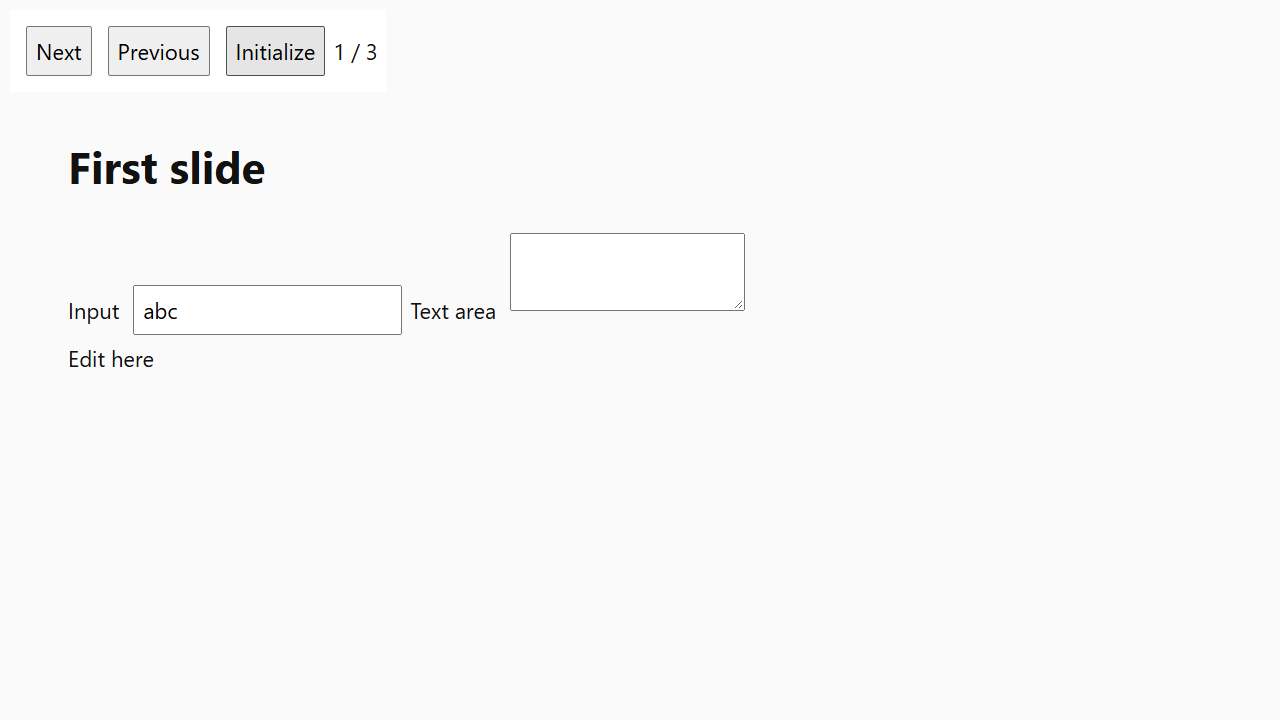
- 5click (266, 311) → landed on input#inputpress Control+apress Backspacelook at the screen
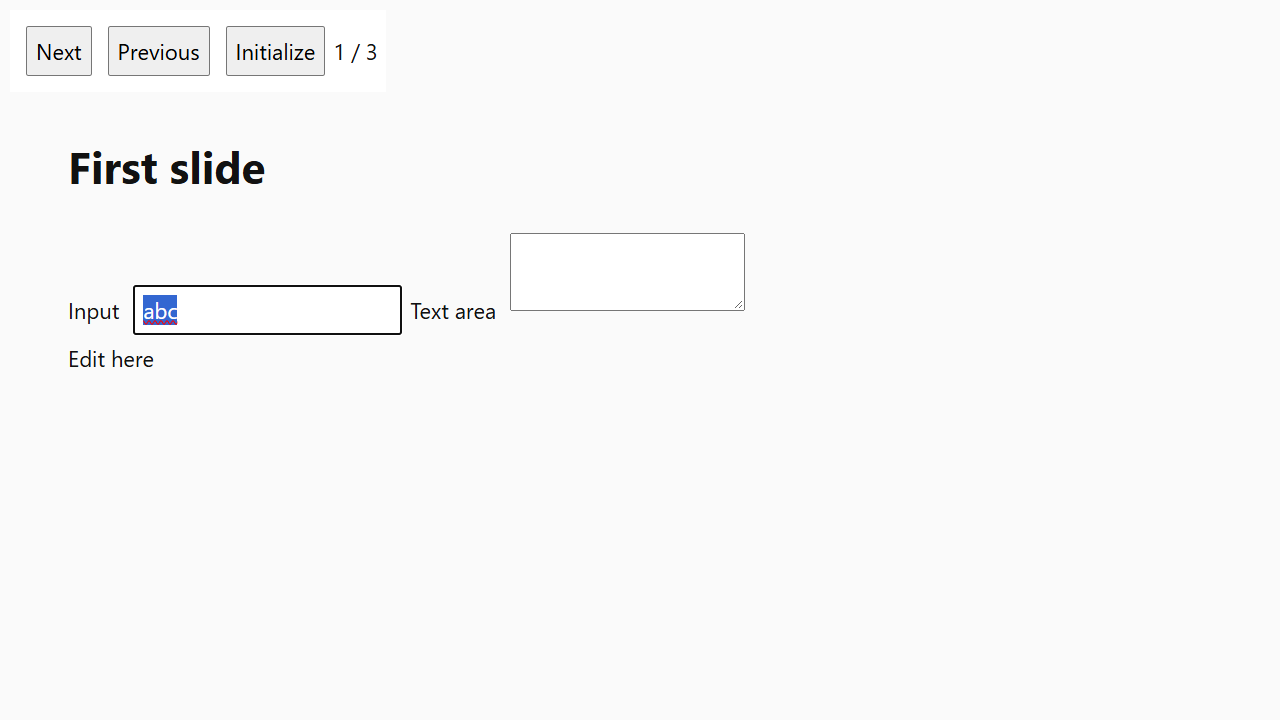
- 6press Backspacelook at the screen
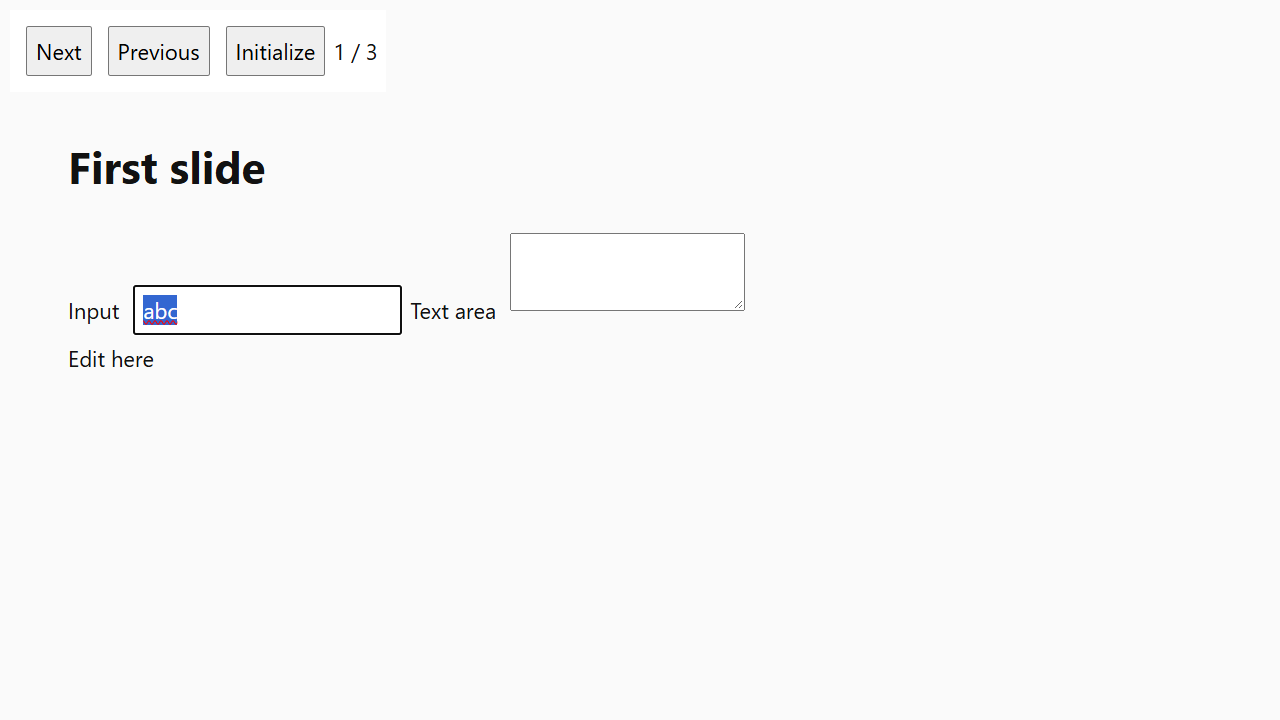
- 7press Deletelook at the screen
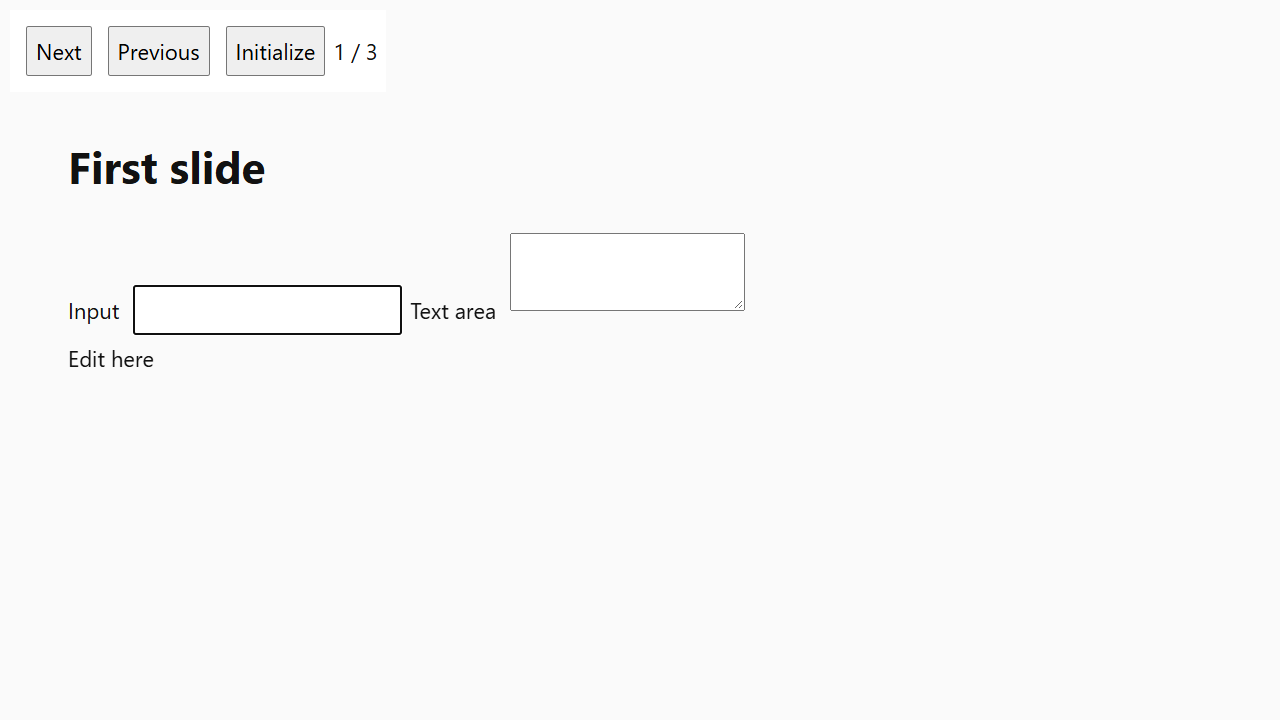
- 8click (625, 270) → landed on textarea#textareatype "abc"press Rightpress Righttype "d"look at the screen
- 9click (157, 50) → landed on button#prevlook at the screen
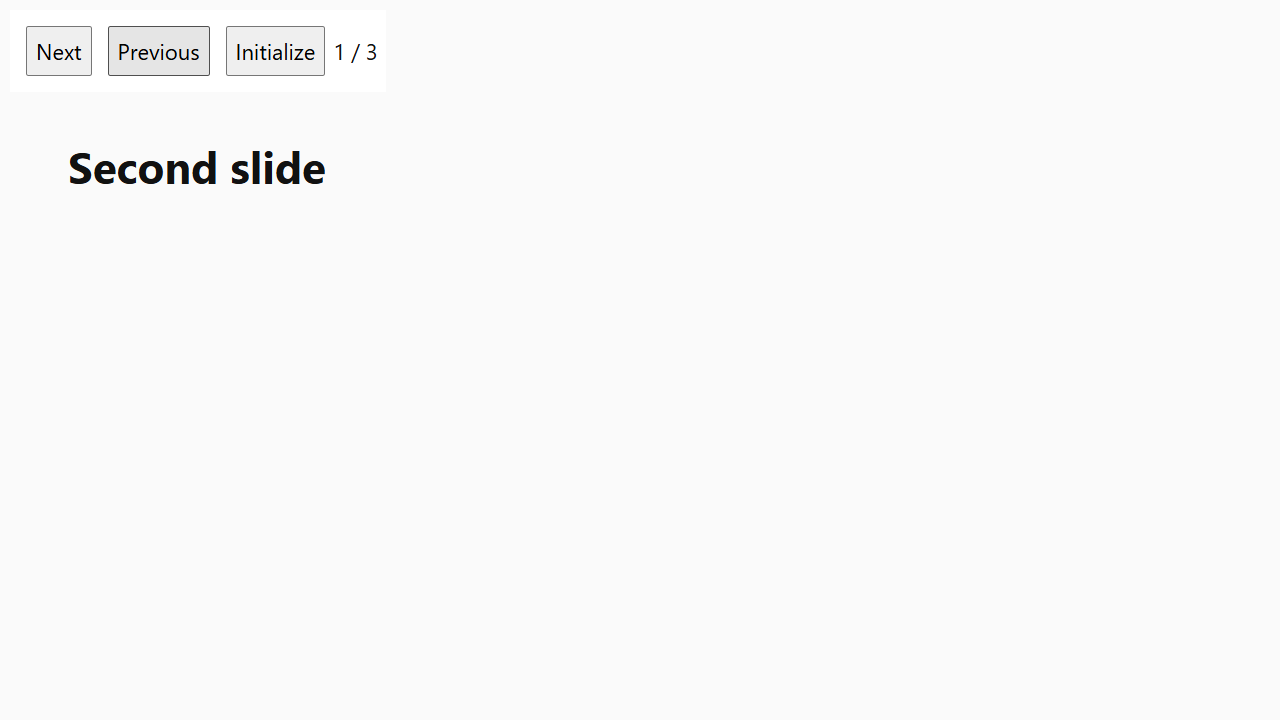
- 10click (157, 50) → landed on button#prevlook at the screen
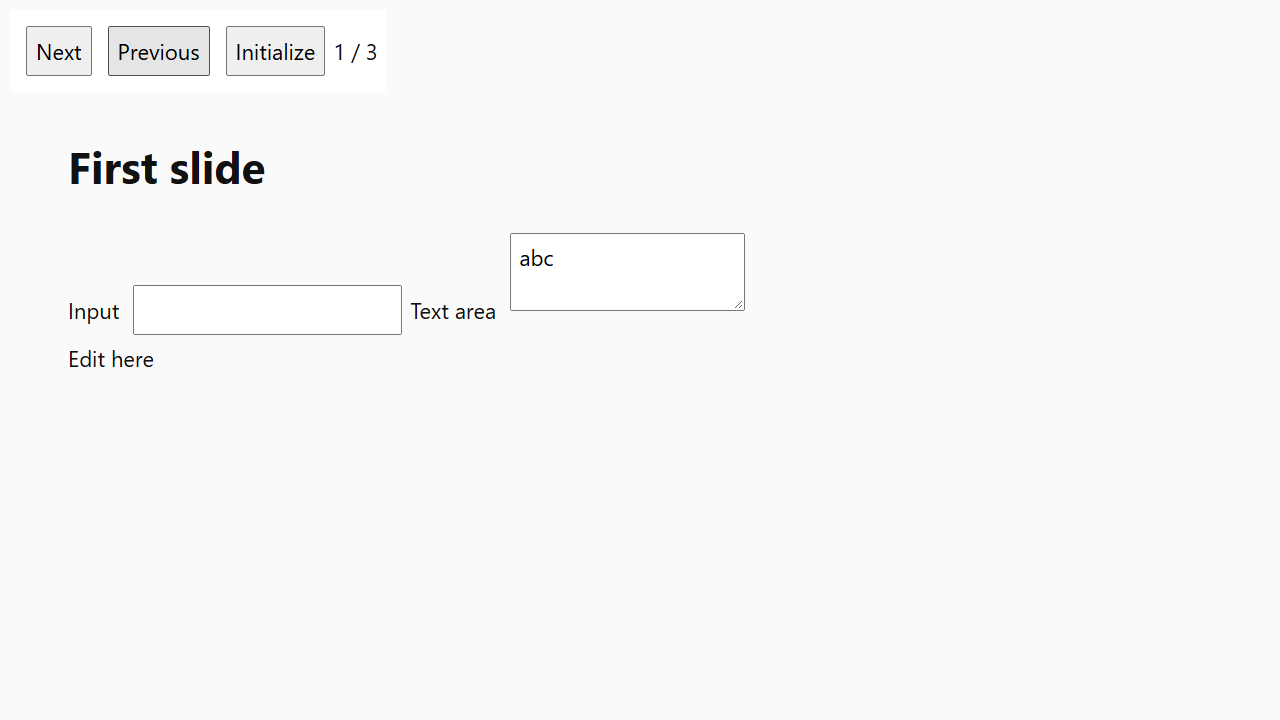
- 11click (628, 271) → landed on textarea#textareapress Control+apress Deletelook at the screen
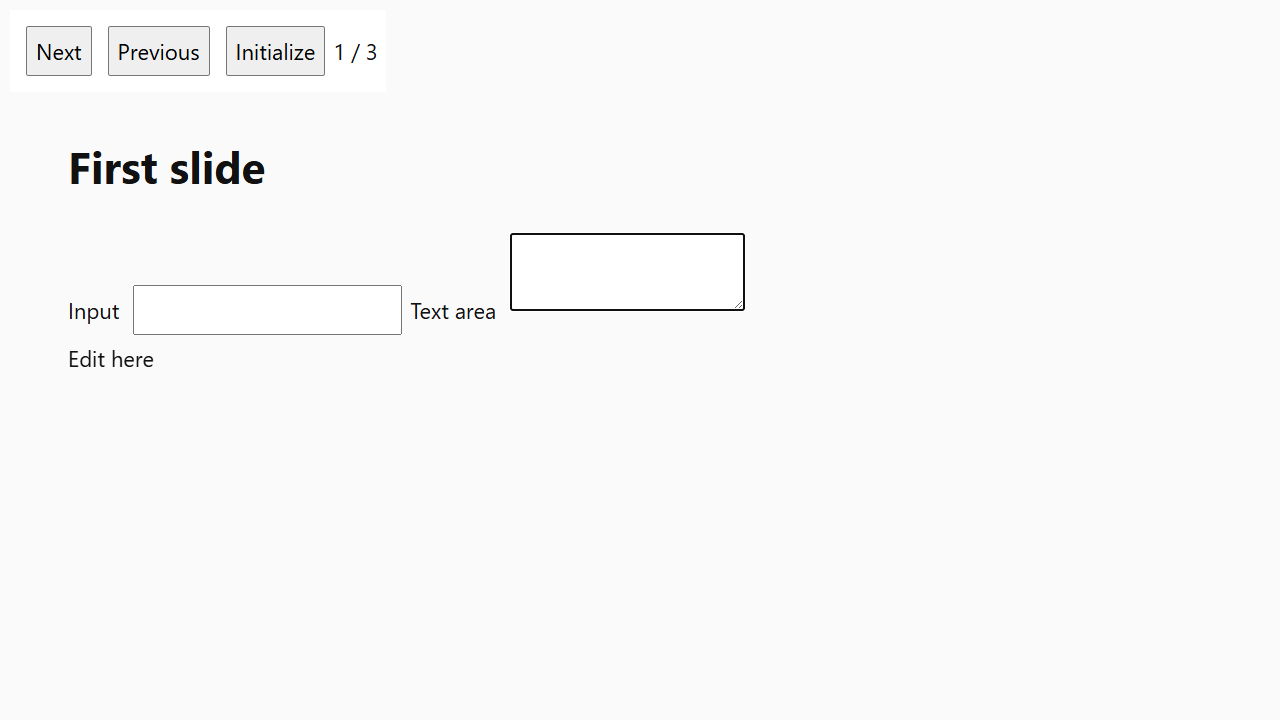
- 12click (111, 388) → landed on section#s1.slide.deck-current (not a control)press Endtype "abc"press Rightpress Righttype "d"look at the screen
- 13click (159, 50) → landed on button#prevlook at the screen
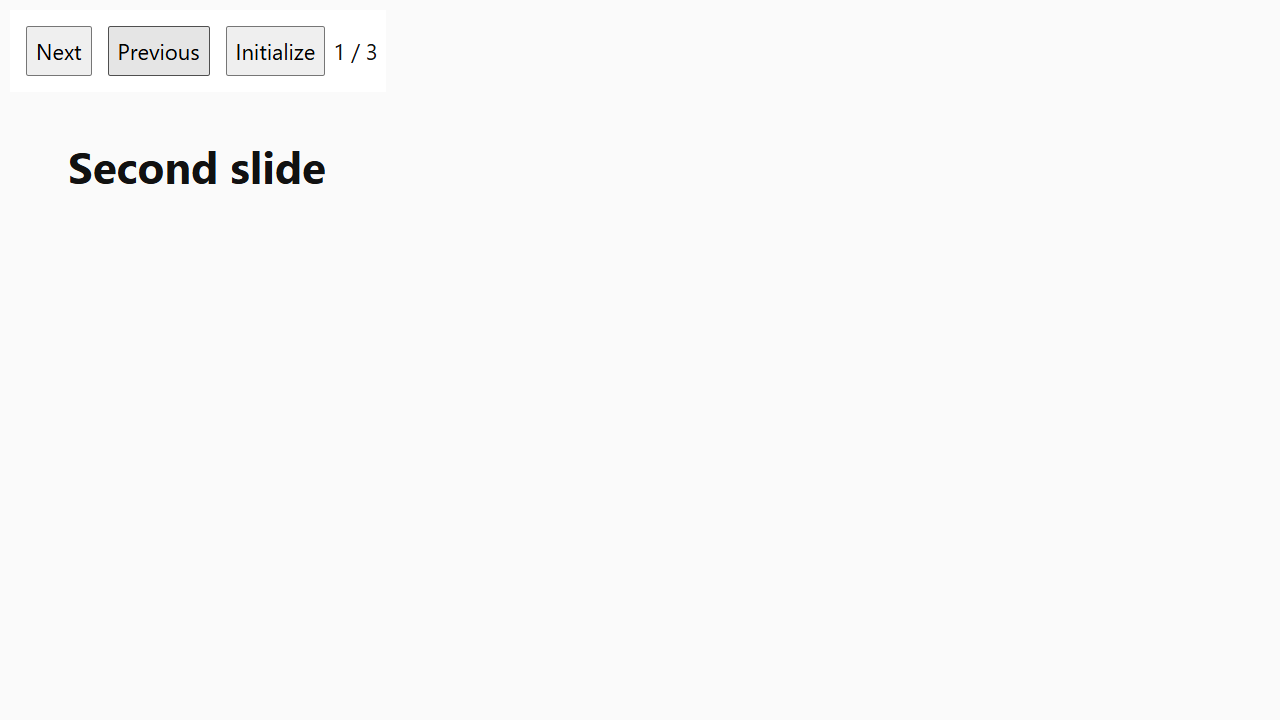
- 14click (157, 50) → landed on button#prevlook at the screen
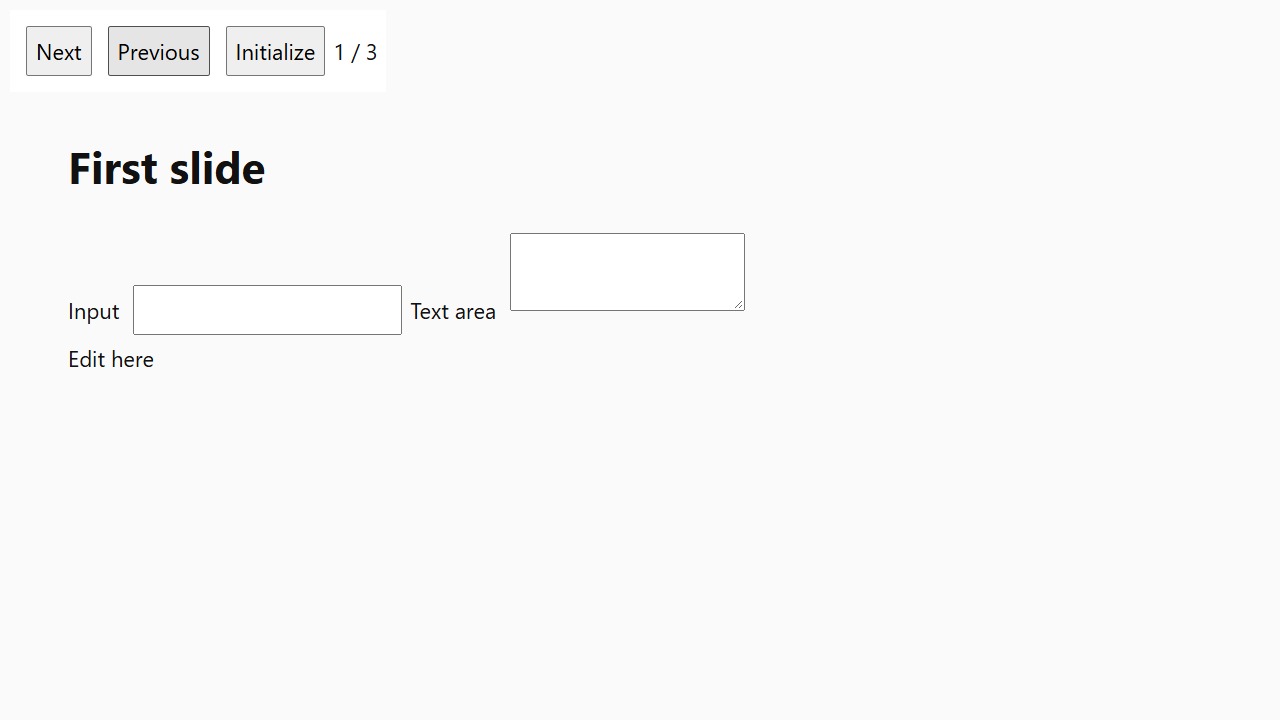
- 15click (166, 195) → landed on h1 (not a control)press Rightlook at the screen
- 16look at the screen
Green · The fix — the criteria should pass
ho/C01/candidate @ 0d88c20
expected pass · observed fail
✗ not as expected
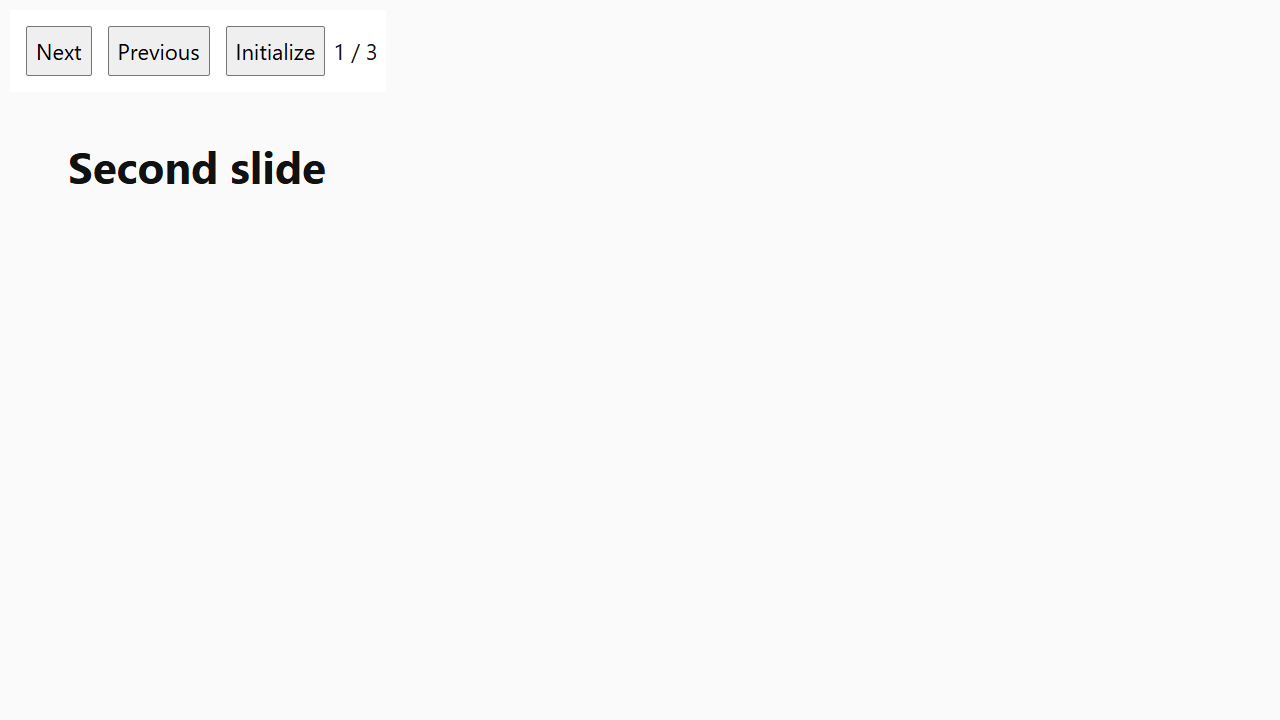
right-arrow-in-input-stays-on-slide
Verifier · Muse Spark 1.3pass
Code checksnot applicable
Element checknot applicable
Judge · Muse Spark Openpass
Verifier sawInput field showed abcd and heading still First slide 1/3 after typing and Right arrows.
Other voters
- Judge (meta-models/muse-spark-open): pass — Frame 2 shows the Input field containing "abcd" while the slide heading remains "First slide", confirming Right arrow did not navigate.
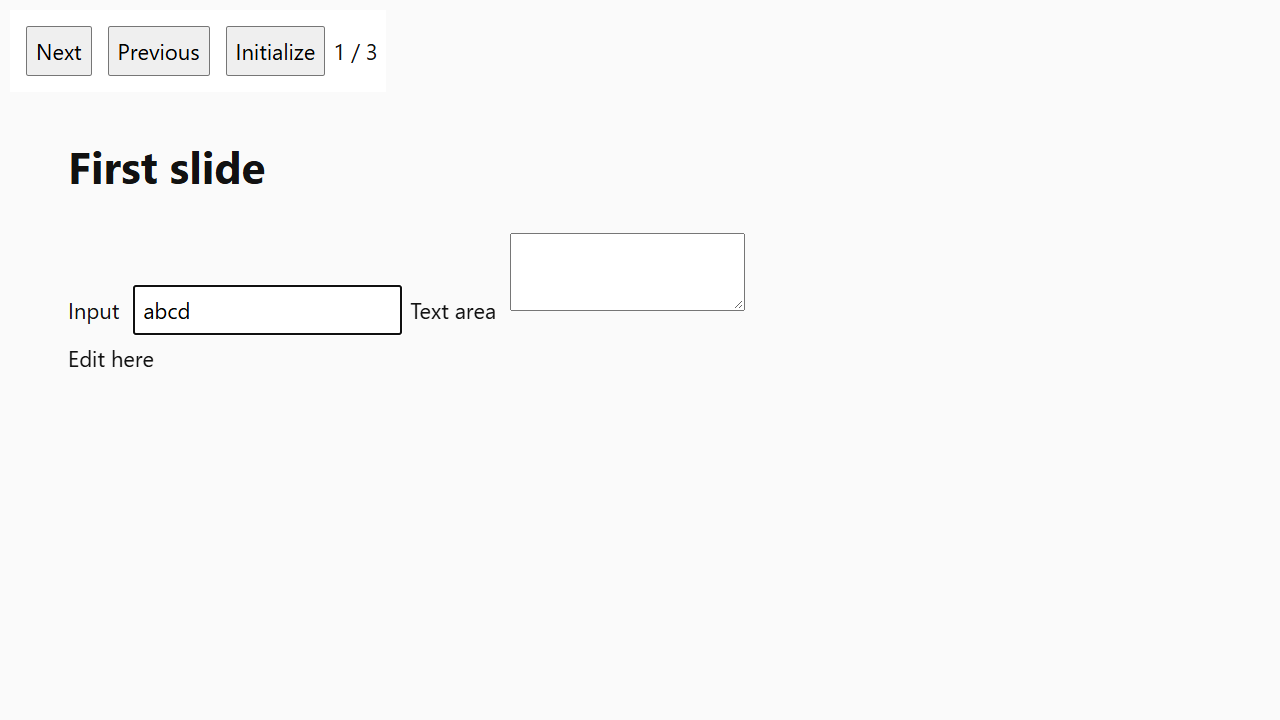
right-arrow-in-textarea-stays-on-slide
Verifier · Muse Spark 1.3pass
Code checksnot applicable
Element checknot applicable
Judge · Muse Spark Openpass
Verifier sawText area showed abcd and heading still First slide 1/3 after typing and Right arrows.
Other voters
- Judge (meta-models/muse-spark-open): pass — Frame 6 shows the Text area containing "abcd" while still on "First slide", confirming Right arrow did not navigate.
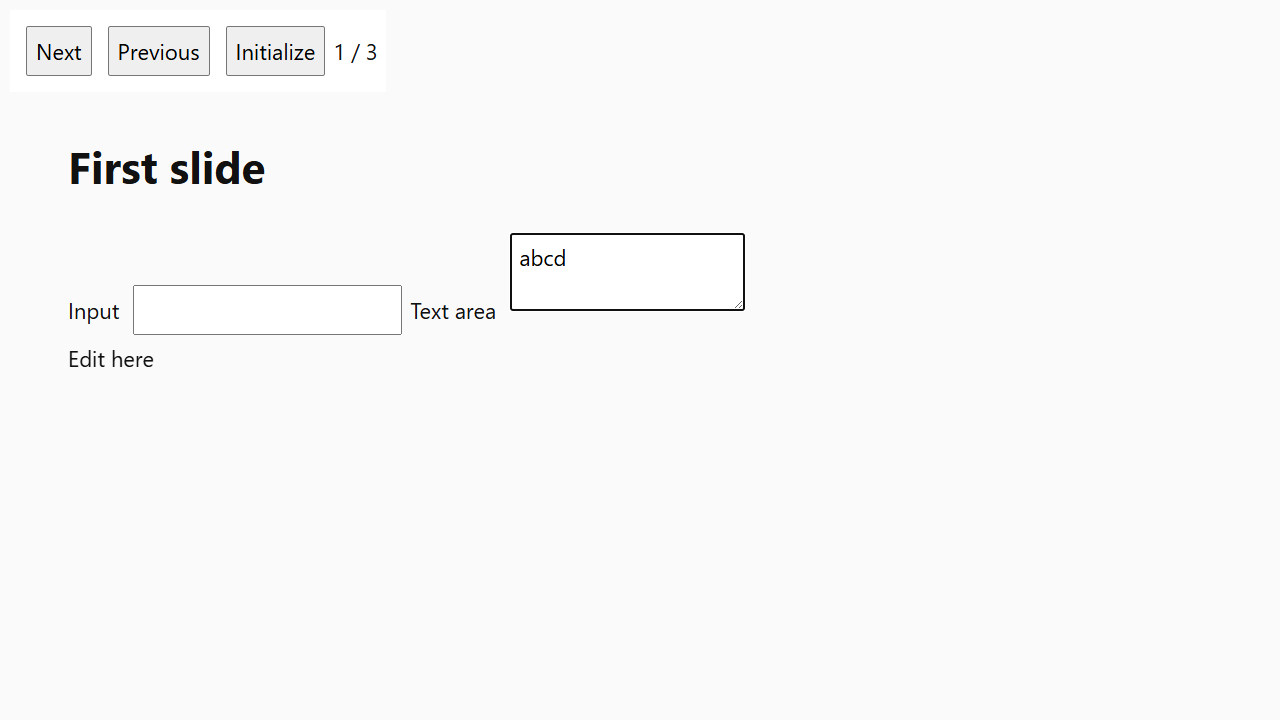
right-arrow-in-contenteditable-stays-on-slide
Verifier · Muse Spark 1.3fail
Code checksnot applicable
Element checknot applicable
Judge · Muse Spark Openfail
Verifier sawSecond attempt again left First slide and showed Third slide instead of staying with Edit hereabcd.
Other voters
- Judge (meta-models/muse-spark-open): fail — No frame shows "Edit hereabcd"; frames 10-13 and 17 show only "Edit hereabc" and frame 15 shows navigation to "Third slide" instead of staying.
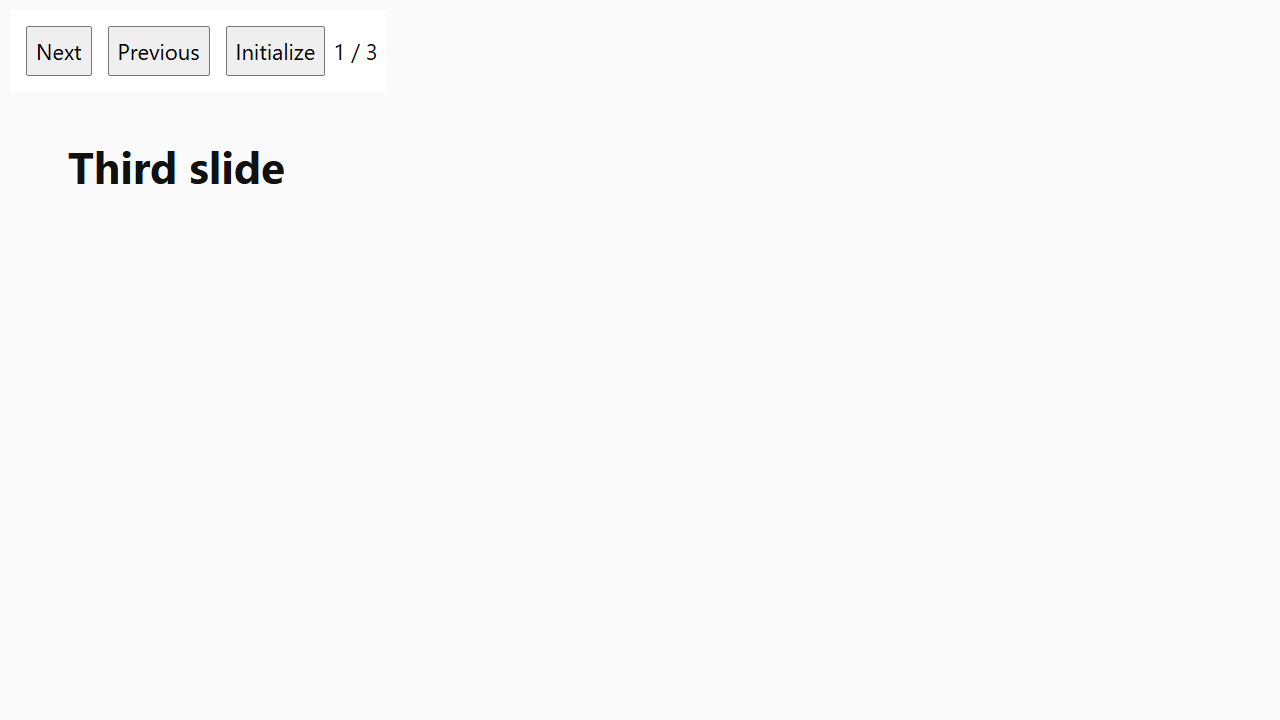
keyboard-navigation-outside-controls-still-works
Verifier · Muse Spark 1.3pass
Code checksnot applicable
Element checknot applicable
Judge · Muse Spark Openfail
Verifier sawClicking First slide heading then Right arrow showed Second slide.
Other voters
- Judge (meta-models/muse-spark-open): fail — The first Right-arrow press with no control focused goes to "Third slide" in Frame 8 instead of the required "Second slide", so the single-press outcome is wrong.
What the verifier did, step by step 18 steps
- 0open the app
- 1click (266, 308) → landed on input#inputtype "abc"press Rightpress Righttype "d"look at the screen
- 2press F5waitlook at the screen
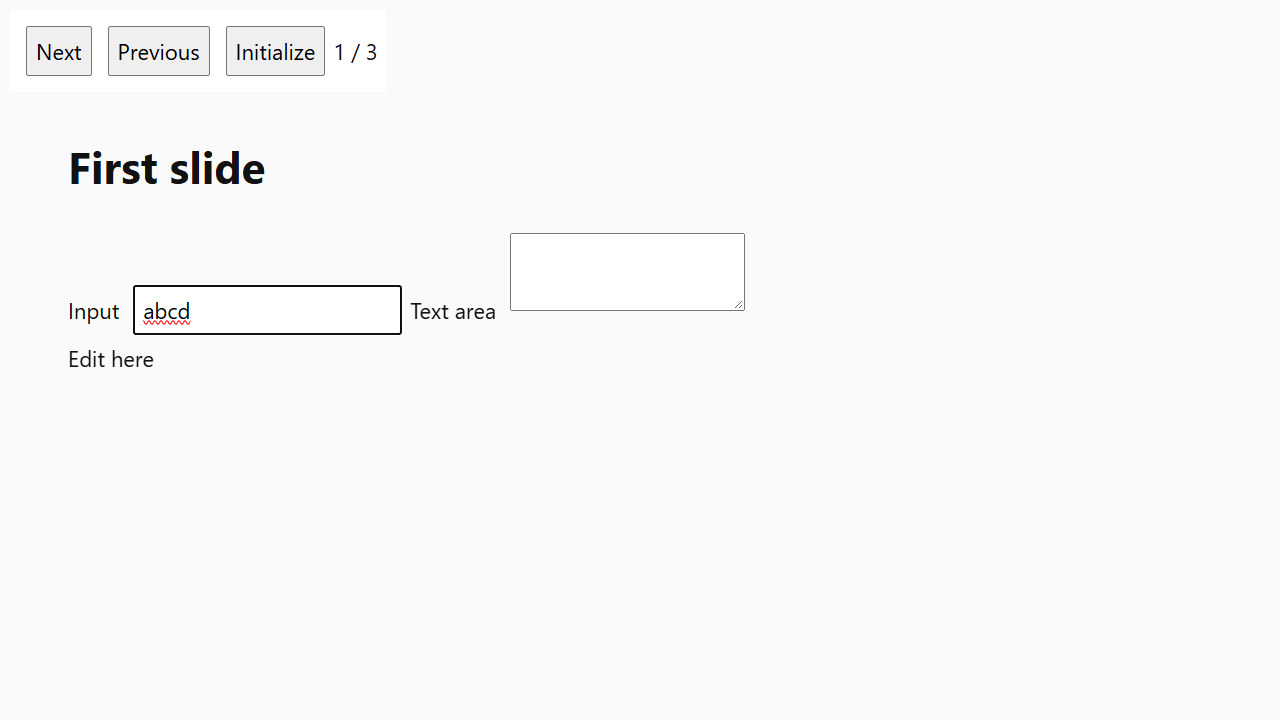
- 3click (266, 48) → landed on button#restartwaitlook at the screen
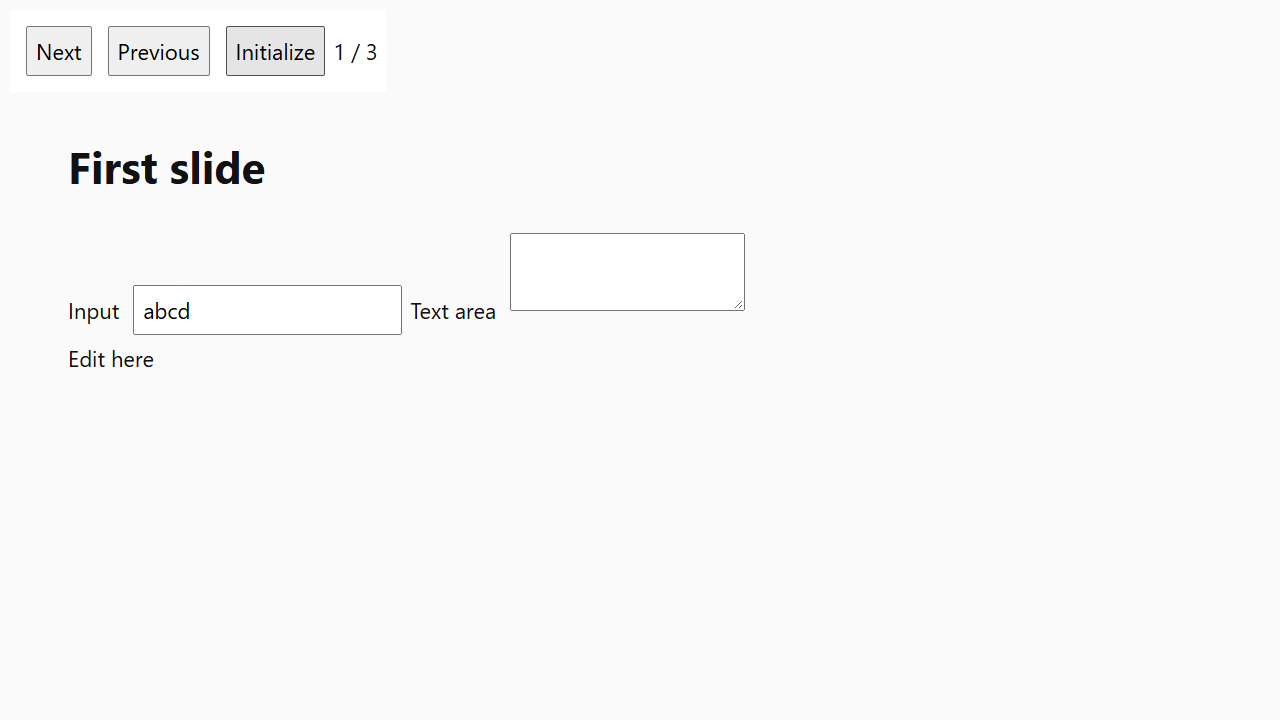
- 4click (266, 310) → landed on input#inputpress ctrl+apress Backspacelook at the screen
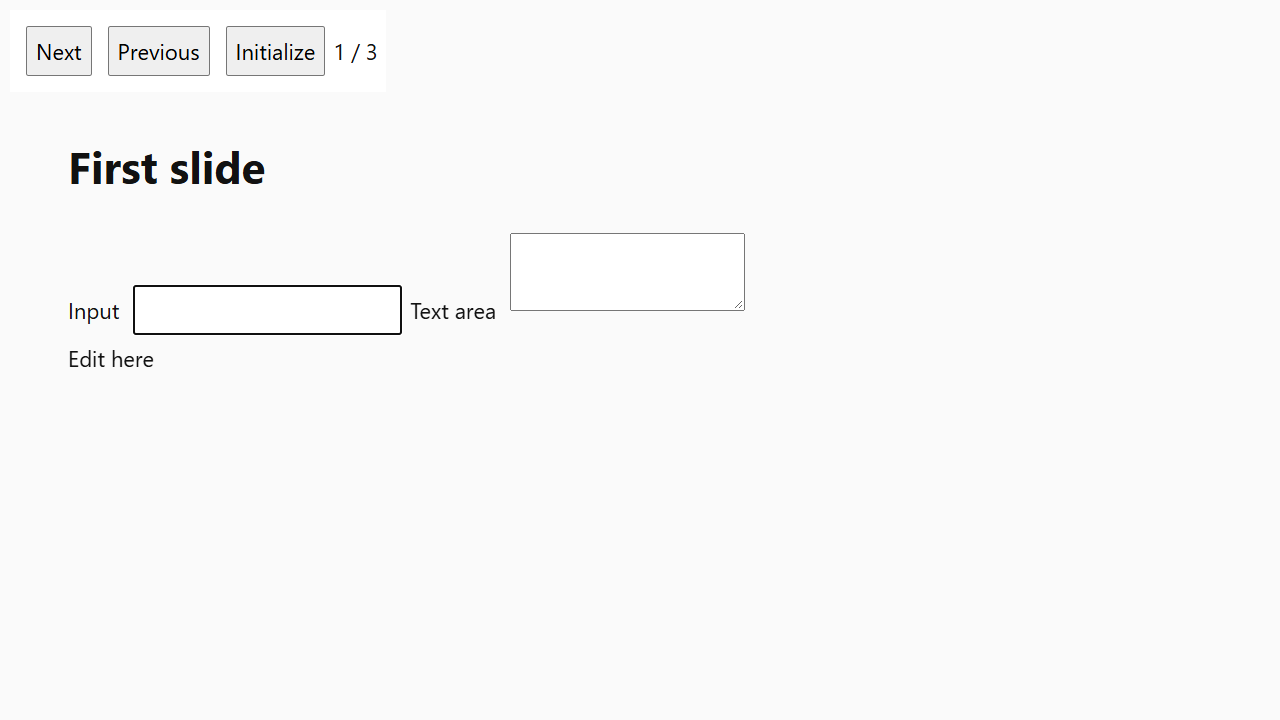
- 5click (625, 270) → landed on textarea#textareatype "abc"press Rightpress Righttype "d"look at the screen
- 6click (627, 269) → landed on textarea#textareapress ctrl+apress Backspacelook at the screen
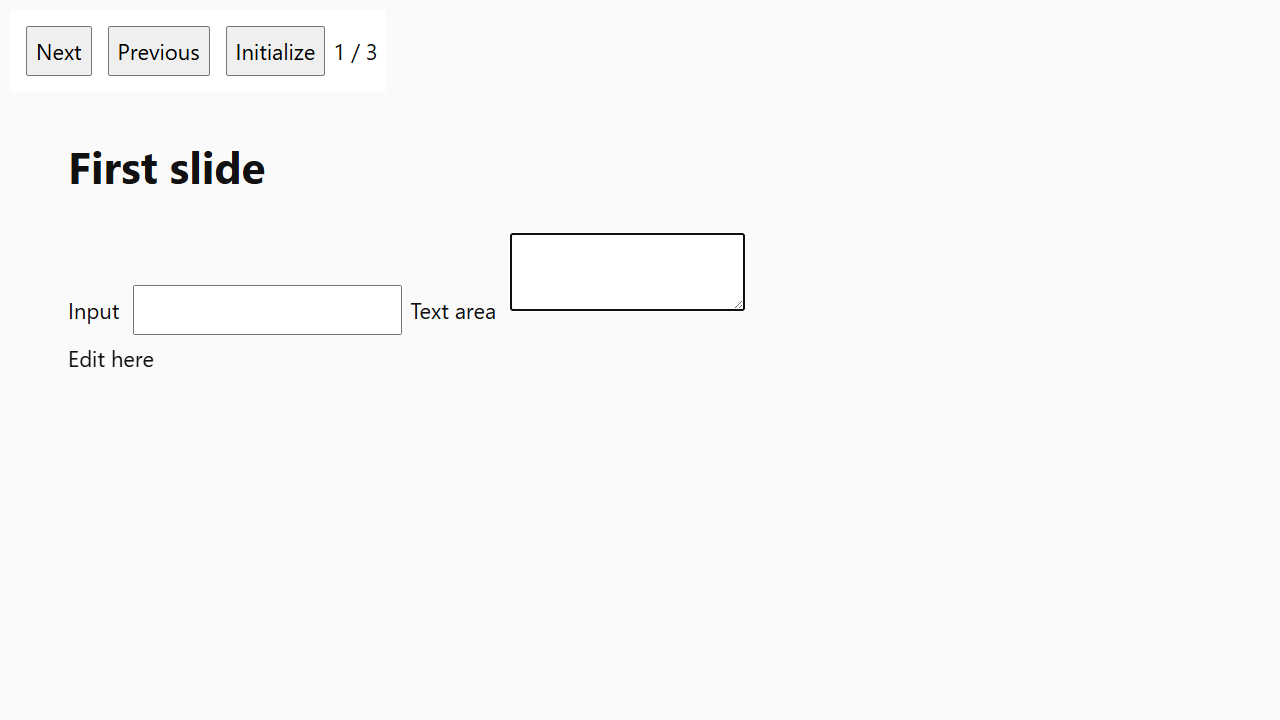
- 7click (110, 359) → landed on div#editor (not a control)press Endtype "abc"press Rightpress Righttype "d"look at the screen
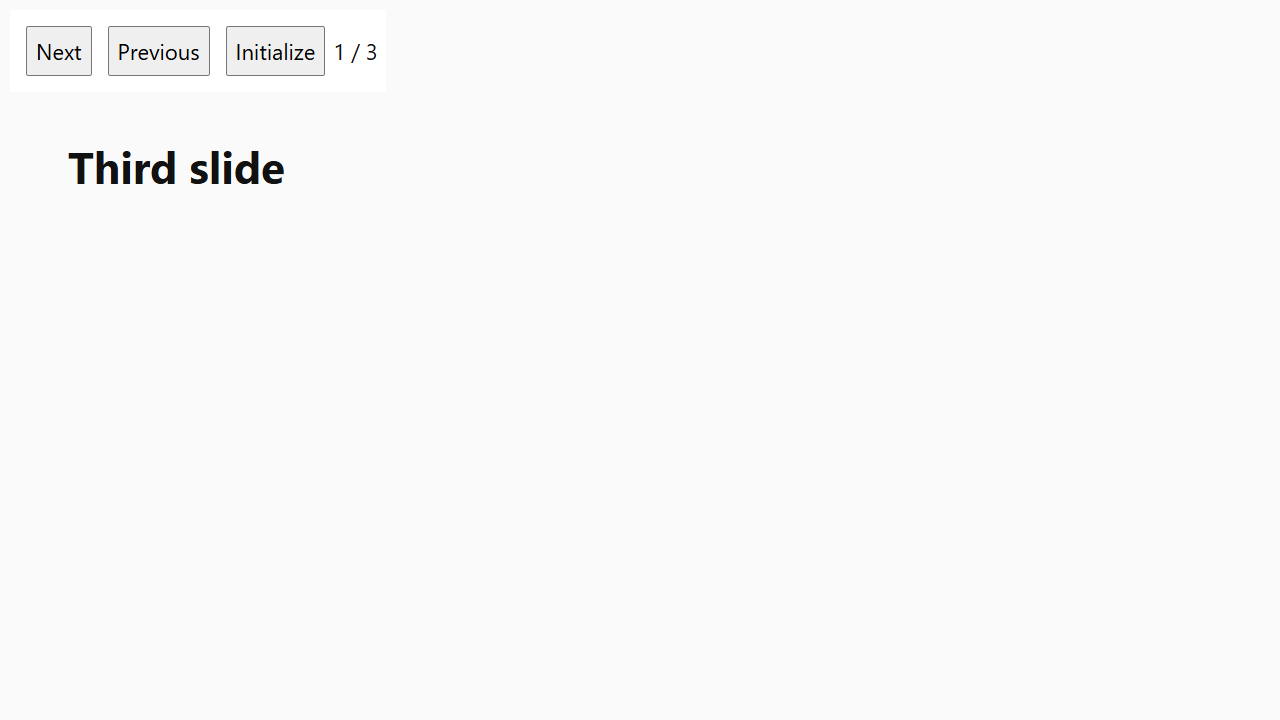
- 8click (156, 50) → landed on button#prevwaitlook at the screen
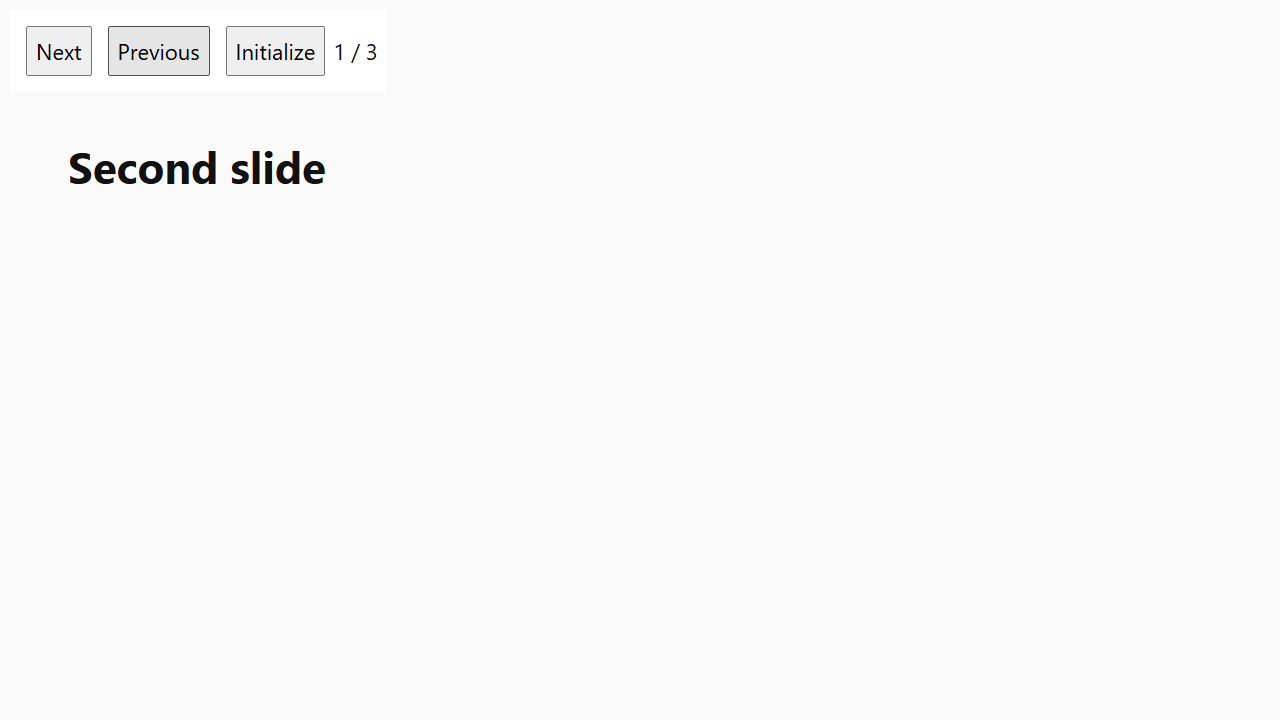
- 9click (156, 50) → landed on button#prevwaitlook at the screen
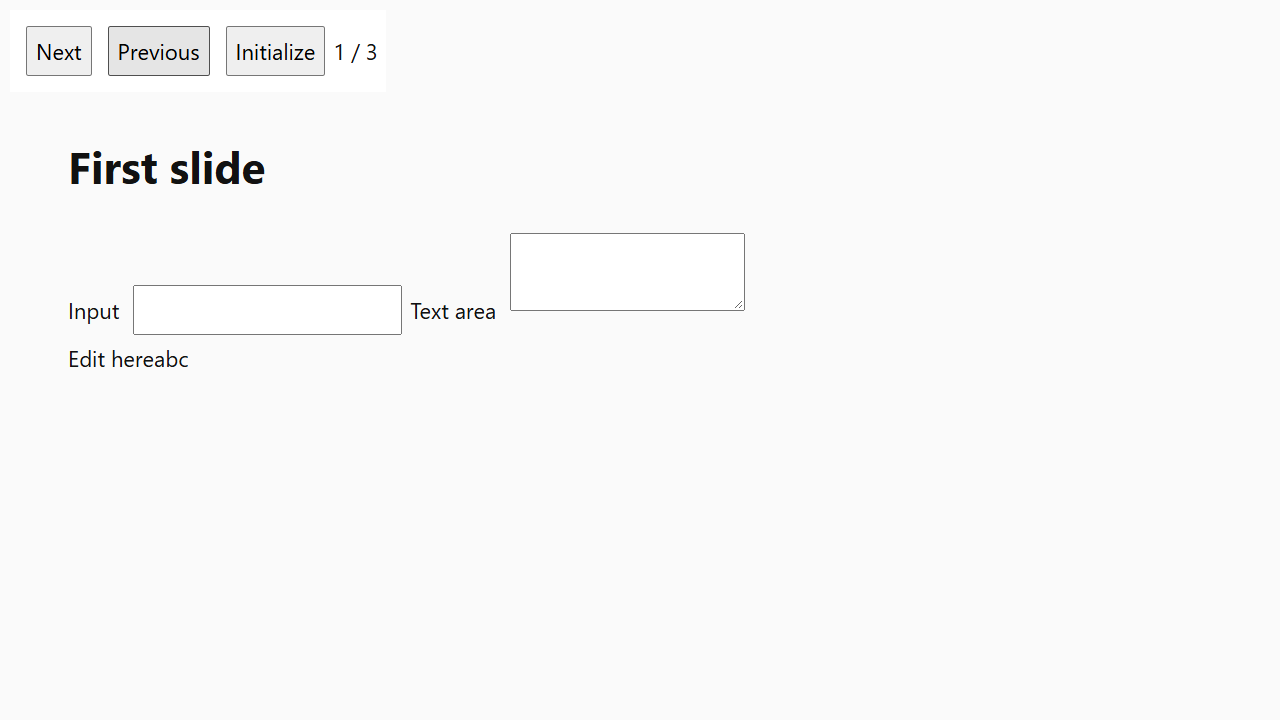
- 10click (155, 361) → landed on div#editor (not a control)press Endpress Backspacepress Backspacepress Backspacepress Backspacelook at the screen
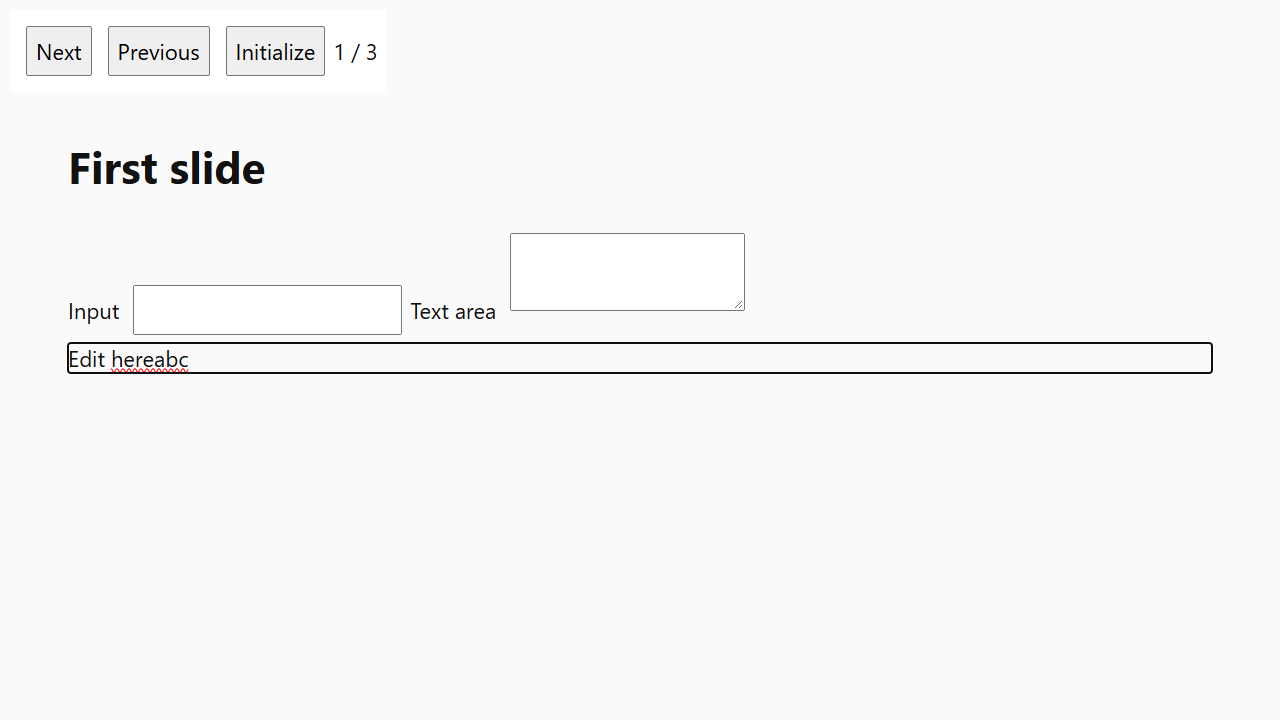
- 11click (198, 362) → landed on div#editor (not a control)press Endpress Backspacepress Backspacepress Backspacelook at the screen
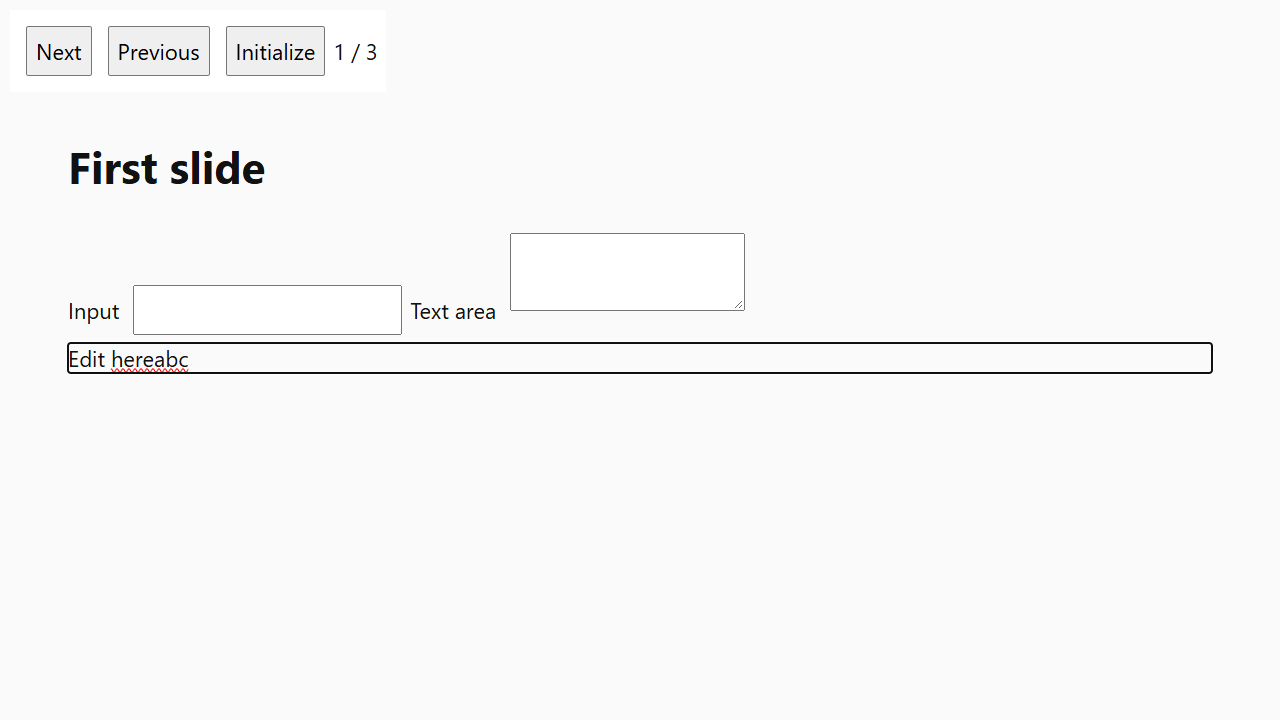
- 12click (185, 359) → landed on div#editor (not a control)press Endwaitlook at the screen
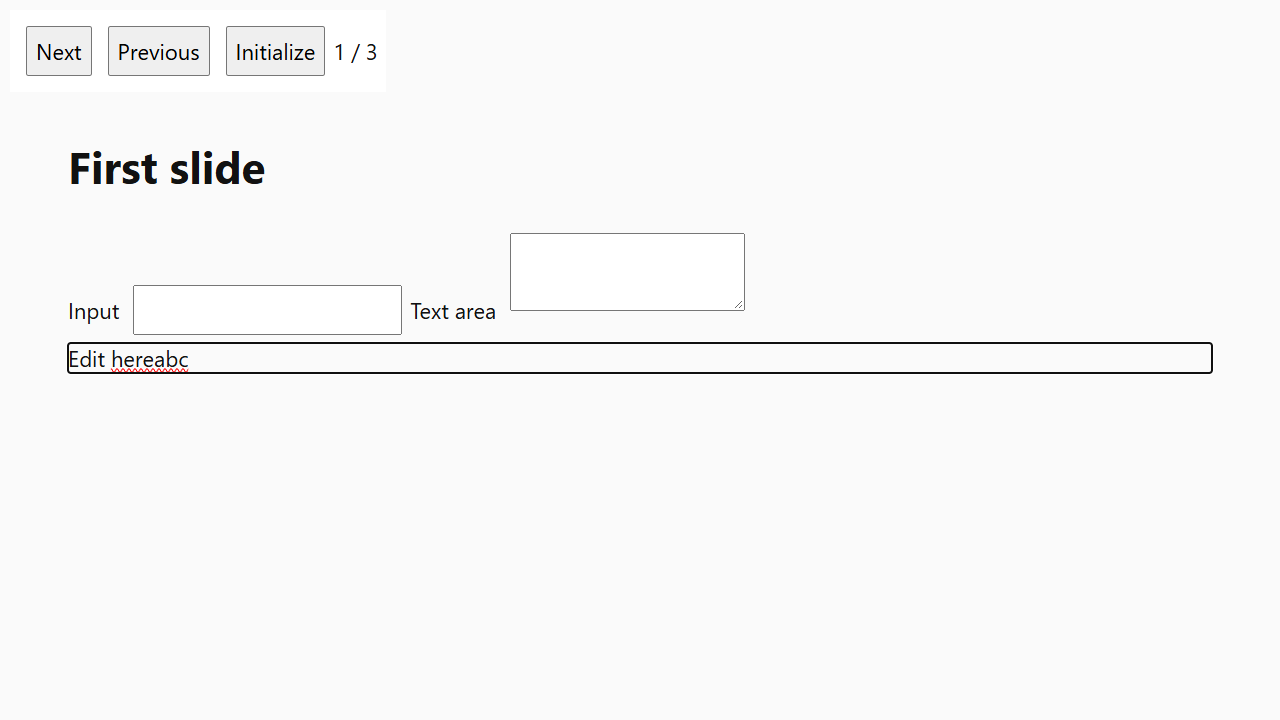
- 13press ctrl+zwaitlook at the screen
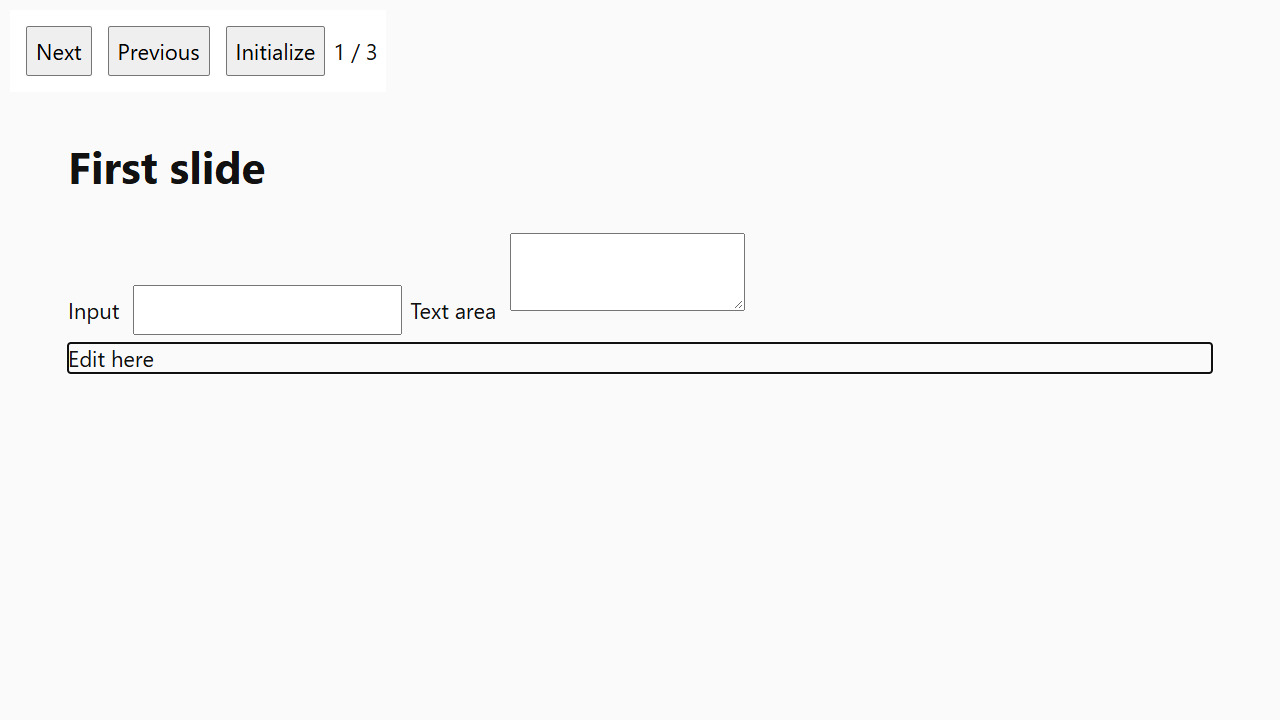
- 14click (111, 362) → landed on div#editor (not a control)press Endtype "abc"press Rightpress Righttype "d"look at the screen
- 15click (155, 50) → landed on button#prevwaitlook at the screen
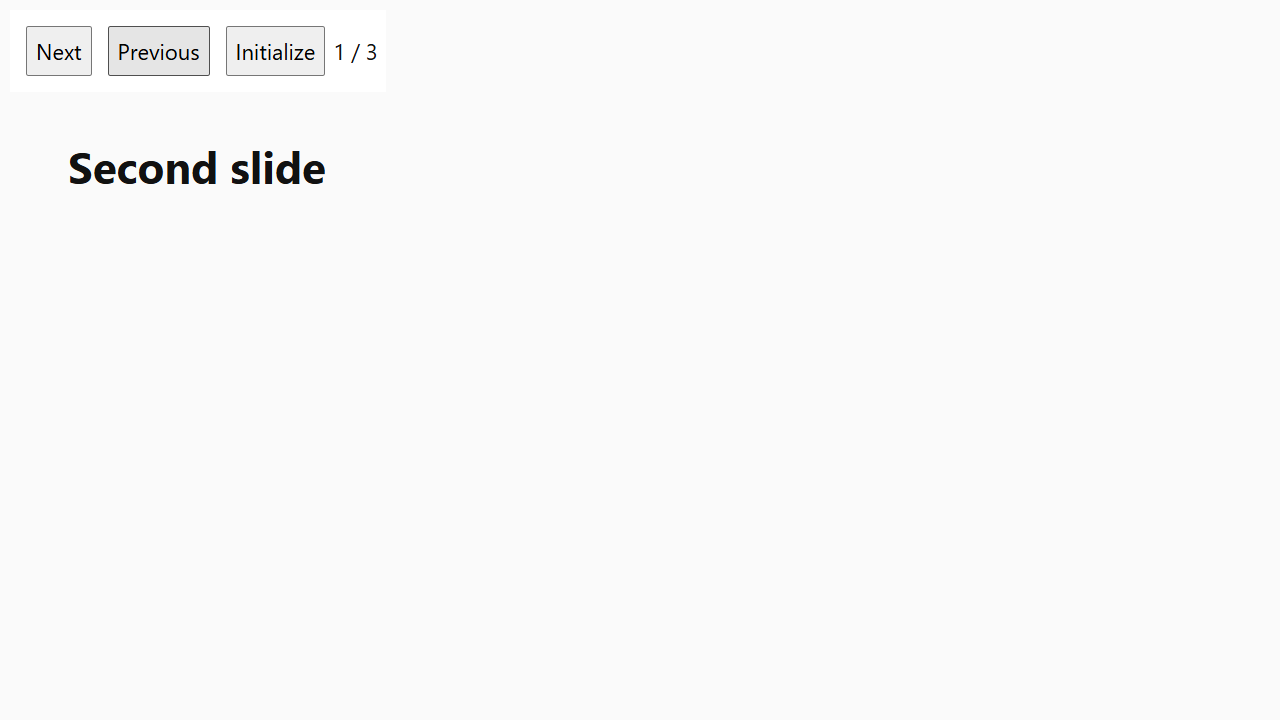
- 16click (155, 50) → landed on button#prevwaitlook at the screen
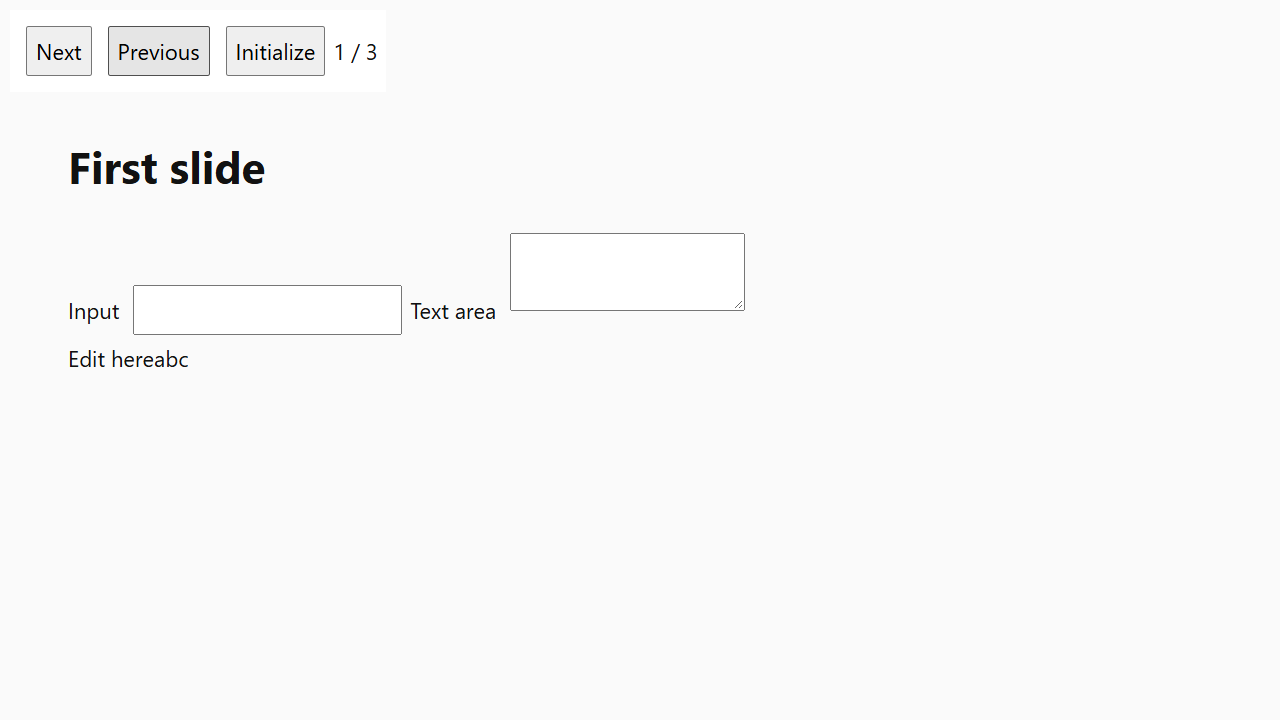
- 17click (129, 360) → landed on div#editor (not a control)press ctrl+zwaitlook at the screen
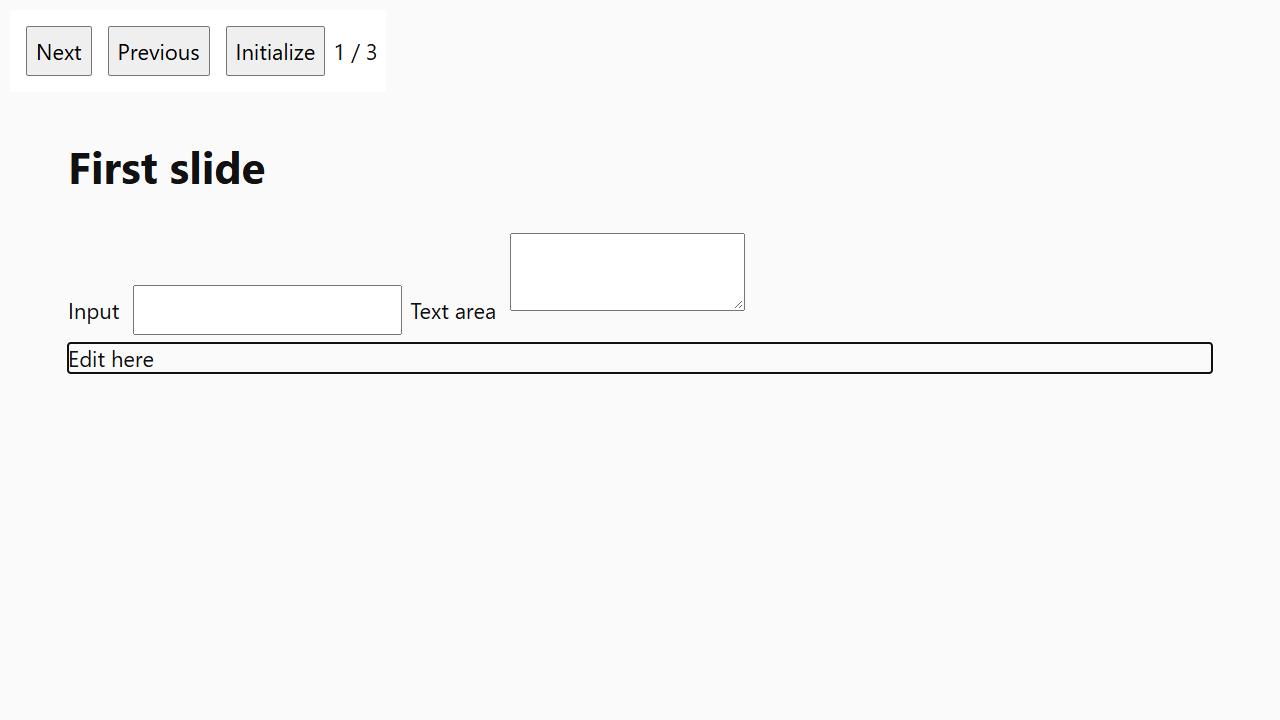
- 18click (164, 169) → landed on h1 (not a control)press Rightlook at the screen
Check this receipt yourself
What attest verify checks — no model calls
- The Ed25519 signature over the receipt
- The hash-chained event log, its head and its length
- The hash of every screenshot, video and the criteria copy
- That the verdict follows from the recorded votes
What a receipt does not prove
- That the capture environment was honest — it shows nothing changed after capture; the signature detects a later edit
- Who ran it — the key is created on the machine that ran the proof
- Anything beyond the stated criteria