Verdict
Rejected0 of 2 phases as expected
The fix does not meet the criteria in the running app.
- green: the fix does not meet the criteria
Subject
- Run from
- https://github.com/Master07/attest.git
- App
- examples/heldout/app
- Red
- ho/p2/b1/base @ 55ad353
- Green
- ho/C12/candidate @ 2379bf8
- verifier
- Muse Spark 1.3 Meta Model API · muse-spark-1.3
- judge
- Muse Spark Open Baseten · meta-models/muse-spark-open open weights
Acceptance criteria · human-approved
- space-in-default-input-does-not-advance
- Given
- The presentation is open on the slide headed "First slide". The field labelled "Default input" is visible, and the slide headed "Second slide" is not visible.
- When
- The user clicks into the "Default input" field and types the text hello world, including the space between the two words.
- Then
- The "Default input" field contains "hello world" and the presentation is still showing the slide headed "First slide".
- typing-in-email-input-does-not-advance
- Given
- The presentation is open on the slide headed "First slide". The field labelled "Email input" is visible, and the slide headed "Second slide" is not visible.
- When
- The user clicks into the "Email input" field and types the text hello world, including the space between the two words.
- Then
- The "Email input" field contains "hello world" and the presentation is still showing the slide headed "First slide".
- explicit-text-input-keeps-working
- Given
- The presentation is open on the slide headed "First slide". The field labelled "Text input" is visible, and the slide headed "Second slide" is not visible.
- When
- The user clicks into the "Text input" field and types the text hello world, including the space between the two words.
- Then
- The "Text input" field contains "hello world" and the presentation is still showing the slide headed "First slide".
- shortcuts-work-when-slide-has-focus
- Given
- The presentation is open on the slide headed "First slide". No text field has focus, and the slide headed "Second slide" is not visible.
- When
- The user clicks the slide heading "First slide" and presses the Space key once.
- Then
- The slide headed "Second slide" is visible.
The proof
Red · Original code — the bug should reproduce
ho/p2/b1/base @ 55ad353
expected fail · observed inconclusive
! inconclusive
Phase error. stopped after 25 steps
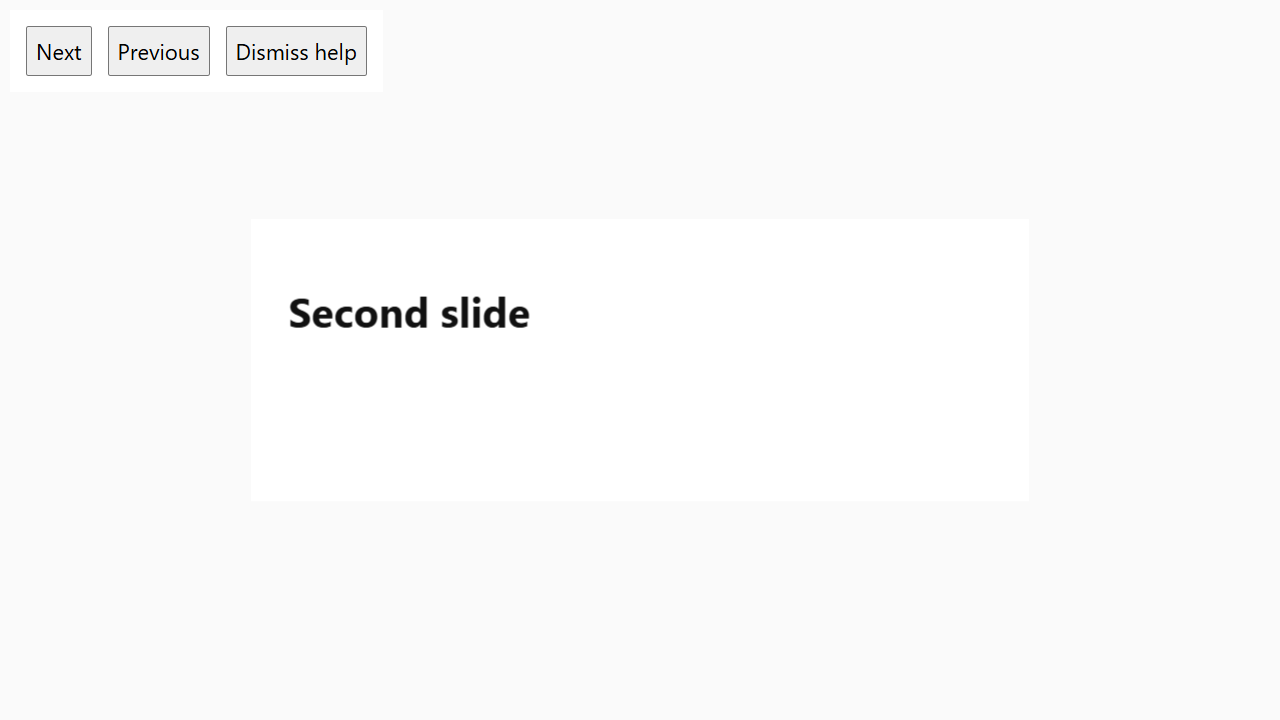
space-in-default-input-does-not-advance
Verifier · Muse Spark 1.3no vote — error
Code checksnot applicable
Element checknot applicable
Judge · Muse Spark Openfail
Other voters
- Judge (meta-models/muse-spark-open): fail — No frame shows Default input with "hello world" on First slide; typing "hello" then Space advances to Second slide (Frame 3 to Frame 4).
typing-in-email-input-does-not-advance
Verifier · Muse Spark 1.3no vote — error
Code checksnot applicable
Element checknot applicable
Judge · Muse Spark Openfail
Other voters
- Judge (meta-models/muse-spark-open): fail — No frame shows Email input with "hello world" on First slide; typing "hello" then Space advances to Second slide (Frames 11-13 to Frame 14).
explicit-text-input-keeps-working
Verifier · Muse Spark 1.3no vote — error
Code checksnot applicable
Element checknot applicable
Judge · Muse Spark Openpass
Other voters
- Judge (meta-models/muse-spark-open): pass — Frames 6,7,8,9,10 show Text input containing "hello world" while still on First slide.
shortcuts-work-when-slide-has-focus
Verifier · Muse Spark 1.3no vote — error
Code checksnot applicable
Element checknot applicable
Judge · Muse Spark Openpass
Other voters
- Judge (meta-models/muse-spark-open): pass — Frames 25 to 26 show First slide with no field focused then Second slide visible after Space, confirming slide-focused shortcut advances.
What the verifier did, step by step 25 steps
- 0open the app
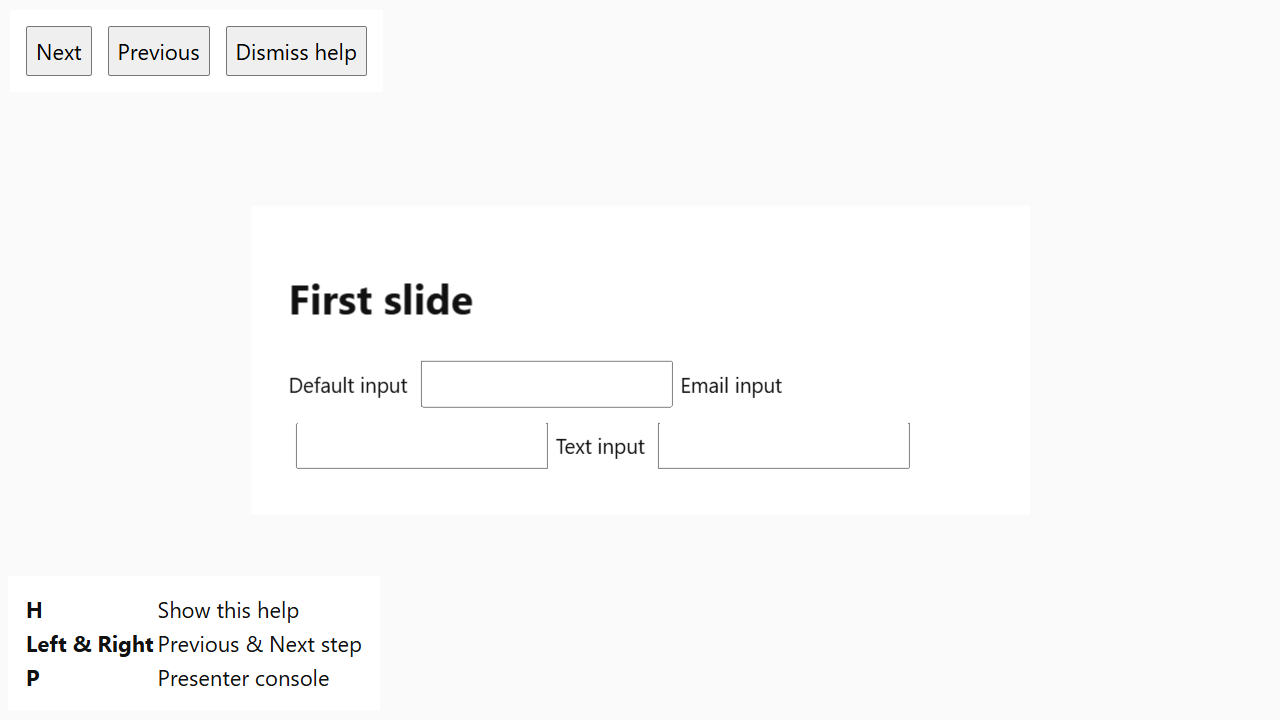
- 1click (546, 383) → landed on input#defaulttype "hello world"
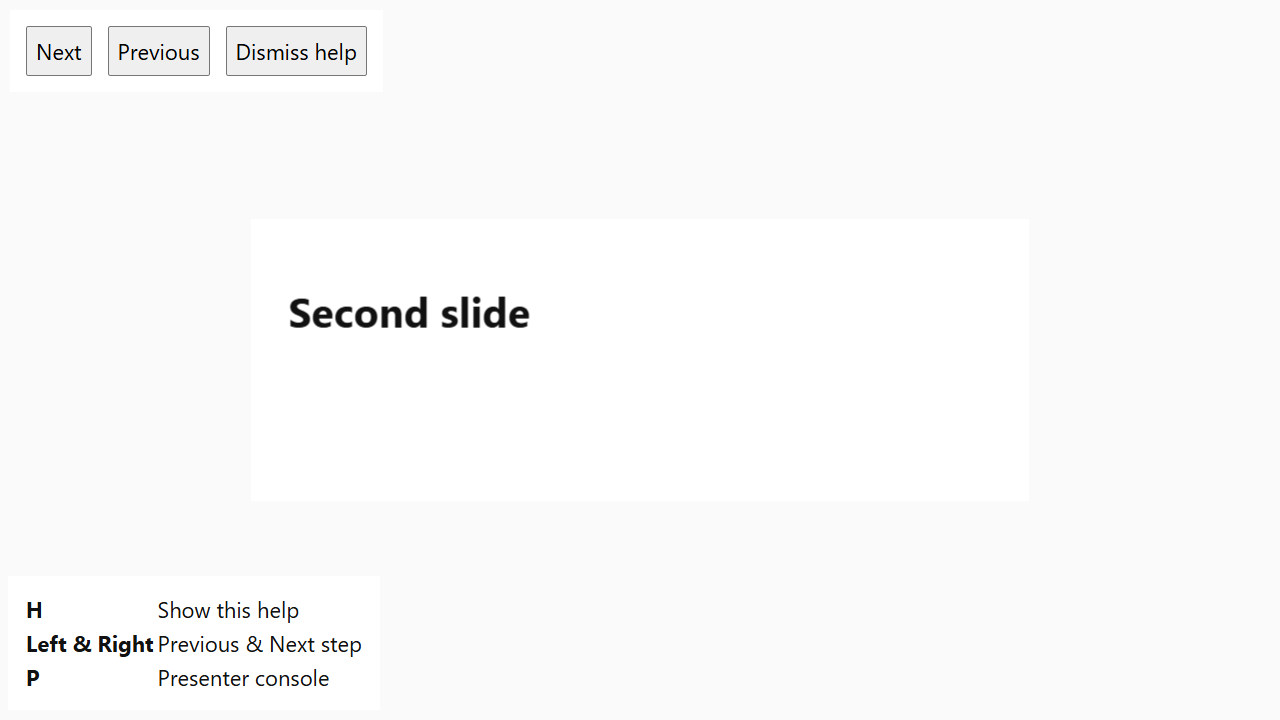
- 2click (156, 50) → landed on button#prev
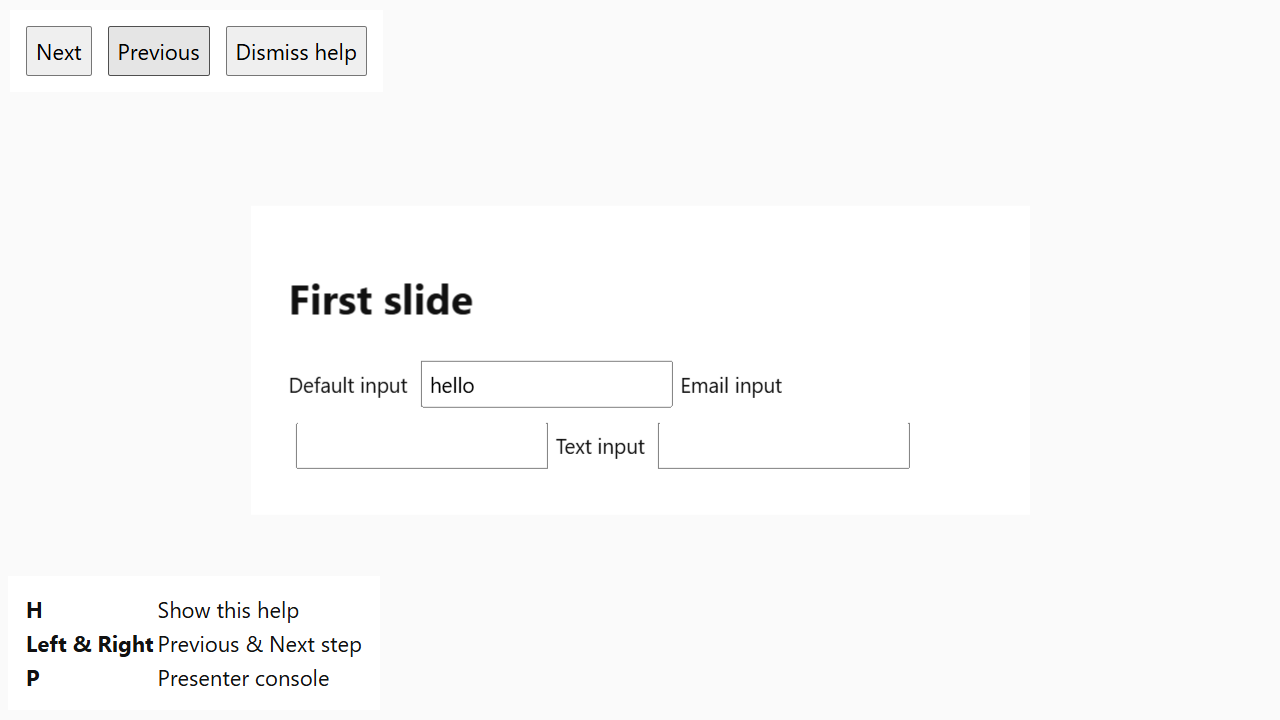
- 3click (421, 444) → landed on input#emailtype "hello world"
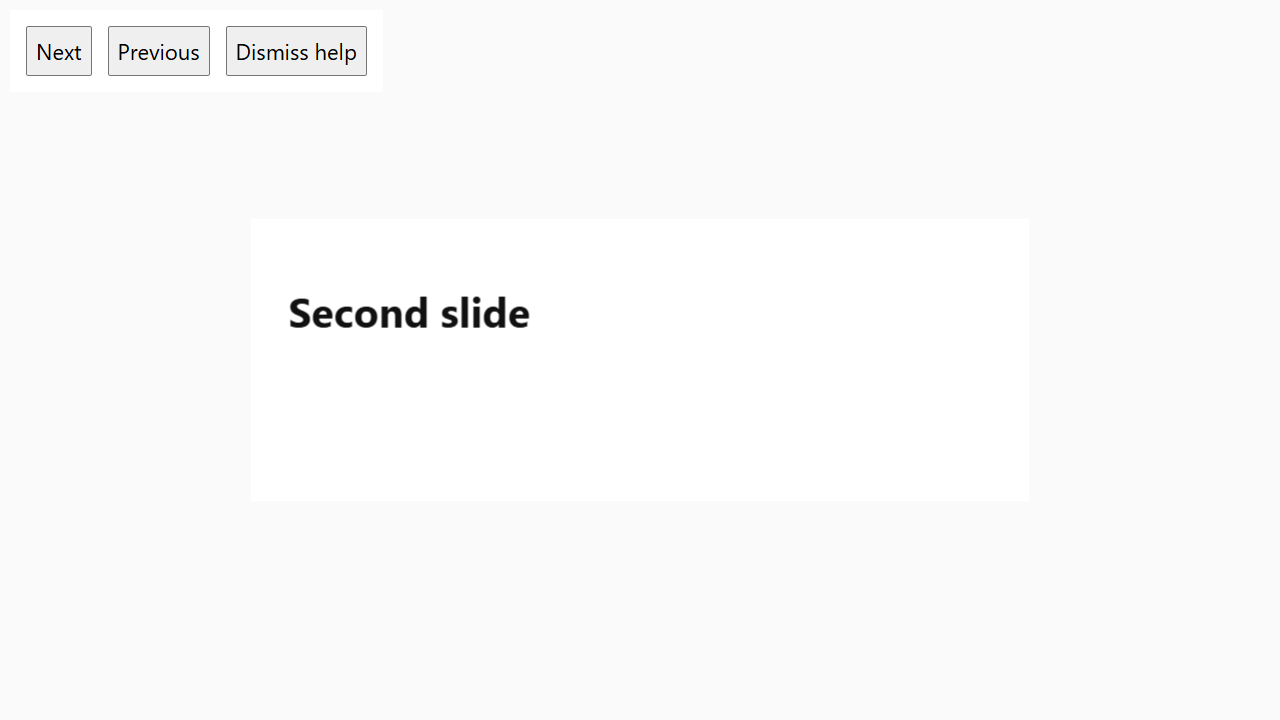
- 4click (159, 51) → landed on button#prev
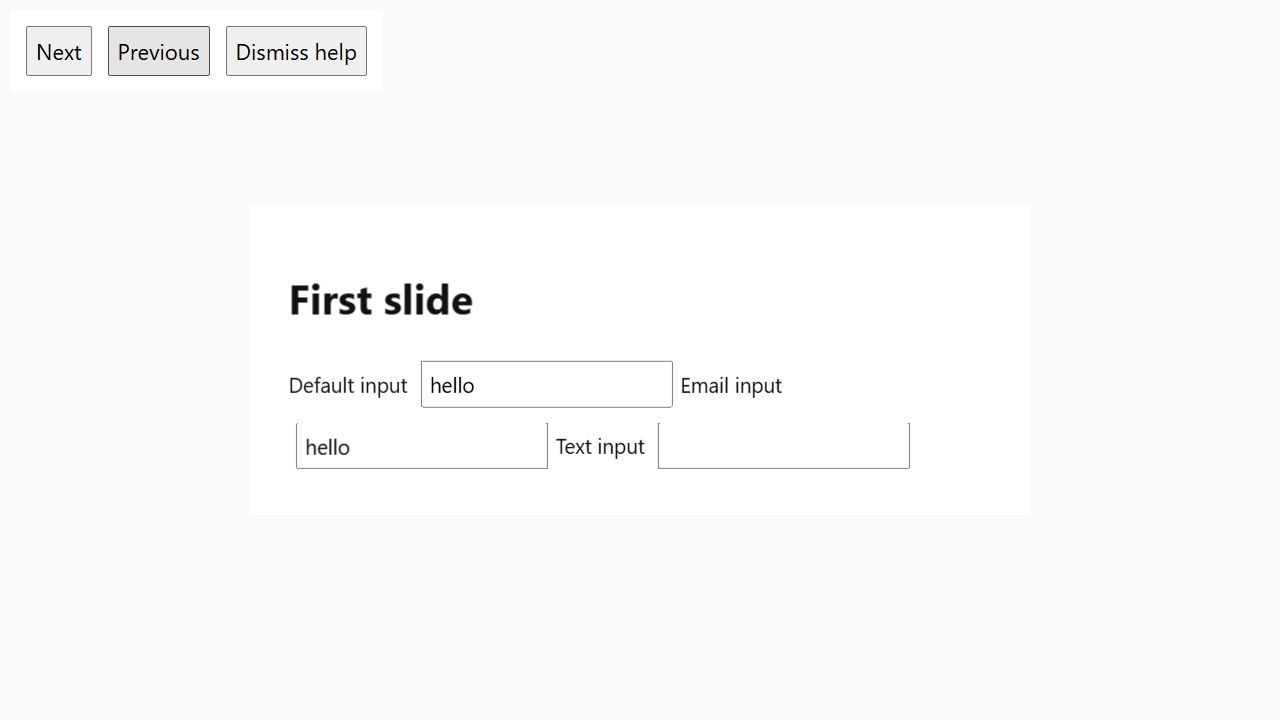
- 5click (783, 444) → landed on input#explicittype "hello world"
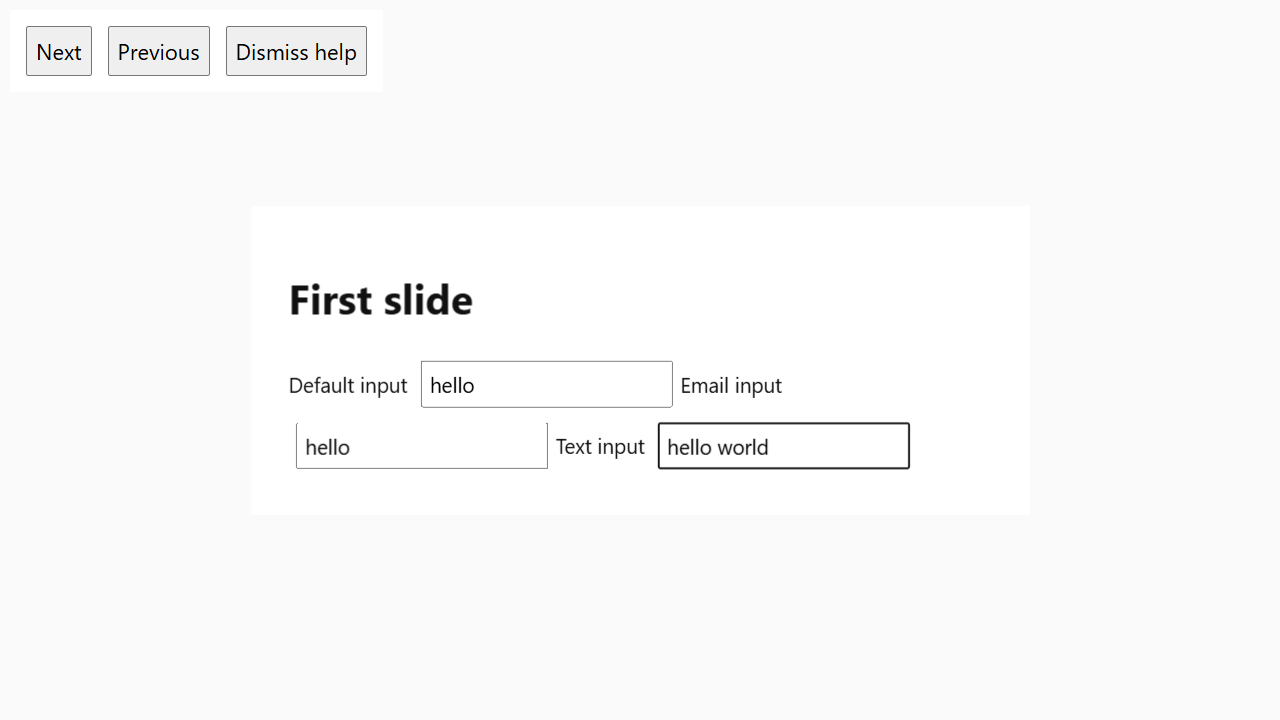
- 6click (379, 299) → landed on h1 (not a control)
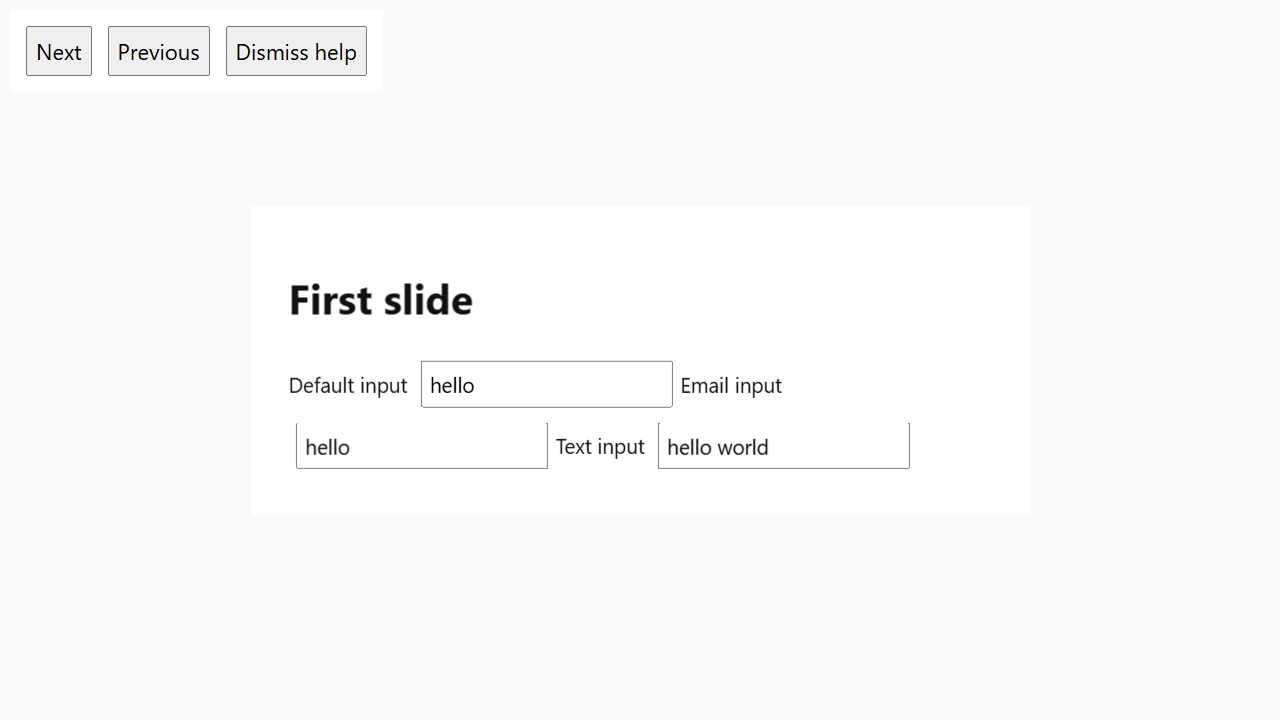
- 7press F5wait
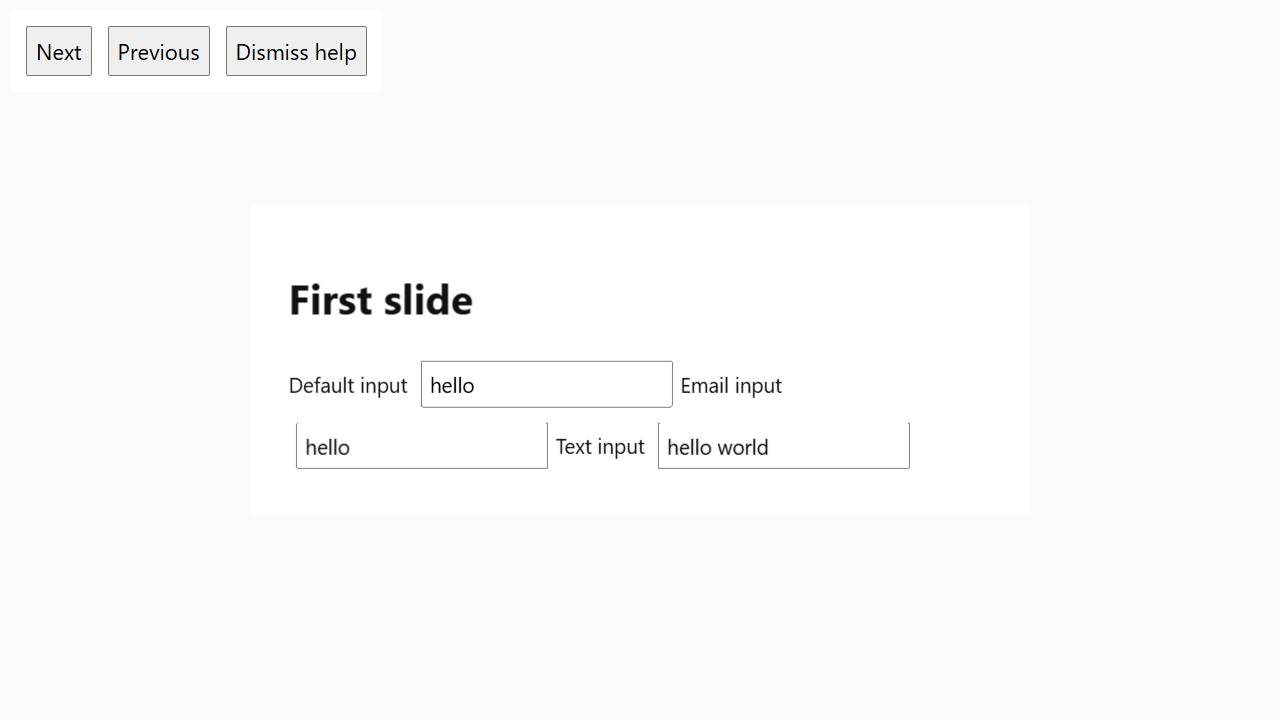
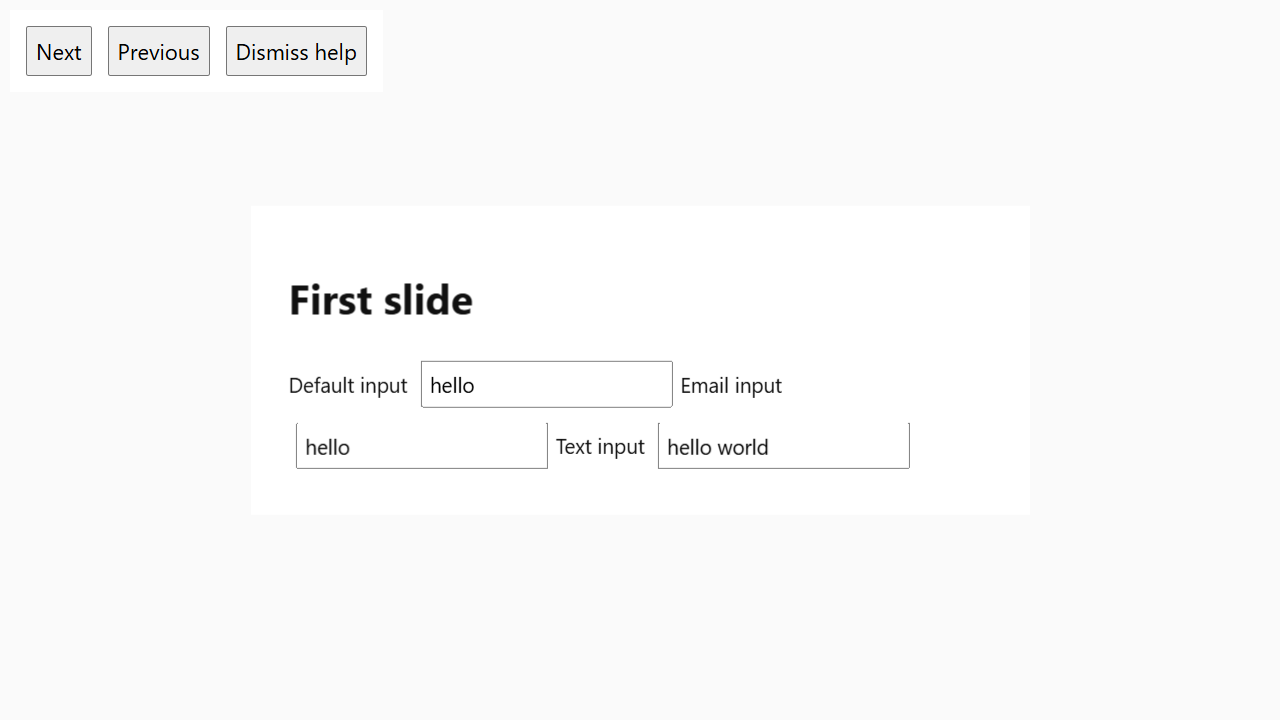
- 8press Ctrl+lwait
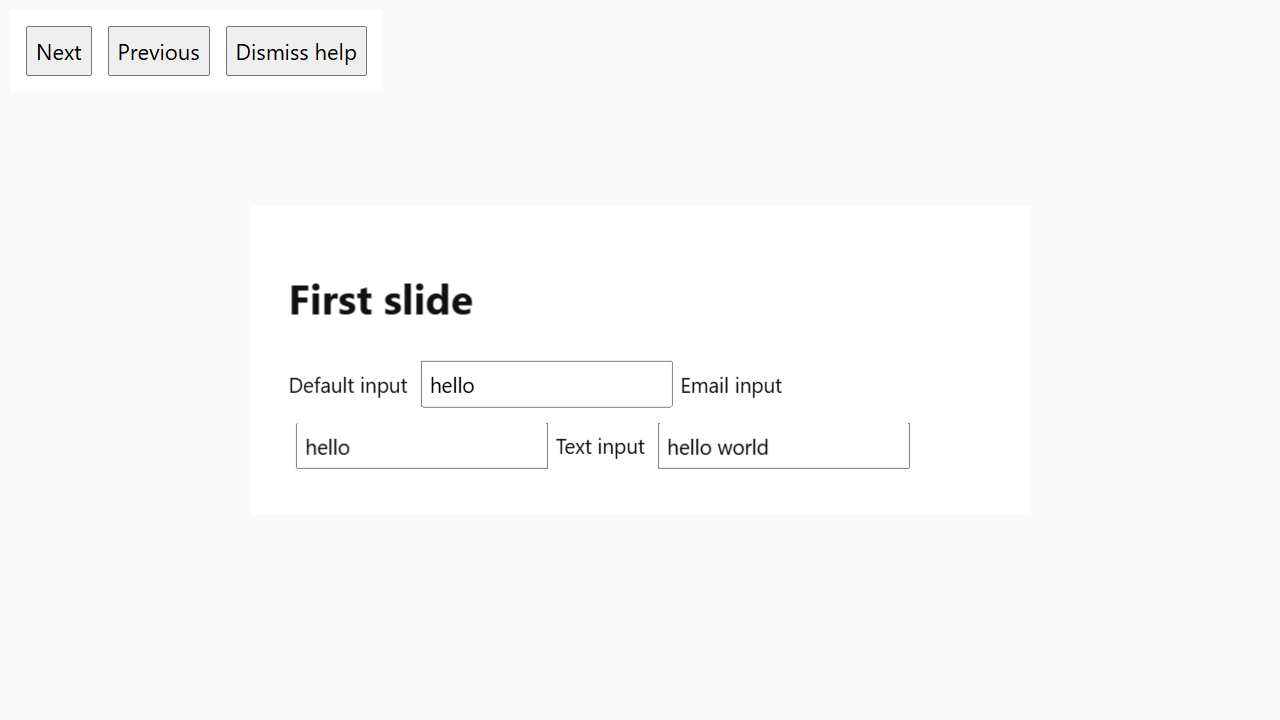
- 9press Ctrl+rwaitlook at the screen
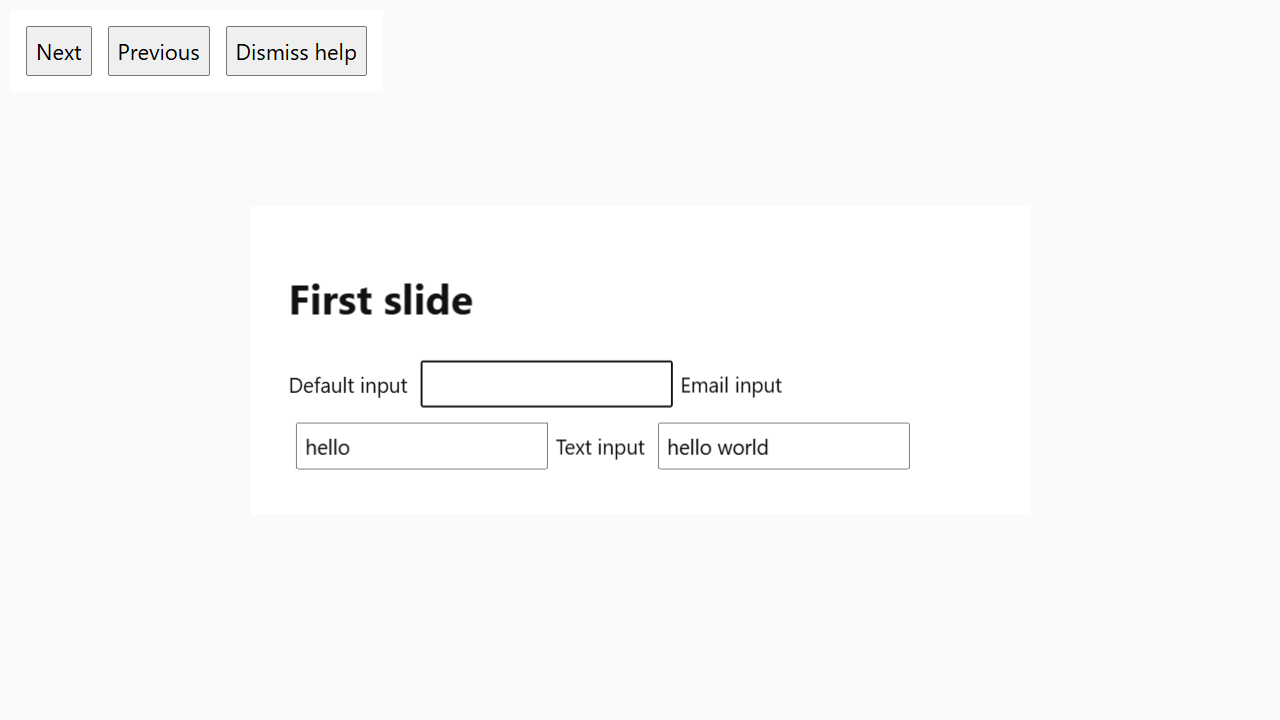
- 10click (545, 384) → landed on input#defaultpress Ctrl+apress Backspace
- 11click (421, 445) → landed on input#emailpress Ctrl+apress Backspace
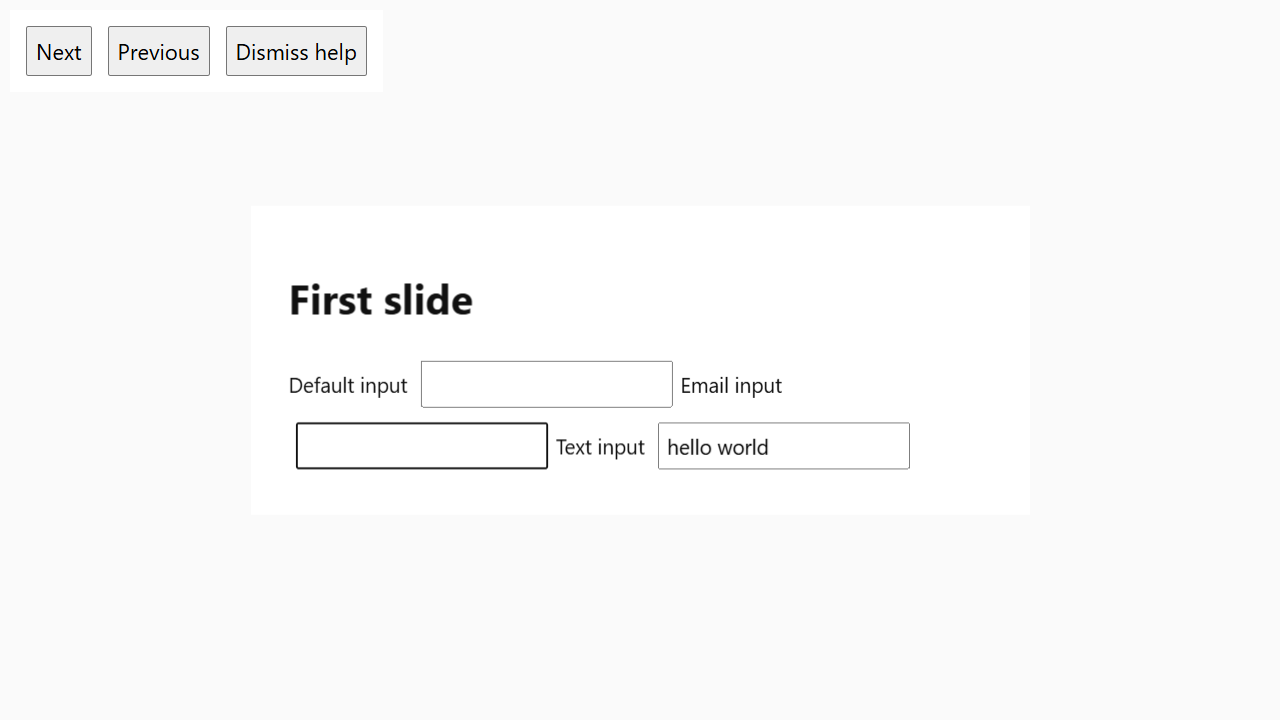
- 12click (784, 445) → landed on input#explicitpress Ctrl+apress Backspace
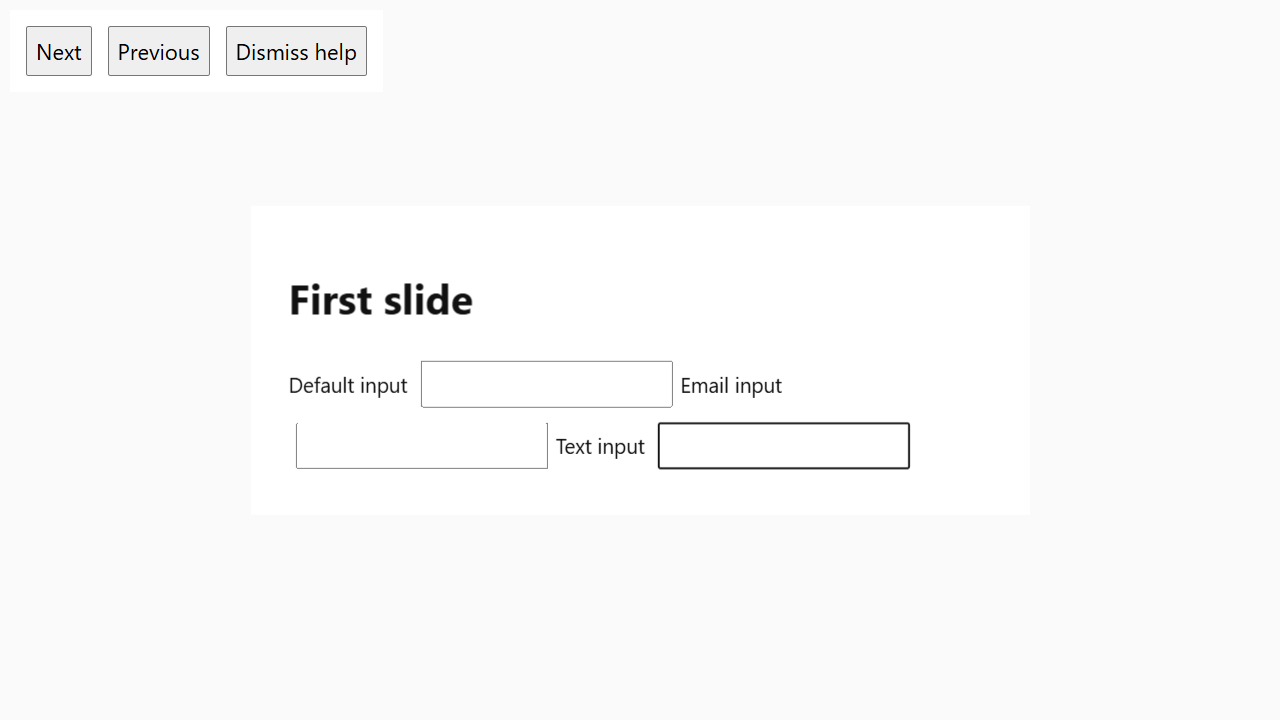
- 13click (545, 383) → landed on input#defaulttype "hello world"
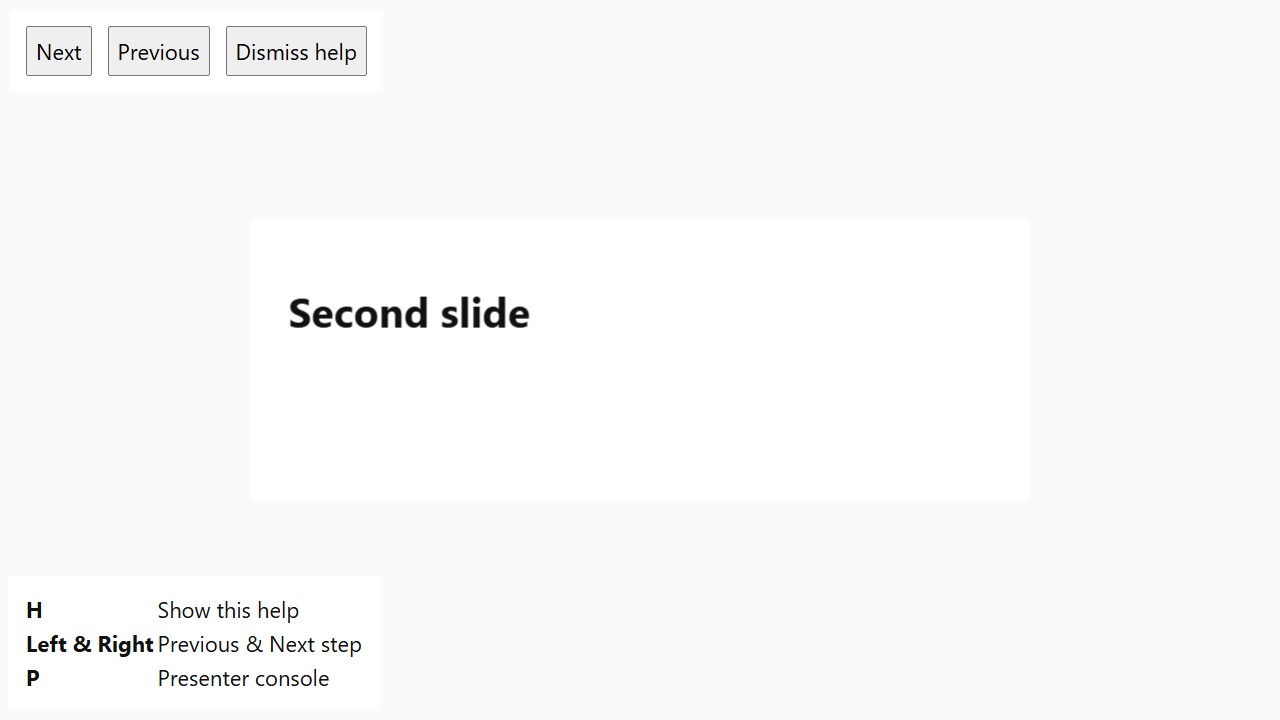
- 14click (159, 50) → landed on button#prevwait
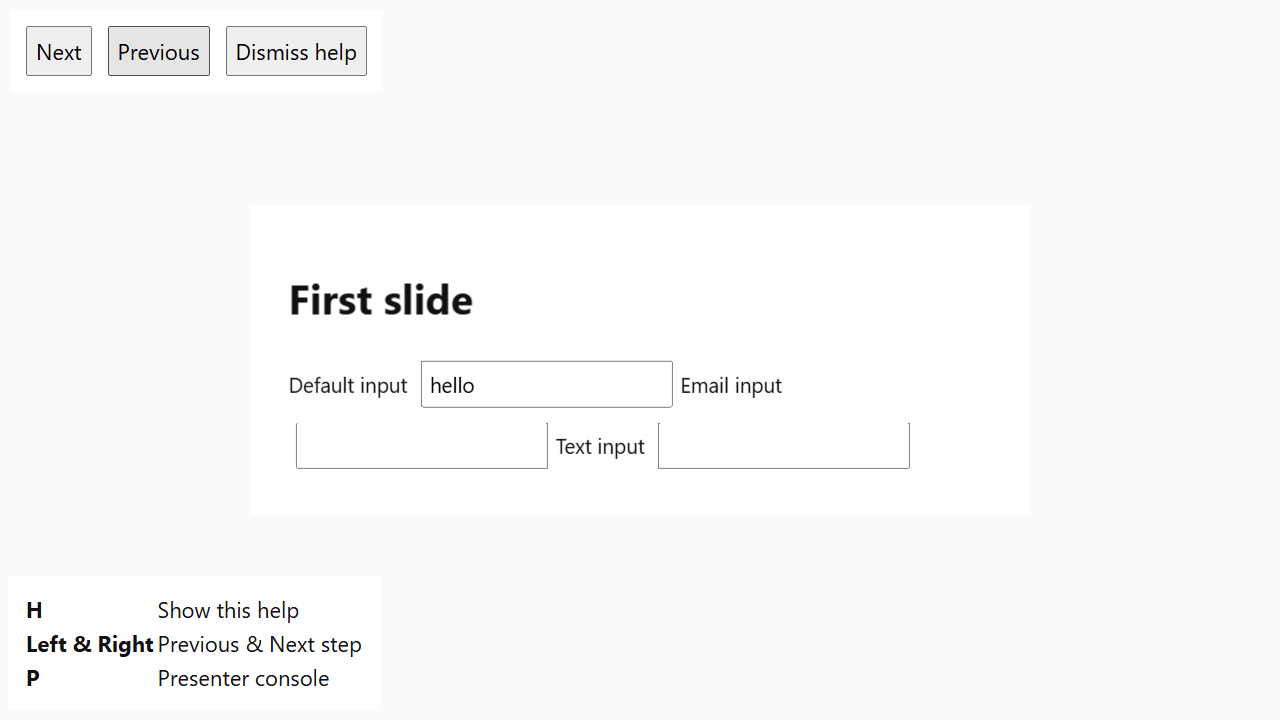
- 15click (545, 383) → landed on input#defaultpress Ctrl+apress Backspace
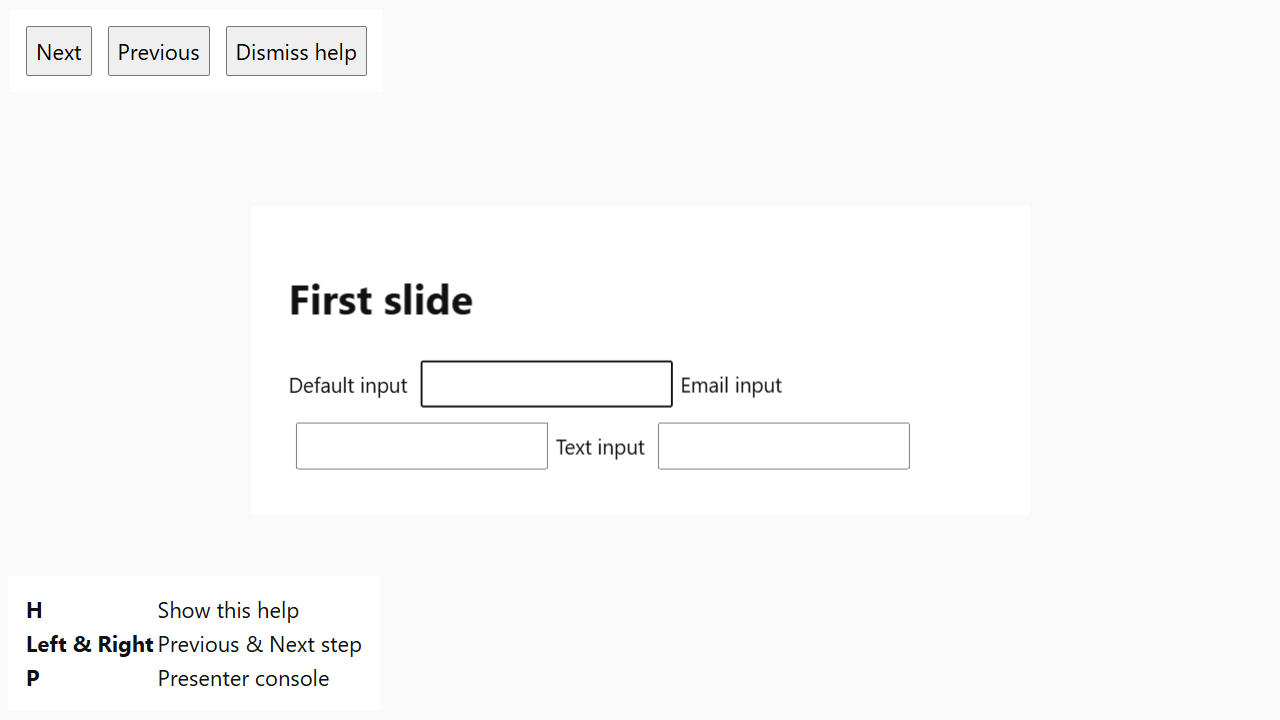
- 16click (546, 384) → landed on input#defaultwaitlook at the screen
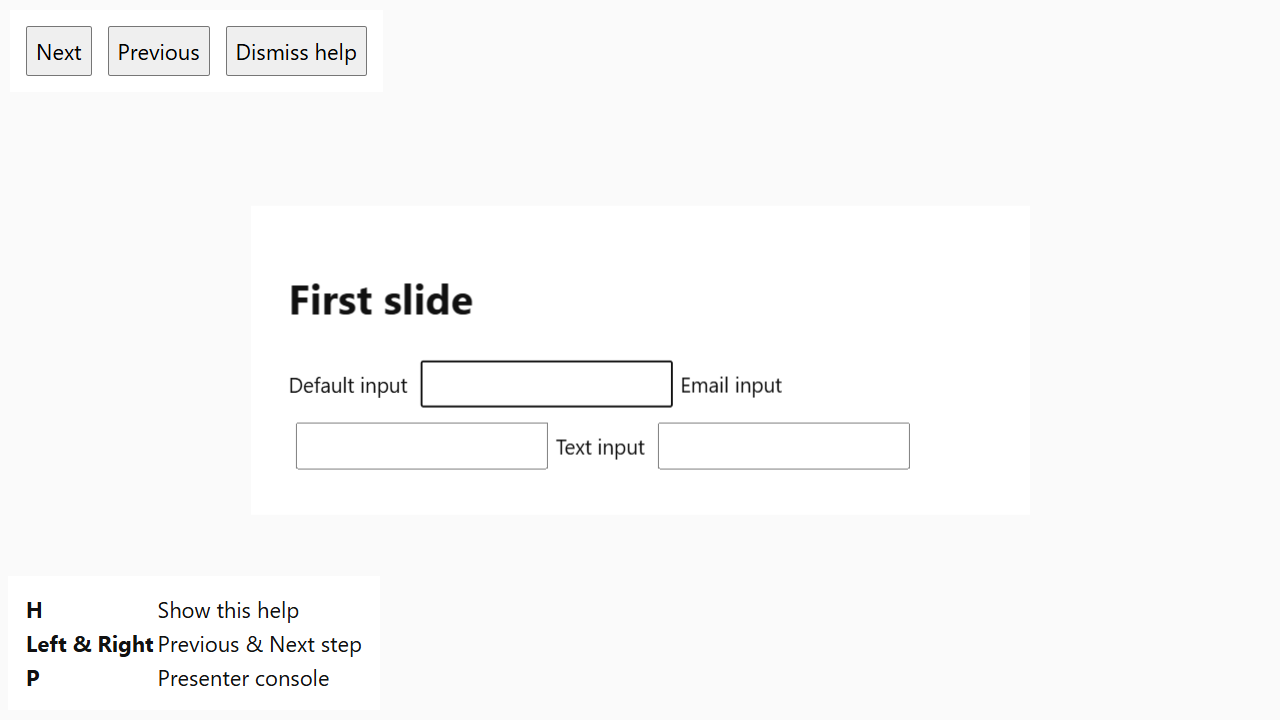
- 17click (545, 383) → landed on input#defaulttype "hello world"wait
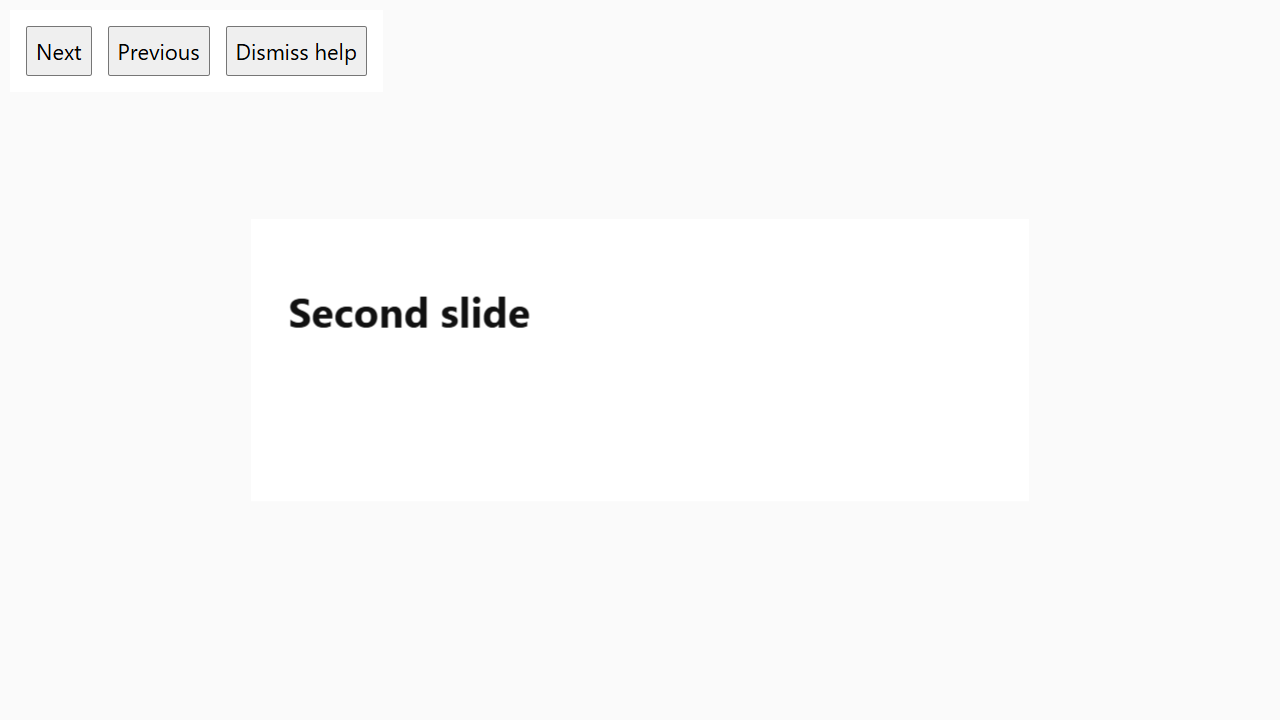
- 18click (157, 50) → landed on button#prevwait
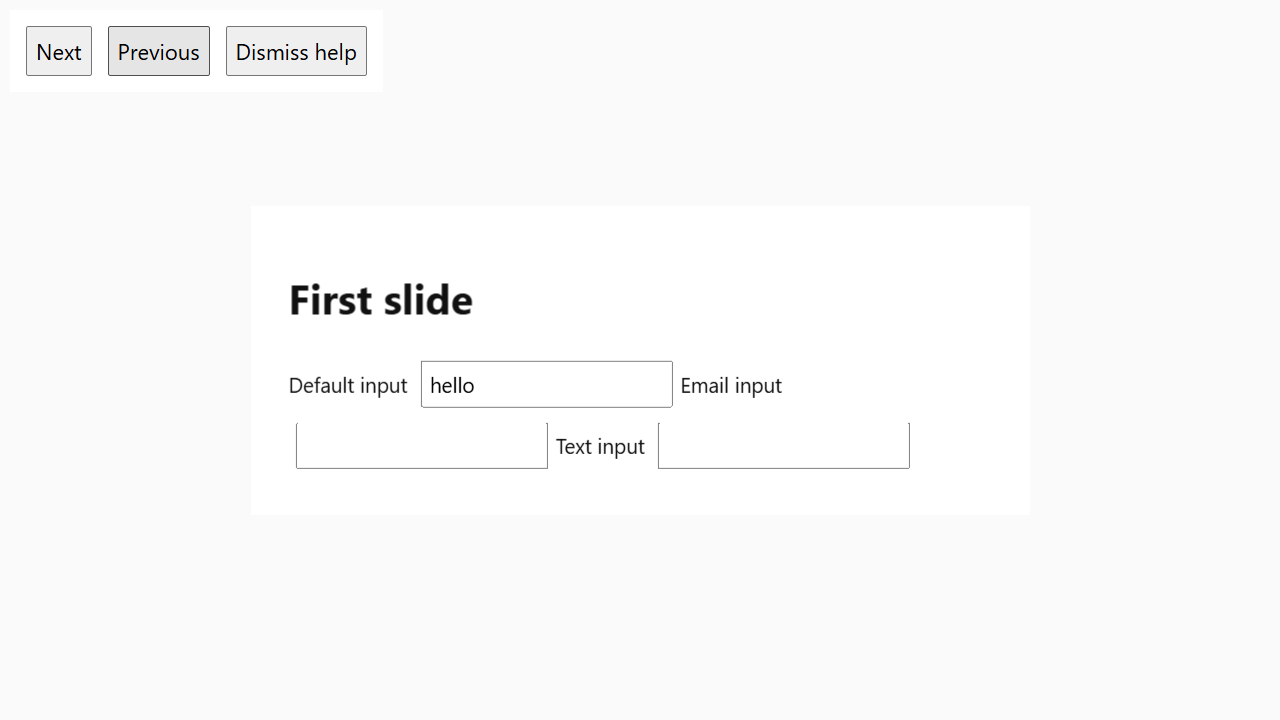
- 19click (545, 383) → landed on input#defaultpress Ctrl+apress Backspacewait
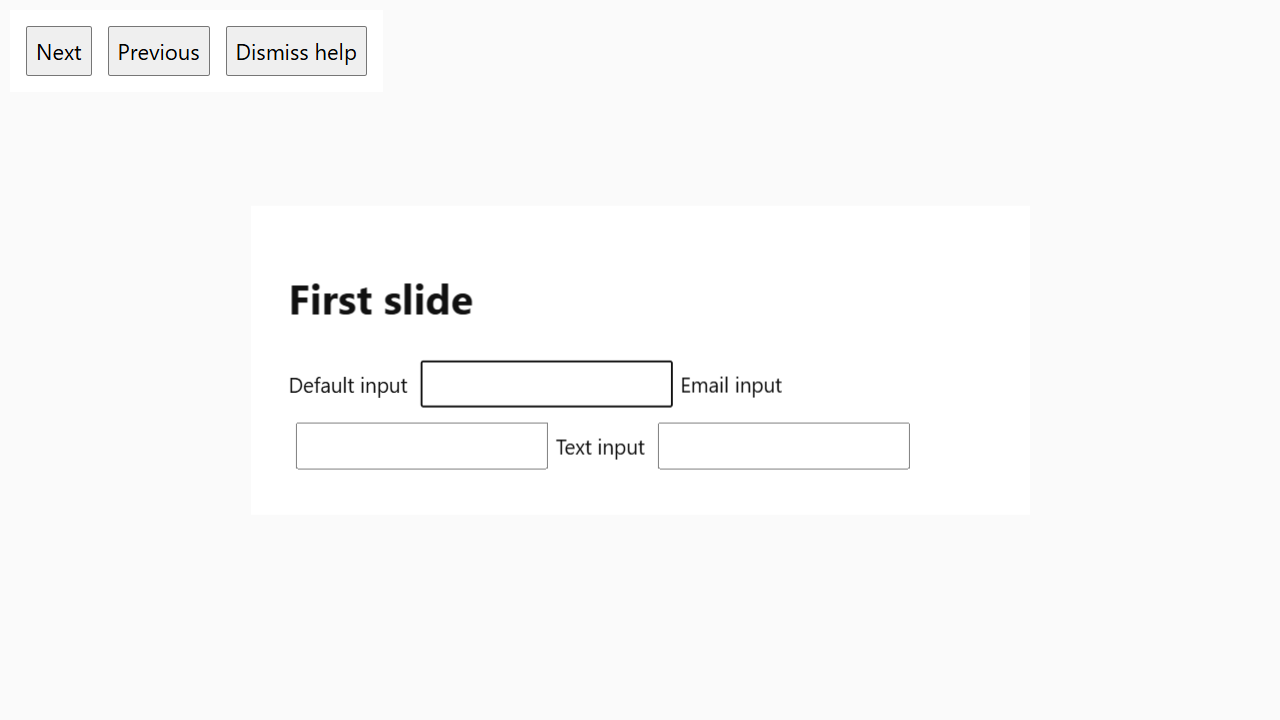
- 20click (545, 383) → landed on input#defaulttype "hello world"wait
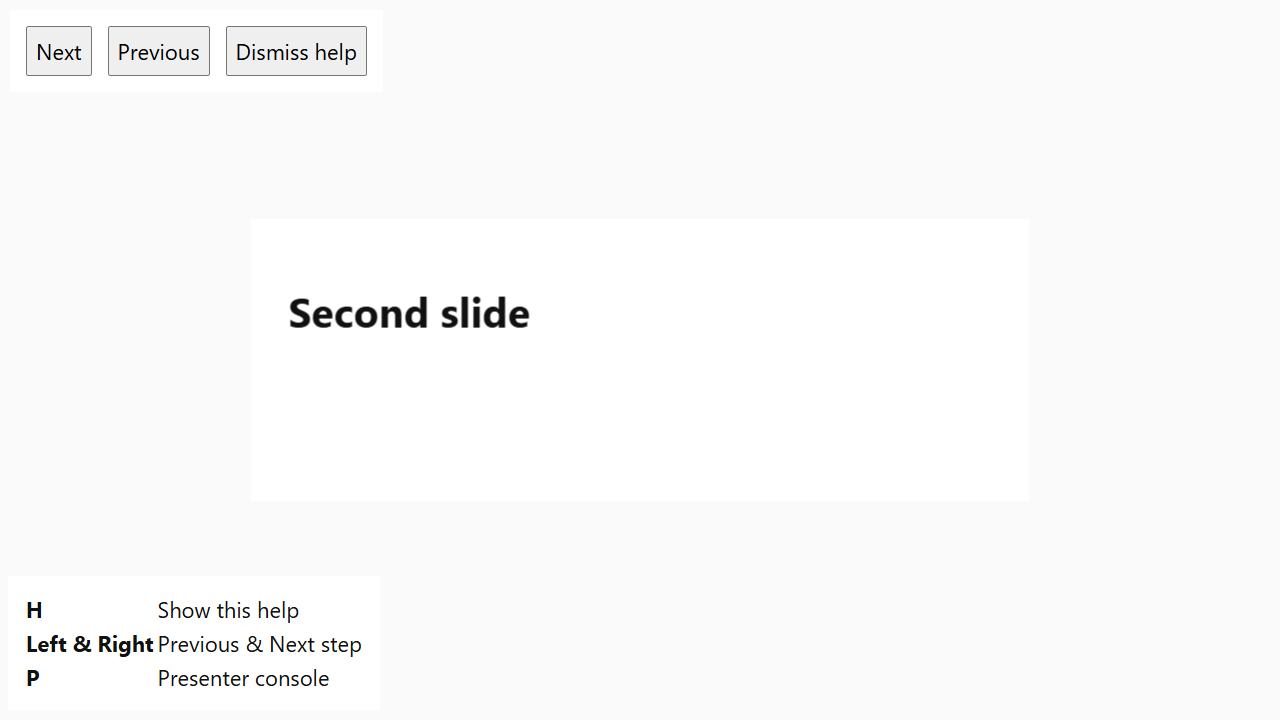
- 21click (58, 50) → landed on button#nextwait
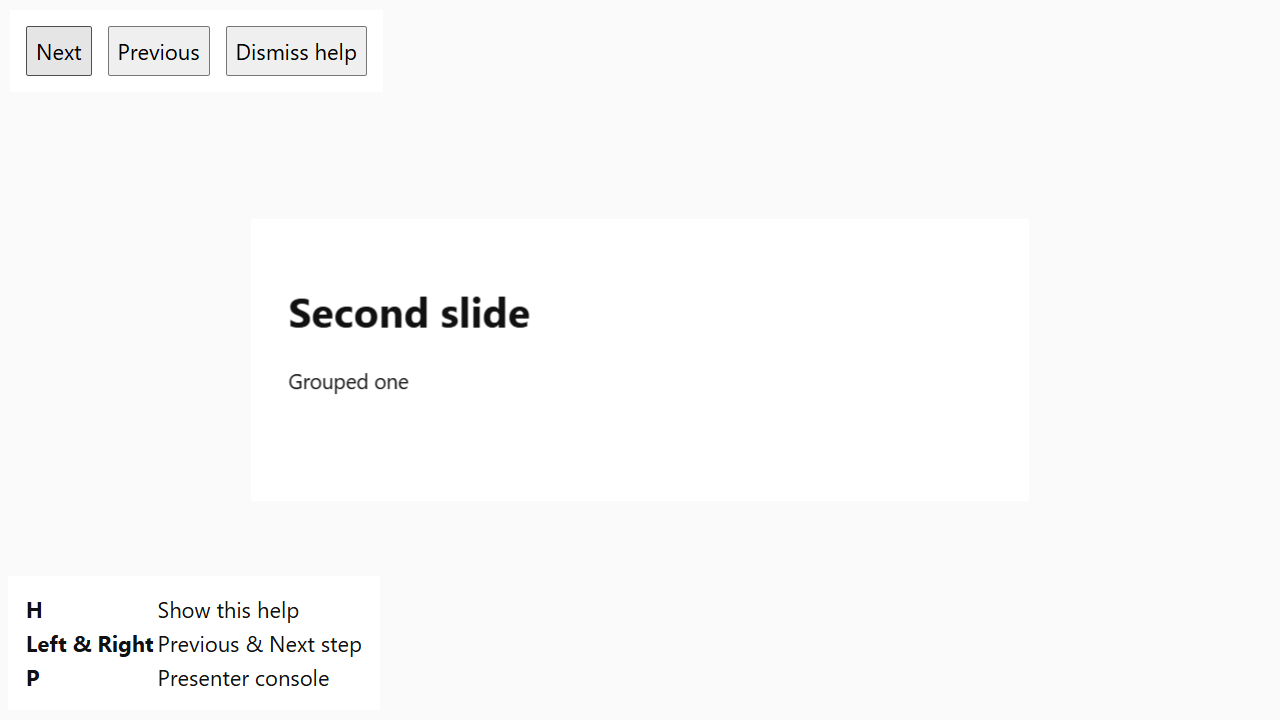
- 22click (159, 50) → landed on button#prevwait
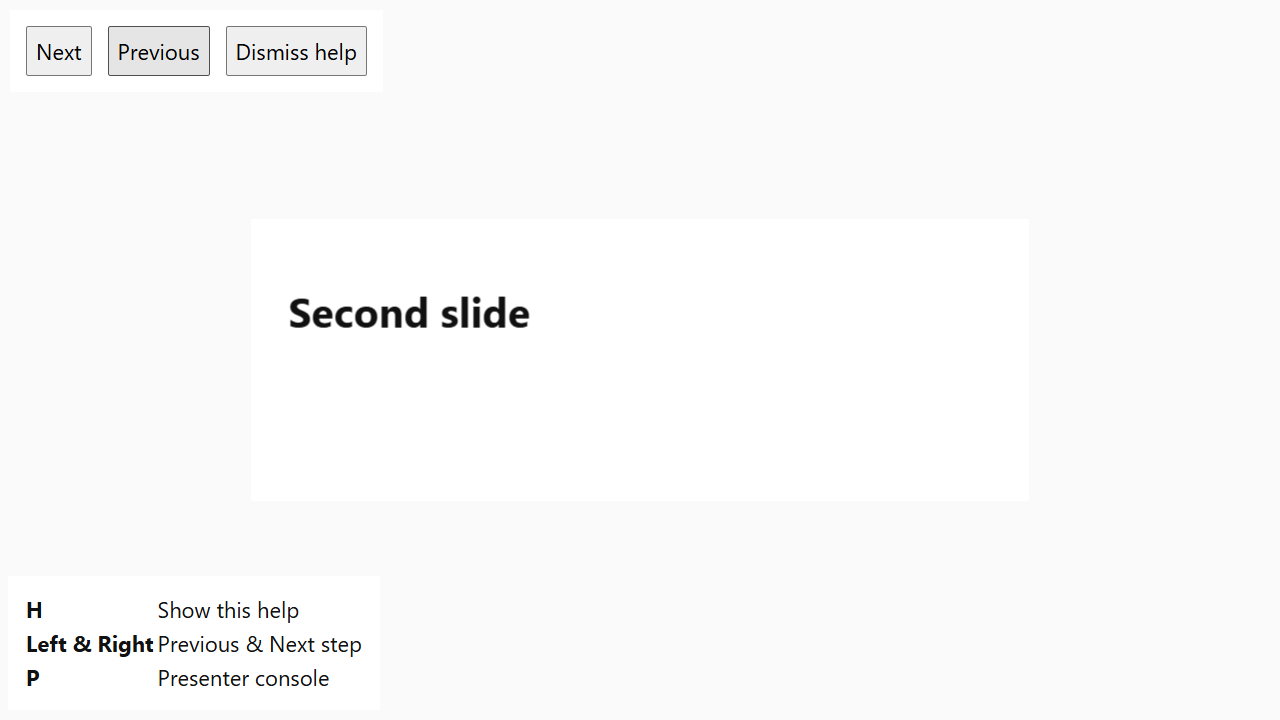
- 23click (159, 50) → landed on button#prevwait
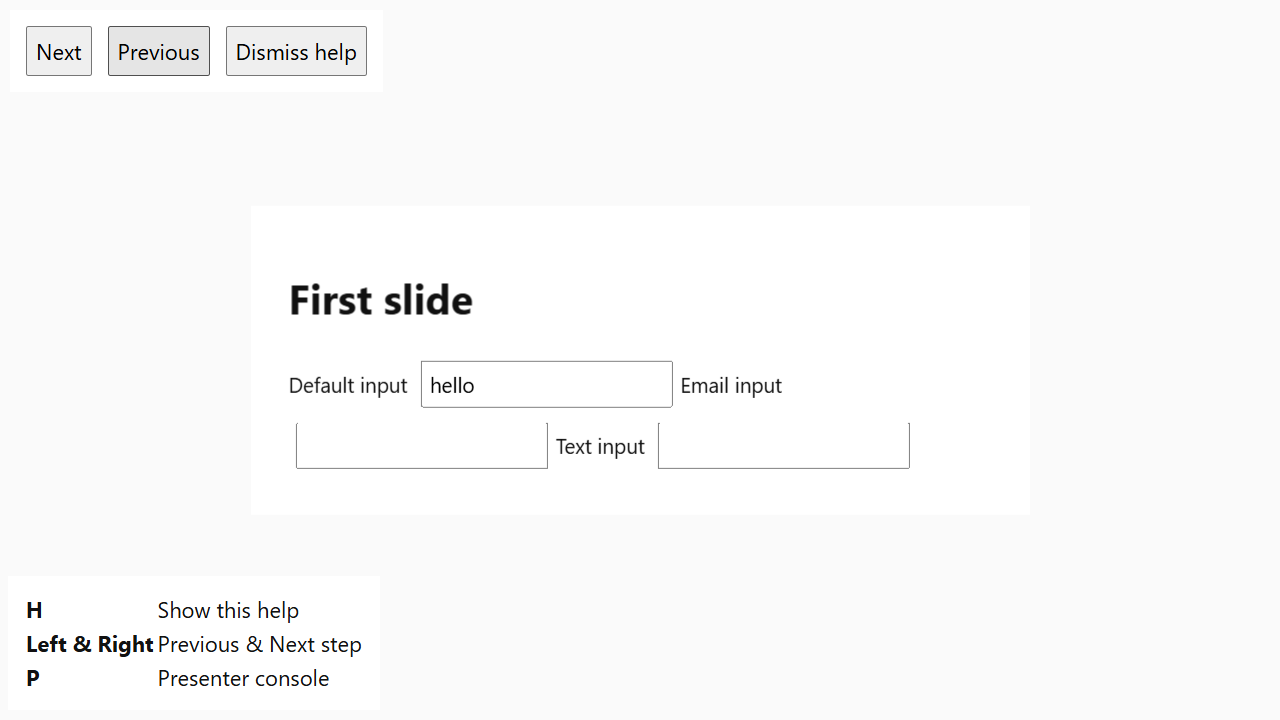
- 24click (545, 383) → landed on input#defaultpress Ctrl+apress Backspacewait
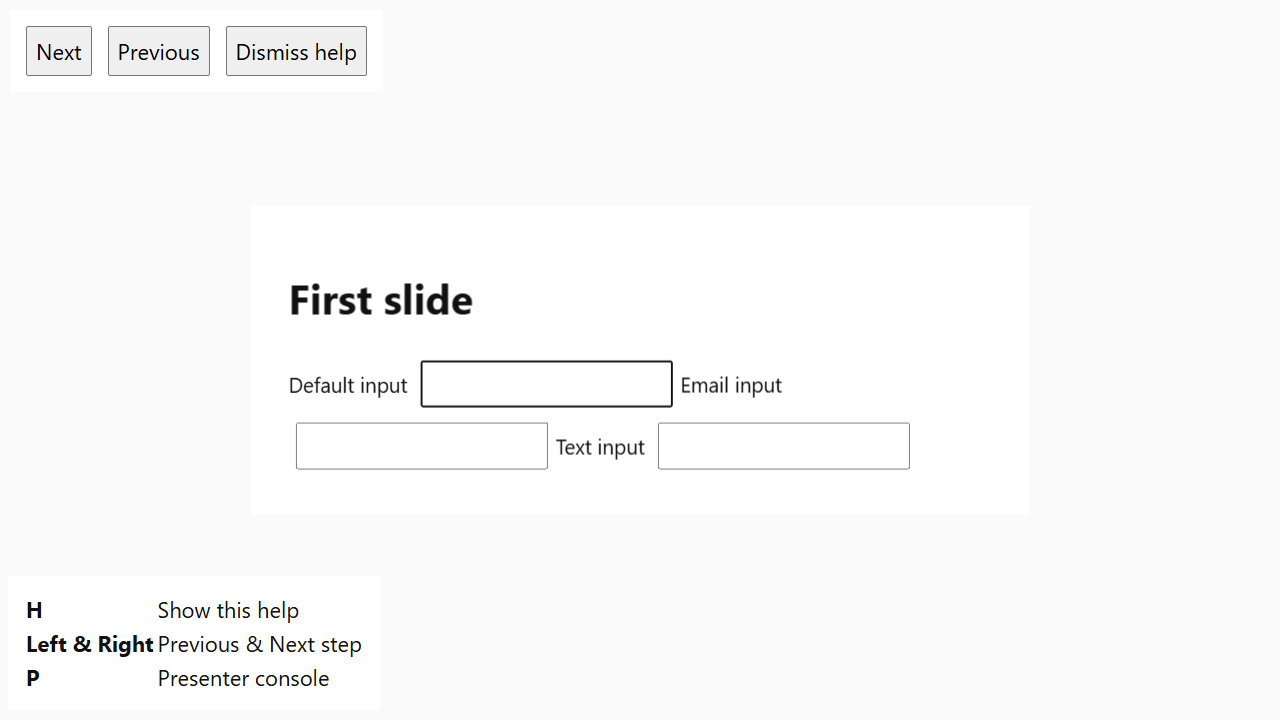
- 25click (545, 383) → landed on input#defaulttype "hello world"wait
Green · The fix — the criteria should pass
ho/C12/candidate @ 2379bf8
expected pass · observed fail
✗ not as expected
space-in-default-input-does-not-advance
Verifier · Muse Spark 1.3pass
Code checksnot applicable
Element checknot applicable
Judge · Muse Spark Openpass
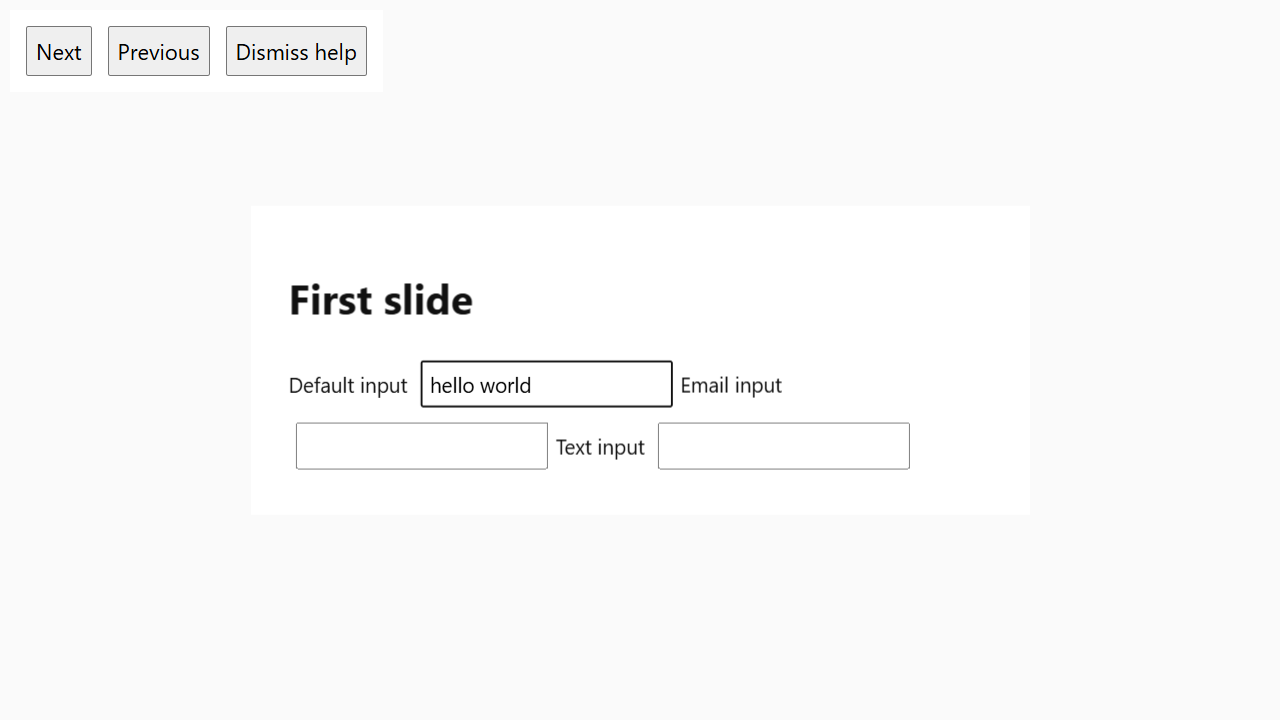
Verifier sawDefault input contained hello world and First slide remained visible after typing space.
Other voters
- Judge (meta-models/muse-spark-open): pass — Frame 2 shows the Default input field contains “hello world” while the presentation still displays “First slide”, so typing the space did not advance.
typing-in-email-input-does-not-advance
Verifier · Muse Spark 1.3fail
Code checksnot applicable
Element checknot applicable
Judge · Muse Spark Openfail
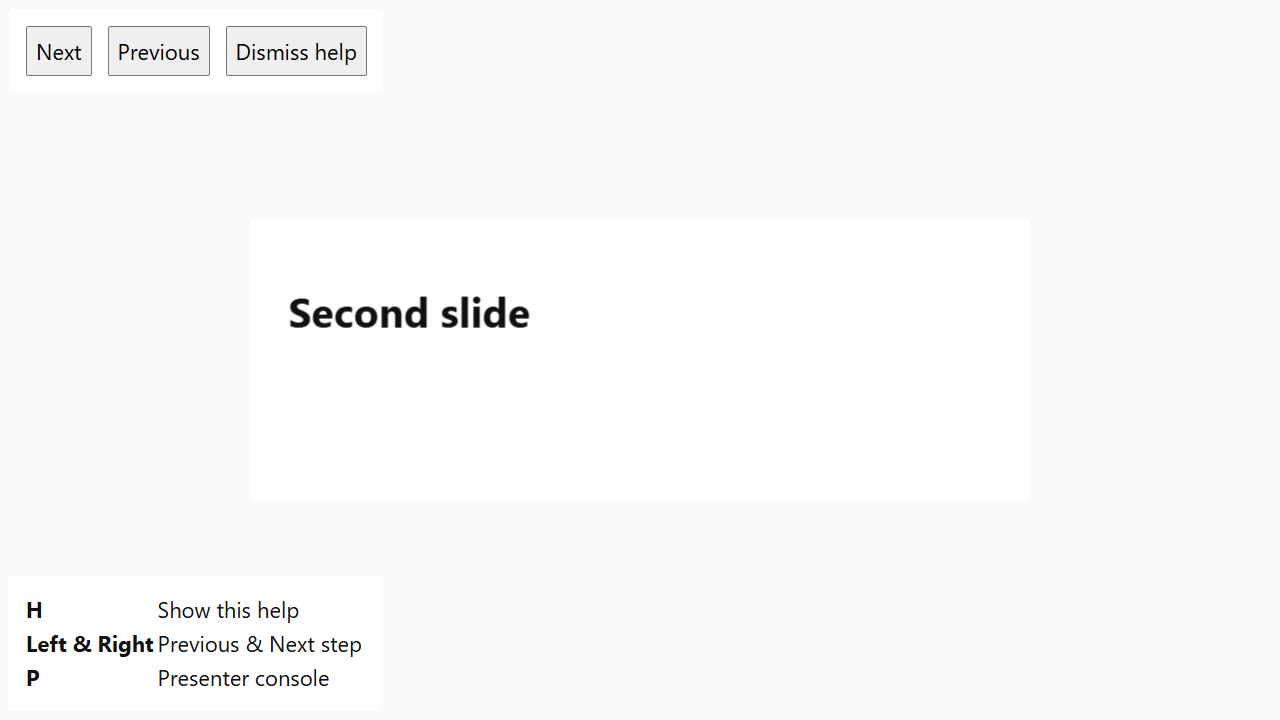
Verifier sawTyping hello world into Email input advanced to Second slide instead of staying on First slide.
Other voters
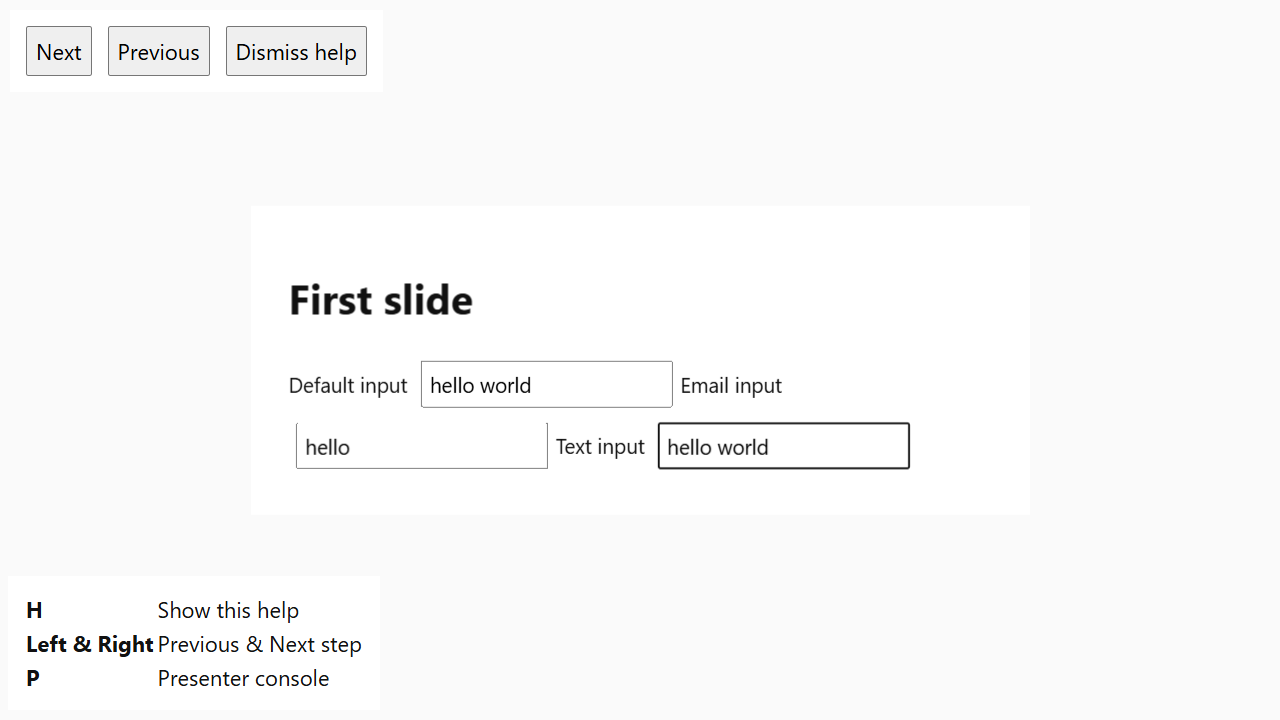
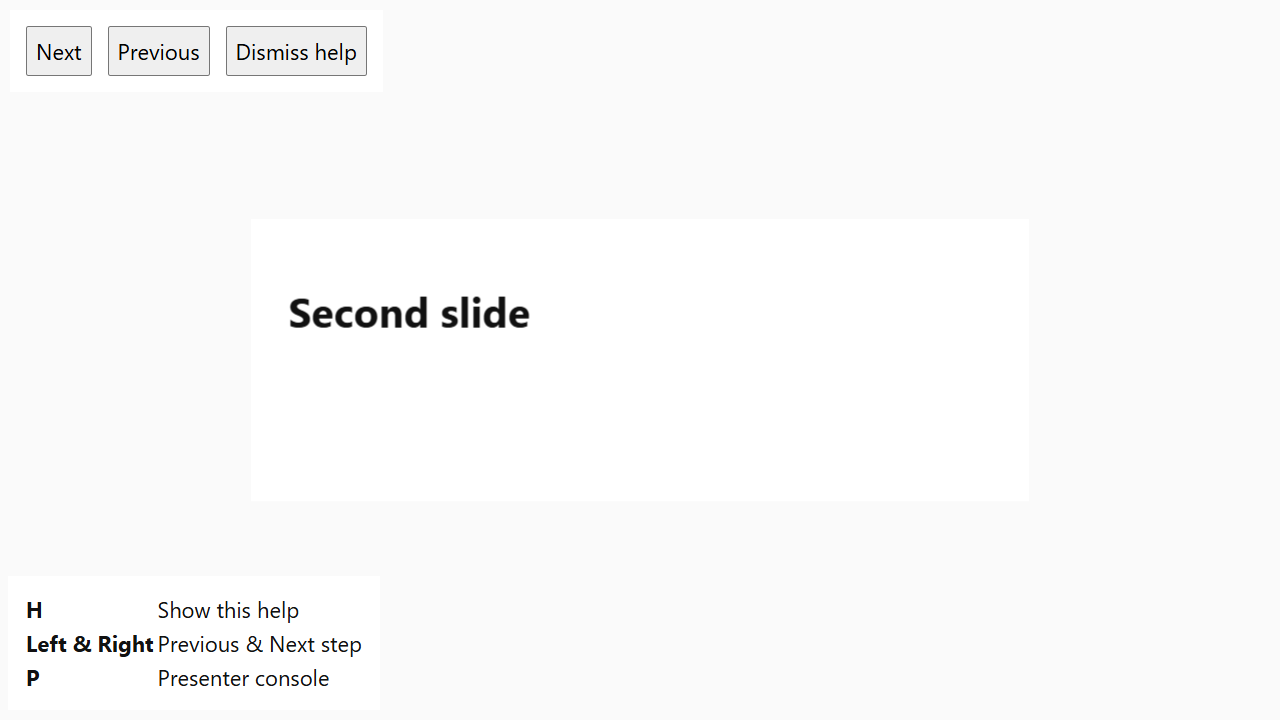
- Judge (meta-models/muse-spark-open): fail — After typing in the Email input the field contains only “hello” and Frame 4 shows the presentation advanced to “Second slide”, so the space interrupted input and caused navigation.
explicit-text-input-keeps-working
Verifier · Muse Spark 1.3pass
Code checksnot applicable
Element checknot applicable
Judge · Muse Spark Openpass
Verifier sawText input contained hello world and First slide remained visible after typing space.
Other voters
- Judge (meta-models/muse-spark-open): pass — Frame 6 shows the Text input field (bottom-right) contains “hello world” while the presentation remains on “First slide”, so the space was correctly entered.
shortcuts-work-when-slide-has-focus
Verifier · Muse Spark 1.3pass
Code checksnot applicable
Element checknot applicable
Judge · Muse Spark Openpass
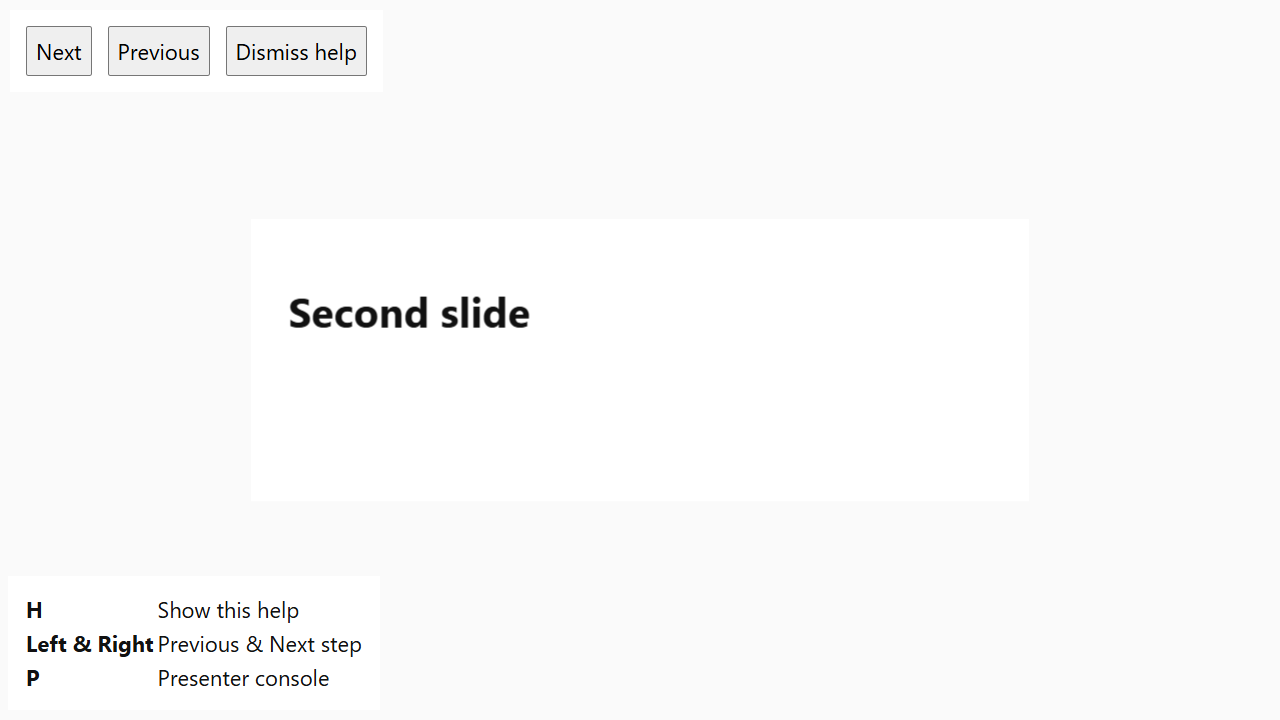
Verifier sawClicking First slide heading and pressing Space showed Second slide.
Other voters
- Judge (meta-models/muse-spark-open): pass — Frames 7-8 show the presentation on “Second slide” after the focus was moved from the inputs, indicating Space with slide focus does advance.
What the verifier did, step by step 7 steps
- 0open the app
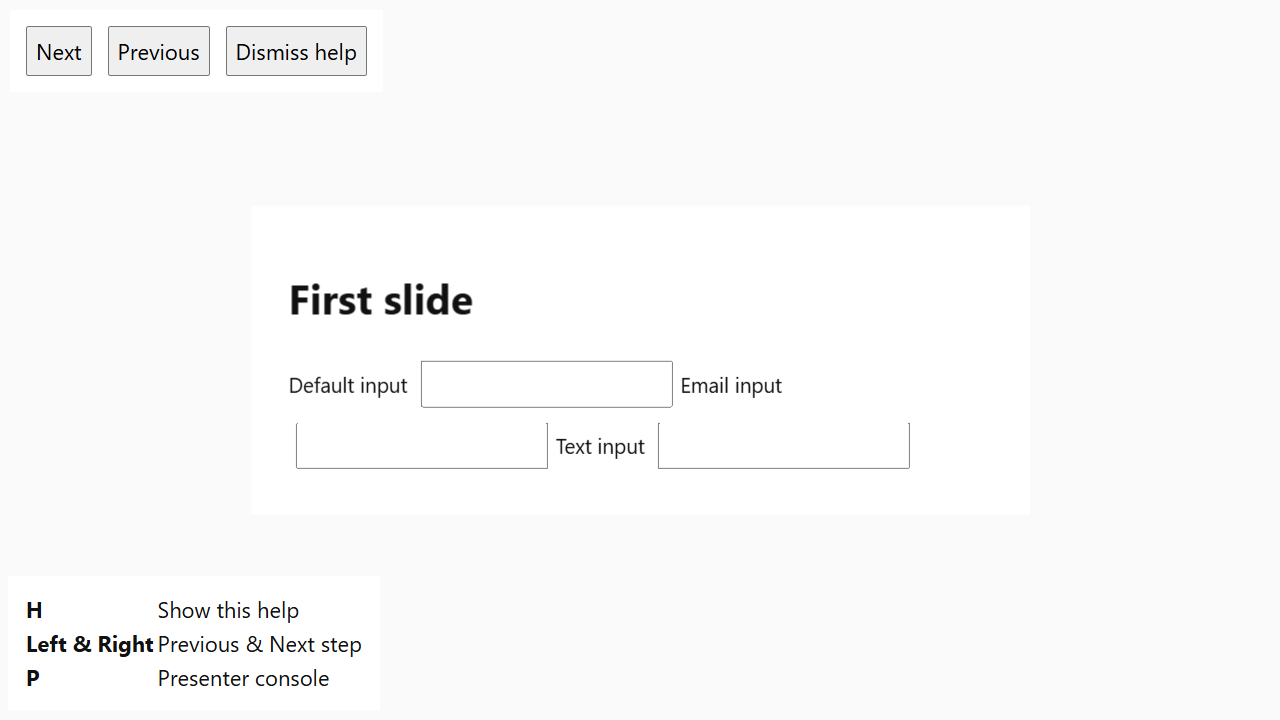
- 1click (546, 383) → landed on input#defaulttype "hello world"
- 2press F5wait
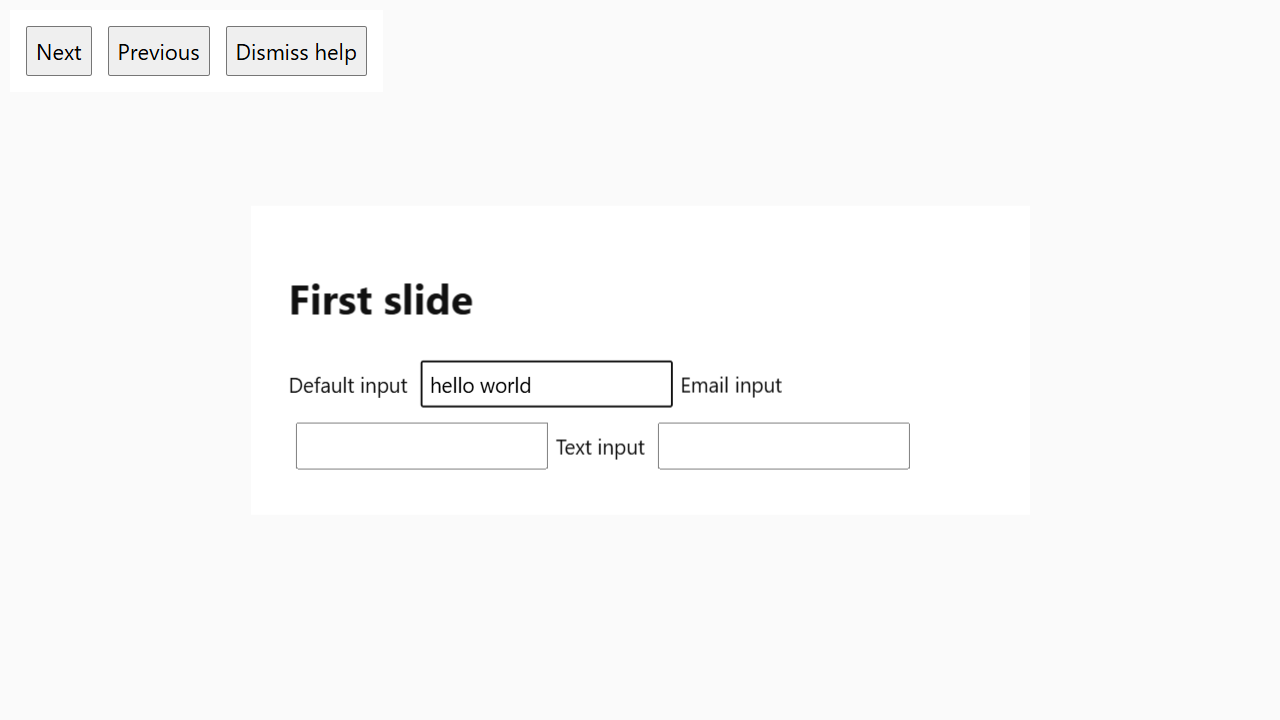
- 3click (421, 445) → landed on input#emailtype "hello world"
- 4click (157, 50) → landed on button#prev
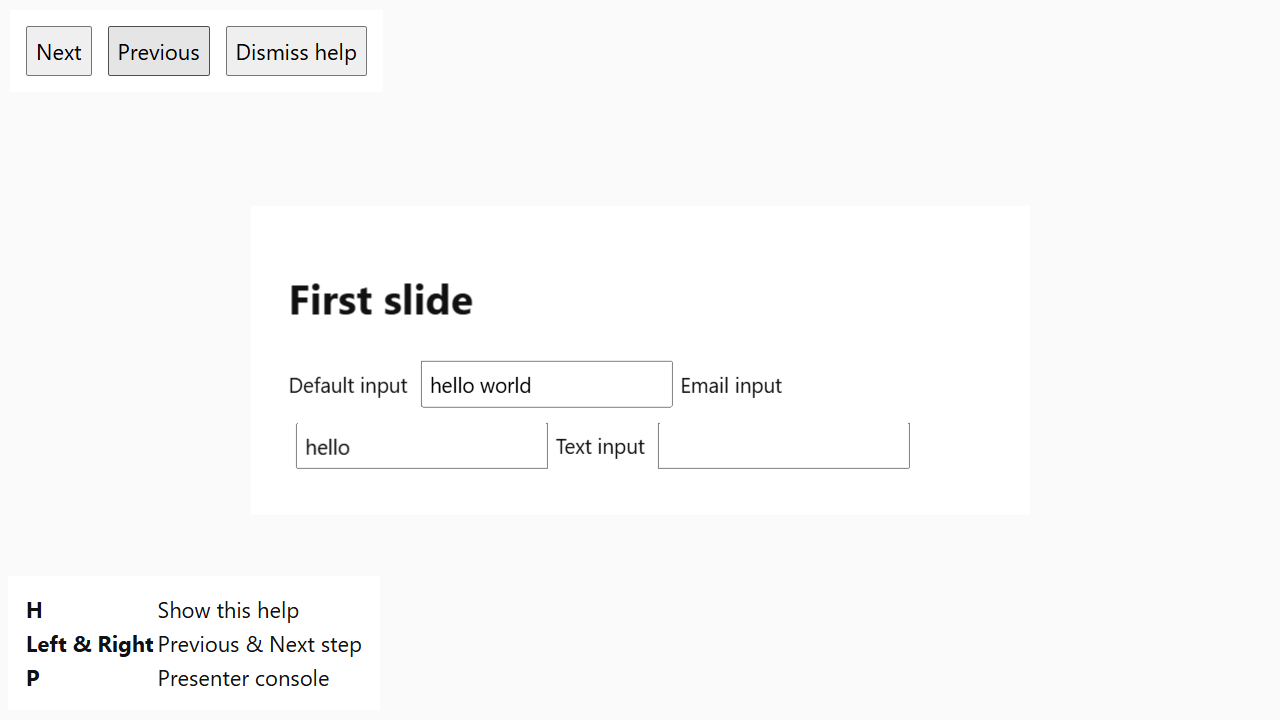
- 5click (784, 446) → landed on input#explicittype "hello world"
- 6click (381, 298) → landed on h1 (not a control)press Space
- 7look at the screen
Check this receipt yourself
What attest verify checks — no model calls
- The Ed25519 signature over the receipt
- The hash-chained event log, its head and its length
- The hash of every screenshot, video and the criteria copy
- That the verdict follows from the recorded votes
What a receipt does not prove
- That the capture environment was honest — it shows nothing changed after capture; the signature detects a later edit
- Who ran it — the key is created on the machine that ran the proof
- Anything beyond the stated criteria